> ## Documentation Index
> Fetch the complete documentation index at: https://notes.kodekloud.com/llms.txt
> Use this file to discover all available pages before exploring further.
# Summary Analyzing Metrics
> This lesson explores performance metrics and monitoring tools in Azure for effective DevOps workflows and AZ-400 certification preparation.
In this lesson, we explore essential performance metrics and monitoring tools in Azure. Mastering these concepts is critical for the AZ-400 certification and for building robust, scalable cloud architectures. You’ll learn how to collect telemetry data, configure alerts, and create custom dashboards to streamline DevOps workflows.
## Key Performance Metrics
| Metric Category | Metrics | Why It Matters |
| ------------------ | -------------------------------- | ---------------------------------------------------- |
| CPU Performance | CPU usage, CPU load | Identifies processing bottlenecks and scaling needs. |
| Memory Utilization | RAM consumption, memory pressure | Ensures application responsiveness and stability. |
| Disk Performance | IOPS, throughput, latency | Measures storage efficiency and data access speed. |
Monitoring CPU, memory, and disk metrics proactively helps prevent performance degradation and service outages.
## Azure Monitoring Tools
| Tool | Description | Reference |
| -------------------- | ----------------------------------------------------------- | ----------------------------------------- |
| Azure Monitor | Centralized platform to collect and analyze telemetry. | [Azure Monitor docs][azure-monitor] |
| Application Insights | Real-time application performance tracking and diagnostics. | [Application Insights docs][app-insights] |
| Log Analytics | Powerful log aggregation and query engine. | [Log Analytics docs][log-analytics] |
## Collecting and Analyzing Telemetry
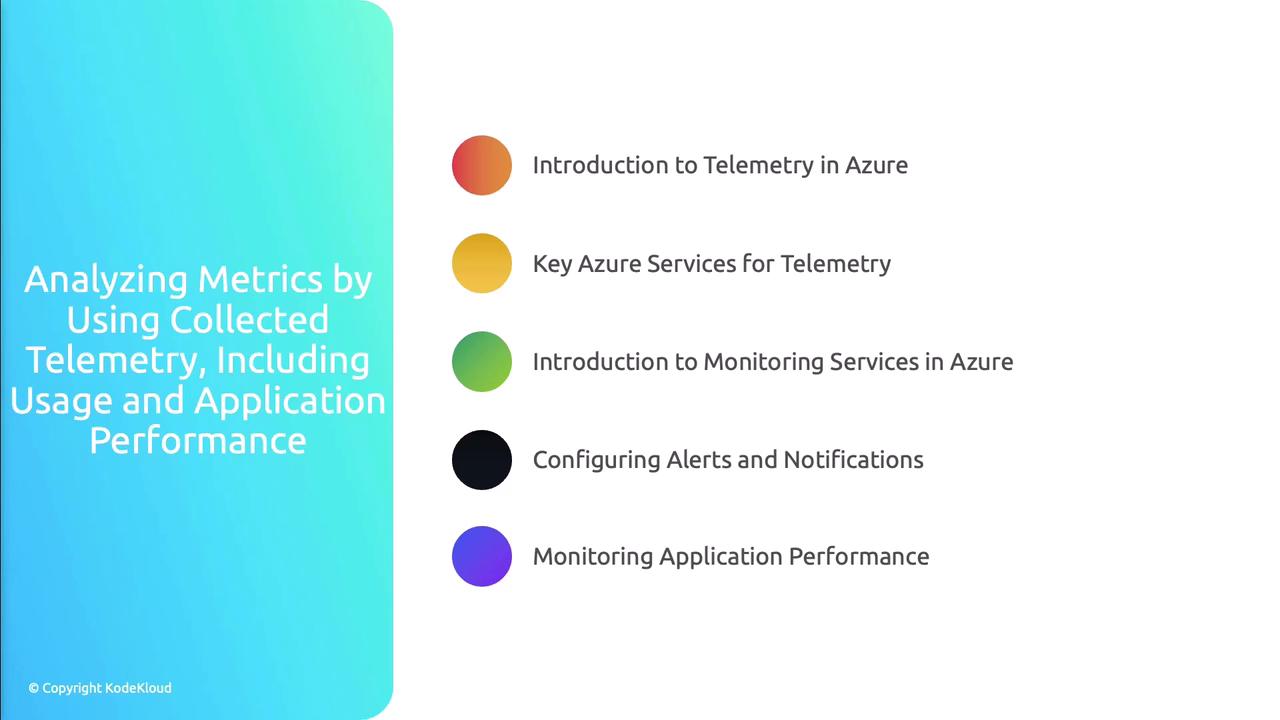
Below are the key steps for leveraging telemetry in Azure:
1. **Introduction to Telemetry in Azure**\
Collect performance and usage data from applications and infrastructure using Azure Monitor agents and SDKs.
2. **Analyzing Usage Metrics**\
Use built-in reports and queries in Log Analytics to understand service consumption patterns and optimize resource allocation.
3. **Monitoring Application Performance**\
Integrate Application Insights SDK into your codebase for end-to-end transaction tracking and real-time root-cause analysis.
4. **Configuring Alerts and Notifications**\
Define alert rules in Azure Monitor based on metric thresholds or log query results to receive proactive notifications.
5. **Creating Custom Dashboards**\
Build interactive dashboards in the Azure portal to visualize the most critical metrics, charts, and logs in one place.
## Best Practices for Azure Telemetry
* Define clear, actionable alert thresholds to minimize false positives.
* Encrypt telemetry data both in transit and at rest to ensure compliance.
* Automate the provisioning of monitoring resources using Infrastructure as Code (IaC).
* Regularly review and refine dashboards and alert rules as application workloads evolve.
Over-alerting can lead to alert fatigue. Ensure each notification delivers actionable insights.
## Links and References
* [Azure Monitor documentation][azure-monitor]
* [Application Insights documentation][app-insights]
* [Log Analytics documentation][log-analytics]
[azure-monitor]: https://docs.microsoft.com/azure/azure-monitor
[app-insights]: https://docs.microsoft.com/azure/azure-monitor/app/app-insights-overview
[log-analytics]: https://docs.microsoft.com/azure/azure-monitor/logs