> ## Documentation Index
> Fetch the complete documentation index at: https://notes.kodekloud.com/llms.txt
> Use this file to discover all available pages before exploring further.
# Collaborate with pull requests
> This guide covers the pull request lifecycle, best practices, and workflows for effective collaboration in software development.
Pull requests (PRs) are essential for modern software teams. They enable code review, discussion, and controlled merges—ensuring high quality and transparency in every change. In this guide, we’ll walk through the pull request lifecycle, share best practices, and demonstrate workflows that foster effective collaboration.
## Table of Contents
1. [Branching Strategy](#branching-strategy)
2. [Opening a Pull Request](#opening-a-pull-request)
3. [Collaborating & Reviewing](#collaborating--reviewing)
4. [Merging & Cleanup](#merging--cleanup)
5. [References & Resources](#references--resources)
***
## Branching Strategy
Isolating work on a dedicated branch prevents conflicts and supports parallel development.
| Branch Type | Naming Convention | Purpose |
| ----------- | ---------------------- | ----------------------------- |
| feature | `feature/your-feature` | New functionality |
| fix | `fix/description` | Bug fixes |
| hotfix | `hotfix/issue-id` | Urgent production fixes |
| release | `release/x.y.z` | Prep for next version rollout |
```bash theme={null}
# Example: create a feature branch from main
git checkout main
git pull origin main
git checkout -b feature/user-authentication
```
Always branch off the latest `main` (or `develop`) to incorporate recent updates and avoid merge conflicts.
***
## Opening a Pull Request
When your branch is ready, open a PR to initiate feedback and track changes.
1. Push your branch to the remote:
```bash theme={null}
git push -u origin feature/user-authentication
```
2. In your repository UI (GitHub/GitLab/Azure Repos), click **New Pull Request**.
3. Fill in:
* **Title**: concise, descriptive (e.g., “Add JWT-based authentication”)
* **Description**: summary, related issues, screenshots, test steps
4. Assign reviewers, add labels, and select appropriate milestone.
Use templates for consistent PR descriptions: link to the issue, outline changes, list test instructions.
***
## Collaborating & Reviewing
A healthy review process reduces defects and spreads knowledge across the team.
* **Line-by-line comments**\
Suggest improvements or ask questions on specific code sections.
* **Threaded discussions**\
Resolve design debates without cluttering commit history.
* **Automated checks**\
Integrate CI/CD pipelines to run tests, linting, and security scans.
| Review Stage | Action | Tooling Example |
| ------------------ | ------------------------------------- | ---------------------------------------- |
| Automated Builds | Validate code compiles and tests pass | GitHub Actions, Jenkins, Azure Pipelines |
| Peer Review | Manual code inspection & feedback | GitHub Reviews, GitLab Approvals |
| Policy Enforcement | Enforce branch protection & sign-offs | Required reviewers, status checks |
Do not merge before all required checks and approvals are completed. Merging early can introduce regressions or untested code into `main`.
***
## Merging & Cleanup
Once approved and green, it’s time to merge and tidy up.
```bash theme={null}
# Switch to main and pull latest changes
git checkout main
git pull origin main
# Merge with squash or merge commit
git merge --no-ff feature/user-authentication
# Push merged code
git push origin main
# Delete feature branch locally and remotely
git branch -d feature/user-authentication
git push origin --delete feature/user-authentication
```
Selecting **Squash and Merge** creates a single commit per PR for a cleaner history, while **Rebase and Merge** preserves each commit’s detail.
***
***
## References & Resources
* [GitHub Pull Requests](https://docs.github.com/en/pull-requests)
* [GitLab Merge Requests](https://docs.gitlab.com/ee/user/project/merge_requests/)
* [Azure Repos PR Overview](https://docs.microsoft.com/azure/devops/repos/git/pull-requests)
* [Atlassian Bitbucket Pull Requests](https://support.atlassian.com/bitbucket-cloud/docs/create-a-pull-request/)
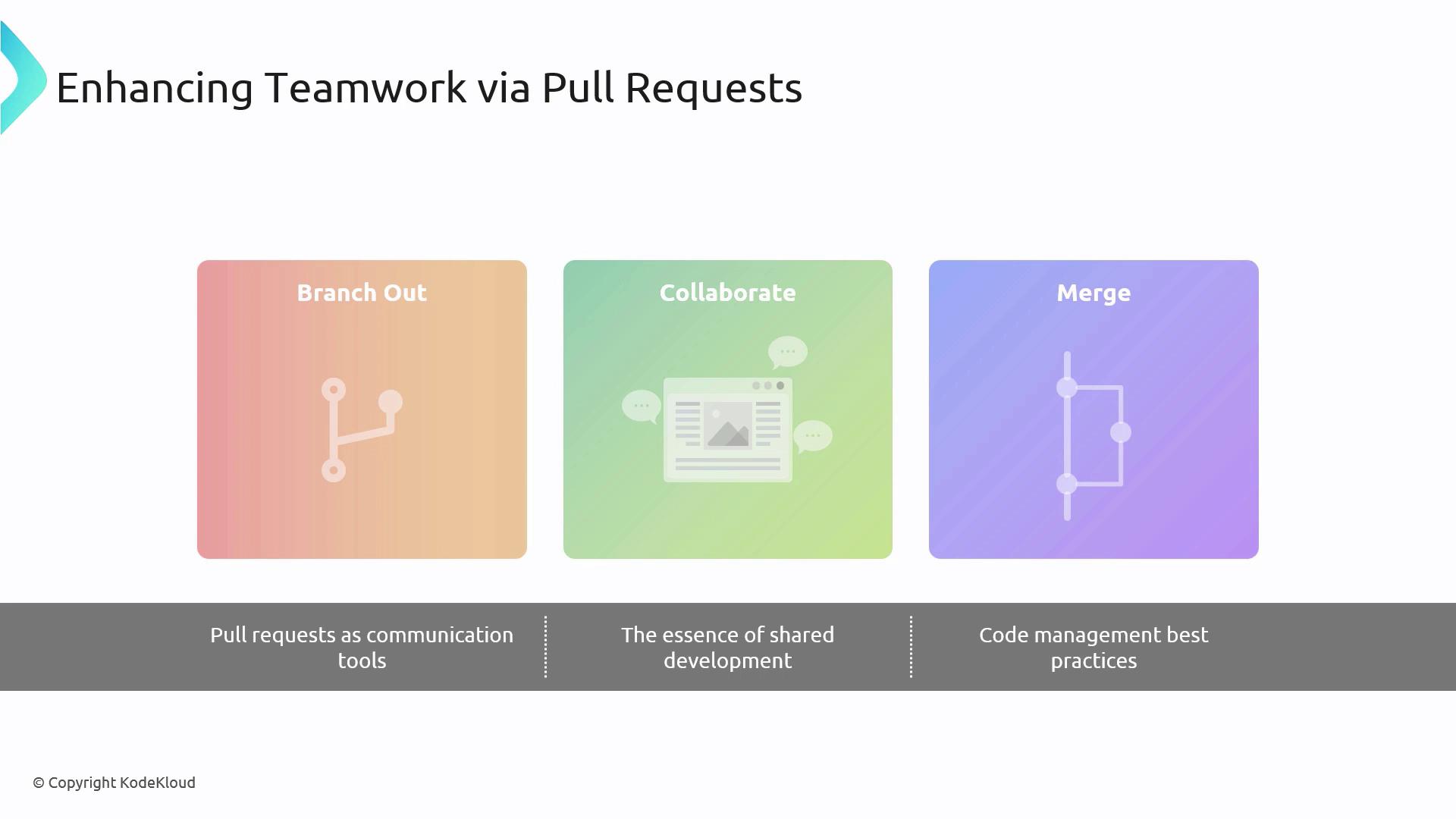
By following this structured workflow—**Branch**, **Open PR**, **Collaborate**, and **Merge**—teams maintain code quality, foster knowledge sharing, and streamline releases.