> ## Documentation Index
> Fetch the complete documentation index at: https://notes.kodekloud.com/llms.txt
> Use this file to discover all available pages before exploring further.
# Creating an Effective Change Log
> An up-to-date changelog is essential for tracking a project’s evolution and communicating changes effectively to contributors and users.
An up-to-date changelog is essential for tracking a project’s evolution, communicating new features, fixes, and deprecations. By following best practices, you ensure that contributors, stakeholders, and end users can quickly understand what’s changed between releases.
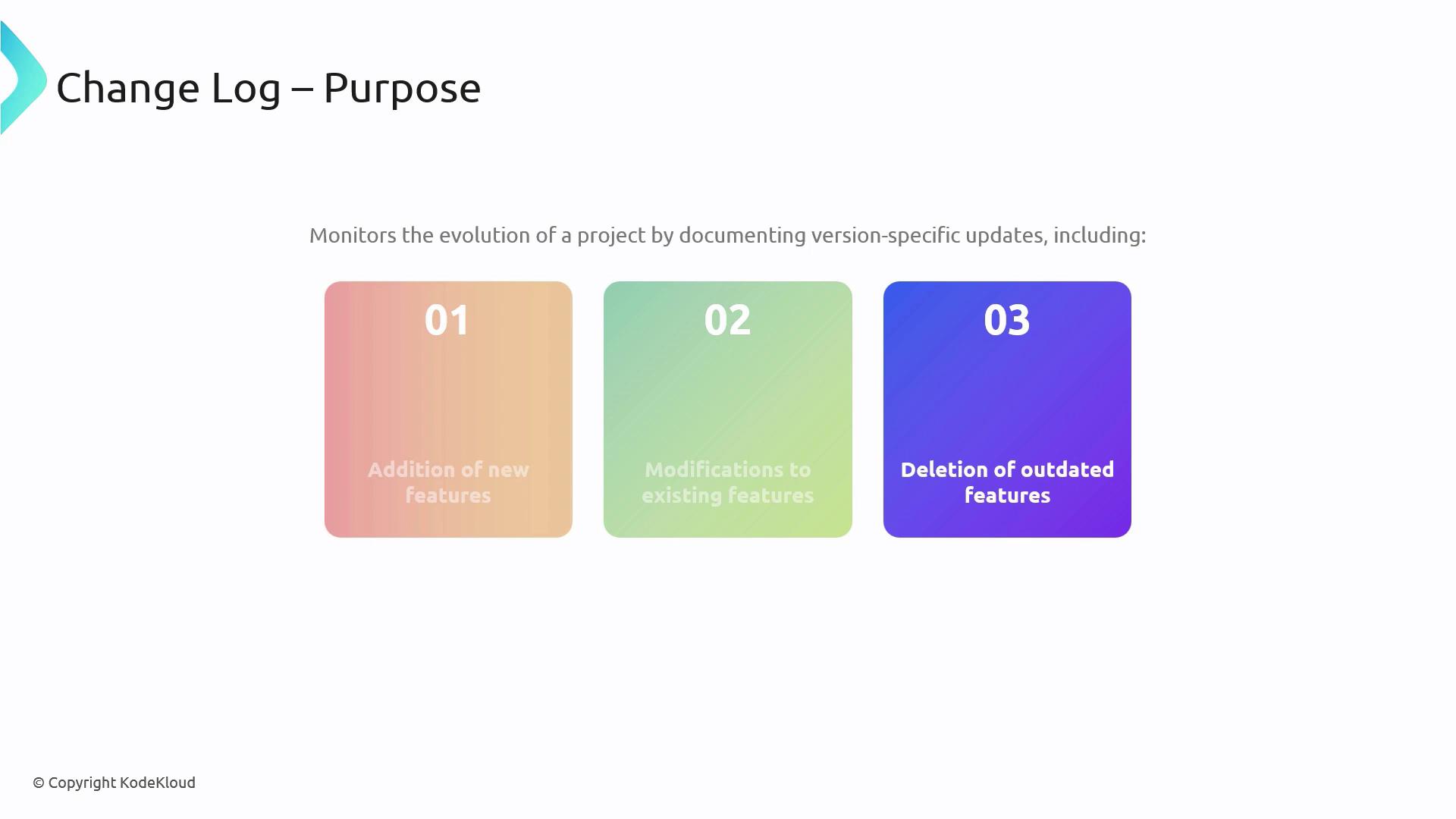
## 1. Key Principles for a Maintainable Changelog
### 1.1 Clarity Over Quantity
Focus on concise, relevant entries. Avoid verbose descriptions—each item should add clear value so readers can scan updates efficiently.
A streamlined changelog encourages adoption and reduces confusion. Keep each bullet to one idea and link to detailed issues or PRs when needed.
## 2. Changelog Generation Strategies
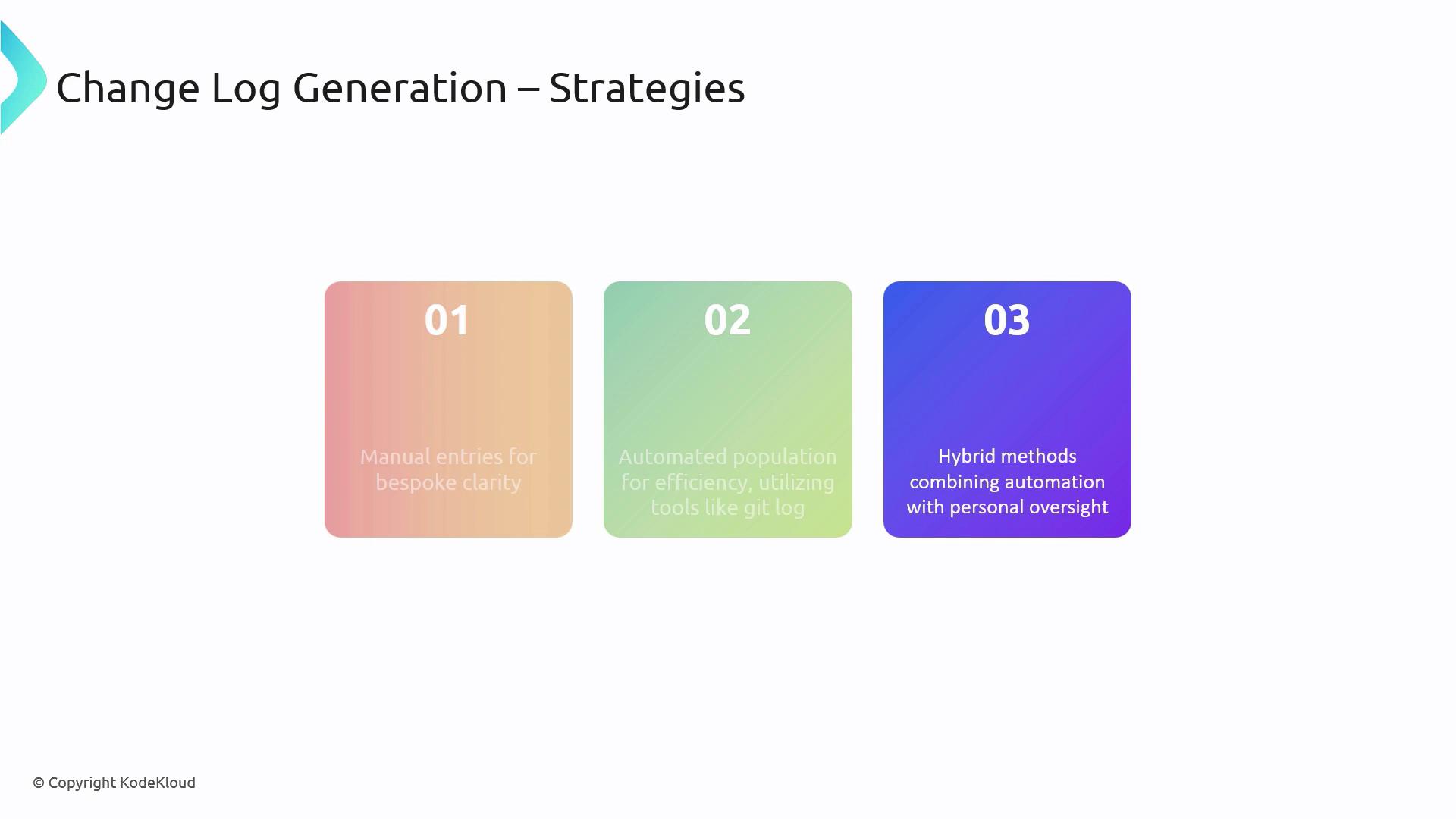
Choose an approach that fits your team’s workflow and project size. Below is a comparison of the three most common methods:
| Strategy | Pros | Cons | Example Tool |
| -------------------- | ---------------------------------- | --------------------------------- | ----------------------------------------------------- |
| Manual entries | High accuracy, contextual comments | Time-consuming, error-prone | — |
| Automated population | Fast, consistent format | May lack semantic grouping | [GitHub Actions](https://github.com/features/actions) |
| Hybrid method | Best of both worlds | Requires setup and review process | Custom scripts + manual review |
## 3. Essential Tools to Assist
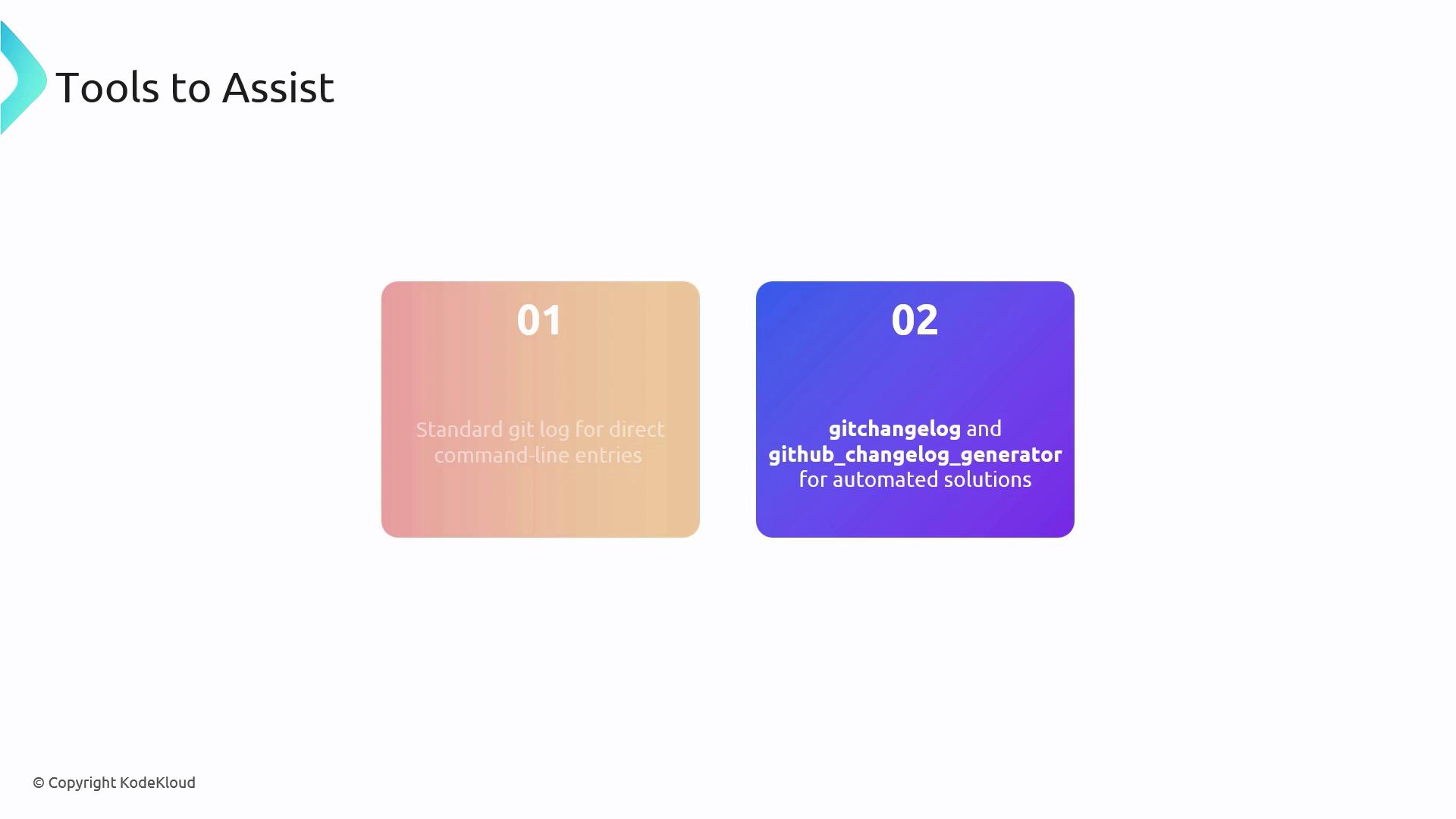
There are several popular utilities designed to simplify changelog maintenance:
| Tool | Description | Link |
| ---------------------------- | ---------------------------------------------- | ------------------------------------------------------------------------------------------------------------------ |
| Standard `git log` | Base command-line history export | — |
| `gitchangelog` | Generates Markdown from git history | [https://github.com/vaab/gitchangelog](https://github.com/vaab/gitchangelog) |
| `github_changelog_generator` | Produces GitHub-style changelogs automatically | [https://github.com/skywinder/github-changelog-generator](https://github.com/skywinder/github-changelog-generator) |
### 3.1 Practical Example: Customizing `git log` Output
Below is a sample Bash command to extract commits between two tags, format the output, and save it as a Markdown file:
```bash theme={null}
git log --pretty=format:"%h - %s (%an, %ar)" \
v1.2.0..v1.3.0 \
| script-to-format-changelog \
> projectchangelogs/1.3.0.md
```
* `--pretty=format:"%h - %s (%an, %ar)"`
* `%h` : abbreviated commit hash
* `%s` : commit message
* `%an`: author name
* `%ar`: author date, relative
* `v1.2.0..v1.3.0` specifies the tag range to compare
* `script-to-format-changelog` represents your custom formatting script
* Redirect output into `projectchangelogs/1.3.0.md` for Markdown storage
Be mindful of exposing sensitive or internal details in public changelogs. Always review entries before publishing.
## Links and References
* [Conventional Commits](https://www.conventionalcommits.org/)
* [Keep a Changelog](https://keepachangelog.com/)
* [Git Documentation – git log](https://git-scm.com/docs/git-log)
* [GitHub Actions](https://github.com/features/actions)