> ## Documentation Index
> Fetch the complete documentation index at: https://notes.kodekloud.com/llms.txt
> Use this file to discover all available pages before exploring further.
# Demystifying Git Hooks
> Git Hooks are scripts that automate tasks in your Git workflow, enhancing code quality and streamlining development processes.
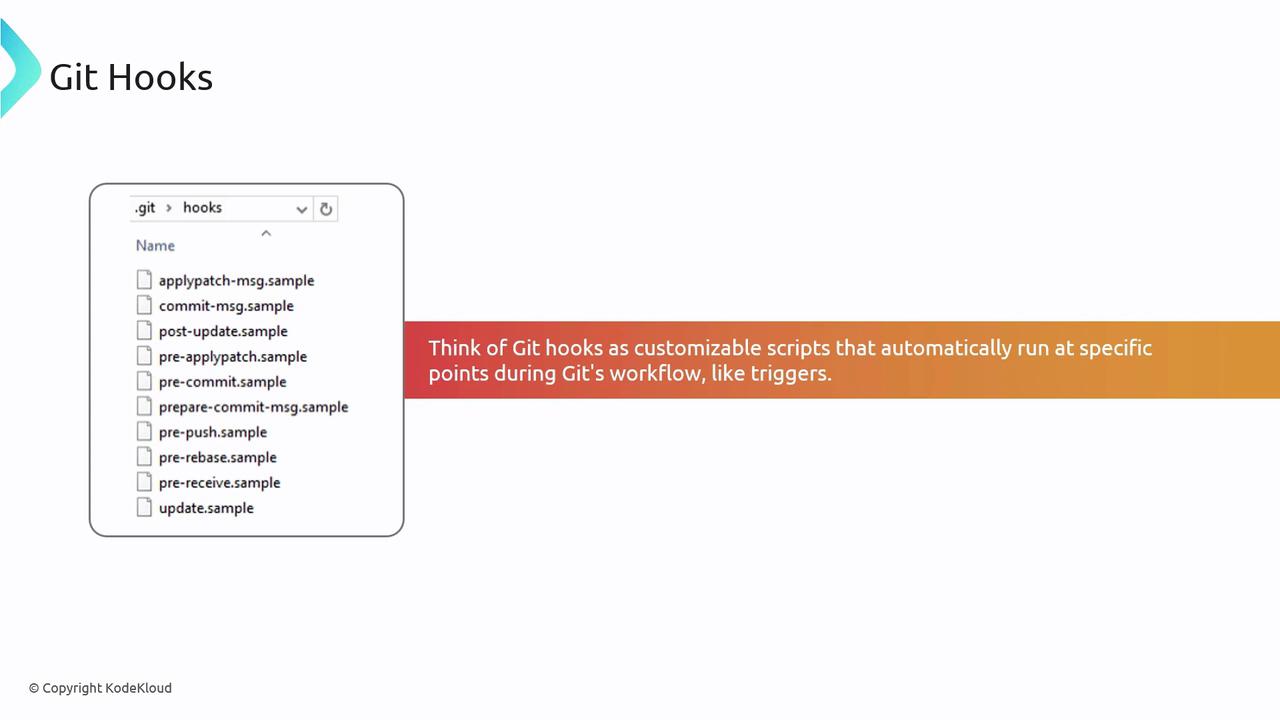
Git Hooks are powerful scripts that execute at predefined points in your Git workflow. By automating checks, enforcing standards, and triggering tasks, hooks help maintain code quality and streamline development.
## Why Use Git Hooks?
Integrating Git Hooks into your workflow offers several advantages:
* Prevent regressions by running linters or unit tests before committing code.
* Enforce commit message conventions to maintain a readable history.
* Automate builds, deployments, or notifications post-merge to accelerate delivery.
Hooks reside in the `.git/hooks/` directory. Rename or link your custom scripts (e.g., `pre-commit`) to enable them.
## Client-Side vs. Server-Side Hooks
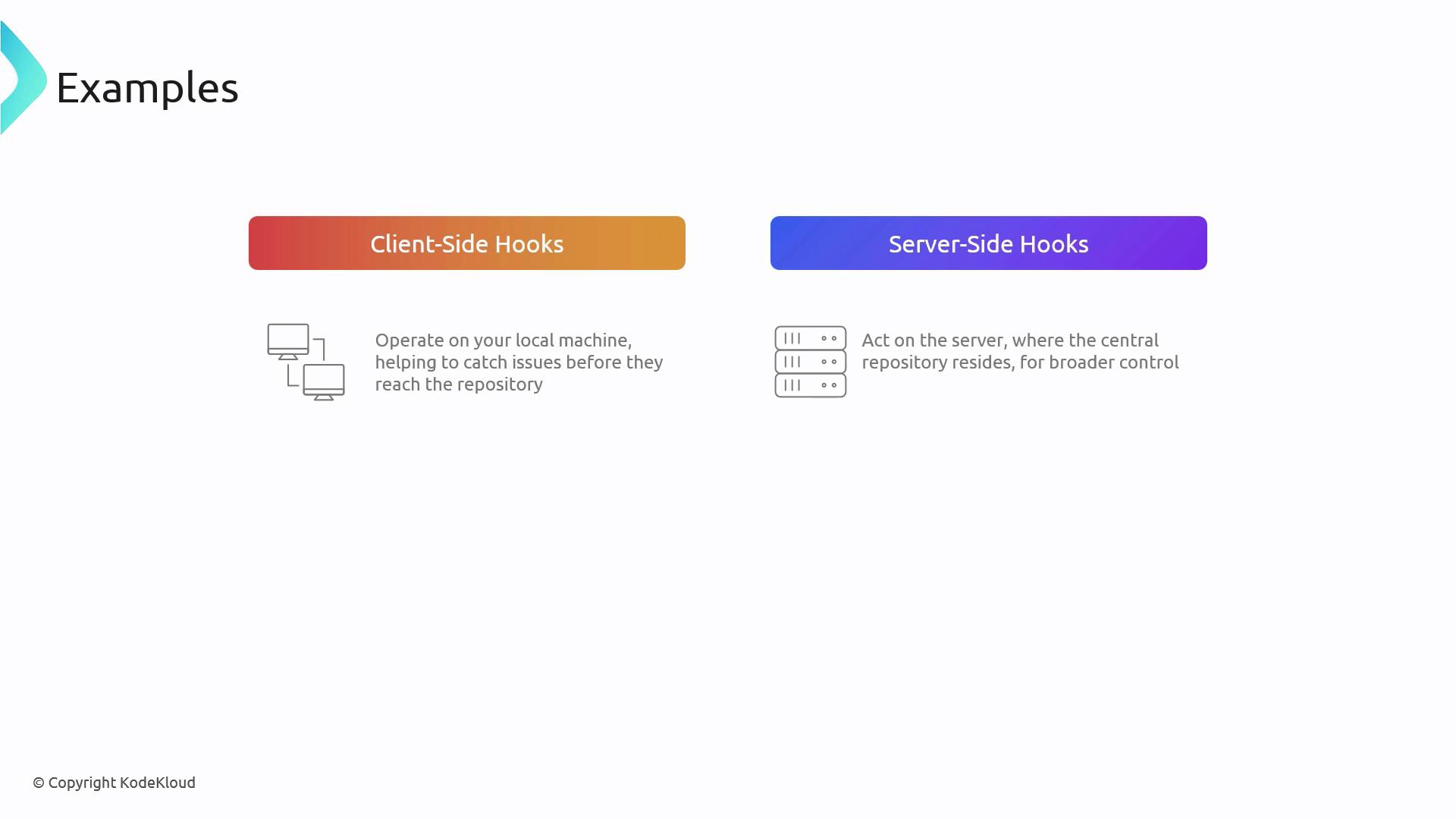
Client-side hooks run on a developer’s machine, catching issues early. Server-side hooks execute on the remote repository to enforce organization-wide policies.
### Common Client-Side Hooks
| Hook | When It Runs | Purpose |
| ------------------ | --------------------------------- | ---------------------------------------------------- |
| pre-commit | Before creating a commit | Run linters, formatters, or unit tests |
| prepare-commit-msg | Before editing the commit message | Populate templates or prepend metadata |
| commit-msg | After editing the commit message | Enforce message style (e.g., Jira IDs, Conventional) |
| post-commit | Immediately after a commit | Trigger local notifications or analytics scripts |
| pre-push | Before pushing to remote | Run integration tests or security scans |
### Common Server-Side Hooks
| Hook | When It Runs | Purpose |
| ------------ | ----------------------------- | ---------------------------------------------------------- |
| pre-receive | Before any refs are updated | Reject pushes that fail tests or violate policy |
| update | Per-ref check before updating | Enforce branch-specific rules |
| post-receive | After refs are updated | Trigger CI/CD pipelines, notifications, or deployment jobs |
Server-side hooks require administrative access to the bare repository. Ensure you understand the impact before enabling these hooks.
## Hook Examples in Action
Think of hooks as quality gates and automation triggers:
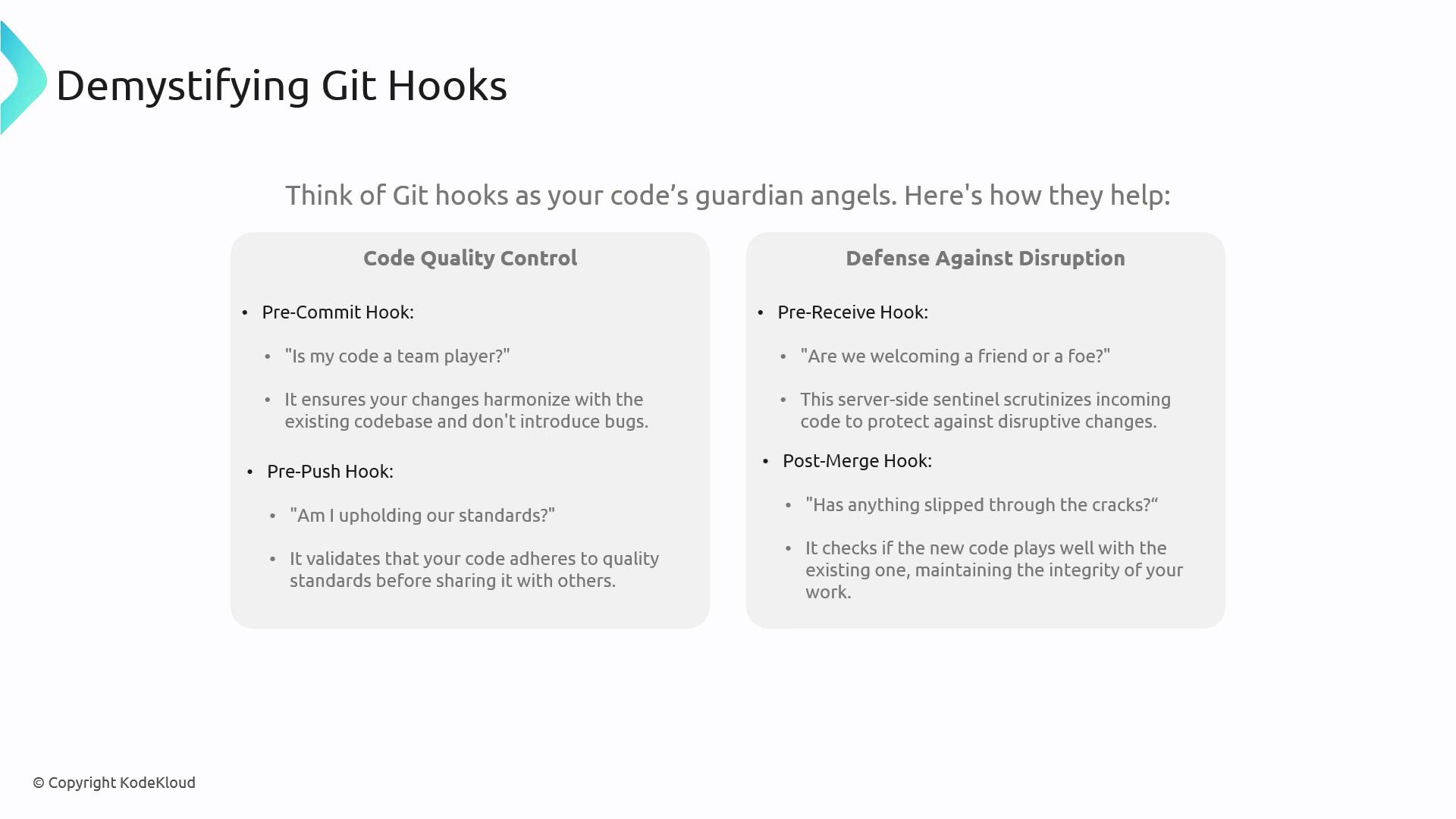
* **pre-commit**: Blocks commits if linters fail
* **pre-push**: Runs full test suites to verify stability before sharing
* **pre-receive**: Stops forbidden changes from entering the central repo
* **post-merge**: Refreshes dependencies or runs smoke tests after merging
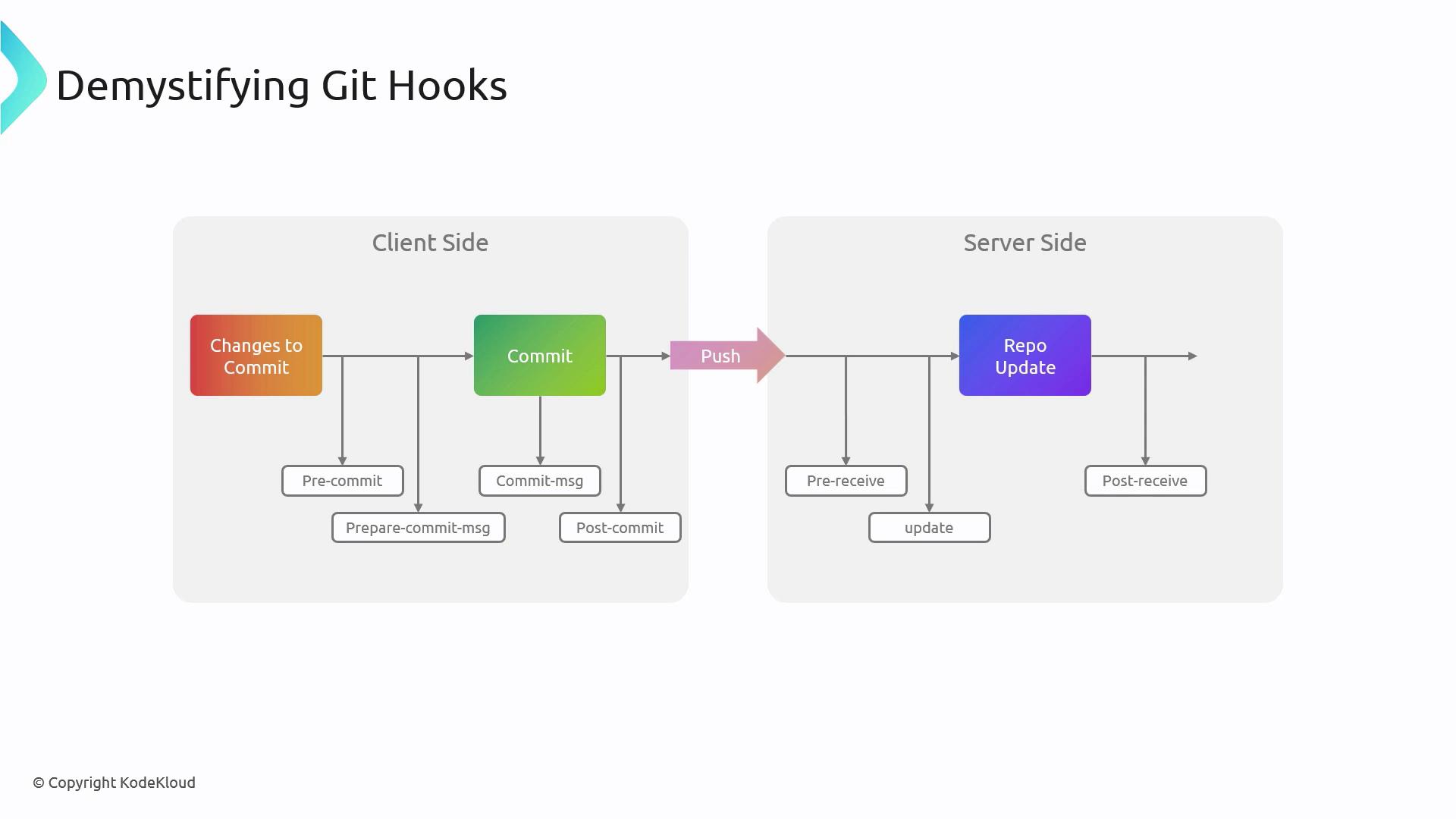
## Git Hook Execution Sequence
Understanding the order of hooks during commit and push helps you design effective scripts:
* Client Side:
1. pre-commit
2. commit-msg
3. post-commit
4. pre-push
* Server Side:
1. pre-receive
2. update
3. post-receive
## Further Reading
* [Git Hooks Documentation](https://git-scm.com/docs/githooks)
* [Pro Git Book – Customizing Git](https://git-scm.com/book/en/v2/Customizing-Git-Git-Hooks)
* [Continuous Integration with Git Hooks](https://example.com/ci-git-hooks)