> ## Documentation Index
> Fetch the complete documentation index at: https://notes.kodekloud.com/llms.txt
> Use this file to discover all available pages before exploring further.
# Configure Activity Traceability
> This article explains how to configure activity traceability in Azure DevOps for improved project management and collaboration.
Activity traceability delivers a live dashboard of all work items to help teams stay on track. In Azure DevOps, this centers on Azure Boards—collaborating on features, bugs, and tasks with full visibility into progress and feedback loops. In this guide, we’ll show you how to manage work across your Azure DevOps organization and build a seamless flow of traceable activities from planning to production.
Traceability eliminates uncertainty by giving you real-time insight into who’s working on what, how far they’ve progressed, and what’s next. Rapid feedback loops link comments and code changes back to their originating work items, connecting every dot in your project lifecycle. You’ll measure efficiency—how quickly you turn ideas into features—and recovery speed when issues arise. Linking commits to work items also simplifies troubleshooting, audits, and enforces policies by recording every action against your governance standards.
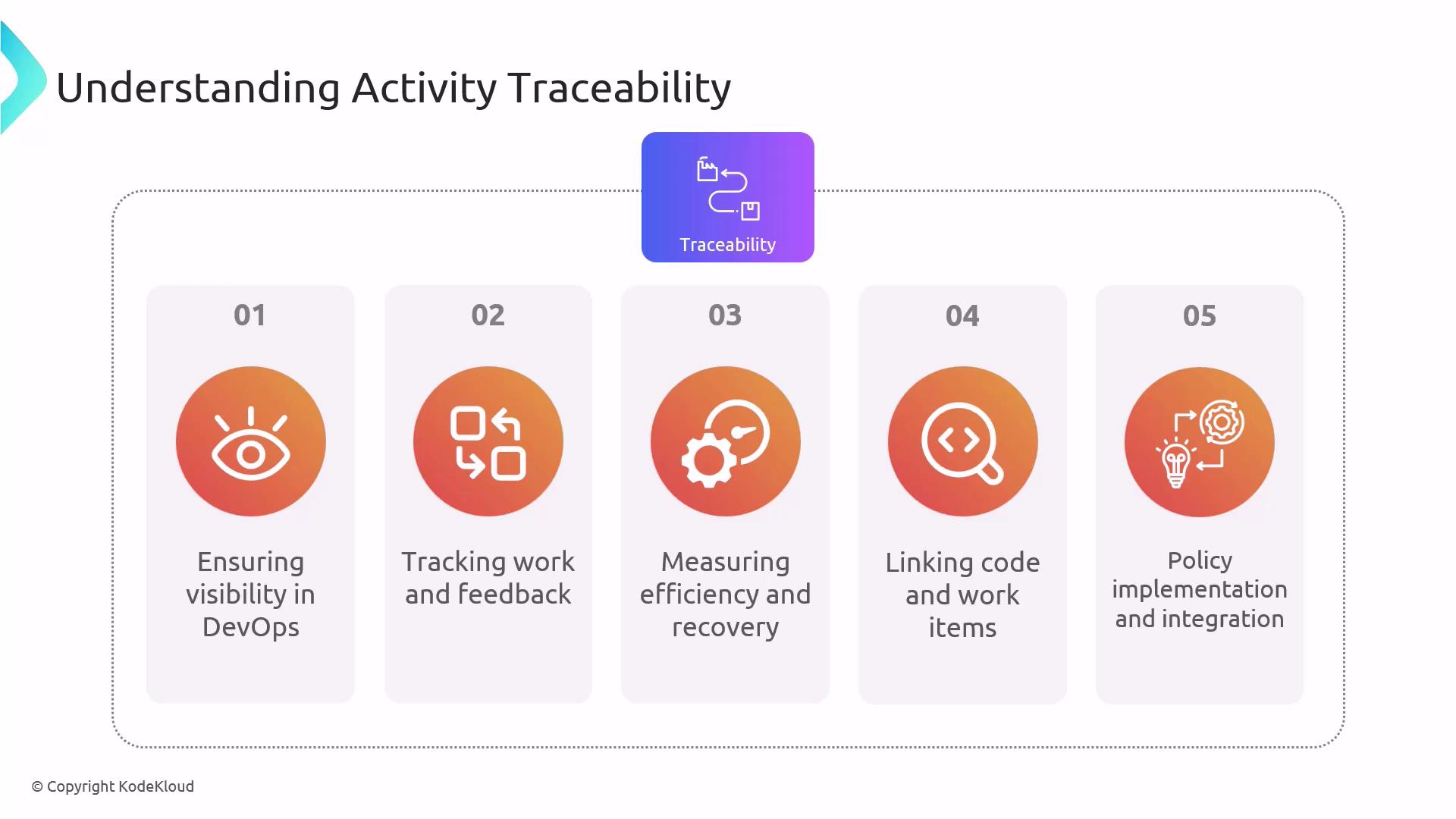
As you read on, we’ll unpack each benefit in greater detail and show you exactly how to implement them in Azure DevOps.
## Why Activity Traceability Matters in Azure DevOps
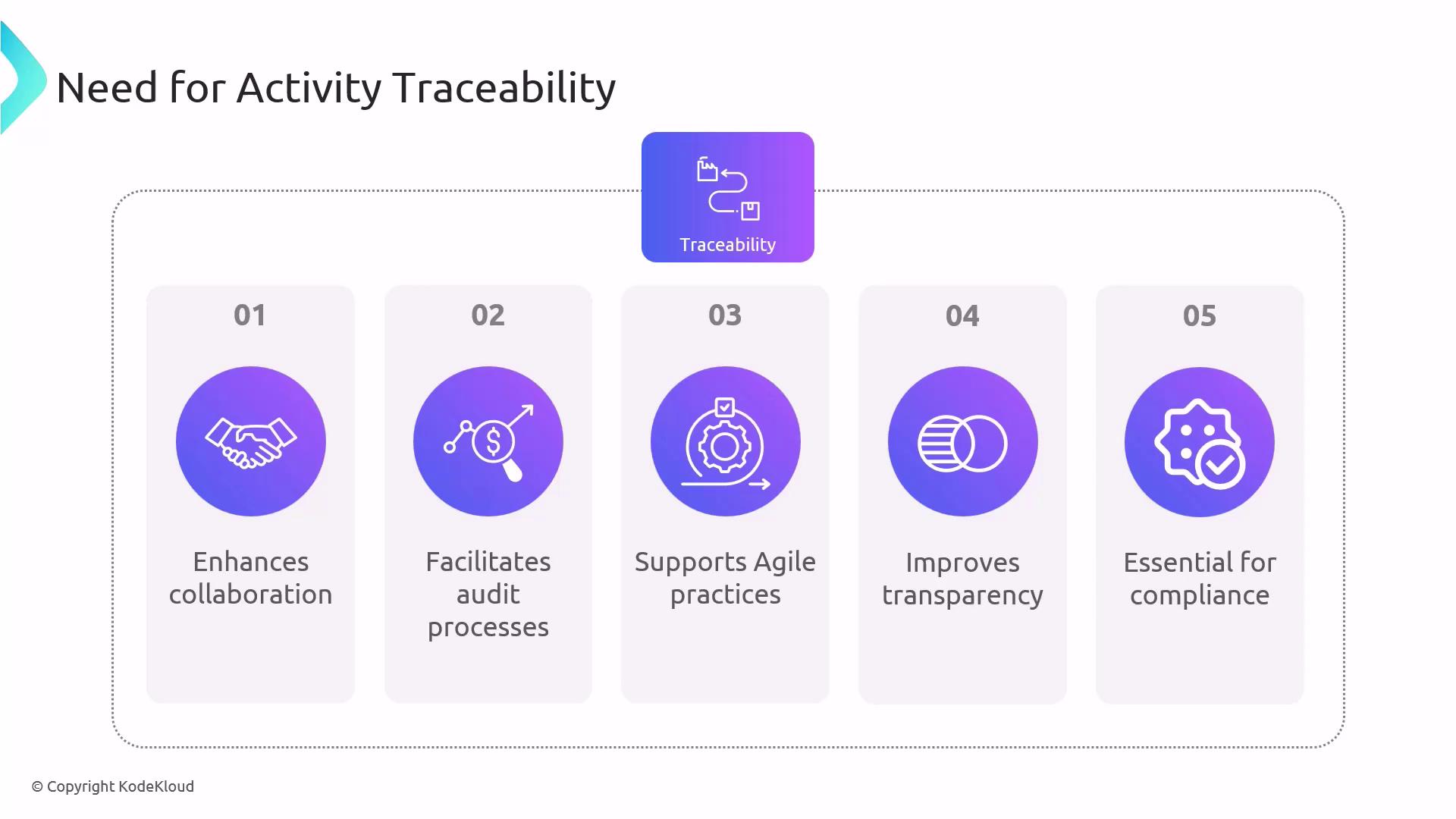
Traceability in Azure DevOps drives success by:
* **Enhancing Collaboration:** Transparent work item ownership and status keep teams aligned.
* **Facilitating Audits:** A complete, time-stamped record of every change speeds compliance reviews.
* **Supporting Agile Practices:** Sprint and release tracking ensures iterative progress.
* **Improving Transparency:** Stakeholders gain instant visibility into features, tasks, and bugs.
* **Ensuring Compliance:** Every commit and change is traced back to its source for regulatory needs.
## Implementing Activity Traceability in Azure DevOps
Follow these steps to create an end-to-end traceable workflow:
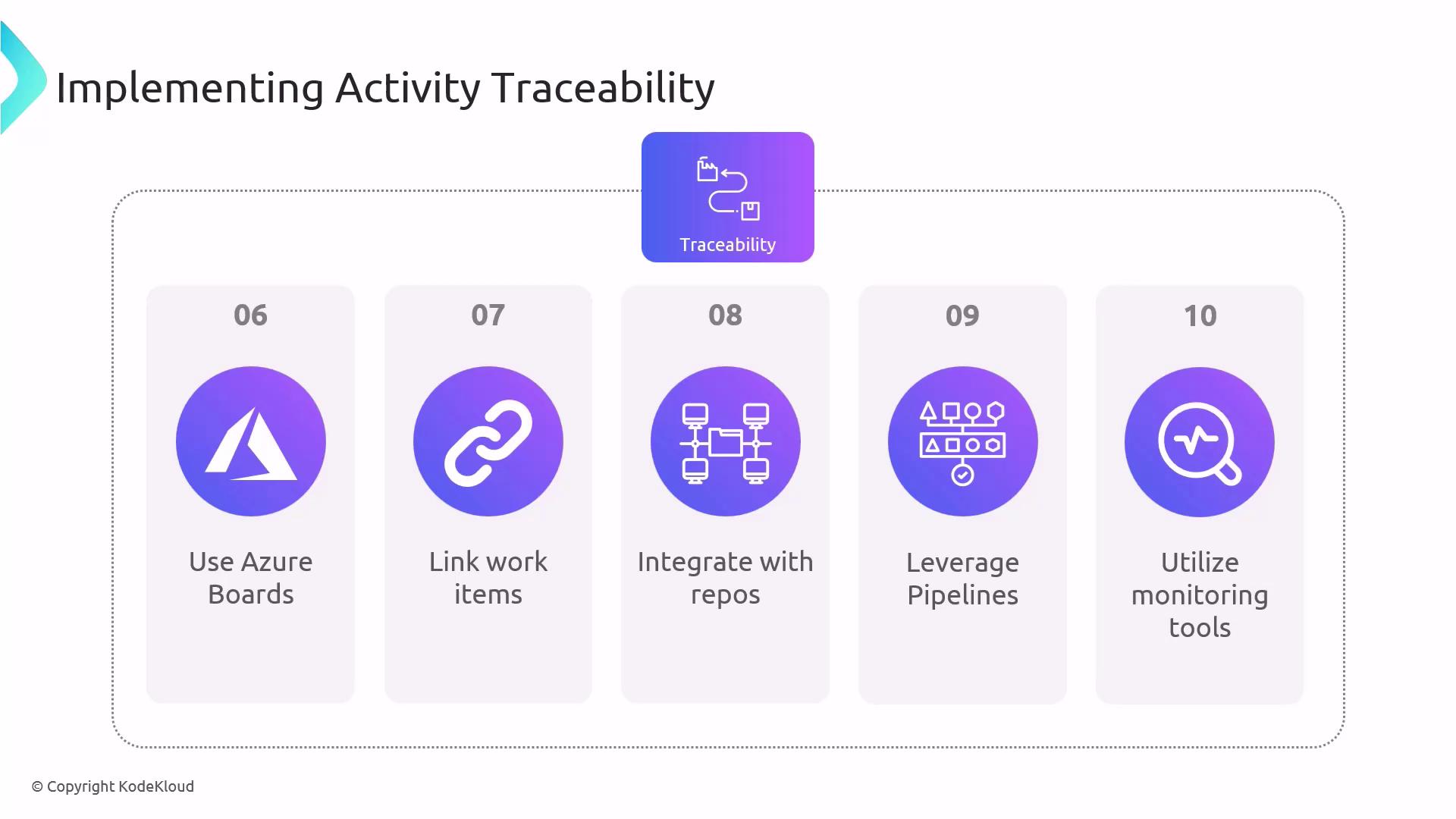
1. **Use Azure Boards for Work Item Tracking**
* Create work items (features, bugs, tasks).
* Assign items to team members and set iteration paths.
2. **Link Work Items to Code Changes**
Always include the work item ID in your commit message. This automatically links code to the board item.
Example:
```shell theme={null}
git commit -m "AB#123: Refactor authentication flow"
git push origin feature/auth-refactor
```
3. **Leverage Azure Pipelines**
* Trace builds and releases back to specific changes.
* Embed metadata (e.g., `$(Build.SourceVersionMessage)`) into your pipeline artifacts.
```yaml theme={null}
# azure-pipelines.yml
trigger:
branches:
include:
- main
variables:
buildConfiguration: 'Release'
steps:
- task: DotNetCoreCLI@2
inputs:
command: 'build'
projects: '**/*.csproj'
- task: PublishBuildArtifacts@1
inputs:
pathToPublish: '$(Build.ArtifactStagingDirectory)'
artifactName: 'drop'
```
4. **Utilize Monitoring Tools**
* Configure Azure Monitor and Application Insights to feed runtime metrics back into your DevOps workflow.
* Tag telemetry with work item IDs for direct correlation.
```json theme={null}
{
"resourceGroup": "MyResourceGroup",
"name": "MyAppInsights",
"type": "microsoft.insights/components",
"location": "East US"
}
```
Ensure your service connections and permissions are configured before linking telemetry to boards.
By combining Boards, Repos, Pipelines, and Monitoring, you form a continuous traceability chain from idea through code, build, release, and production operations.
| Azure DevOps Tool | Role in Traceability | Documentation Link |
| -------------------- | --------------------------------------------- | ----------------------------------------------------------------------------------------- |
| Azure Boards | Plan, track & link work items | [Azure Boards](https://learn.microsoft.com/azure/devops/boards) |
| Azure Repos | Version control with commit-work item linkage | [Azure Repos](https://learn.microsoft.com/azure/devops/repos) |
| Azure Pipelines | CI/CD with build and release traceability | [Azure Pipelines](https://learn.microsoft.com/azure/devops/pipelines) |
| Azure Monitor | Aggregate operational data | [Azure Monitor](https://learn.microsoft.com/azure/azure-monitor) |
| Application Insights | Performance and usage telemetry | [App Insights](https://learn.microsoft.com/azure/azure-monitor/app/app-insights-overview) |
## Exam Essentials
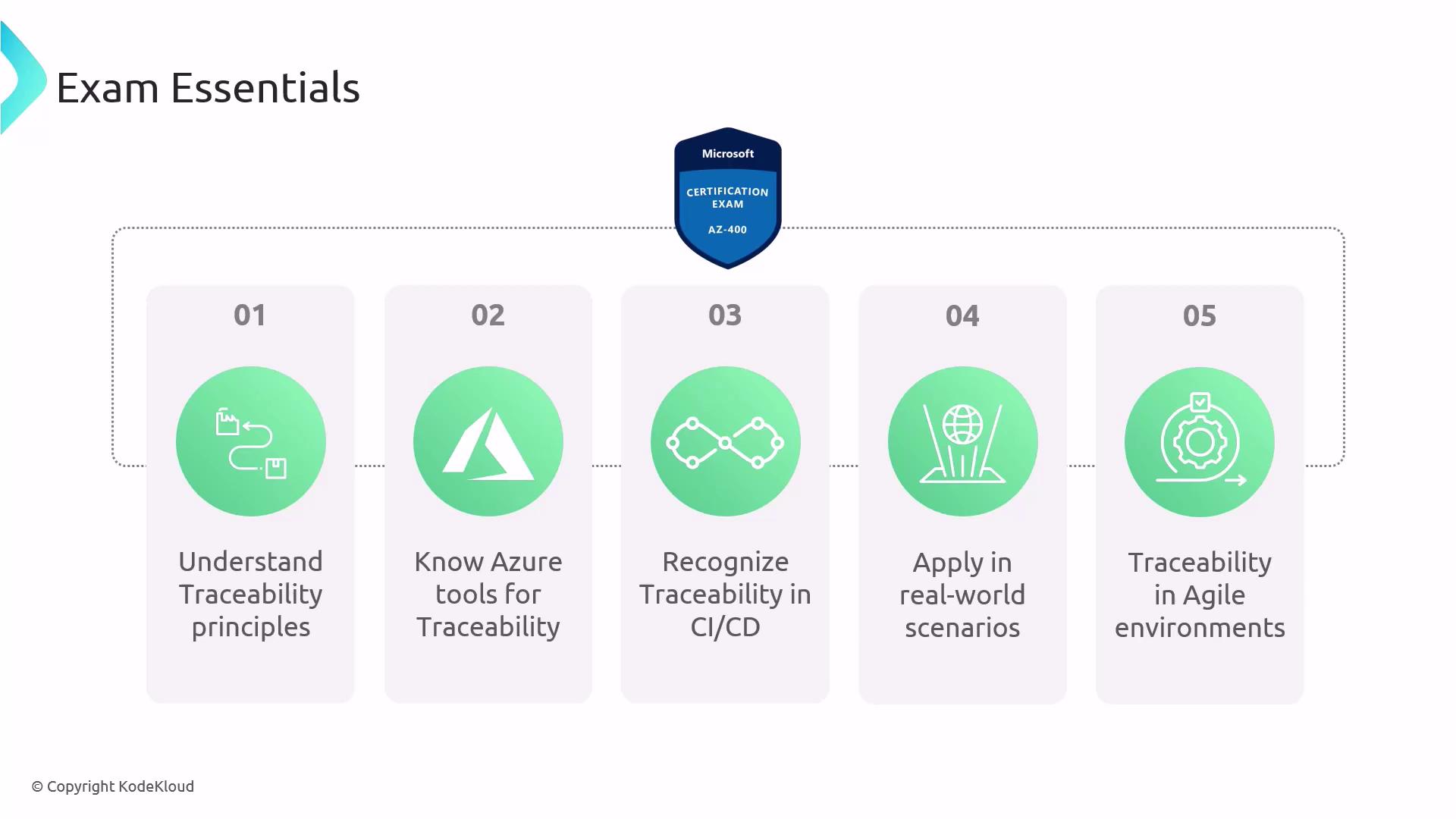
When studying for AZ-400, make sure you can:
* Explain **traceability principles** and their impact on DevOps culture and compliance.
* Demonstrate how **Azure DevOps tools** (Boards, Repos, Pipelines, Monitor) implement end-to-end traceability.
* Show **CI/CD integration**: linking commits, builds, and releases to work items.
* Apply traceability in **real-world scenarios**, such as incident recovery and audit preparation.
* Support **Agile methodologies** by tracking sprint progress and backlog health with traceability artifacts.
## Links and References
* [Azure DevOps Documentation](https://learn.microsoft.com/azure/devops/)
* [Kubernetes Basics](https://kubernetes.io/docs/concepts/overview/what-is-kubernetes/)
* [Terraform Registry](https://registry.terraform.io/)
* [Docker Hub](https://hub.docker.com/)