> ## Documentation Index
> Fetch the complete documentation index at: https://notes.kodekloud.com/llms.txt
> Use this file to discover all available pages before exploring further.
# Flow of Work Basic
> Learn to use Azure Boards with the Basic process template for effective project planning, tracking, and management through Epics, Issues, and Tasks.
Leverage **Azure Boards** within **Azure DevOps** to plan, track, and manage your project lifecycle using the **Basic** process template. This streamlined approach uses just three work item types—Epics, Issues, and Tasks—while maintaining clear visibility and control over your work.
The Basic process is ideal for small to medium teams looking for a lightweight planning experience without sacrificing transparency.
***
## Work Item Types and States
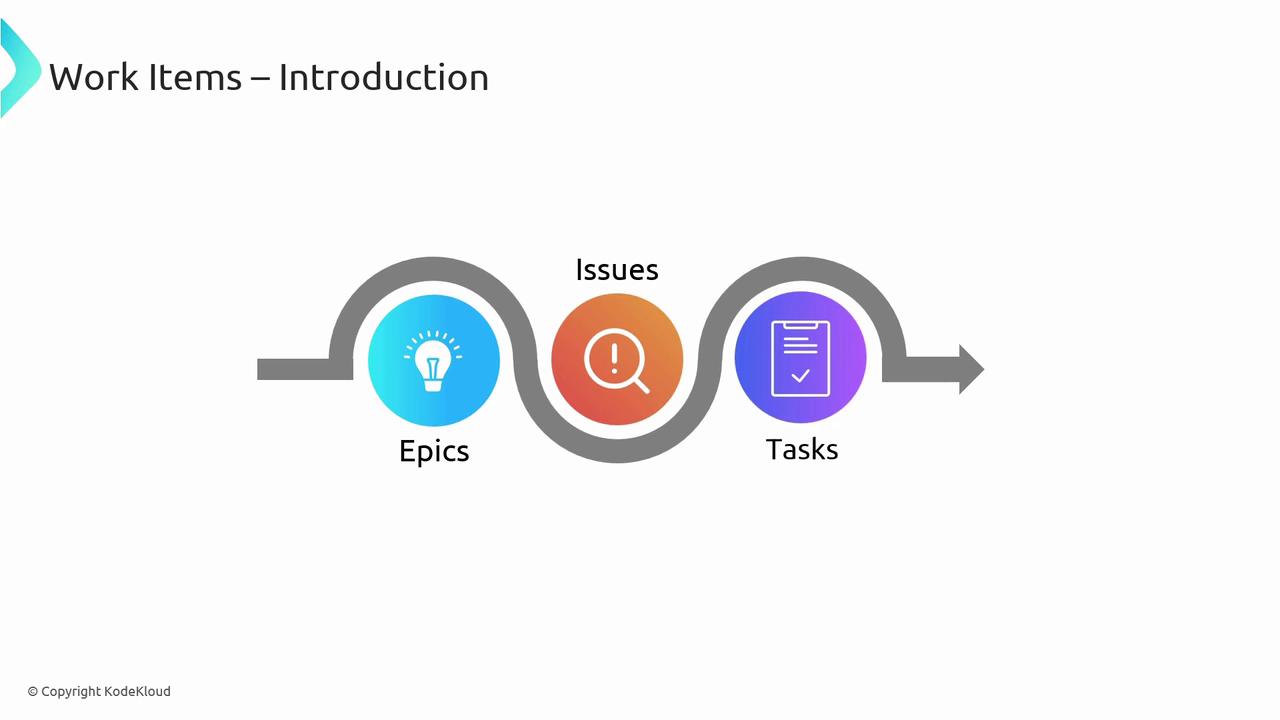
Azure DevOps organizes work around discrete items that move through predefined states. In the Basic process, there are three work item types:
| Work Item Type | Purpose | States |
| -------------- | --------------------------------------------------- | -------------------- |
| Epics | Large features or long-term goals spanning releases | To Do → Doing → Done |
| Issues | User stories, bugs, and feature requests | To Do → Doing → Done |
| Tasks | Granular steps to complete an Issue | To Do → Doing → Done |
***
## Epics
An **Epic** captures a major feature or strategic initiative, often spanning multiple sprints or releases. Use Epics to group related Issues and maintain a high-level overview of your project goals.
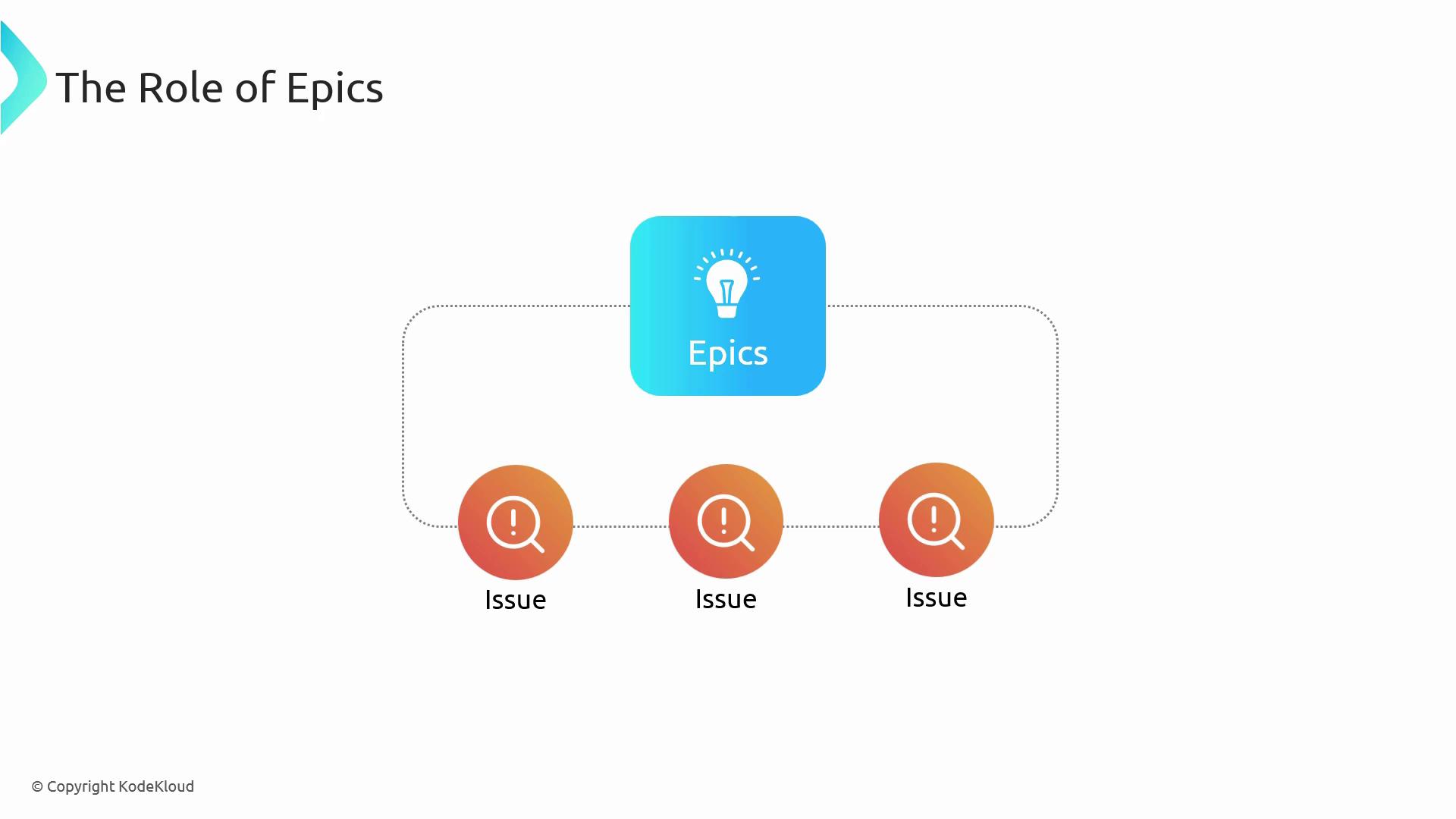
Within an Epic, you can:
* Organize multiple Issues (user stories, requirements, or bugs)
* Track progress at a strategic level
* Align work with business objectives
***
## Issues
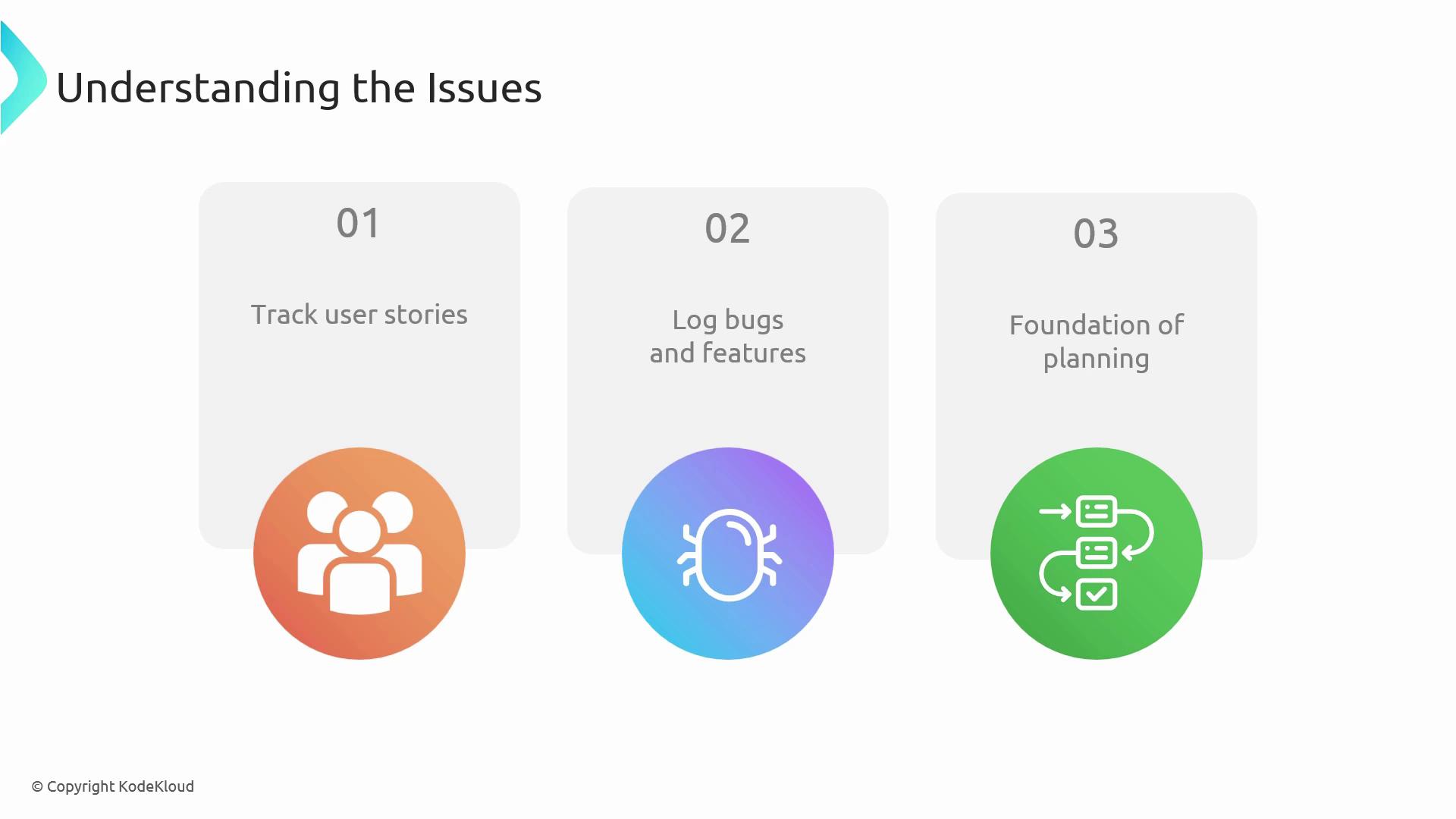
**Issues** are the core planning units in the Basic process. They include:
1. **User Stories** – Descriptions of user-facing features and their value.
2. **Bugs** – Defects that require triage, prioritization, and resolution.
3. **Feature Requests** – Ideas for new functionality or enhancements.
Logging work as Issues creates a predictable backlog, replacing ad hoc methods like email or chat.
***
## Tasks
Break each Issue into **Tasks**—the actionable items your team executes. Tasks make it easy to assign work, estimate effort, and monitor daily progress.
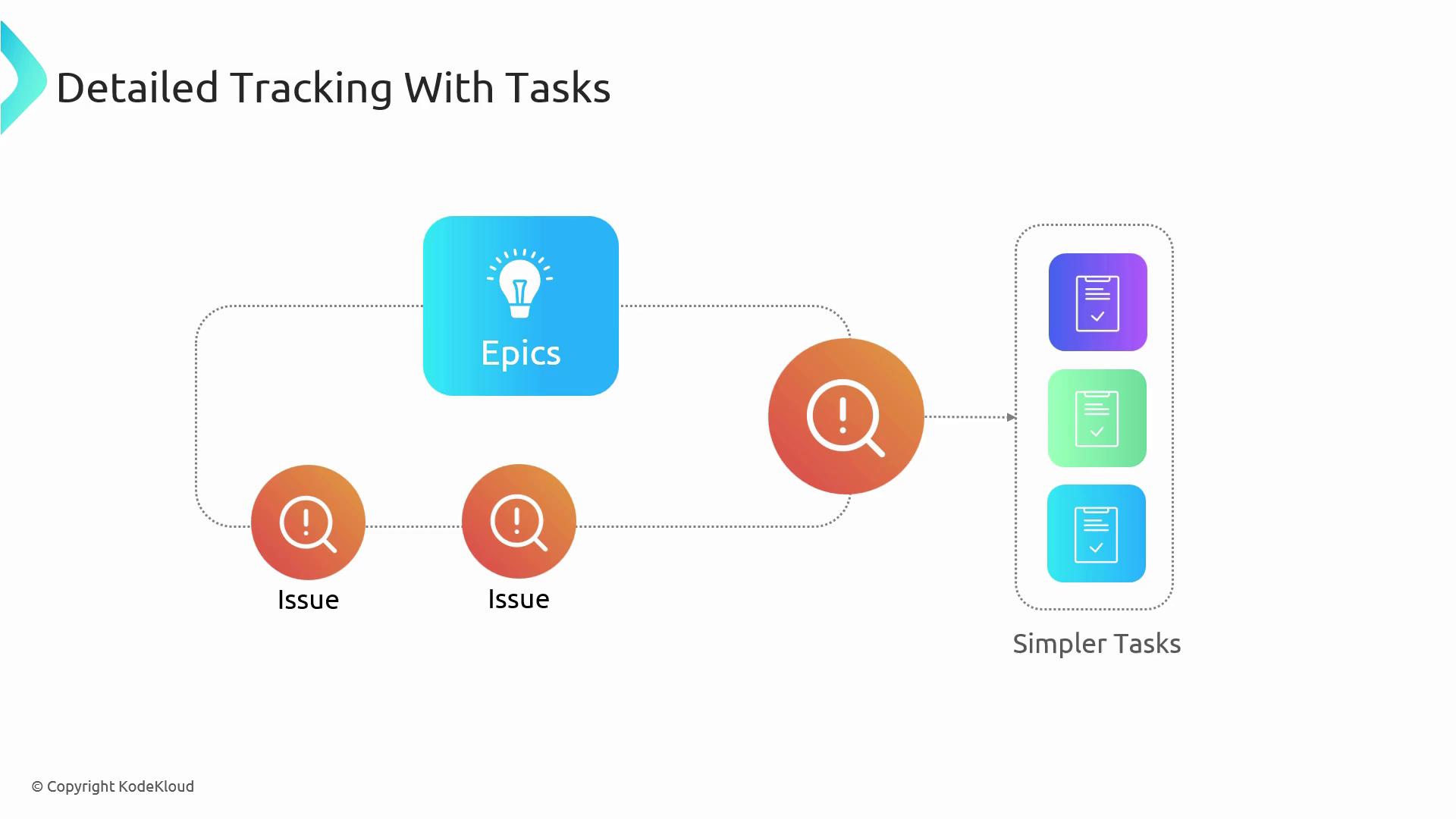
Key benefits of using Tasks:
* Clear ownership and due dates
* Granular tracking of work items
* Improved resource allocation
***
## Implementing the Basic Process
Follow these steps to get started:
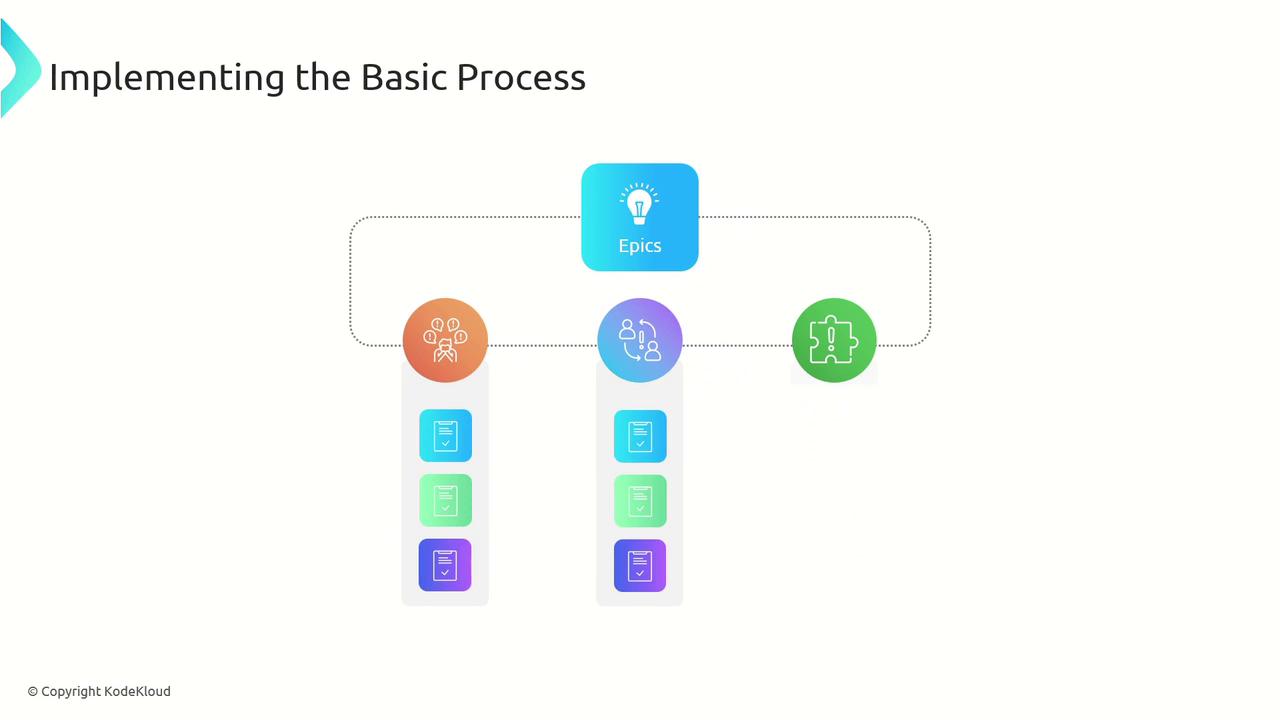
1. **Create Issues** to log user stories, bugs, and features.
2. **Group Issues into Epics** for strategic alignment.
3. **Decompose Issues into Tasks** to define specific action items.
***
## Benefits of the Basic Process
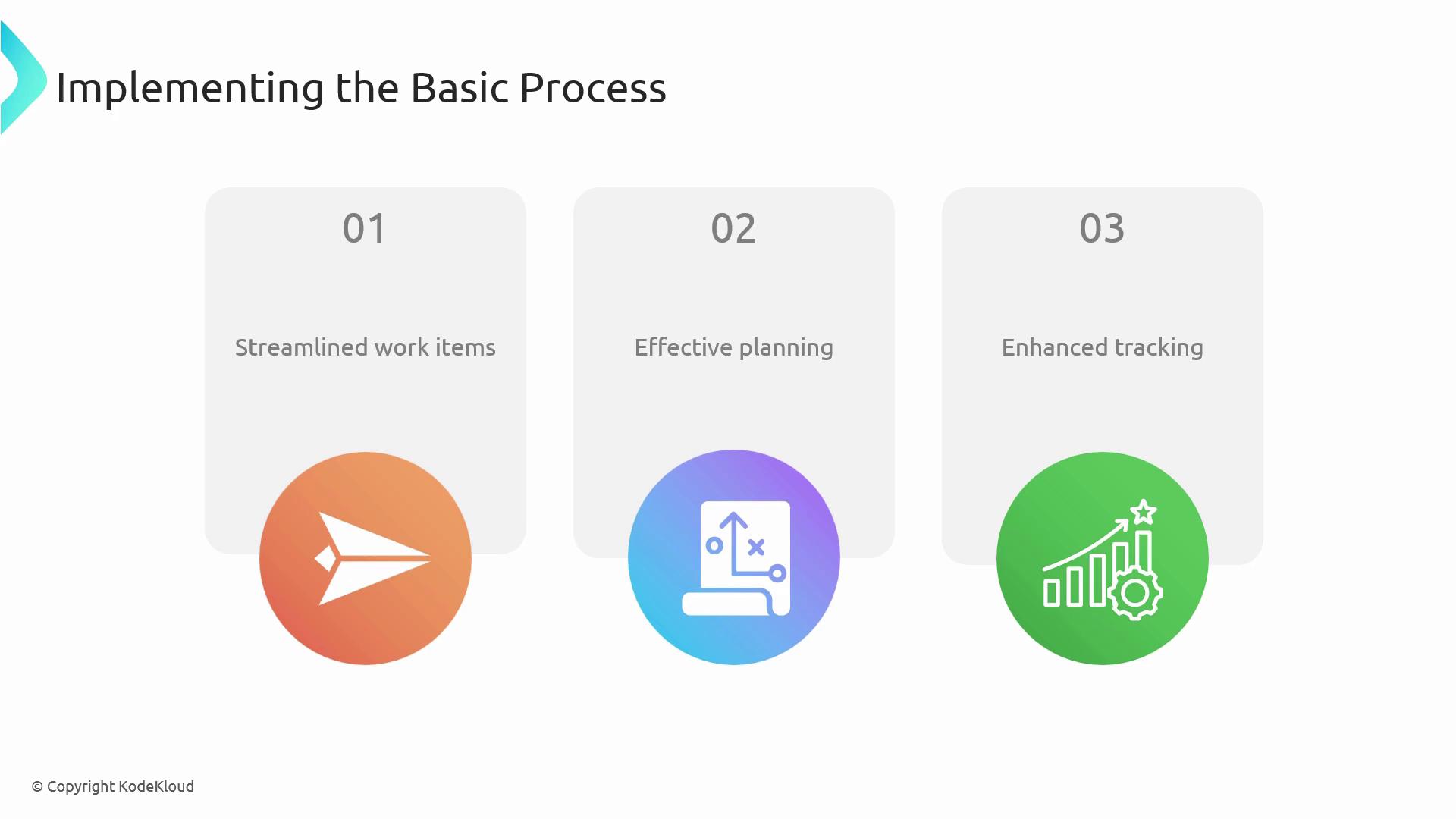
* Streamlined work item hierarchy
* Focused planning with Issues and Epics
* Detailed progress monitoring via Tasks
| Benefit | Description |
| -------------------- | --------------------------------------------- |
| Simplified workflow | Only three item types to manage |
| Enhanced visibility | Clear state transitions for every work item |
| Predictable delivery | Break down complex work into manageable steps |
***
## Links and References
* [Azure Boards overview](https://docs.microsoft.com/azure/devops/boards/)
* [Azure DevOps Documentation](https://docs.microsoft.com/azure/devops/)
* [Get started with Azure DevOps](https://azure.microsoft.com/services/devops/)