> ## Documentation Index
> Fetch the complete documentation index at: https://notes.kodekloud.com/llms.txt
> Use this file to discover all available pages before exploring further.
# Flow of Work CMMI
> This article explores the CMMI process template in Azure DevOps for structured process improvement and governance.
In this lesson, we dive into the Capability Maturity Model Integration (CMMI) process template available in Azure DevOps. CMMI delivers a structured framework for process improvement, rigorous audit trails, and decision tracking—ideal for teams managing complex requirements, change requests, and risk mitigation.
## When to Choose CMMI
CMMI is designed for organizations that require formal governance, regulatory compliance, and comprehensive traceability across all deliverables.
* Formalize process improvement and governance
* Maintain an immutable audit trail of key decisions
* Track detailed requirements, change requests, and risks
* Support enterprise-level change management and compliance
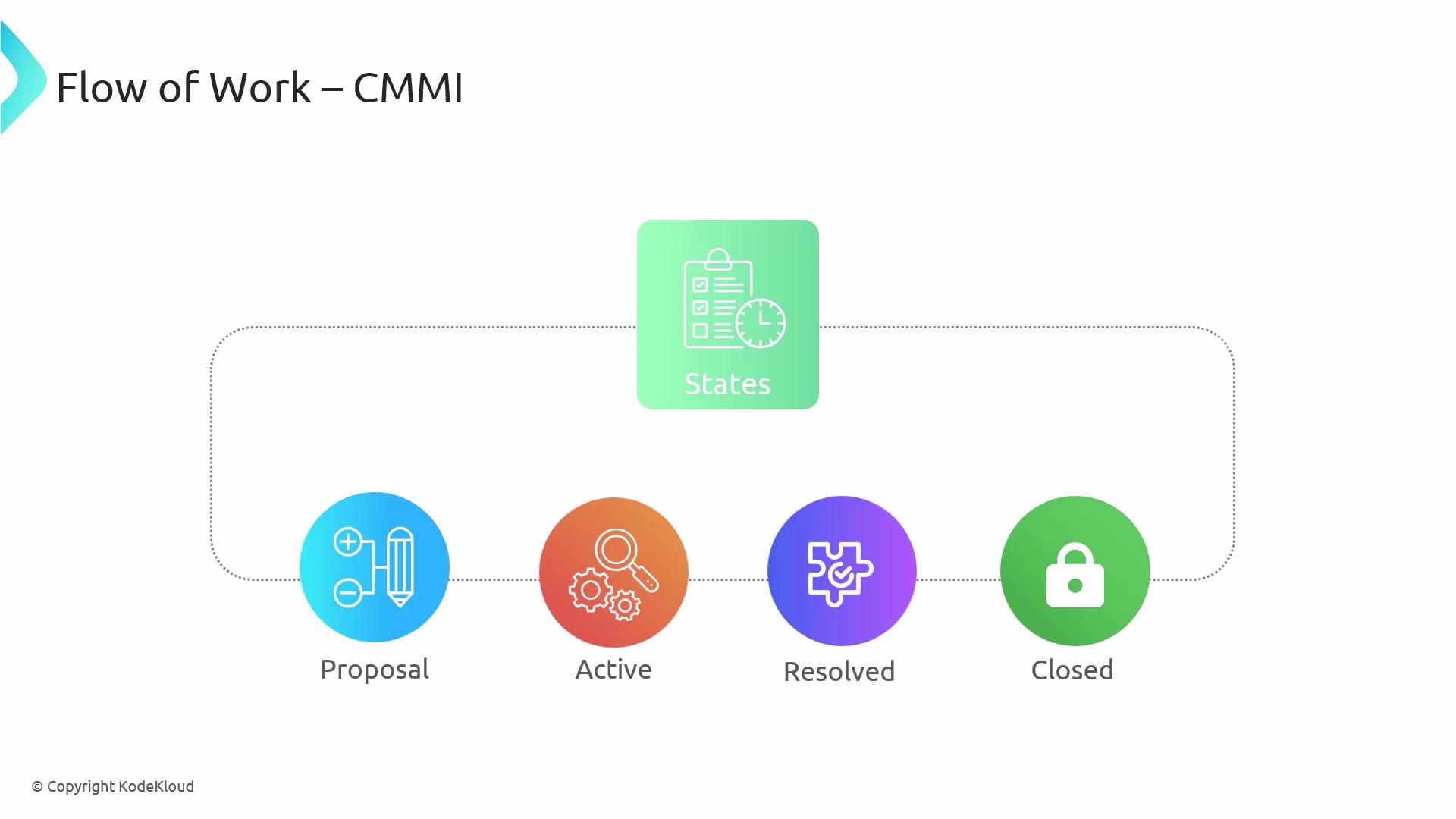
## Azure DevOps CMMI Work Item States
CMMI enforces a four-stage lifecycle for every work item:
1. **Proposal**\
New work items or change requests are defined and evaluated.
2. **Active**\
Items under detailed development, analysis, or review.
3. **Resolved**\
Completed work is marked as addressed, awaiting verification.
4. **Closed**\
Final approval, sign-off, and archival.
## CMMI Work Item Types
The CMMI template in Azure DevOps includes these core work item types, ensuring end-to-end traceability:
| Work Item Type | Purpose | Example |
| -------------- | --------------------------------------------------- | ----------------------------------- |
| EPIC | High-level objective spanning multiple releases | Migrate legacy reports to Power BI |
| Feature | Discrete deliverable within an EPIC | Implement OAuth2 authentication |
| Requirement | Specific criteria derived from a Feature | Support multi-factor login |
| Task | Atomic unit of work linked to a Requirement | Write API integration tests |
| Bug | Code or configuration defects | Fix null-pointer exception in login |
| Change Request | Proposed change to scope, schedule, or cost | Adjust sprint backlog for new UI |
| Issue | Immediate impediment or blocker | Resolve build pipeline failures |
| Review | Formal evaluation and approval record | UX design review checklist |
| Risk | Potential future problem requiring mitigation plans | Single point of failure in database |
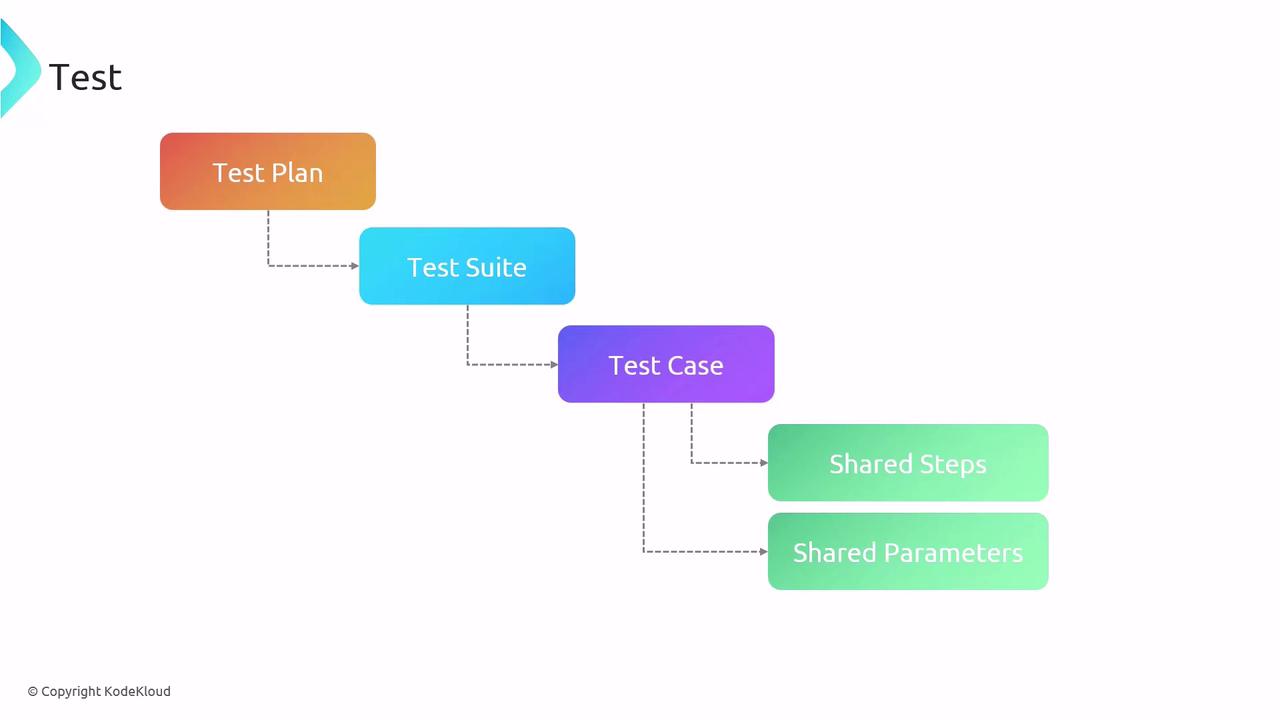
## Testing Structure in CMMI
A modular testing hierarchy promotes reusability and comprehensive coverage:
* **Test Plan**\
Overall testing strategy, scope, and goals.
* **Test Suite**\
Logical grouping of related test cases.
* **Test Case**\
Detailed steps verifying a specific feature or requirement.
* **Shared Steps**\
Reusable sequences (e.g., login, API call) across multiple test cases.
* **Shared Parameters**\
Data sets enabling data-driven testing scenarios.
## Feedback Management Workflow
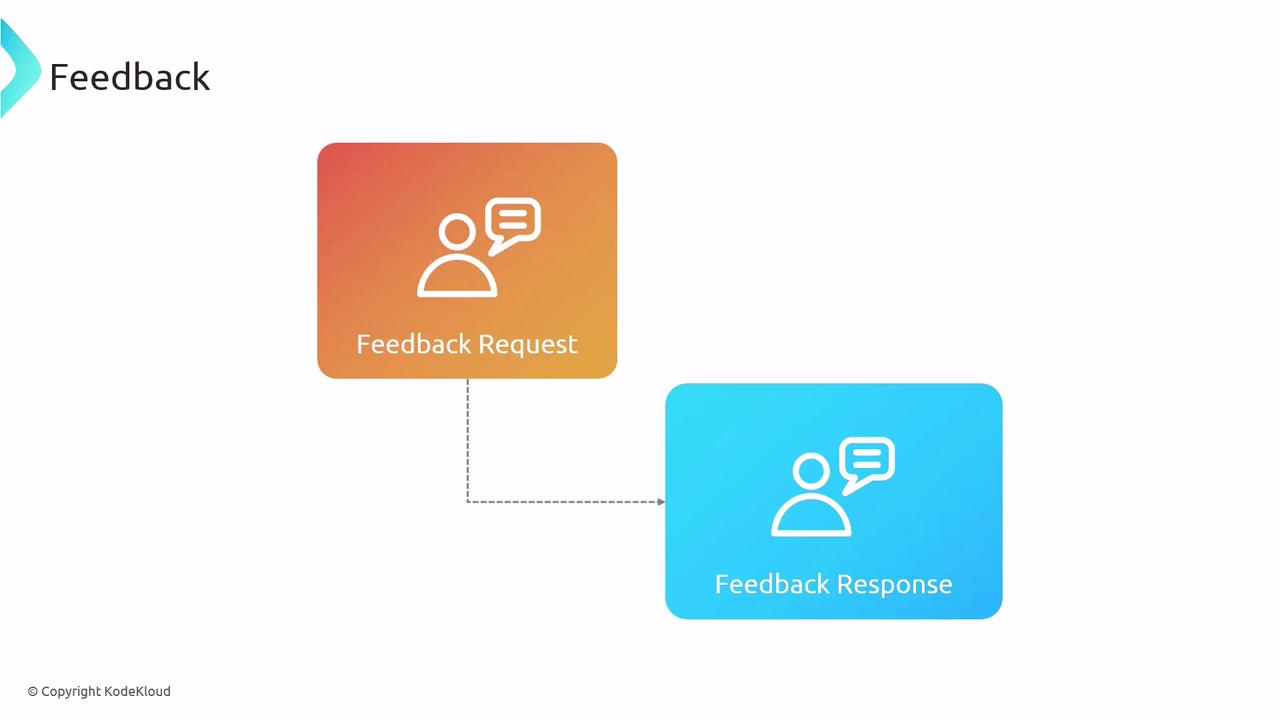
CMMI embeds structured feedback loops to engage stakeholders early and often:
1. **Feedback Request**\
Invite stakeholders to review features, designs, or deliverables.
2. **Feedback Response**\
Gather comments, suggestions, or approval decisions.
## Code Review Workflow
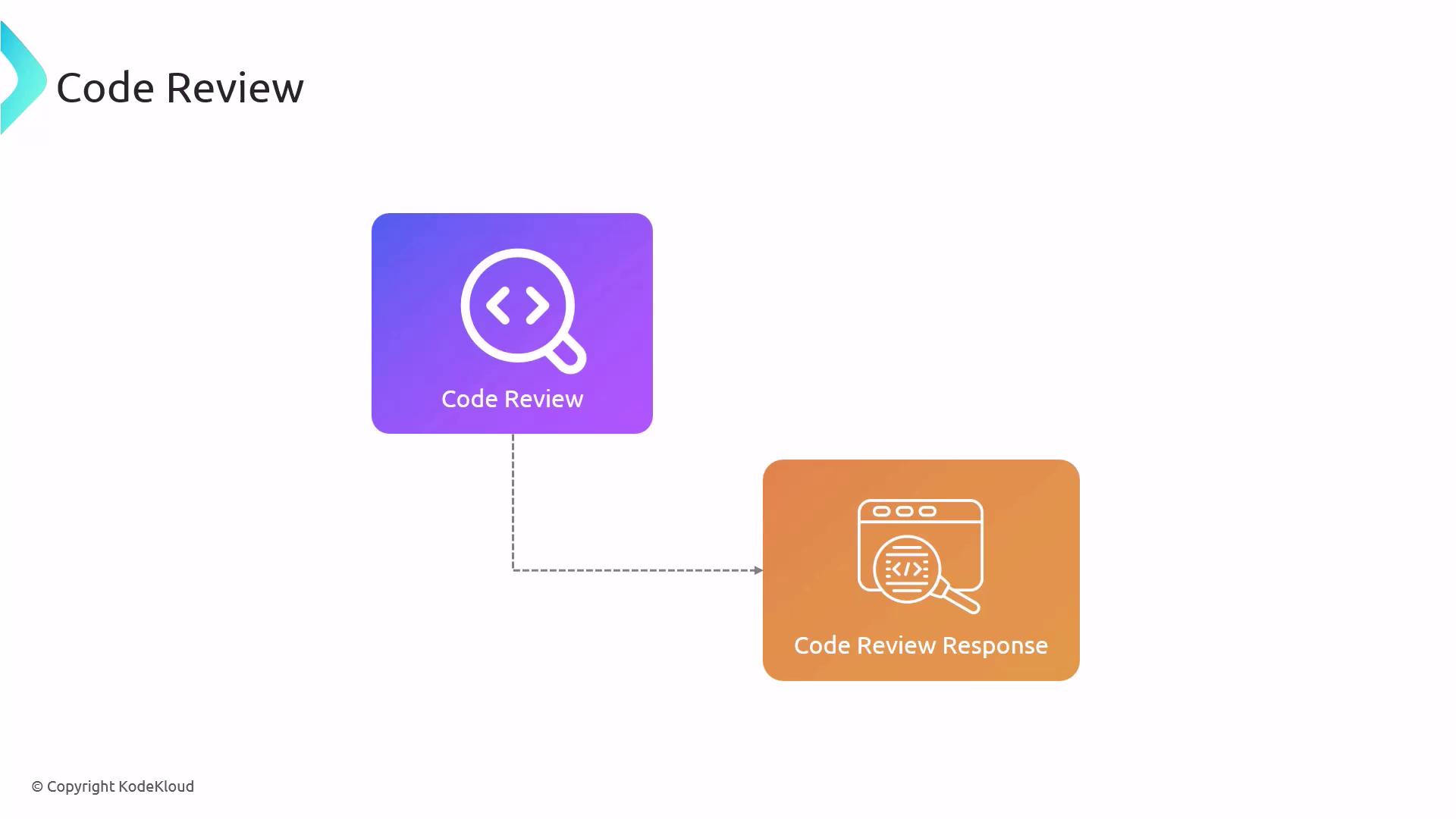
Ensuring code quality and compliance through peer reviews:
1. **Code Review Request**\
Developer submits code changes for evaluation.
2. **Code Review Response**\
Reviewers provide feedback, approval, or additional change requests.
## Next Steps
With the CMMI process template established, our next topic will cover **activity traceability**, enabling you to link requirements, tasks, test cases, and code changes for full lifecycle visibility.
## References
* [Azure DevOps Process Templates](https://docs.microsoft.com/azure/devops/organizations/settings/work/process-templates)
* [CMMI Model Overview](https://cmmiinstitute.com/)
* [Azure DevOps Work Item Types](https://docs.microsoft.com/azure/devops/boards/work-items/about-work-items)