> ## Documentation Index
> Fetch the complete documentation index at: https://notes.kodekloud.com/llms.txt
> Use this file to discover all available pages before exploring further.
# Flow of Work Processes
> This article explains the workflow processes in Azure DevOps, focusing on managing work items and utilizing various process templates for effective project management.
Managing work items effectively in Azure DevOps is essential for delivering high-quality software on time. Azure Boards acts as your project’s central hub, providing a real-time view of progress, priorities, and blockers. Teams can collaborate directly on work items, update statuses, and link tasks to code, builds, and releases—all in one place.
## Typical Sprint Workflow
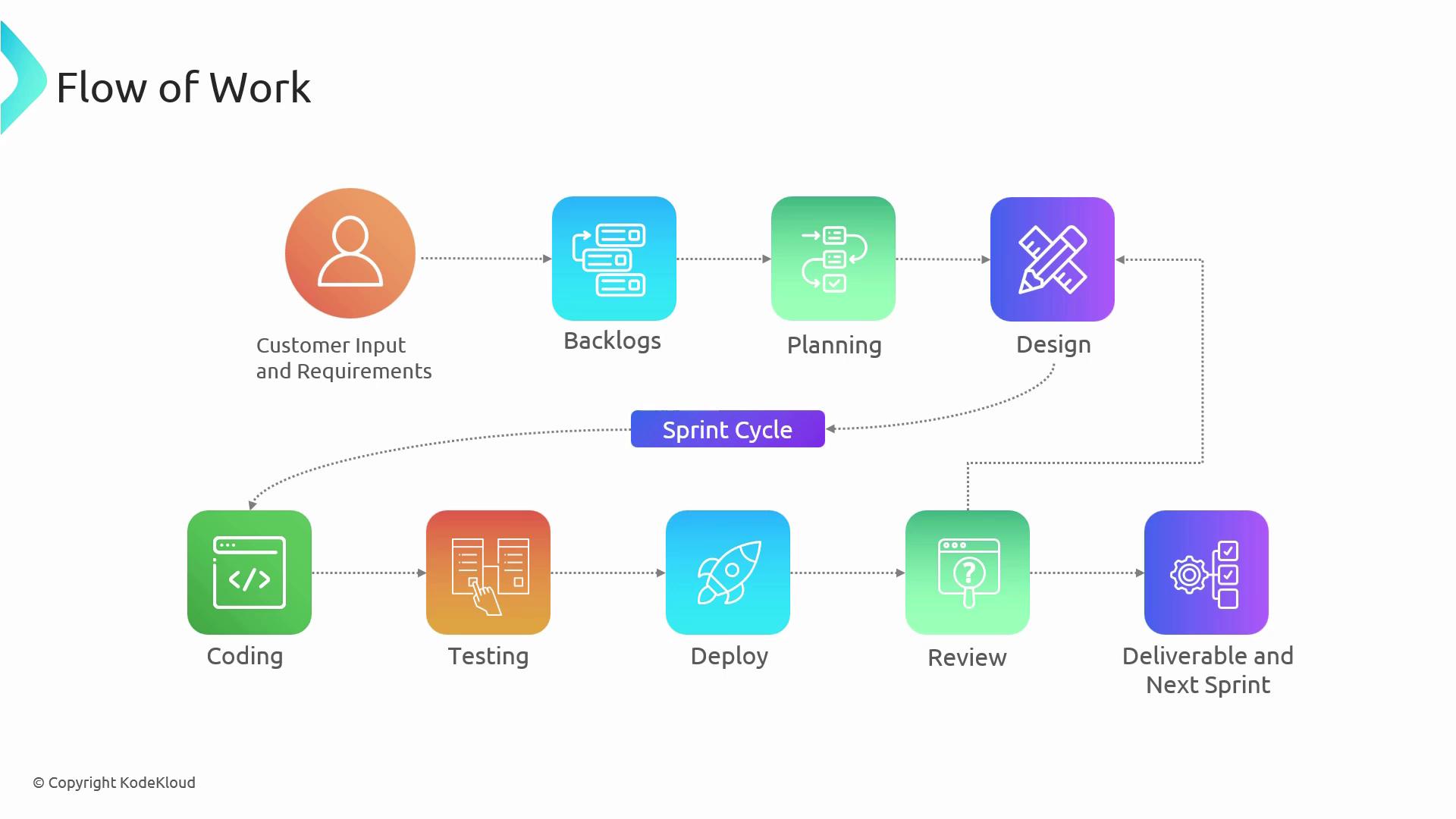
In an Agile Scrum framework, work flows through a series of well-defined stages during each sprint cycle:
1. **Backlog Grooming**\
The Product Owner gathers requirements, user stories, and bug fixes, then prioritizes them in the backlog.
2. **Sprint Planning**\
The team selects backlog items, defines sprint goals, and estimates effort.
3. **Development & Testing**\
Developers build features, testers validate functionality, and the team addresses blockers during daily stand-ups.
4. **Review & Retrospective**\
Completed work is demoed to stakeholders, feedback is recorded, and the team reflects on improvements.
5. **Delivery**\
Shippable increments are deployed, and the cycle repeats.
A typical sprint lasts **1–4 weeks**. Adjust the duration based on team size, product complexity, and release cadence.
Next, let’s explore the four out-of-the-box process templates that Azure DevOps provides to support this workflow.
## Out-of-the-Box Process Templates
Azure DevOps provides four built-in templates—**Basic**, **Scrum**, **Agile**, and **CMMI**—to help teams standardize how they plan, track, and deliver work.
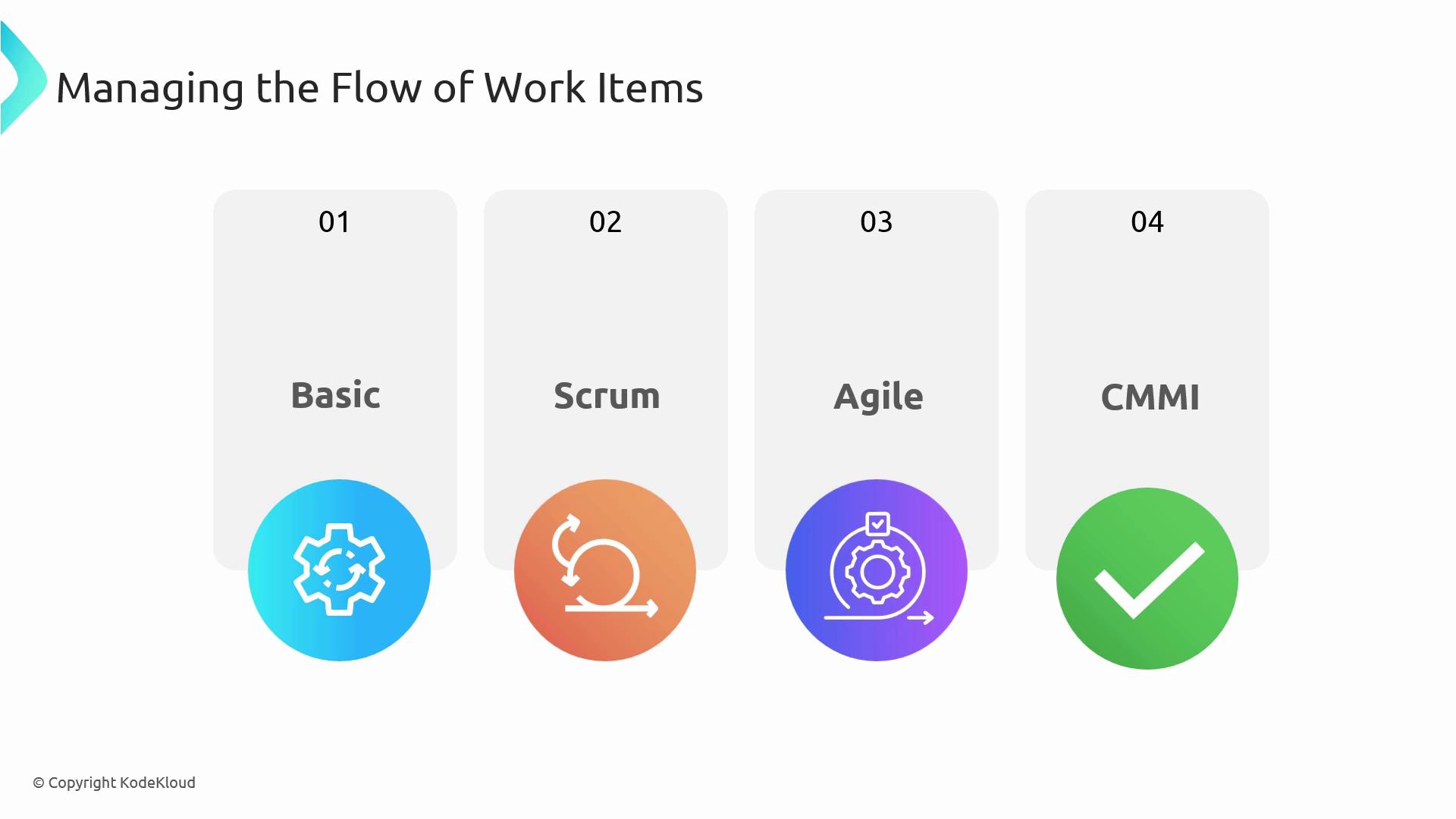
| Template | Best For | Key Features |
| -------- | ---------------------- | ----------------------------------------------------- |
| Basic | Small teams | Simplified work items, minimal fields |
| Scrum | Sprint-driven teams | Sprint backlogs, burndown charts, capacity planning |
| Agile | Continuous delivery | Iterations, Kanban boards, customer feedback loops |
| CMMI | Regulated environments | Detailed work item states, process governance, audits |
### Basic
The **Basic** template offers a lean setup with only the essential fields, making it perfect for small or newly formed teams that need to get started quickly.
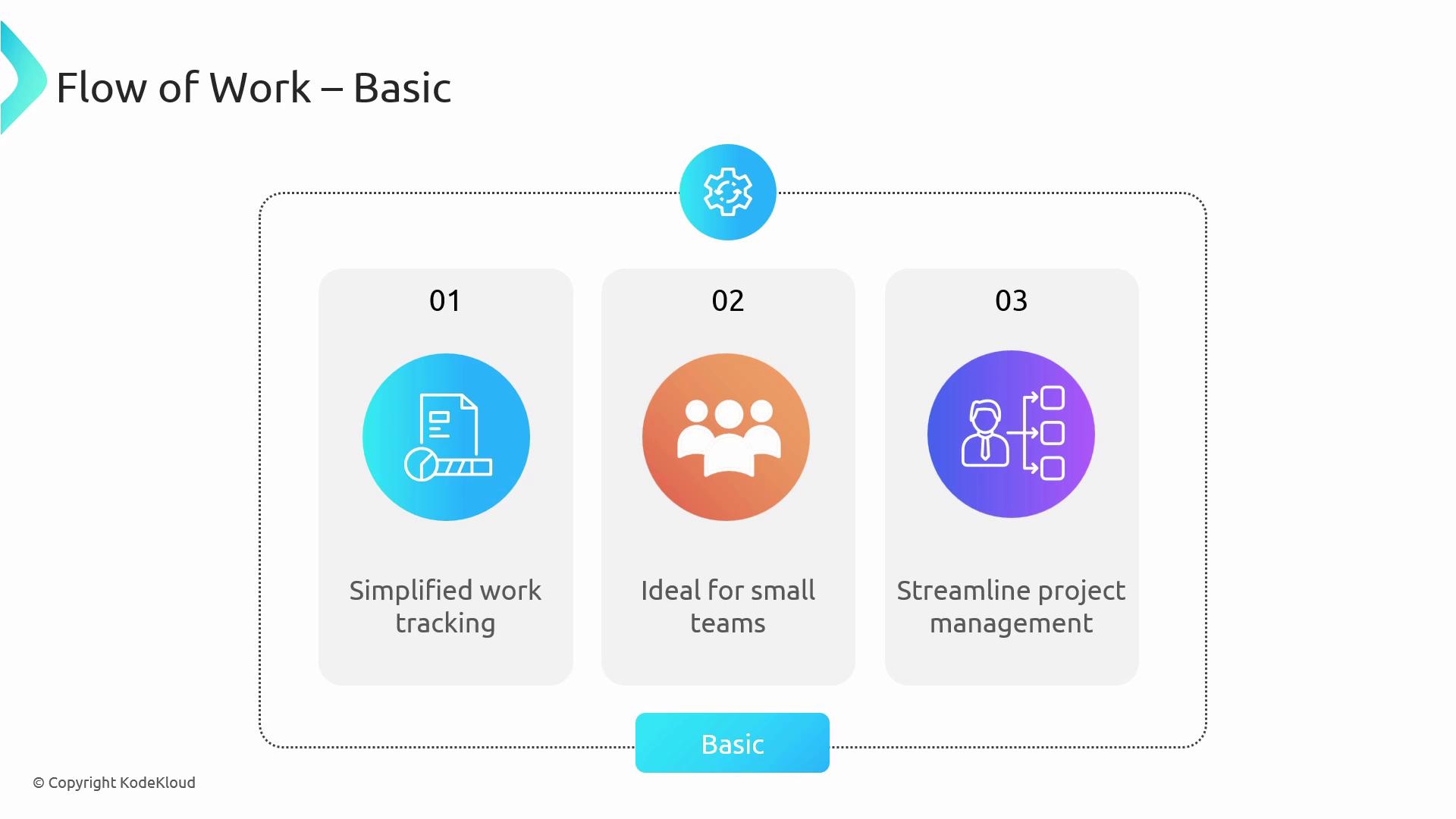
* Minimal work item types: Issue, Epic, Task
* Quick onboarding and minimal configuration
* Streamlined board for high visibility
### Scrum
The **Scrum** template is tailored for teams that plan work in fixed-length sprints. It includes artifacts like sprint backlogs, burndown charts, and capacity planning tools to support iterative delivery.
* Sprint Backlog and Product Backlog work item types
* Built-in **Burndown Chart** and **Sprint Capacity** widgets
* Integration with [Azure Pipelines](https://docs.microsoft.com/azure/devops/pipelines/) for CI/CD
Use the burndown chart daily to track sprint progress and identify scope creep early.
### Agile
Designed for fast-moving teams, the **Agile** template emphasizes continuous delivery and rapid response to stakeholder feedback.
* **User Stories**, **Features**, and **Epics** hierarchy
* Kanban board with customizable columns
* Frequent releases via release pipelines
### CMMI
Organizations requiring a highly structured process often choose **CMMI**. This template enforces rigorous documentation, audit trails, and formal process controls to meet compliance standards.
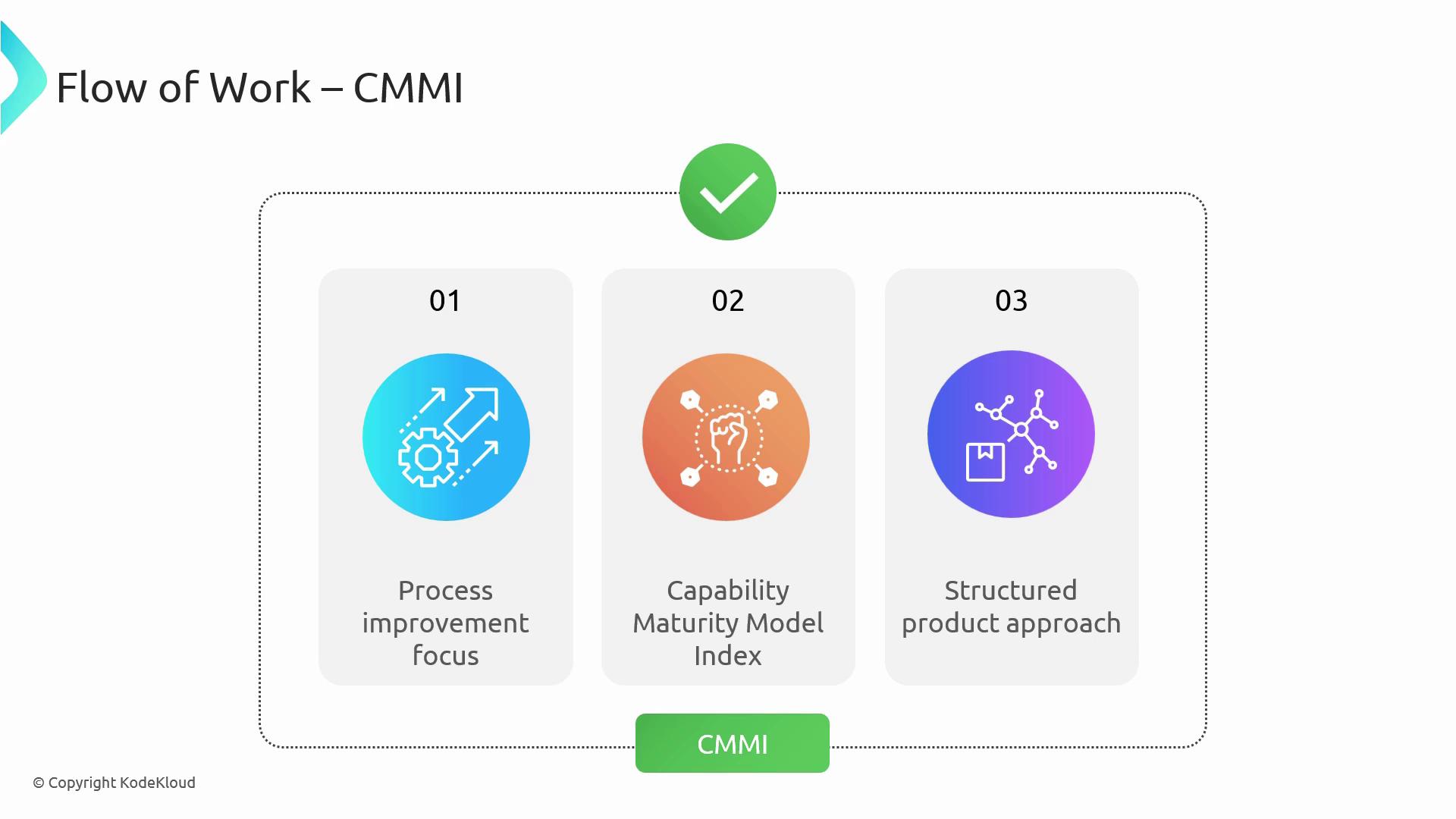
* Detailed work item states and transitions
* Rich reporting for audits and performance measurement
* Emphasis on process improvement and quality assurance
The CMMI template introduces more fields and states; evaluate the overhead before adopting it for smaller projects.
## Conclusion
Choosing the right process template in Azure DevOps sets the foundation for transparent, efficient delivery. Whether you need a lightweight board for a small team or a comprehensive framework for compliance, Azure DevOps has you covered.
## Links and References
* [Azure Boards Documentation](https://docs.microsoft.com/azure/devops/boards/)
* [Agile Tools in Azure DevOps](https://docs.microsoft.com/azure/devops/boards/get-started/)
* [Implementing CMMI with Azure DevOps](https://docs.microsoft.com/azure/devops/boards/process/cmmiprocess)
* [Azure Pipelines Overview](https://docs.microsoft.com/azure/devops/pipelines/)