> ## Documentation Index
> Fetch the complete documentation index at: https://notes.kodekloud.com/llms.txt
> Use this file to discover all available pages before exploring further.
# Azure DevOps Boards
> Azure DevOps Boards offers tools for planning, tracking, and managing work in agile projects, enhancing team collaboration and project delivery efficiency.
Azure DevOps Boards provides a centralized hub for planning, tracking, and discussing work across your teams. With built-in support for agile planning, work item tracking, visualization, and reporting, Azure Boards helps you deliver value faster and with higher quality.
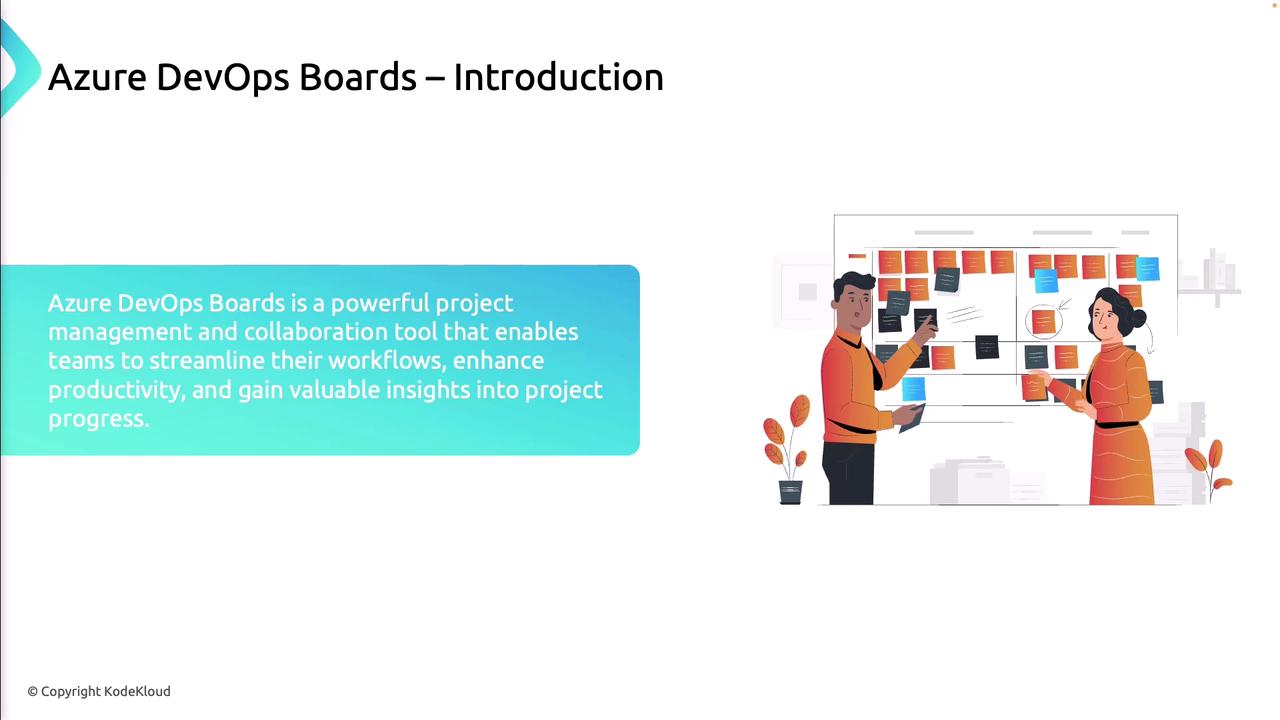
By aggregating all your work in one place, Azure Boards gives you real-time insights into project health, enabling informed decisions and smoother delivery.
## Core Concepts of Azure DevOps Boards
Azure Boards lets you manage diverse work items—tasks, bugs, user stories, and features—in a shared environment so everyone stays aligned on priorities and progress.
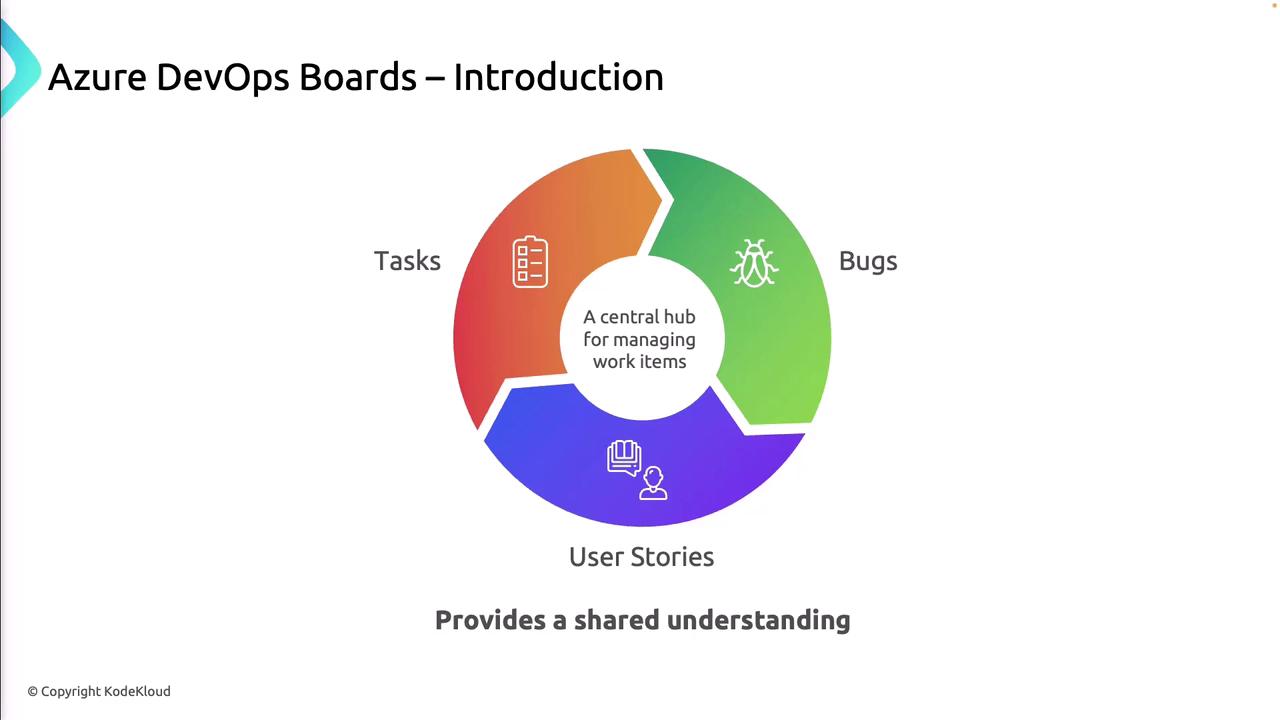
| Core Component | Description |
| -------------- | --------------------------------------------------------- |
| Work Items | Create, assign, and track anything from tasks to bugs. |
| Backlogs | Prioritized lists of work items that define your roadmap. |
| Sprints | Time-boxed iterations for delivering incremental value. |
| Boards | Visual Kanban or Scrum boards to monitor workflow. |
| Queries | Custom searches and filters for reporting and insights. |

### Work Items
Work items are the fundamental units of work in Azure Boards:
* **User Stories**: End-user features described in plain language.
* **Bugs**: Defects or issues that require a fix.
* **Tasks**: Discrete pieces of work tied to backlog items.
* **Features**: Higher-level groupings of related stories and tasks.
Effective categorization and clear descriptions ensure your team stays focused and productive.
## Kanban Board
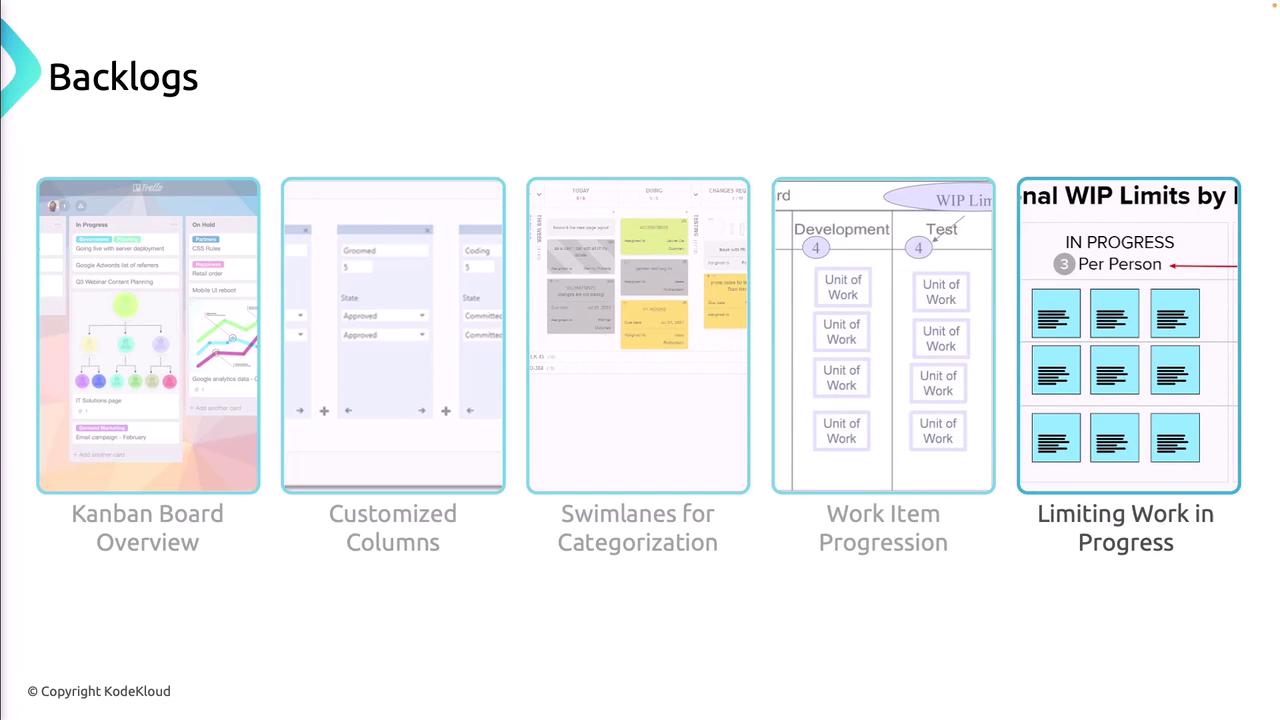
The Kanban Board gives you a dynamic, real-time view of work-in-progress:
* Customize columns to reflect your workflow stages.
* Add swimlanes to group by priority, team, or feature.
* Enforce Work-in-Progress (WIP) limits to avoid bottlenecks.
* Drag and drop cards to update status instantly.
Setting overly high or low WIP limits can hurt flow. Adjust limits based on historical throughput and team capacity.
## Sprints and Sprint Planning
Sprints in Azure Boards help teams commit to and deliver a shippable increment each iteration:
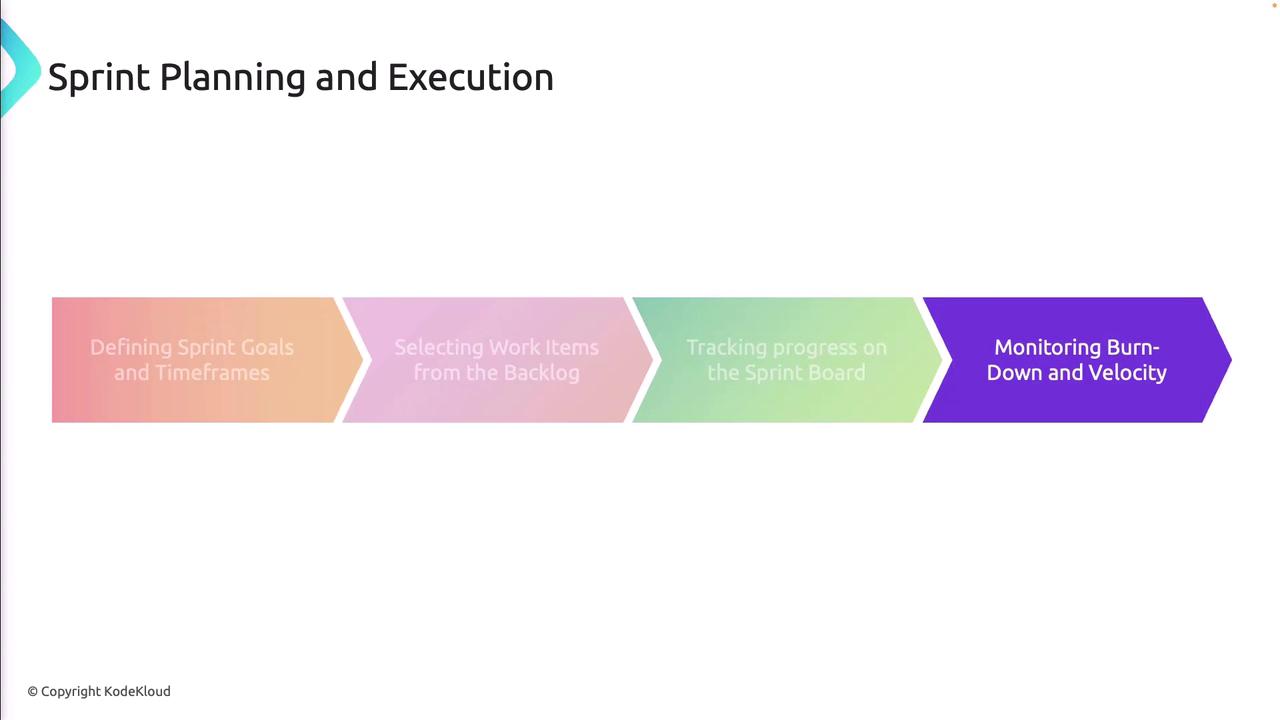
1. Define sprint goals and set start/end dates.
2. Select backlog items based on team capacity.
3. Track progress on the Sprint Board in real time.
4. Review burndown charts and velocity metrics for continuous improvement.
## Queries
Use Queries to filter, search, and group work items for reporting or dashboard widgets:
* Save and share custom queries for recurring needs.
* Pin query results to project dashboards.
* Track burndown and cumulative flow trends.
* Analyze team velocity and forecast upcoming sprints.

## Best Practices
* Define and maintain clear workflows aligned to your process.
* Keep backlogs groomed and prioritized.
* Establish a regular cadence for sprint reviews and retrospectives.
* Integrate Azure Boards with Repos, Pipelines, and Test Plans.
* Leverage dashboards and analytics to monitor health and progress.
Integrating your Boards with CI/CD pipelines and test plans gives you end-to-end traceability from code to release.

By adopting these practices, your team will maximize the value of Azure DevOps Boards and accelerate delivery of high-quality software.
## Links and References
* [Azure DevOps Boards documentation](https://docs.microsoft.com/azure/devops/boards/)
* [Work Items overview](https://docs.microsoft.com/azure/devops/boards/work-items/)
* [Kanban boards in Azure DevOps](https://docs.microsoft.com/azure/devops/boards/boards/)
* [Sprints and Scrum in Azure Boards](https://docs.microsoft.com/azure/devops/boards/sprints/)
* [Azure DevOps integration guides](https://docs.microsoft.com/azure/devops/integrate/)