> ## Documentation Index
> Fetch the complete documentation index at: https://notes.kodekloud.com/llms.txt
> Use this file to discover all available pages before exploring further.
# Large repositories with Scalar
> This guide explores challenges of large Git repositories and presents strategies to optimize performance using Scalar and Git extensions.
When a Git repository grows to tens or hundreds of gigabytes—especially with binary assets like images, audio, or video—standard Git operations (clone, fetch, checkout) can become painfully slow. In this guide, we’ll explore the core challenges of large repositories and present seven practical strategies to accelerate your workflows using Scalar, Git extensions, and repository layout techniques.
## Challenges in Managing Large Repositories
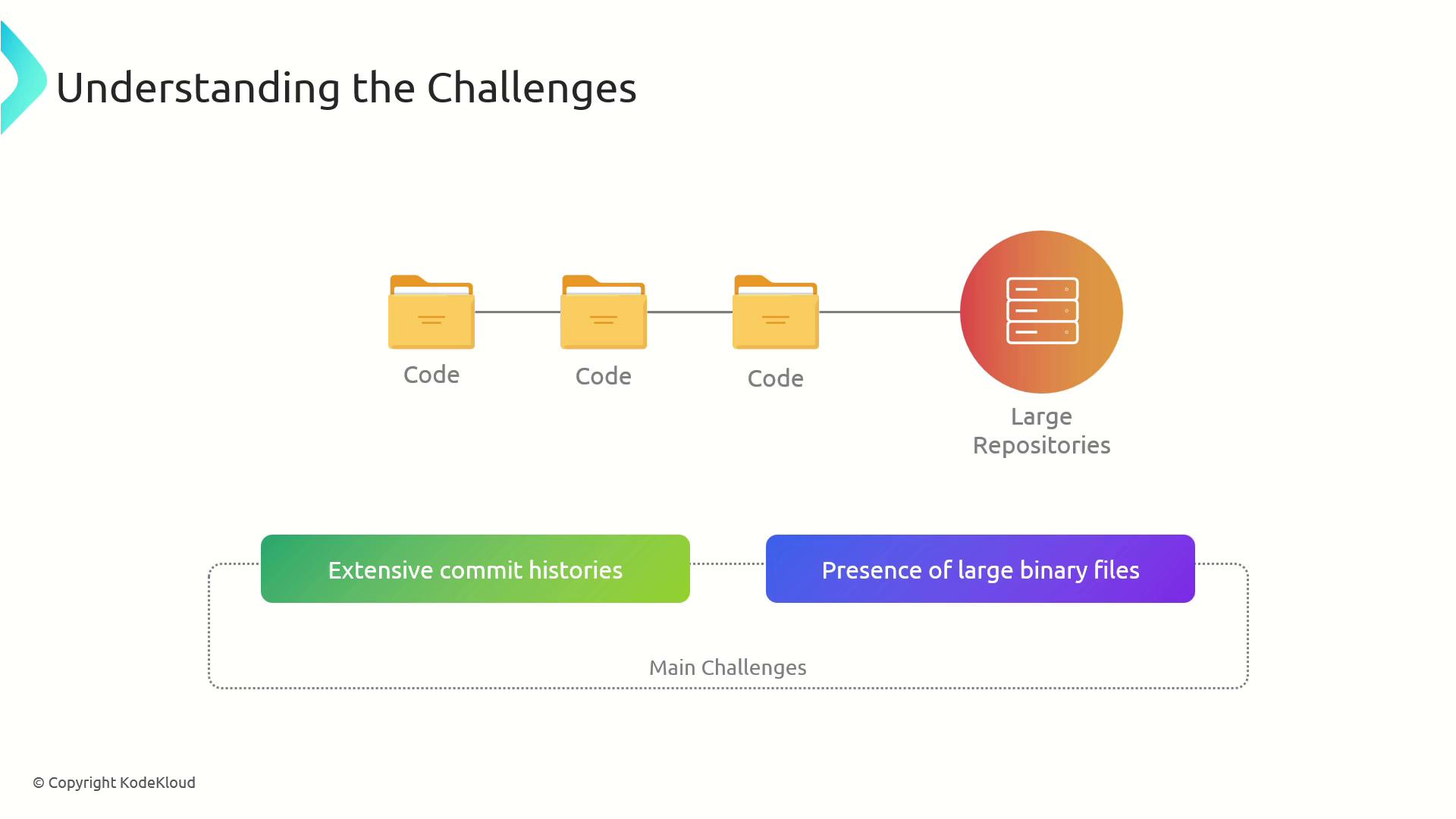
Large repos combine deep commit histories with sizable binary files, which leads to:
* Slow `git clone` and `git fetch`
* Long checkout times
* Increased local disk usage
* Stale objects and packfiles
***
## 1. Shallow Cloning
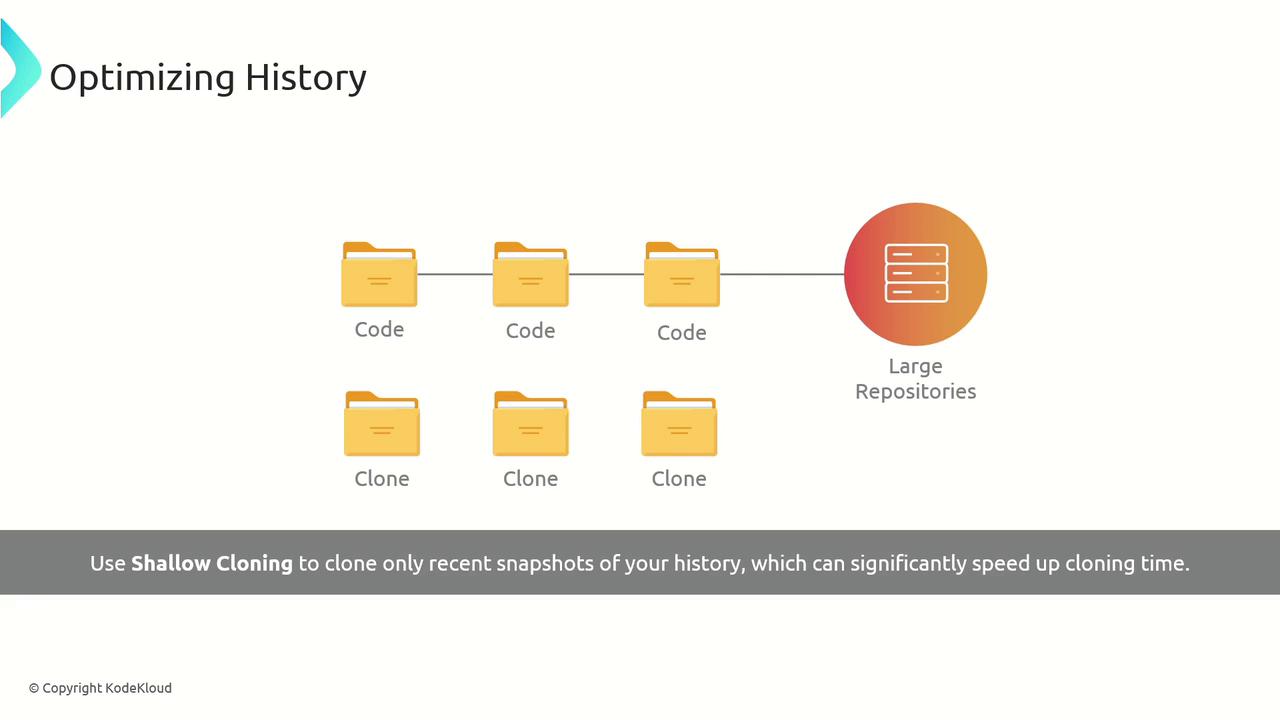
A **shallow clone** limits the commit history you download, drastically reducing clone time and disk usage.
```bash theme={null}
git clone --depth
```
Replace `` with the number of recent commits you need.
Shallow clones omit older history, so `git log --follow` and certain bisecting operations may not work as expected.
***
## 2. Git Large File Storage (LFS)
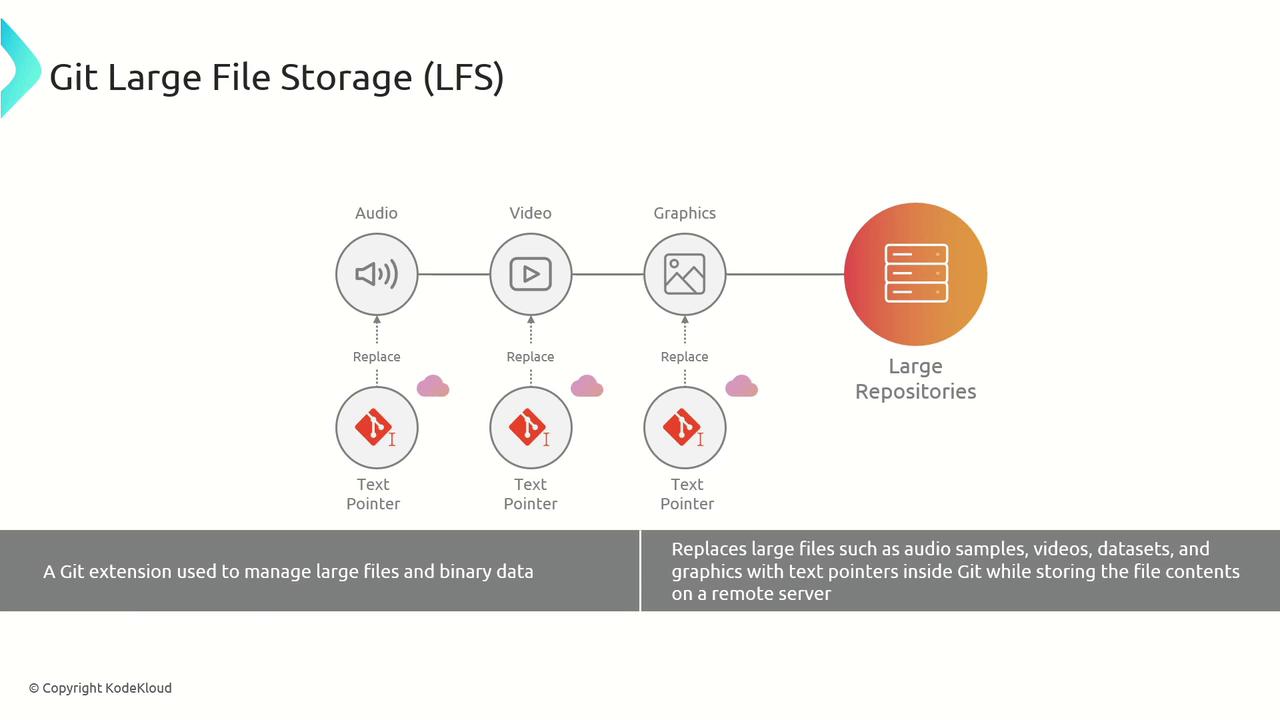
**Git LFS** offloads large binary files to a remote LFS server while storing lightweight text pointers in your repo’s history.
```bash theme={null}
git lfs install
git lfs track "*.psd"
git add .gitattributes
git commit -m "Track design files with Git LFS"
```
Git LFS can incur additional bandwidth and storage costs on hosted services. Check your LFS quota before adopting large-scale storage.
***
## 3. Alternative: Git-Fat
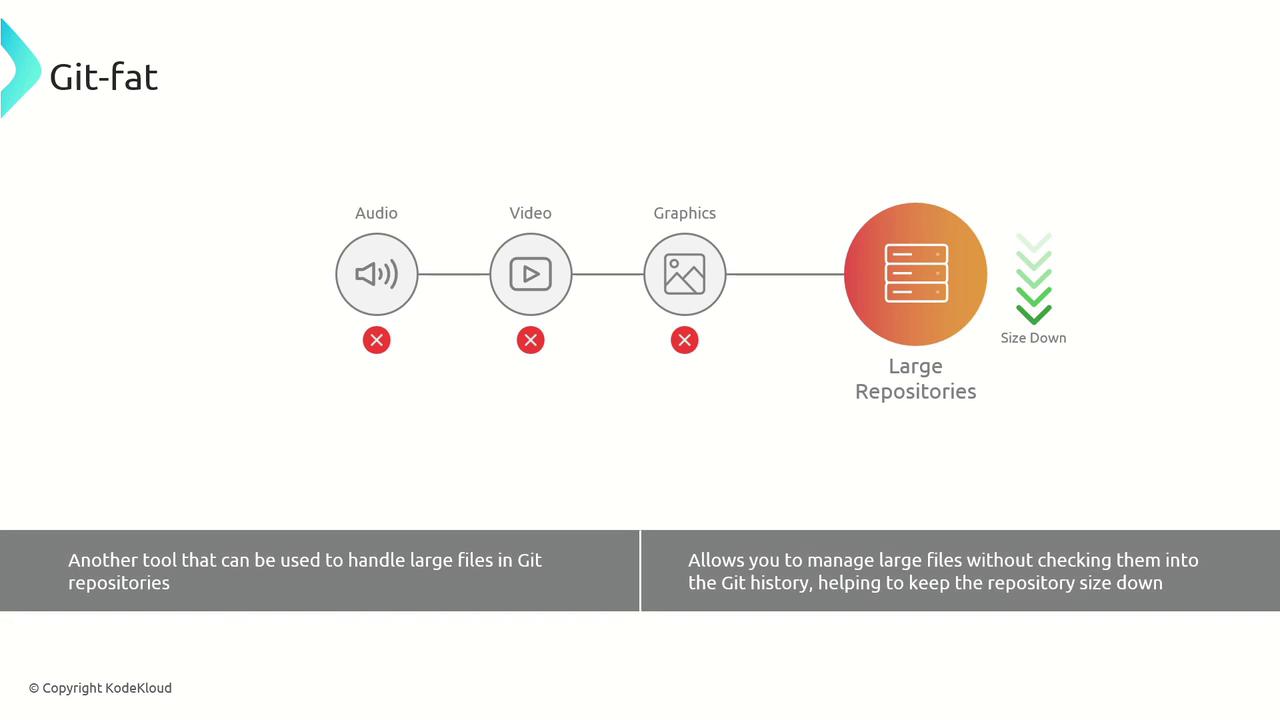
**Git-Fat** is a lightweight alternative to LFS that stores large assets in a separate backend (e.g., S3, your own server) and keeps only references in Git.
```bash theme={null}
git clone https://github.com/jedbrown/git-fat.git
git-fat init
git-fat track "*.zip"
git add .gitfat
git commit -m "Enable Git-Fat for large archives"
```
***
## 4. Cross-Repository Sharing
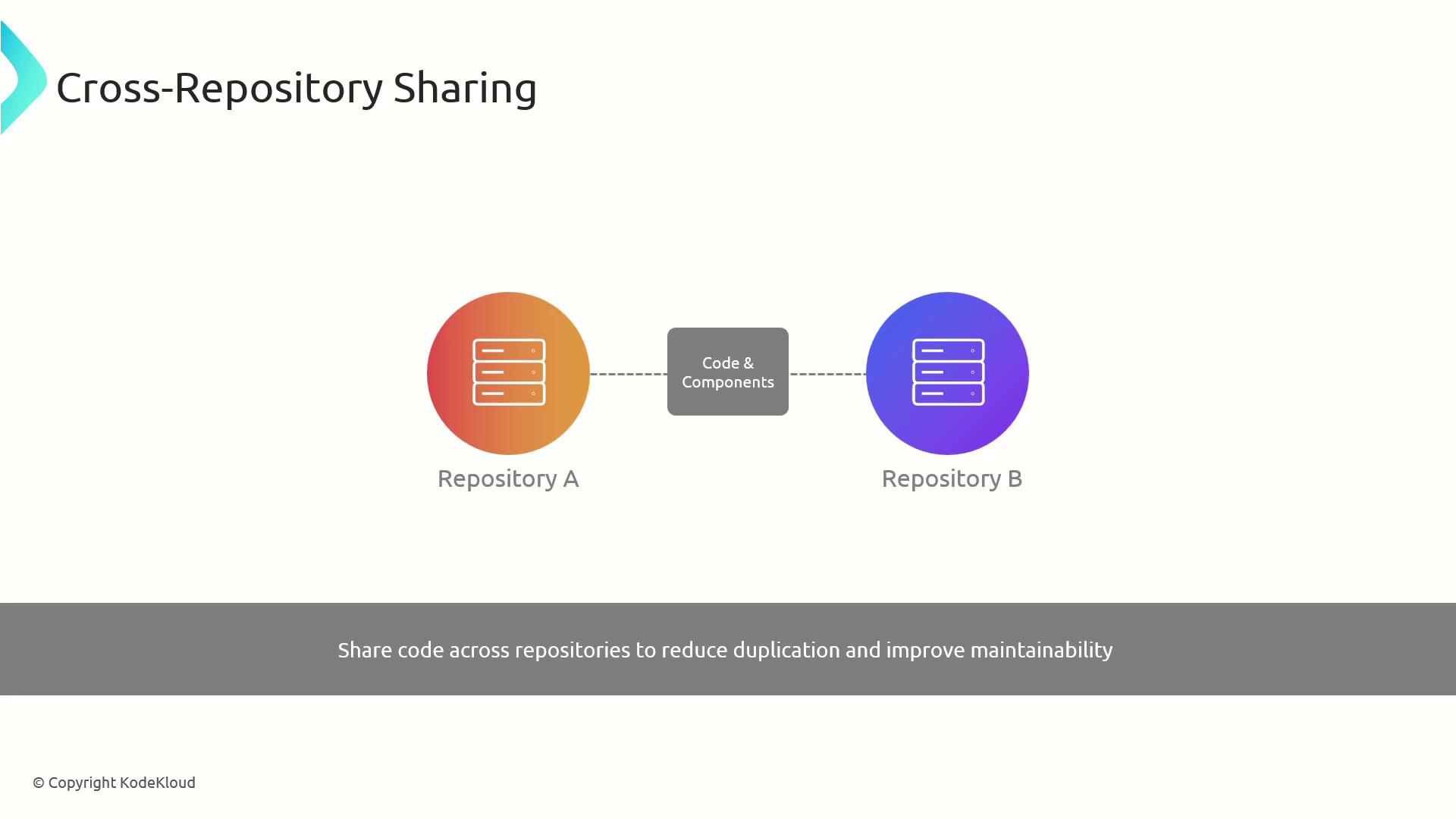
Extract common libraries or components into a shared repo or package registry to **avoid duplication** across multiple projects.
* Create a `common-ui` or `shared-utils` repository
* Publish versions to npm, PyPI, or a private registry
* Reference in other repos as a dependency
***
## 5. Sparse Checkout
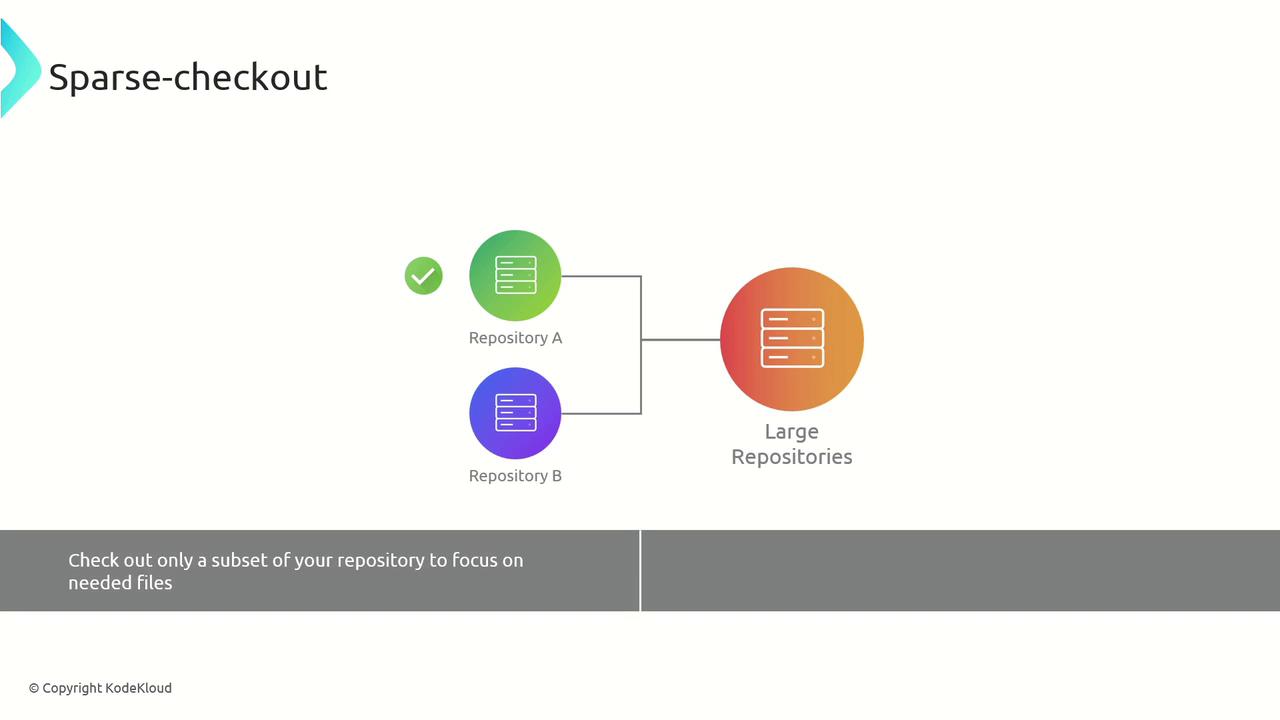
**Sparse checkout** lets you clone the full repo, but check out only specific directories or files to your working tree.
```bash theme={null}
git clone --no-checkout
cd
git sparse-checkout init --cone
git sparse-checkout set src/docs/
git checkout main
```
***
## 6. Partial Clone
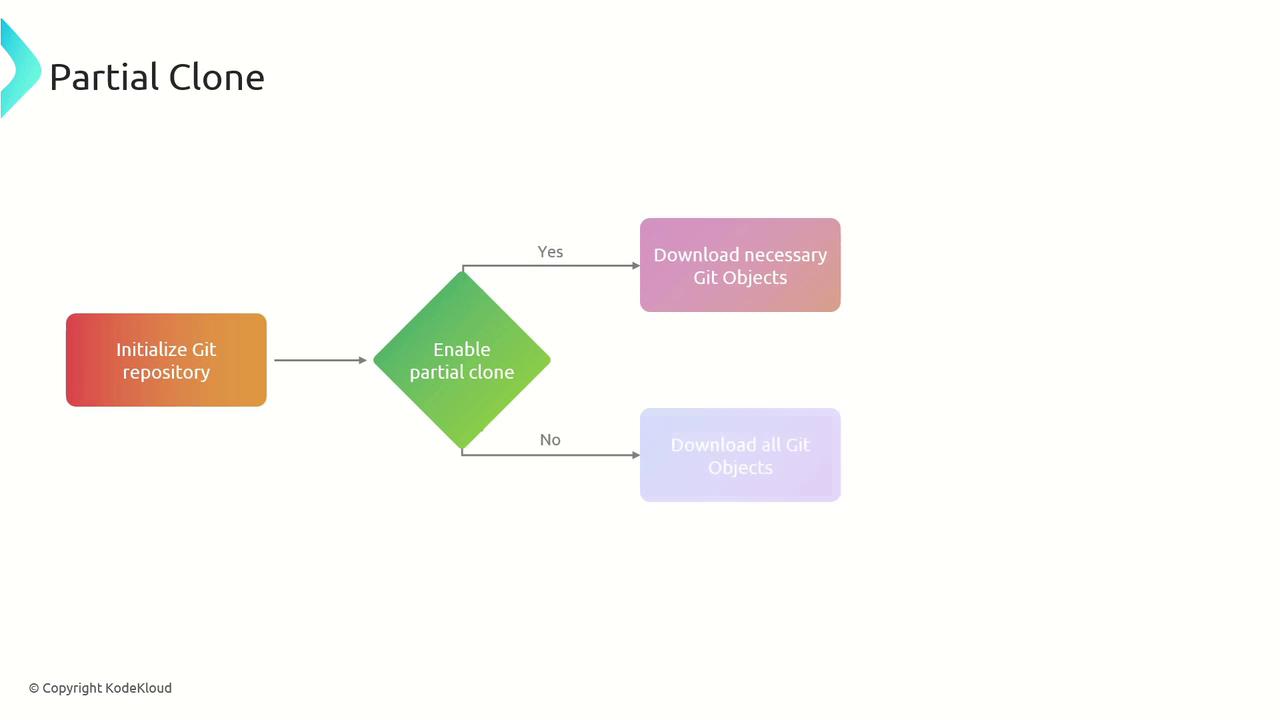
A **partial clone** defers downloading large Git objects until they’re actually needed, reducing initial clone size.
```bash theme={null}
git clone --filter=blob:none --no-checkout
cd
git checkout main
```
***
## 7. Background Prefetch
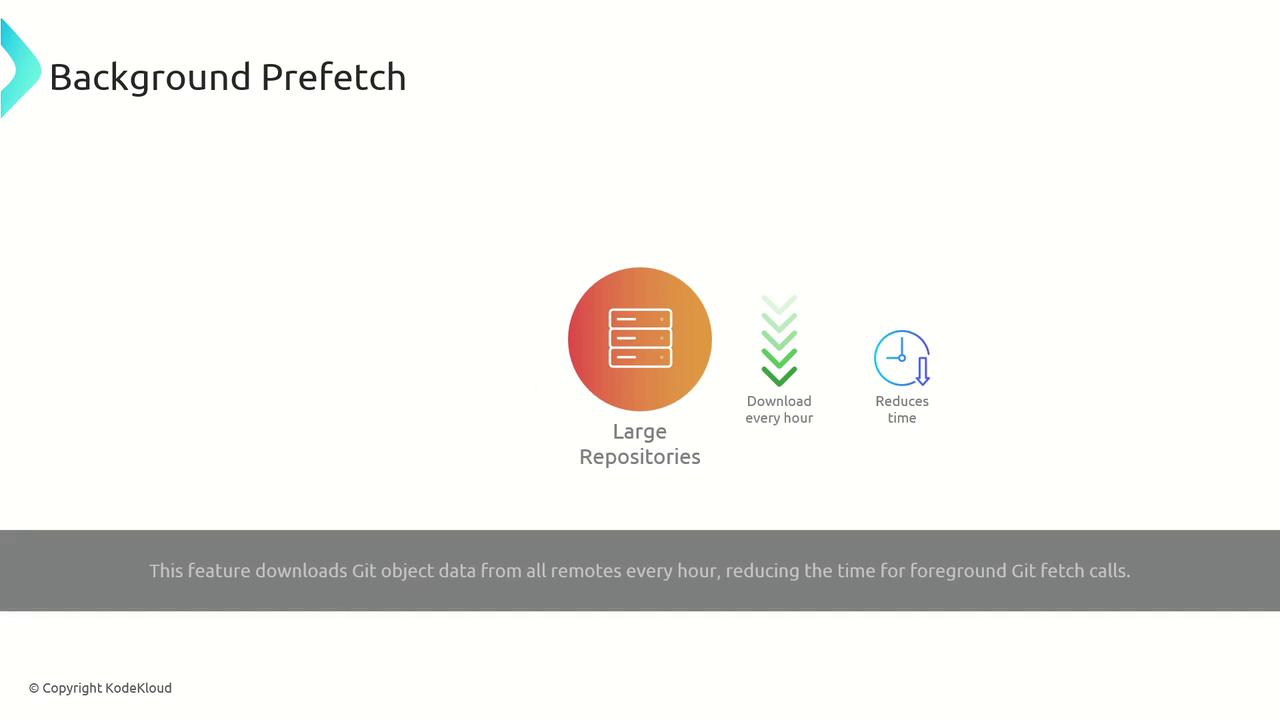
Enable **background prefetch** to automatically download Git objects from remotes (e.g., hourly), so `git fetch` runs almost instantly.
```bash theme={null}
git config --global scalar.foregroundPrefetch false
scalar clone
```
***
## Strategy Overview
| Strategy | Use Case | Example Command |
| ------------------------ | ------------------------------------------------------ | -------------------------------------------- |
| Shallow Clone | Speed up clones with limited history | `git clone --depth 10 https://...` |
| Git LFS | Manage large binaries (audio, video, graphics) | `git lfs track "*.mp4"` |
| Git-Fat | Alternative external storage for large assets | `git-fat init` |
| Cross-Repository Sharing | Reuse shared code across multiple projects | Publish to npm/PyPI or `git submodule` |
| Sparse Checkout | Check out only needed directories | `git sparse-checkout set docs/` |
| Partial Clone | Delay blob downloads until required | `git clone --filter=blob:none` |
| Background Prefetch | Automate object prefetch to speed up interactive fetch | `git config scalar.foregroundPrefetch false` |
***
## Links and References
* [Git Large File Storage (LFS) Documentation](https://git-lfs.github.com/)
* [Git-Fat GitHub Repository](https://github.com/jedbrown/git-fat)
* [Sparse Checkout Guide](https://git-scm.com/docs/git-sparse-checkout)
* [Partial Clone and Fetch](https://git-scm.com/docs/partial-clone)
* [Scalar: Accelerate Monorepos](https://github.com/microsoft/scalar)