> ## Documentation Index
> Fetch the complete documentation index at: https://notes.kodekloud.com/llms.txt
> Use this file to discover all available pages before exploring further.
# Purge Data from Source Control
> This guide explains purging data from Git repositories, its importance, tools for cleanup, and practical examples for maintaining a secure codebase.
Purging data from source control is essential for maintaining a clean, efficient, and secure codebase. In this guide, we’ll define purging in the context of Git repositories, explain why it matters, compare the top tools, and walk through hands-on examples.
## What Is Purging?
Purging a repository means removing unwanted or sensitive files from its commit history. This process helps you:
* Reclaim disk space
* Eliminate accidental commits
* Protect secrets from exposure
## Why Purge Files?
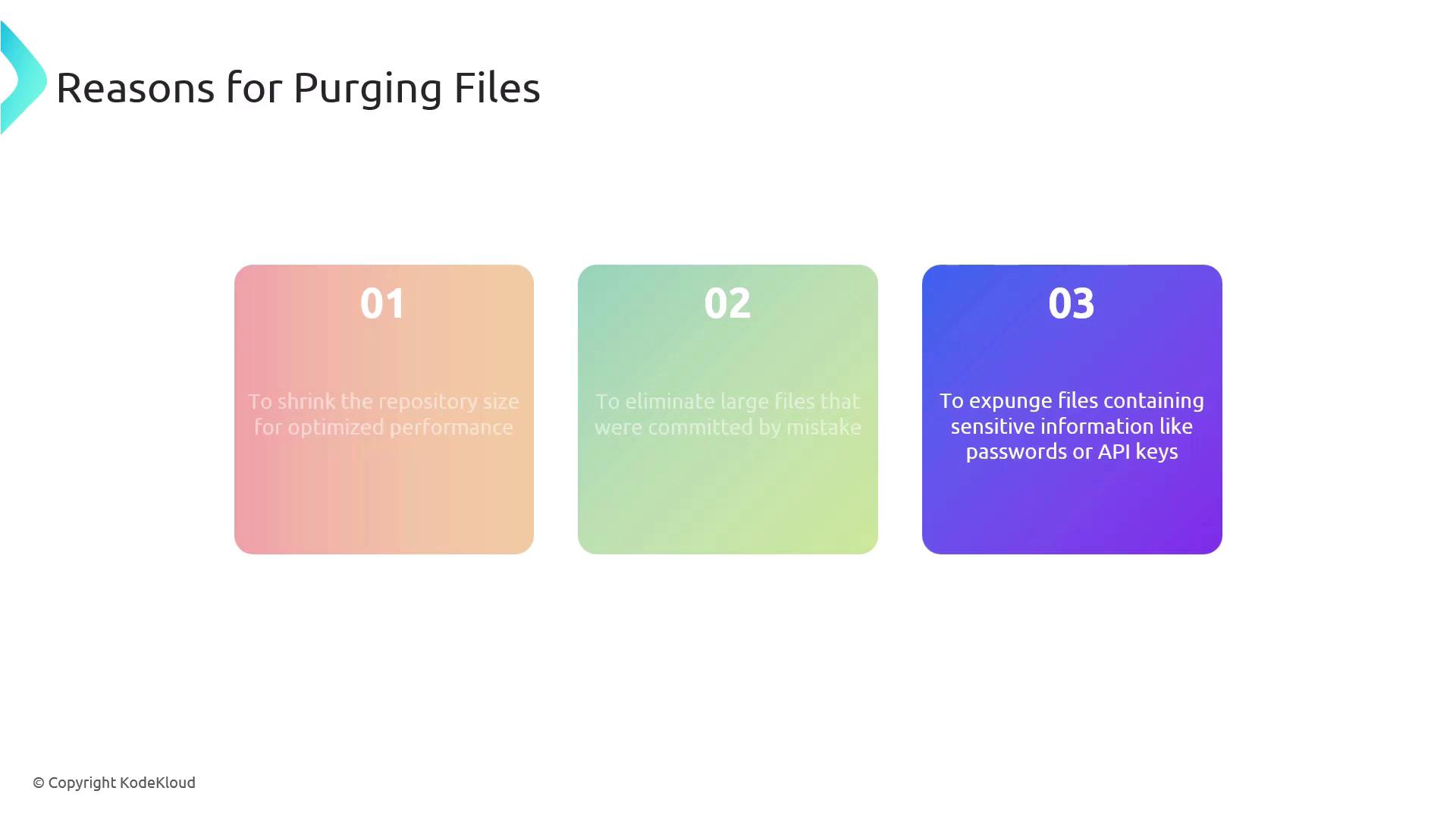
By cleaning up your Git history, you can:
* **Optimize Performance:** Smaller repos clone and checkout faster.
* **Eliminate Mistakes:** Remove large or accidental commits.
* **Protect Secrets:** Expunge API keys, passwords, and other sensitive data.
Always back up your repository before rewriting history. Purging is irreversible.
## Repository Cleanup Tools
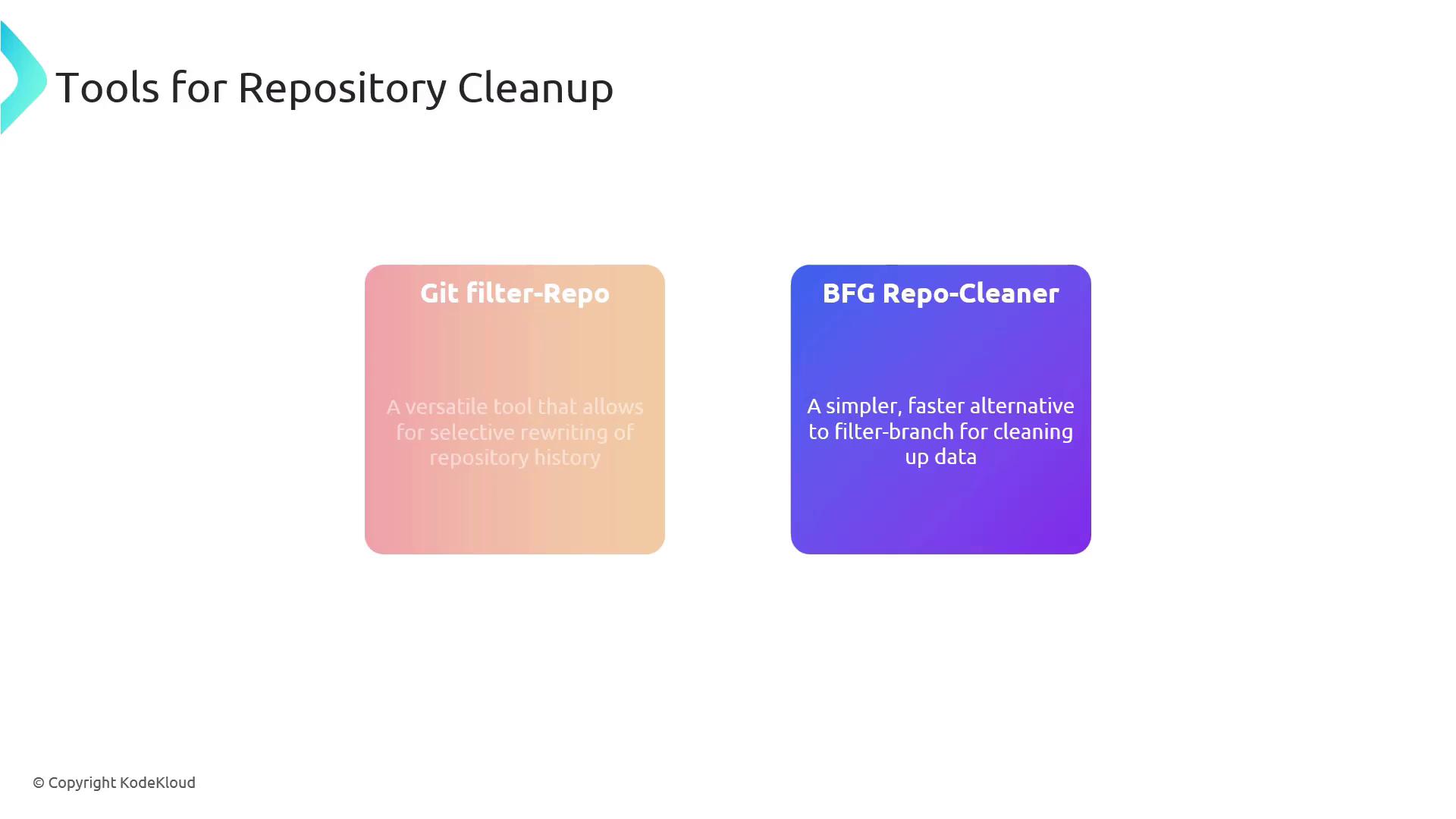
Here’s a quick comparison of the two leading Git history-rewriting tools:
| Tool | Use Case | Documentation |
| ---------------- | -------------------------------------------- | -------------------------------------------------------------- |
| Git filter-repo | Official, highly configurable, fine-grained | [Git filter-repo](https://github.com/newren/git-filter-repo) |
| BFG Repo-Cleaner | Fast, simple syntax for common cleanup tasks | [BFG Repo-Cleaner](https://rtyley.github.io/bfg-repo-cleaner/) |
## Practical Examples
### 1. Deleting Large or Unwanted Files
Remove a file named `archive.tar.gz`:
```bash theme={null}
# Using BFG Repo-Cleaner:
bfg --delete-files archive.tar.gz
# Or with Git filter-repo:
git filter-repo --path archive.tar.gz --invert-paths
```
### 2. Removing Sensitive Content
First, list sensitive patterns in `passwords.txt` (one per line):
```text theme={null}
PASSWORD
API_KEY
```
Then run:
```bash theme={null}
# Using BFG Repo-Cleaner:
bfg --replace-text passwords.txt
# Or with Git filter-repo:
git filter-repo --replace-text passwords.txt
```
Force-pushing rewritten history will overwrite the remote. Coordinate with your team to avoid conflicts.
## Final Steps
After rewriting history, complete these actions:
1. **Force-push the cleaned history**
```bash theme={null}
git push --force
```
2. **Notify your team** to reclone or reset their local copies:
```bash theme={null}
git fetch --all
git reset --hard origin/main
```
Ensure everyone is on the same page to prevent divergent histories.
## Links and References
* [Git filter-repo Documentation](https://github.com/newren/git-filter-repo)
* [BFG Repo-Cleaner Homepage](https://rtyley.github.io/bfg-repo-cleaner/)
* [Git Tools – Rewriting History](https://git-scm.com/book/en/v2/Git-Tools-Rewriting-History)