> ## Documentation Index
> Fetch the complete documentation index at: https://notes.kodekloud.com/llms.txt
> Use this file to discover all available pages before exploring further.
# Choose between Service Principals and Managed Identity
> This guide helps secure Azure resources by comparing Service Principals and Managed Identities, covering best practices and providing step-by-step CLI commands.
In this guide, you’ll learn how to secure your Azure resources by choosing the right identity mechanism. We’ll compare **Service Principals** and **Managed Identities**, cover best practices, and show you step-by-step CLI commands.
## Introduction to Identity Management in Azure
Effective identity management acts as the gatekeeper for your cloud environment. It ensures only authorized users and applications can access sensitive data and services in Azure. By implementing the correct identity model, you strengthen your security posture and simplify credential management.
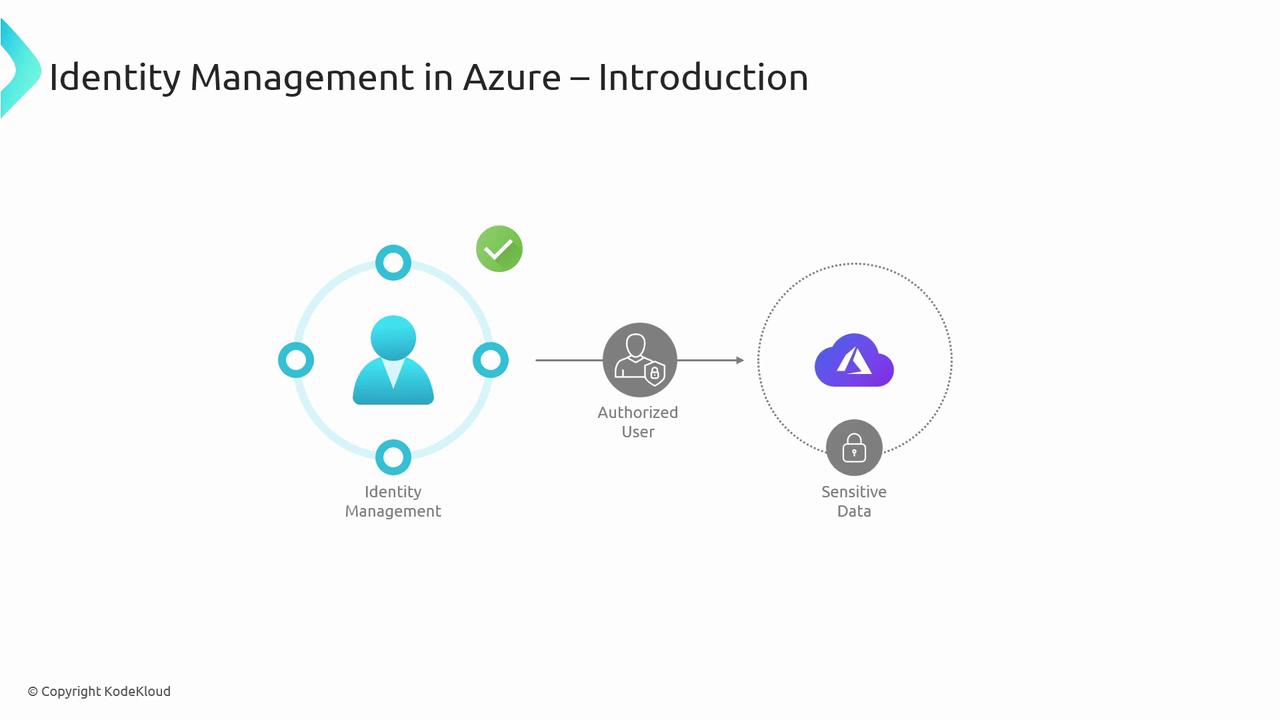
Azure provides two primary identity mechanisms for applications and services:
* **Service Principals**: Custom identities you create and manage manually.
* **Managed Identities**: Azure-managed credentials that automatically rotate.
***
## Service Principals
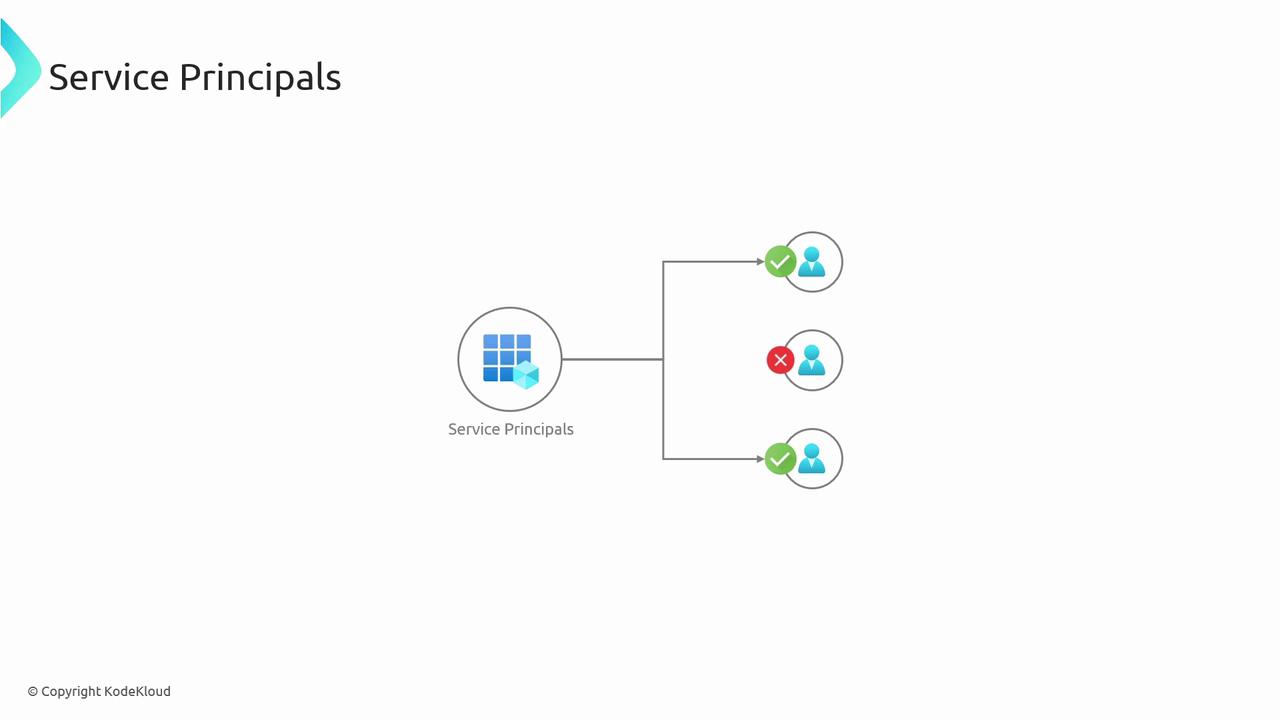
A Service Principal is an identity created for use with applications, hosted services, and automated tools to access Azure resources. It follows the principle of least privilege by granting only the needed permissions.
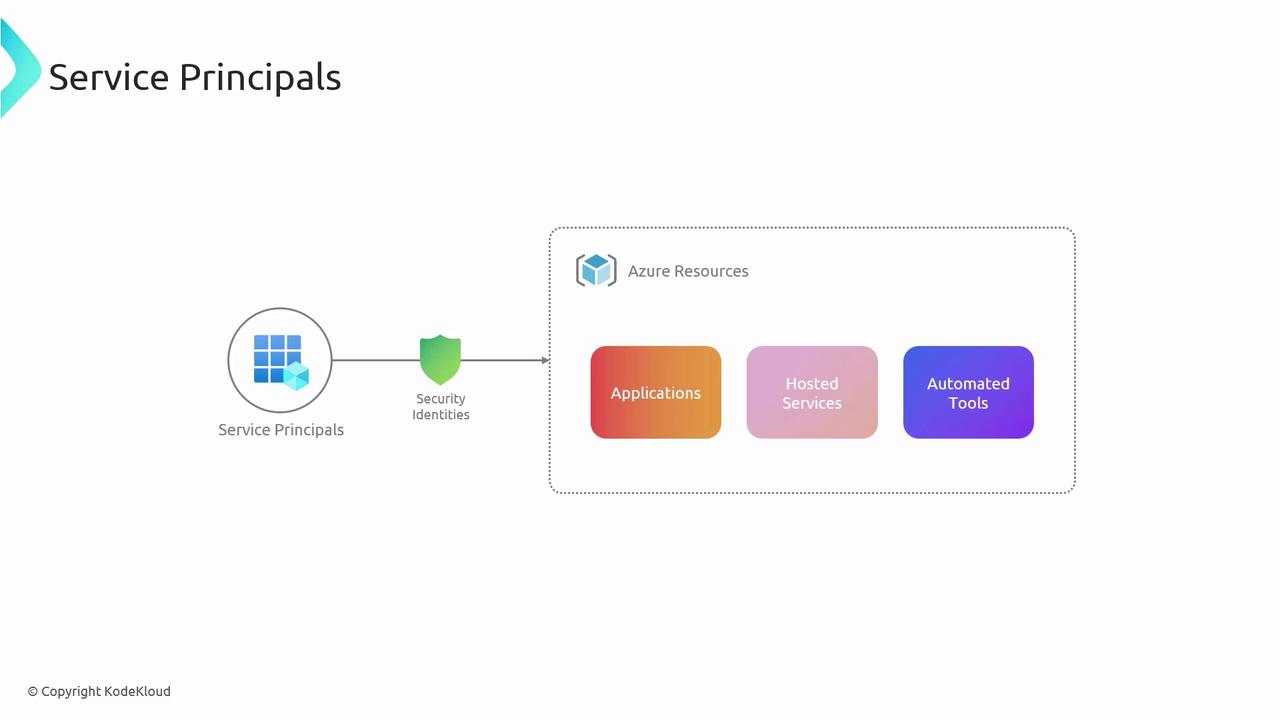
A key scenario for Service Principals is non-interactive access—your app or CI/CD pipeline can authenticate without a user’s credentials:
### Create a Service Principal
Use the Azure CLI to create a Service Principal with a specific role and scope. You need Contributor (or higher) privileges on the target scope.
```bash theme={null}
az ad sp create-for-rbac \
--name \
--role \
--scopes
```
Replace ``, ``, and `` with your desired values, for example `"/subscriptions/00000000-0000-0000-0000-000000000000"`.
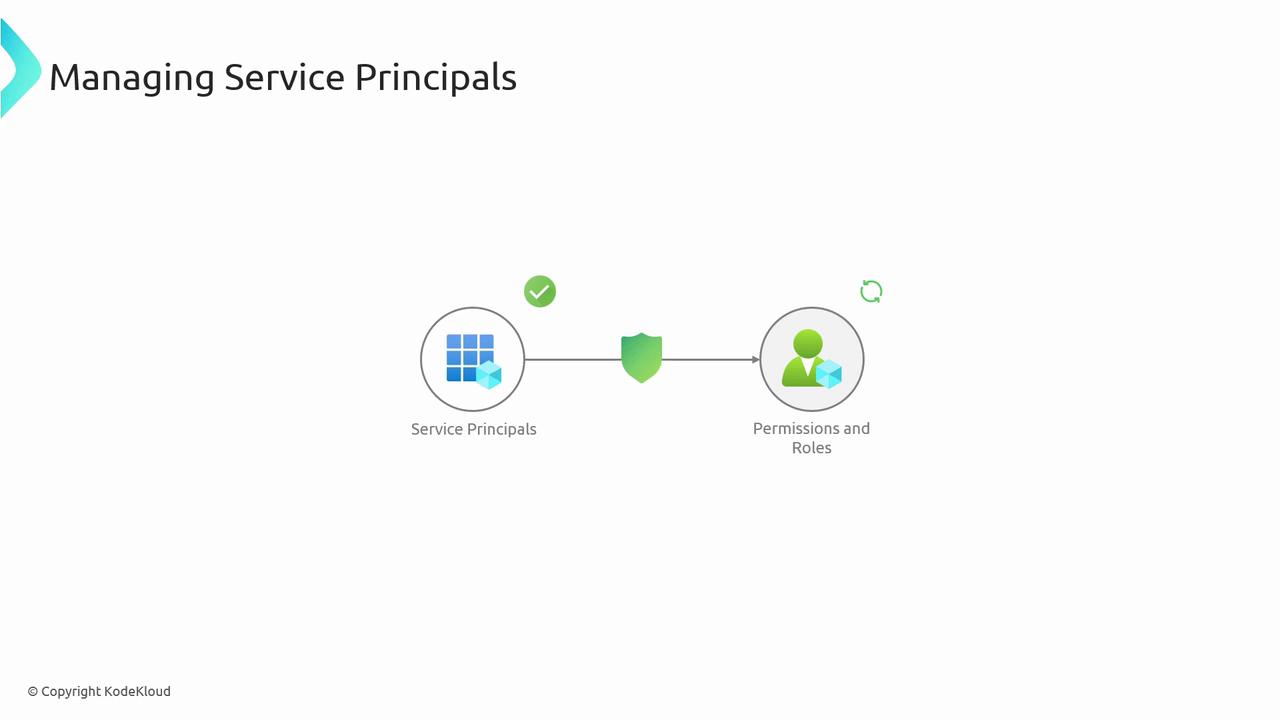
### Assign Roles to an Existing Service Principal
Grant additional permissions by assigning roles:
```bash theme={null}
az role assignment create \
--assignee \
--role \
--scope
```
### Delete a Service Principal
Remove unused Service Principals to reduce risk:
```bash theme={null}
az ad sp delete --id
```
***
## Managed Identities
Managed Identities in Azure Active Directory eliminate the need to store credentials in code. Azure handles credential issuance and rotation automatically.
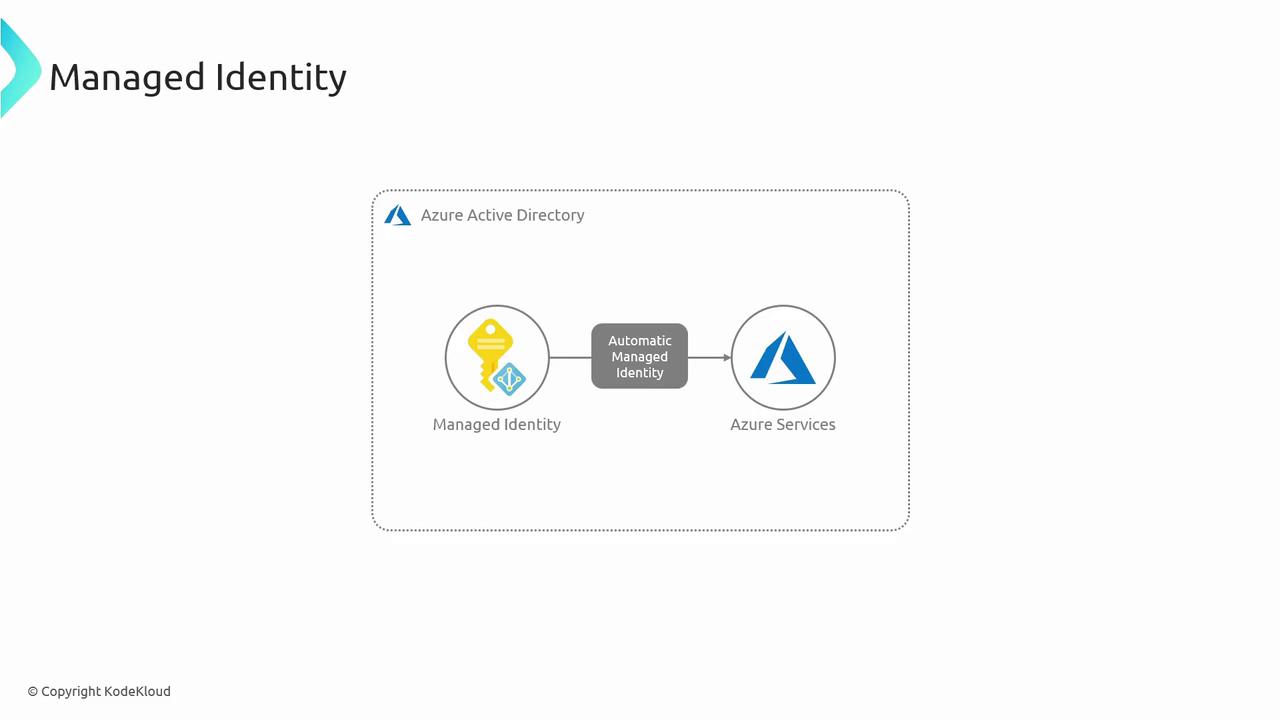
Azure offers two flavors:
1. **System-assigned**
2. **User-assigned**
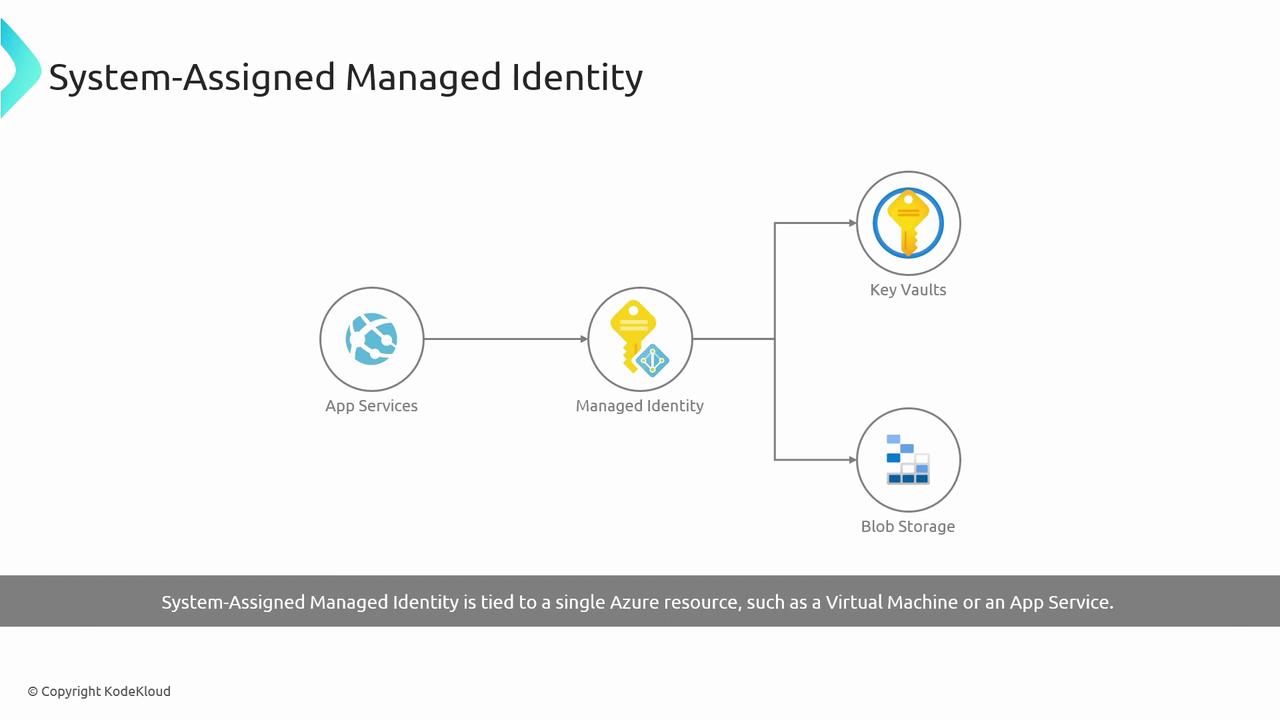
### System-assigned Managed Identity
Tied to a single Azure resource (VM, App Service, Function). Created and deleted alongside that resource.
**Lifecycle**
* Automatically created with the resource
* Automatically deleted when the resource is removed
**Use Case:**\
An Azure VM fetching secrets from Key Vault without storing credentials.
#### Create a VM with System-assigned Identity
```bash theme={null}
az vm create \
--resource-group \
--name \
--assign-identity
```
### User-assigned Managed Identity
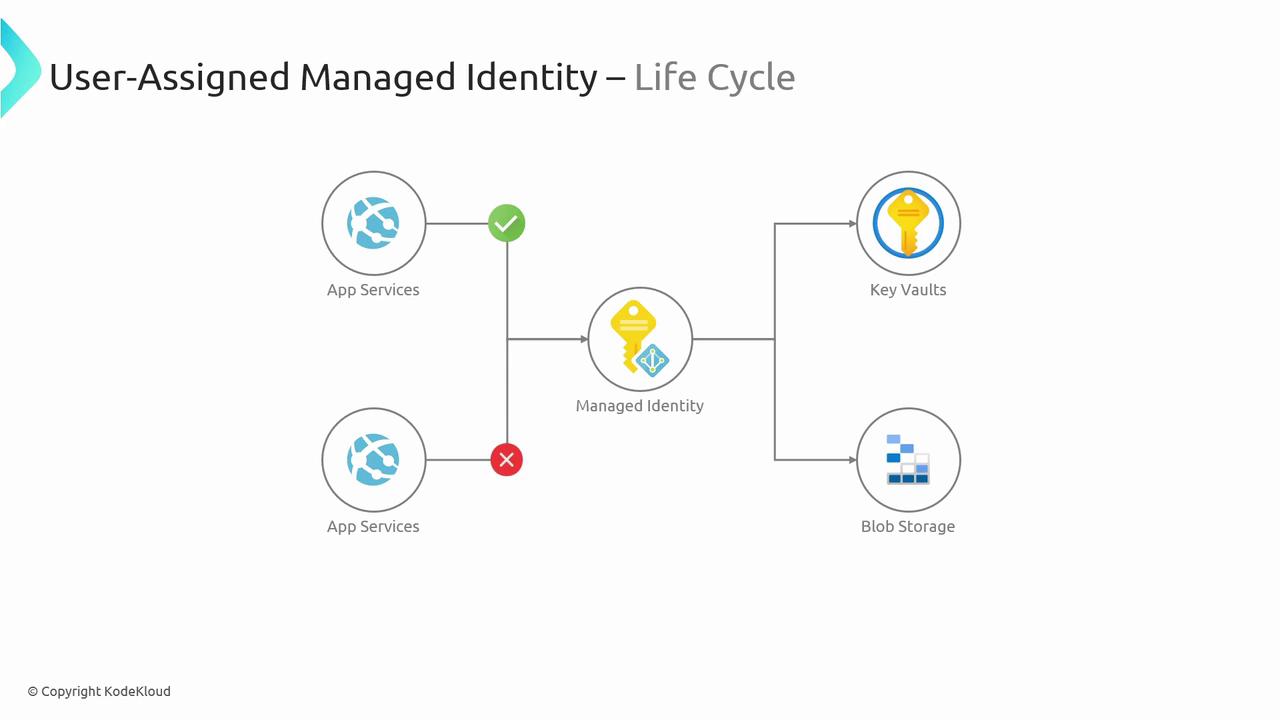
A standalone Azure resource that can be shared across multiple services. You manage its lifecycle independently.
**Use Case:**\
Multiple App Services using one managed identity to access a SQL database.
#### Create a User-assigned Managed Identity
```bash theme={null}
az identity create \
--resource-group \
--name
```
***
## Service Principals vs. Managed Identities
Both Service Principals and Managed Identities enable secure Azure authentication but differ in management overhead and flexibility.
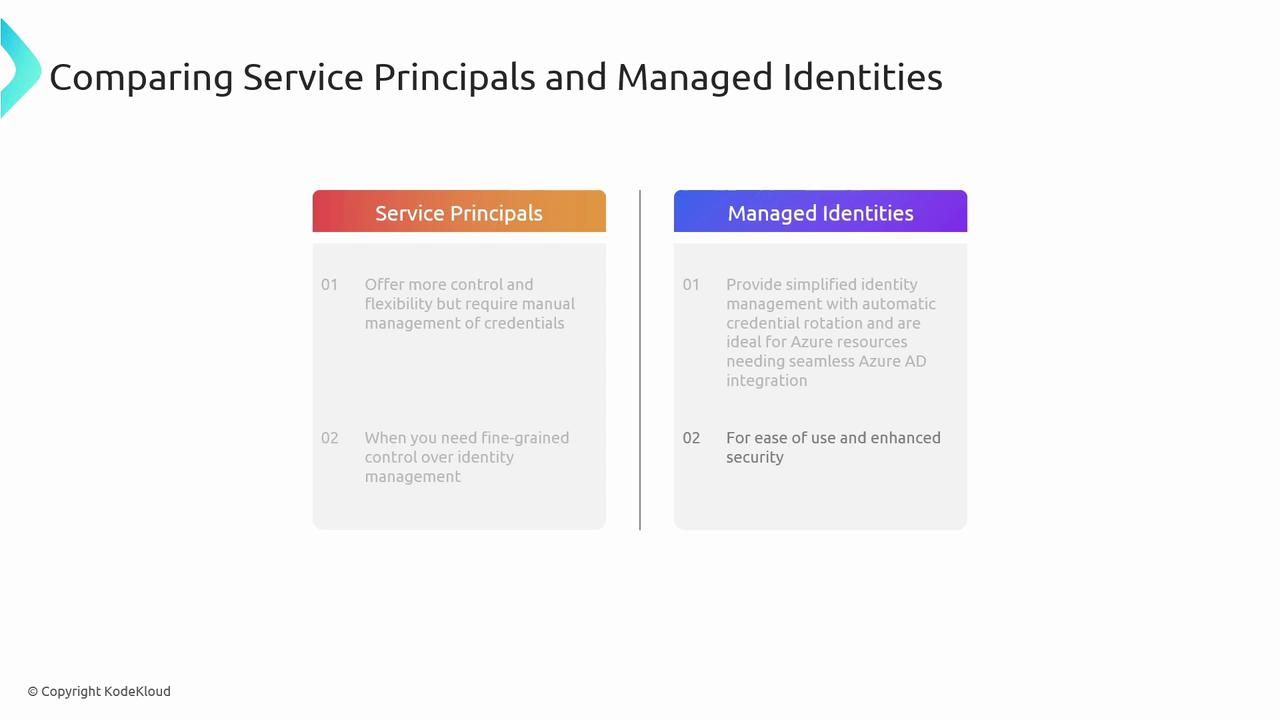
| Identity Type | Credential Management | Lifecycle | Best For |
| ------------------ | -------------------------- | ------------------------- | ------------------------------------- |
| Service Principal | Manual creation & rotation | Independent of resources | Custom roles, cross-tenant scenarios |
| System-assigned MI | Automatic rotation | Tied to single resource | VM-to-KeyVault, Function-to-Storage |
| User-assigned MI | Automatic rotation | Reusable across resources | Shared identity in multi-service apps |
**When to choose:**
* **Service Principals** when you need custom credential lifecycles or multi-tenant access.
* **Managed Identities** for seamless, credential-free Azure resource authentication.
***
## Security Best Practices
* Grant minimal permissions (Principle of Least Privilege).
* Rotate Service Principal credentials regularly.
* Monitor and audit identity usage with Azure AD logs and Azure Monitor.
Avoid storing credentials in code or configuration files. Always leverage Managed Identities or Key Vault to keep secrets secure.
***
## Links and References
* [Azure CLI Documentation](https://learn.microsoft.com/cli/azure/)
* [Azure Active Directory Documentation](https://learn.microsoft.com/azure/active-directory/)
* [Azure Managed Identities Overview](https://learn.microsoft.com/azure/active-directory/managed-identities-azure-resources/)
* [Azure Service Principal Documentation](https://learn.microsoft.com/azure/active-directory/develop/app-objects-and-service-principals)