> ## Documentation Index
> Fetch the complete documentation index at: https://notes.kodekloud.com/llms.txt
> Use this file to discover all available pages before exploring further.
# Implement and manage Azure DevOps service connections and personal access tokens
> This guide explores Service Connections and Personal Access Tokens in Azure DevOps for secure, automated workflows.
Azure DevOps provides robust authentication mechanisms to secure pipelines, REST APIs, and integrations. In this guide, we'll explore two critical methods—**Service Connections** and **Personal Access Tokens (PATs)**—to help you maintain secure, automated workflows.
## Table of Contents
* [Service Connections](#service-connections)
* [Benefits](#benefits)
* [Creating a Service Connection](#creating-a-service-connection)
* [Managing Service Connections](#managing-service-connections)
* [Personal Access Tokens (PATs)](#personal-access-tokens-pats)
* [Generating a PAT](#generating-a-pat)
* [Using PATs with cURL and Python](#using-pats-with-curl-and-python)
* [Service Connections vs. Personal Access Tokens](#service-connections-vs-personal-access-tokens)
* [Security Best Practices](#security-best-practices)
* [References](#references)
***
## Service Connections
Service Connections in Azure DevOps let pipelines and services authenticate with external resources—such as Azure Subscriptions, Docker registries, GitHub, and more—without embedding secrets directly in your YAML definitions.
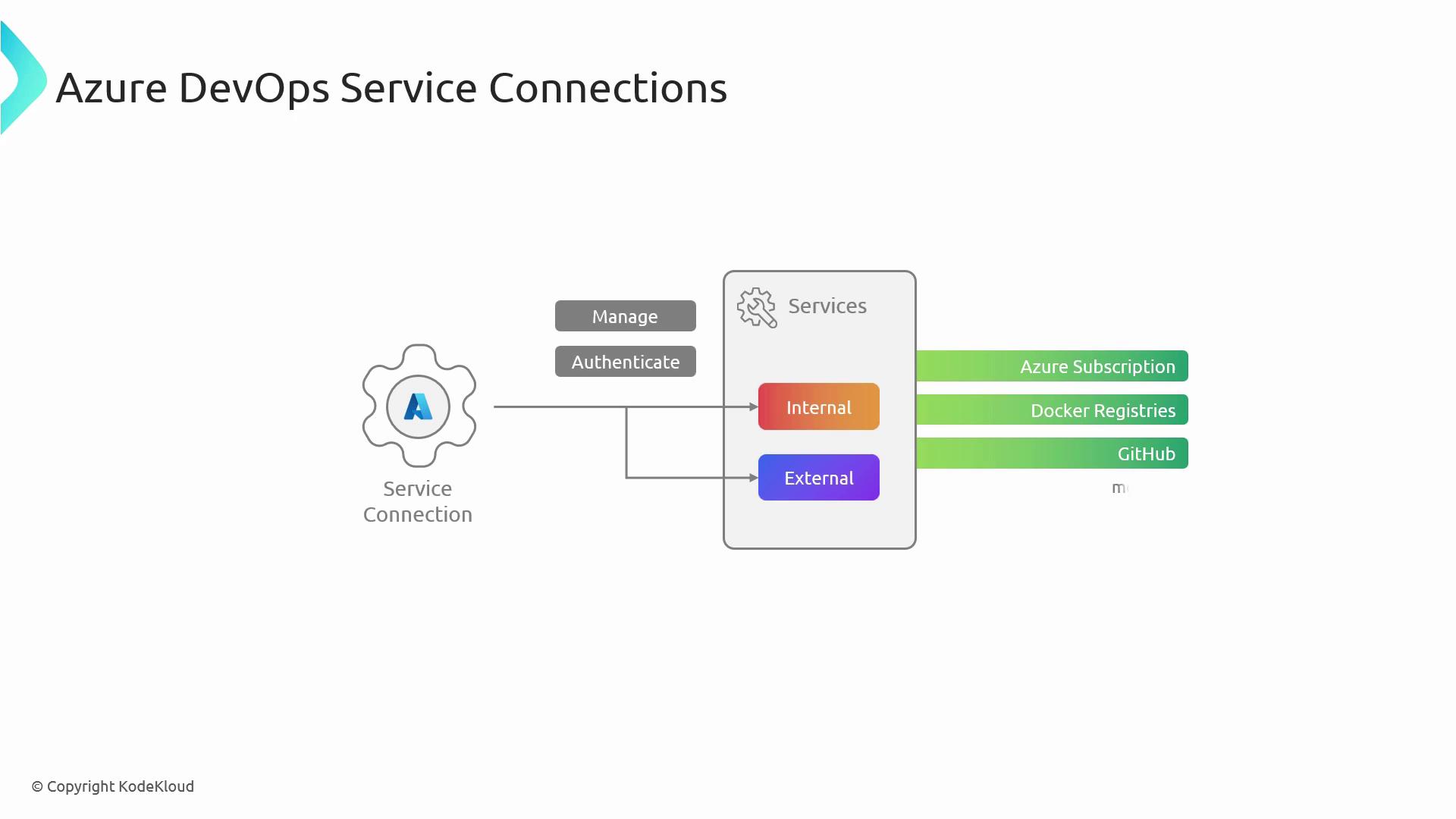
### Benefits
* Centralized credential management for all pipelines
* Simplified service authentication in YAML and classic pipelines
* Improved security posture with scoped access
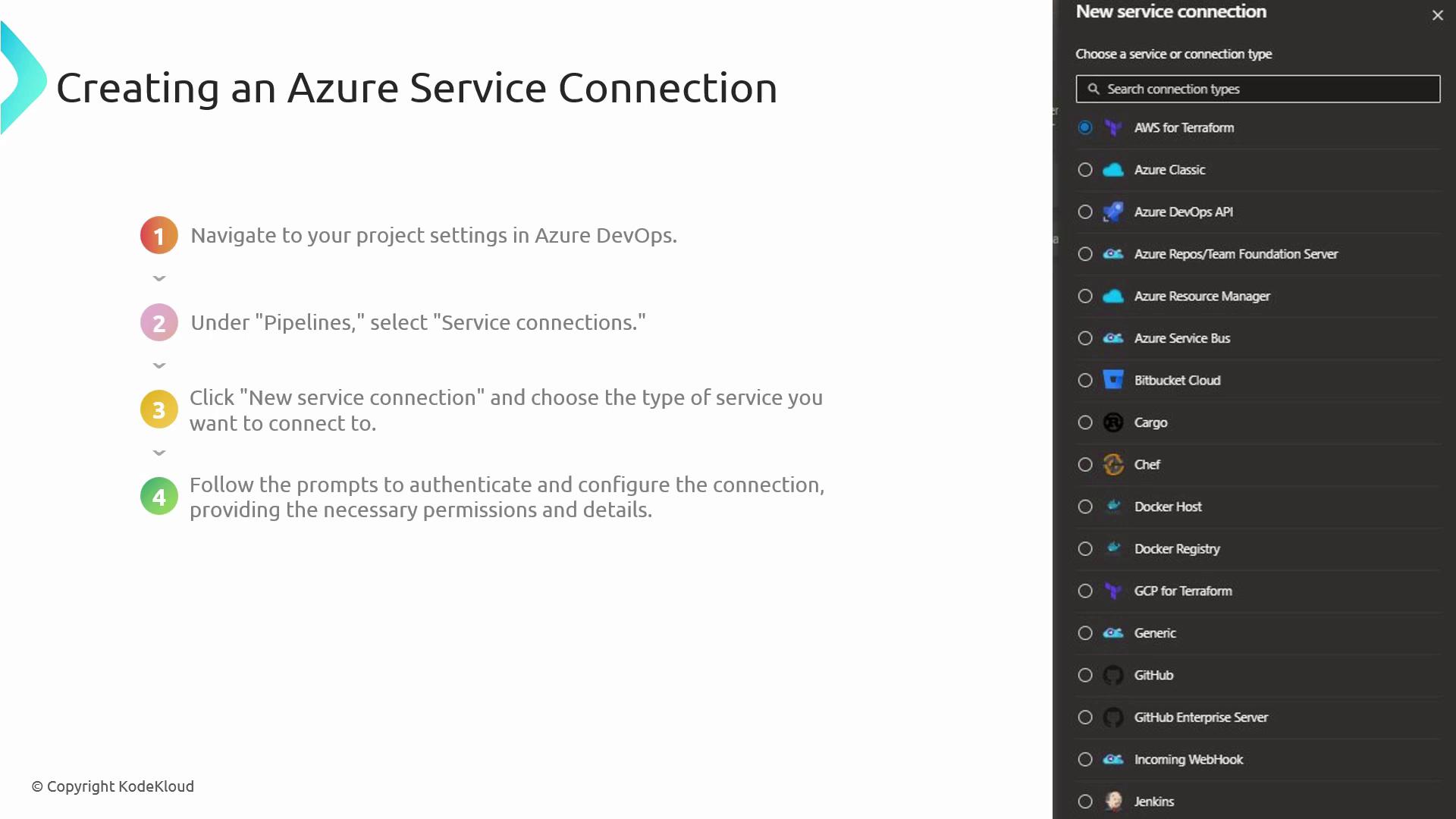
### Creating a Service Connection
1. Navigate to **Project Settings** in your Azure DevOps project.
2. Under **Pipelines**, select **Service connections**.
3. Click **New service connection** and pick the desired type (e.g., Azure Resource Manager, Docker Registry).
4. Complete the authentication prompts and grant the necessary permissions.
5. Save the service connection and reference its name in your pipeline YAML.
The [AZ-400 certification exam](https://learn.microsoft.com/en-us/certifications/exams/az-400) often tests your ability to walk through these steps. Practice creating and referencing service connections in sample pipelines.
### Managing Service Connections
* **Edit or Update**: Go to **Service connections**, select the connection, update settings, and save.
* **Delete**: Select the connection and click **Delete** (project administrator permissions required).
***
## Personal Access Tokens (PATs)
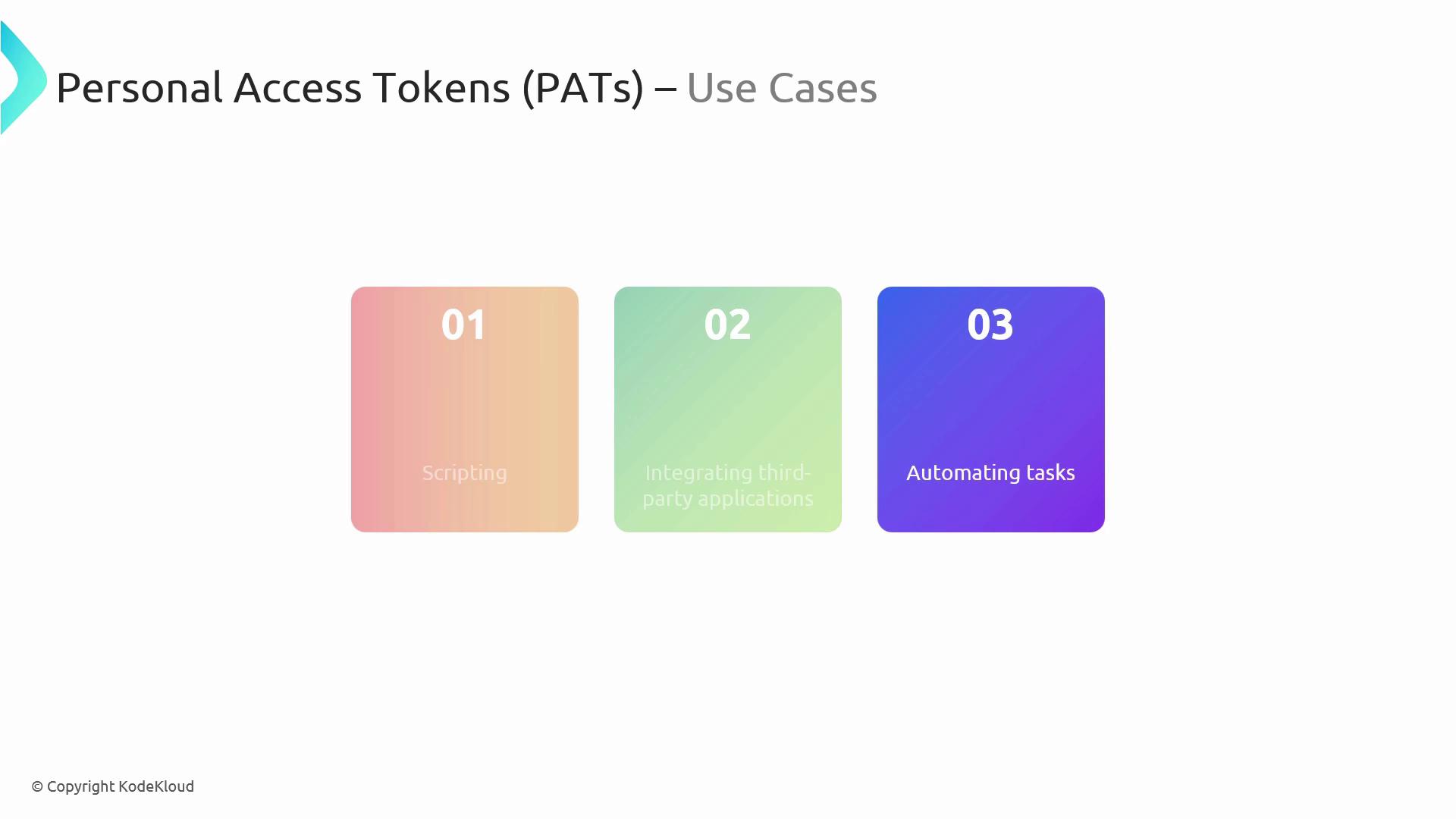
Personal Access Tokens (PATs) are OAuth-like tokens used to access Azure DevOps REST APIs. They are perfect for automation scripts, third-party integrations, and CLI operations.
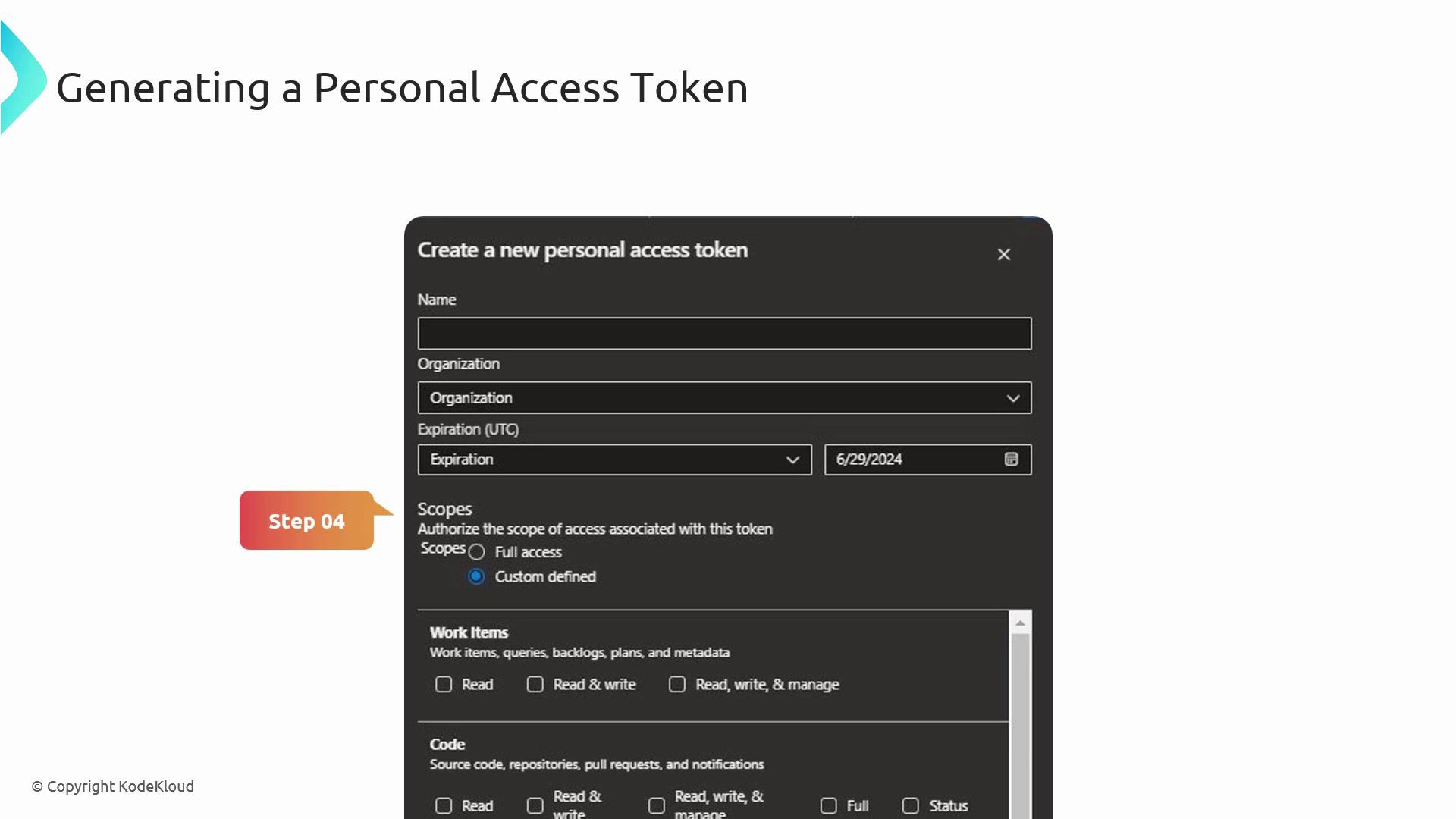
### Generating a PAT
1. Open your Azure DevOps profile and choose **Personal Access Tokens**.
2. Click **New Token**, enter a descriptive name, set an expiration date, and select only the scopes you need (e.g., **Code (read/write)**, **Work items (read/write)**).
3. Click **Create**, then copy and store the token securely.
Treat PATs like passwords. Store them in a secure vault and never check them into source control.
### Using PATs with cURL
Use your PAT in the `Authorization` header to interact with the Azure DevOps REST API:
```bash theme={null}
curl -u : \
-H "Content-Type: application/json-patch+json" \
-X POST \
-d '[{"op":"add","path":"/fields/System.Title","value":"New Task"}]' \
https://dev.azure.com/{organization}/{project}/_apis/wit/workitems/$Task?api-version=6.0
```
### Using PATs with Python
Below is a Python script that creates a work item via the REST API using `requests` and `HTTPBasicAuth`:
```python theme={null}
import requests
from requests.auth import HTTPBasicAuth
organization = "yourorganization"
project = "yourproject"
pat = "yourPAT"
url = (
f"https://dev.azure.com/{organization}/{project}"
"/_apis/wit/workitems/$Task?api-version=6.0"
)
headers = {"Content-Type": "application/json-patch+json"}
data = [
{"op": "add", "path": "/fields/System.Title", "value": "New Task"}
]
response = requests.post(
url,
json=data,
headers=headers,
auth=HTTPBasicAuth("", pat)
)
print(response.json())
```
***
## Service Connections vs. Personal Access Tokens
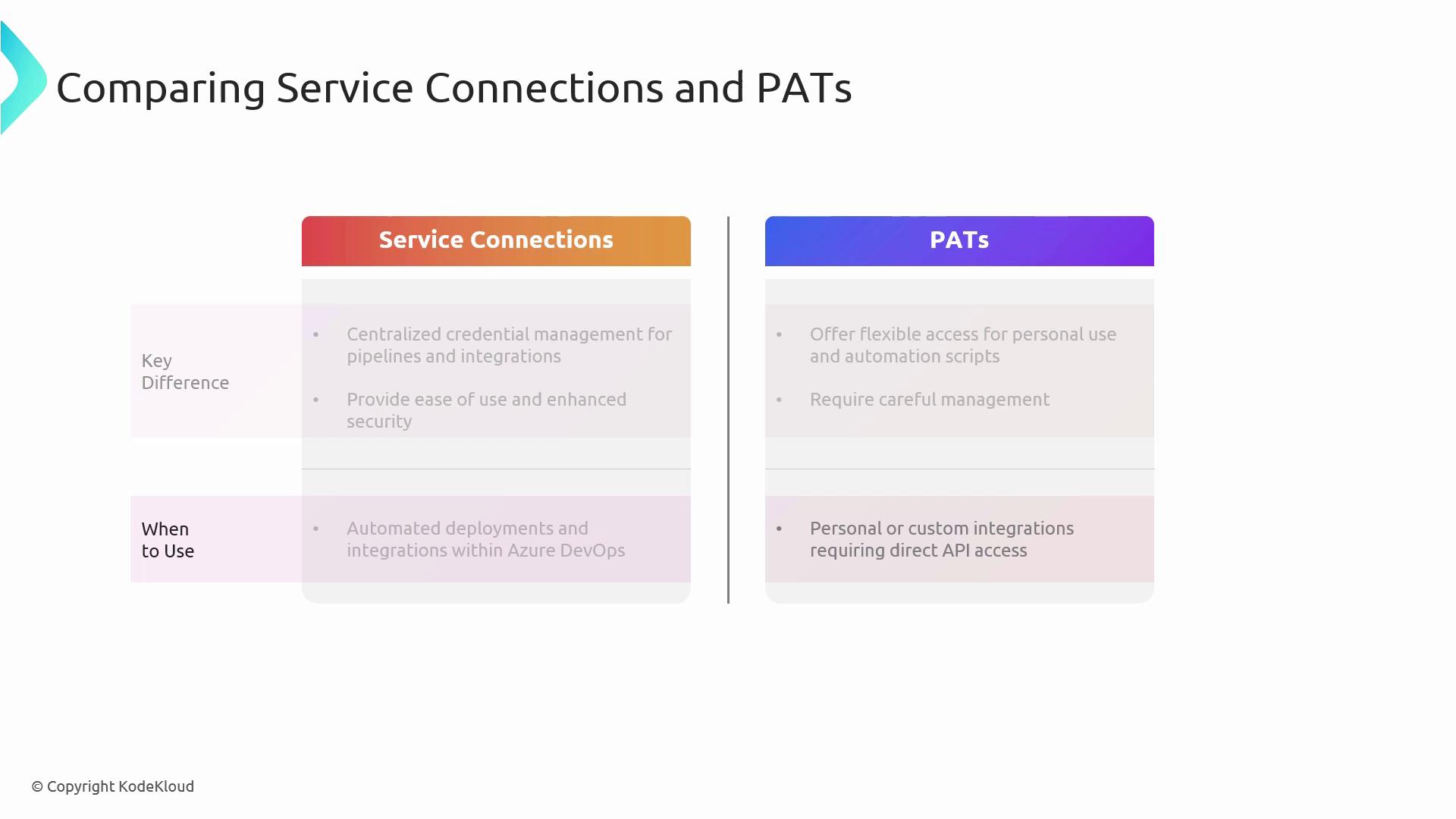
| Feature | Service Connections | Personal Access Tokens (PATs) |
| --------------- | ----------------------------------------------------- | ----------------------------------------------------- |
| Management | Centralized in Project Settings | Decentralized per user profile |
| Use Case | Pipelines, deployments, managed identities | CLI scripts, REST API calls, third-party integrations |
| Security Scope | Scoped at resource level, supports managed identities | Scopes defined per token, manual rotation required |
| Recommended for | Automated deployments and pipeline orchestration | Personal automation and ad-hoc API interactions |
***
## Security Best Practices
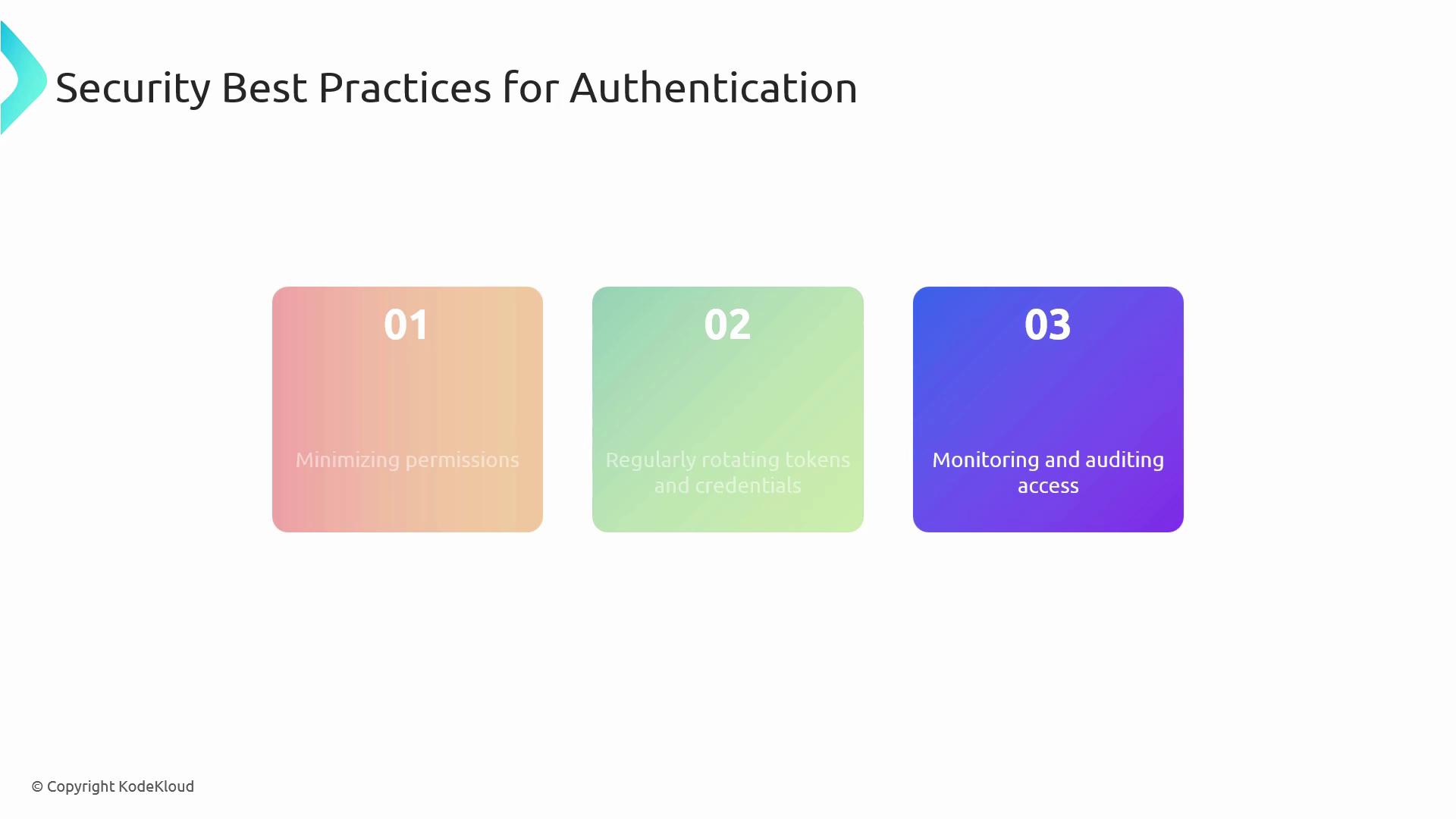
1. Grant **least privilege** on both service connections and PATs.
2. Rotate tokens and credentials regularly to reduce exposure.
3. Monitor and audit logs for unauthorized access attempts.
4. Enforce Multi-Factor Authentication (MFA) and conditional access policies.
***
## References
* [Azure DevOps Service Connections](https://learn.microsoft.com/azure/devops/pipelines/library/service-endpoints)
* [Create and use personal access tokens](https://learn.microsoft.com/azure/devops/organizations/accounts/use-personal-access-tokens-to-authenticate)
* [Azure DevOps REST API documentation](https://learn.microsoft.com/rest/api/azure/devops/)