> ## Documentation Index
> Fetch the complete documentation index at: https://notes.kodekloud.com/llms.txt
> Use this file to discover all available pages before exploring further.
# Implement and manage GitHub Authentication
> This guide covers methods for implementing and managing GitHub authentication to secure repositories, workflows, and API interactions.
Effective GitHub authentication is critical for securing your repositories, workflows, and API interactions. In this guide, we cover three primary methods:
* **GitHub Apps**
* **GITHUB\_TOKEN**
* **Personal Access Tokens (PATs)**
Each approach has unique advantages, scope, and security considerations. Read on to determine which fits your DevOps and CI/CD pipelines best.
***
## 1. GitHub Apps
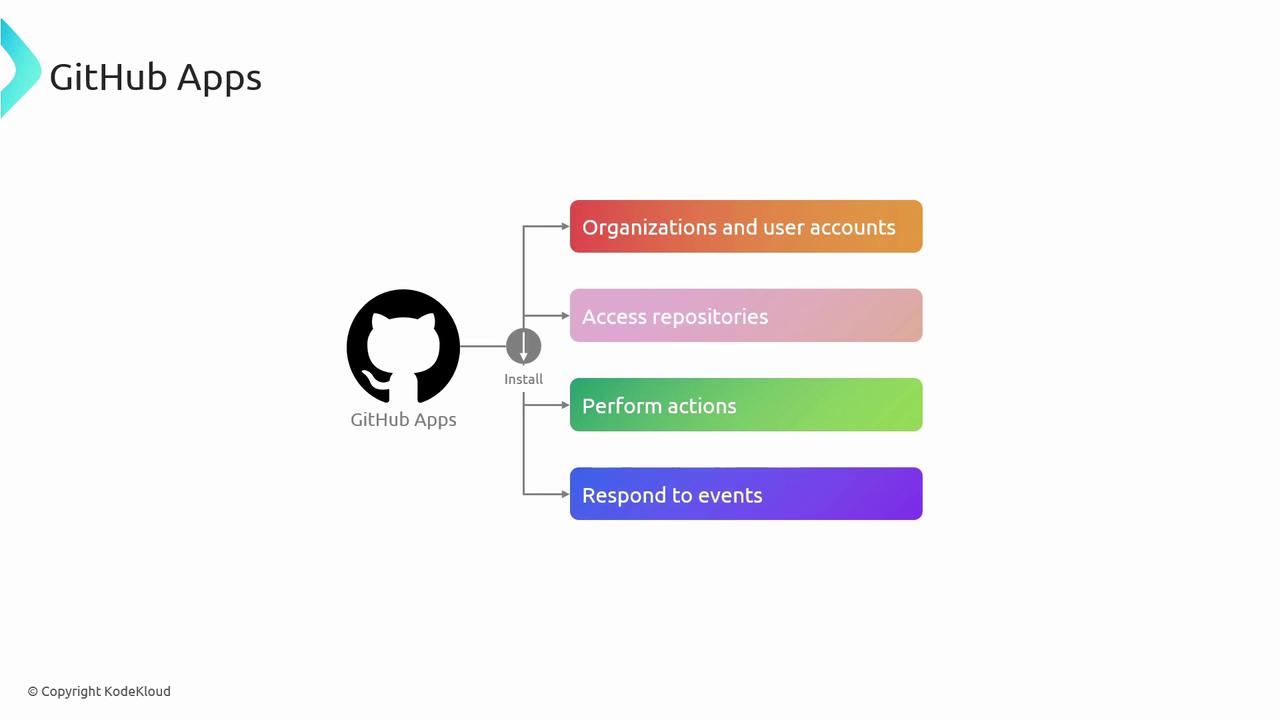
GitHub Apps act on behalf of your application—independent from user credentials. They can be installed on organizations or user accounts to interact with repositories, respond to events, and automate tasks like code reviews, CI/CD, and issue management.
### Benefits
* Fine-grained permissions scoped to required actions
* Enhanced security by separating app identity from user credentials
* Detailed audit logs and install-based access control
### Creating a GitHub App
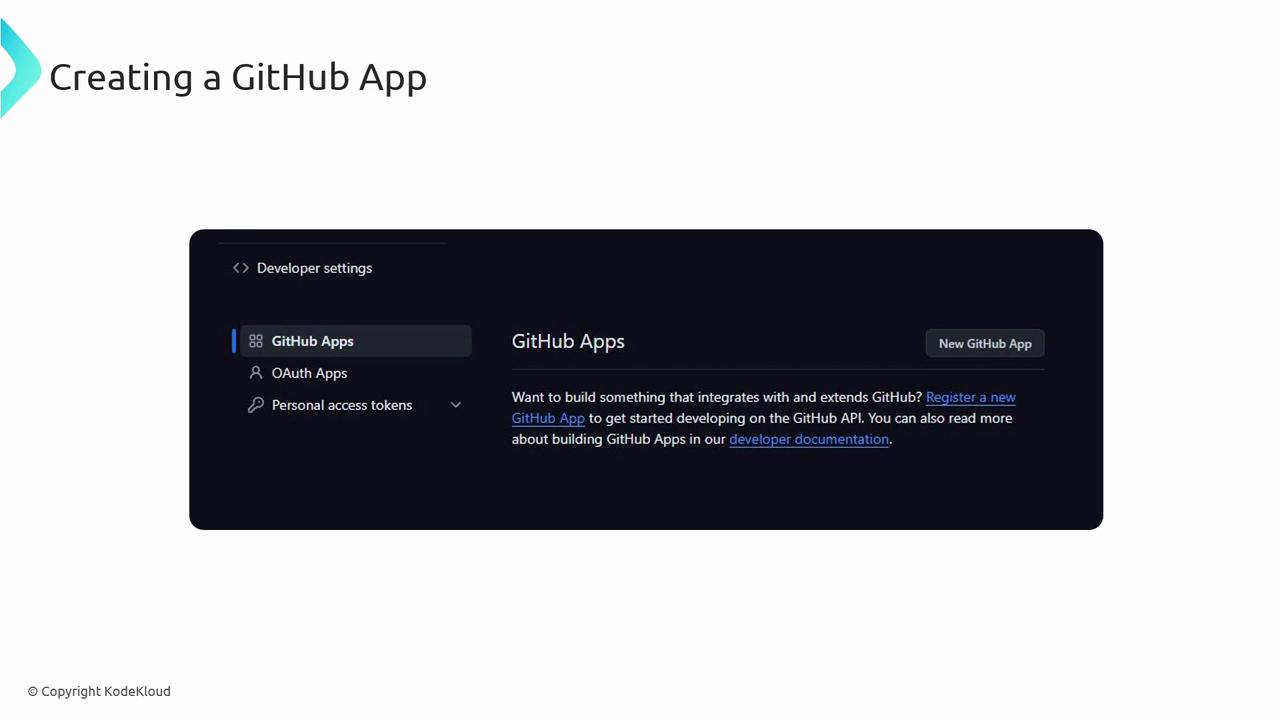
1. Navigate to **GitHub Settings** → **Developer Settings**.
2. Select **GitHub Apps** and click **New GitHub App**.
3. Provide the App name, homepage URL, and callback URL.
4. Configure the required permissions and subscribe to relevant events.
5. Save and download the private key for authentication.
### Authenticating with a GitHub App
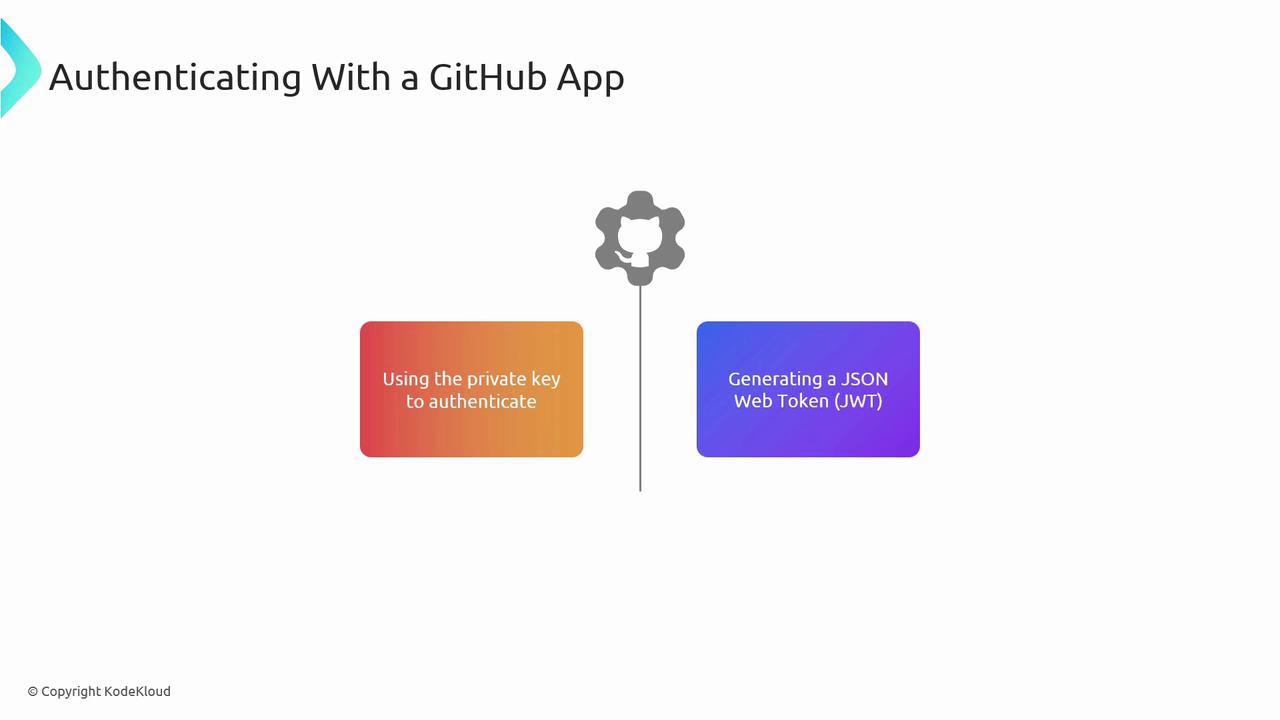
Authentication is a two-step process:
1. Generate a JSON Web Token (JWT) using your App’s private key.
2. Exchange the JWT for an installation access token via GitHub’s API.
Example: Generate a JWT in Python (replace `APP_ID` and `PRIVATE_KEY`).
```python theme={null}
import jwt, time
payload = {
"iat": int(time.time()),
"exp": int(time.time()) + 600,
"iss": APP_ID
}
jwt_token = jwt.encode(payload, PRIVATE_KEY, algorithm="RS256")
```
Use the resulting `jwt_token` to request an installation access token:
```bash theme={null}
curl -X POST https://api.github.com/app/installations/INSTALLATION_ID/access_tokens \
-H "Authorization: Bearer jwt_token" \
-H "Accept: application/vnd.github.v3+json"
```
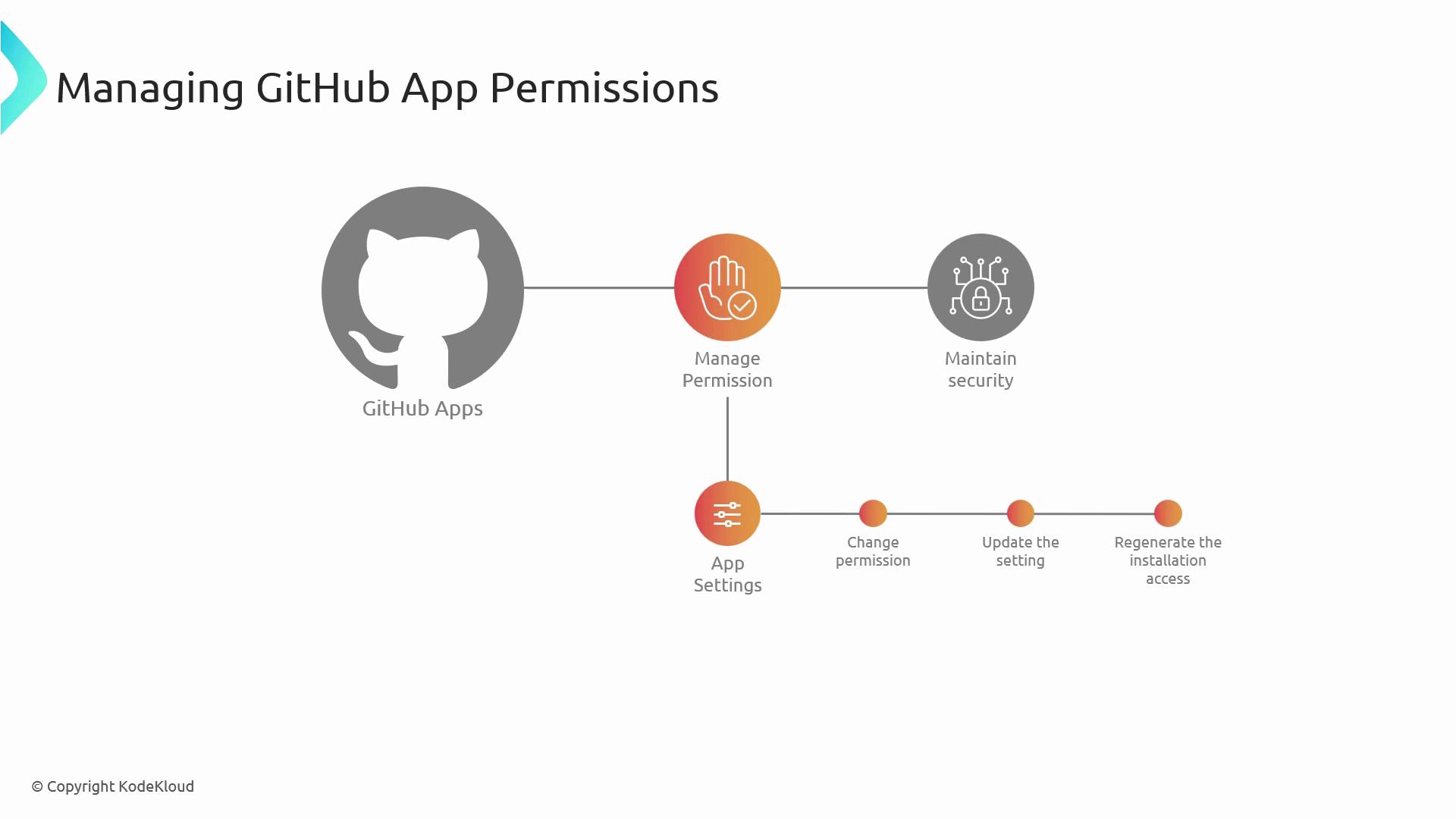
After updating permissions, you must regenerate the installation access token for changes to take effect.
### Managing Permissions
Regularly audit your App’s permissions in **Settings**. Use the App’s dashboard or API to adjust scopes and monitor usage.
***
## 2. GITHUB\_TOKEN
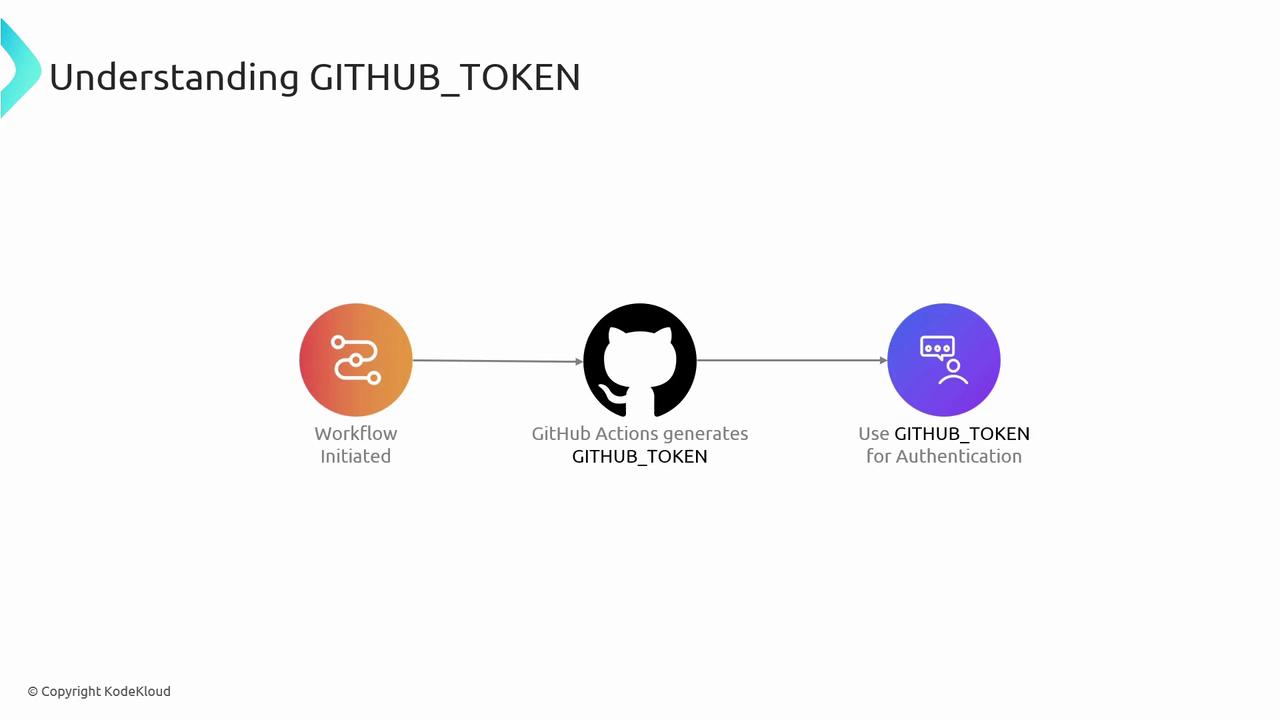
`GITHUB_TOKEN` is an automatically generated secret available in GitHub Actions workflows. It provides repository-scoped authentication for checkout, API calls, and publishing packages—without manual secret management.
### Benefits
* Auto-generated for every workflow run
* Limited to current repository to minimize blast radius
* No manual rotation or storage needed
### Usage Example
Use `GITHUB_TOKEN` from the `secrets` context:
```yaml theme={null}
name: CI Workflow
on: [push]
jobs:
build:
runs-on: ubuntu-latest
steps:
- name: Checkout code
uses: actions/checkout@v2
- name: Run tests
run: npm test
env:
GITHUB_TOKEN: ${{ secrets.GITHUB_TOKEN }}
```
Do not expose `GITHUB_TOKEN` to external URLs or untrusted actions—limit usage to internal steps only.
***
## 3. Personal Access Tokens (PATs)
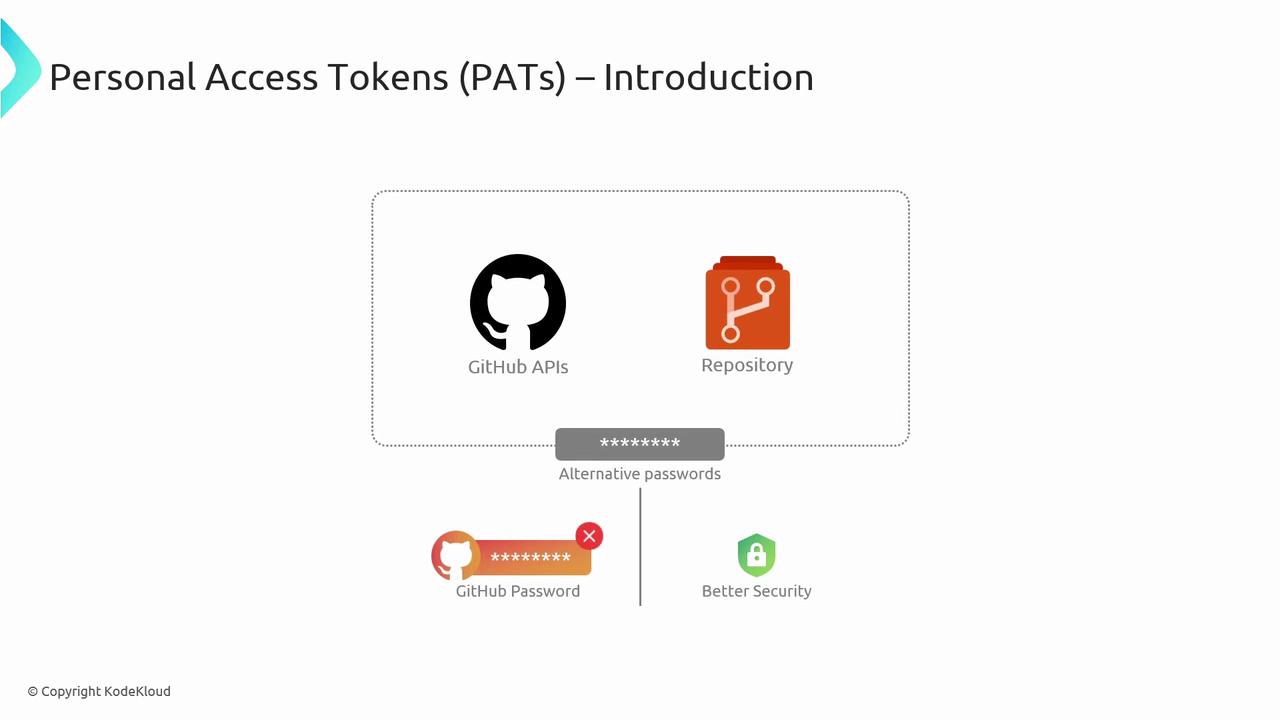
Personal Access Tokens (PATs) provide user-level authentication for GitHub APIs and Git operations. You can choose **classic** or **fine-grained** tokens to control scope and expiration.
### Use Cases
* CLI or script-based Git operations
* REST or GraphQL API integrations
* Third-party service authentication
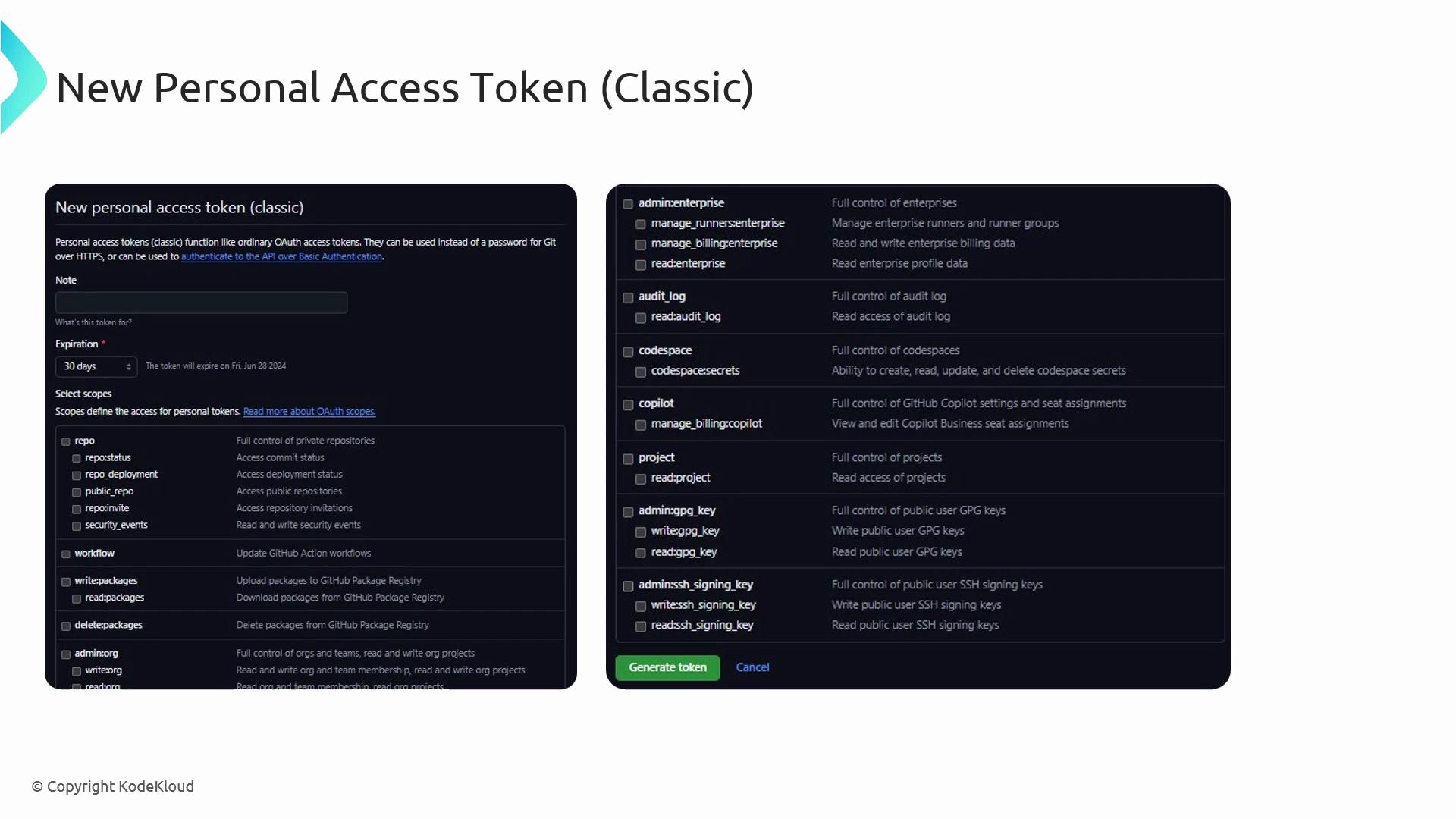
### Generating a PAT
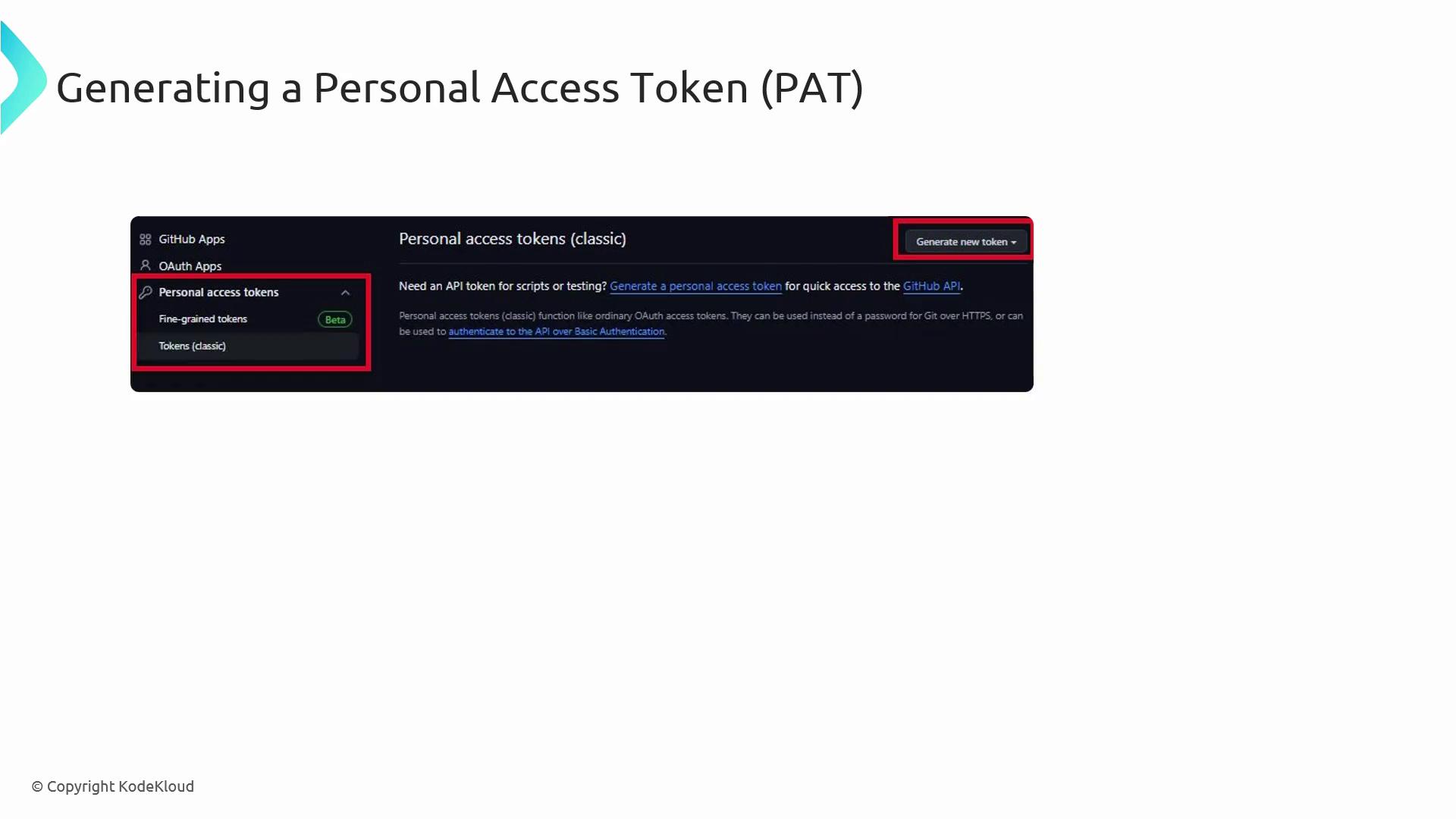
1. In **GitHub Settings**, open **Developer Settings** → **Personal access tokens**.
2. Click **Generate new token**.
3. Choose **classic** or **fine-grained**.
4. Select scopes (e.g., `repo`, `workflow`, `admin:org`).
5. Generate the token and store it securely.
### Authenticating with a PAT
Include the token in the `Authorization` header for API calls:
```bash theme={null}
curl -H "Authorization: token " https://api.github.com/user/repos
```
Store PATs in a secure vault or GitHub Secrets, rotate them regularly, and avoid embedding them in code.
***
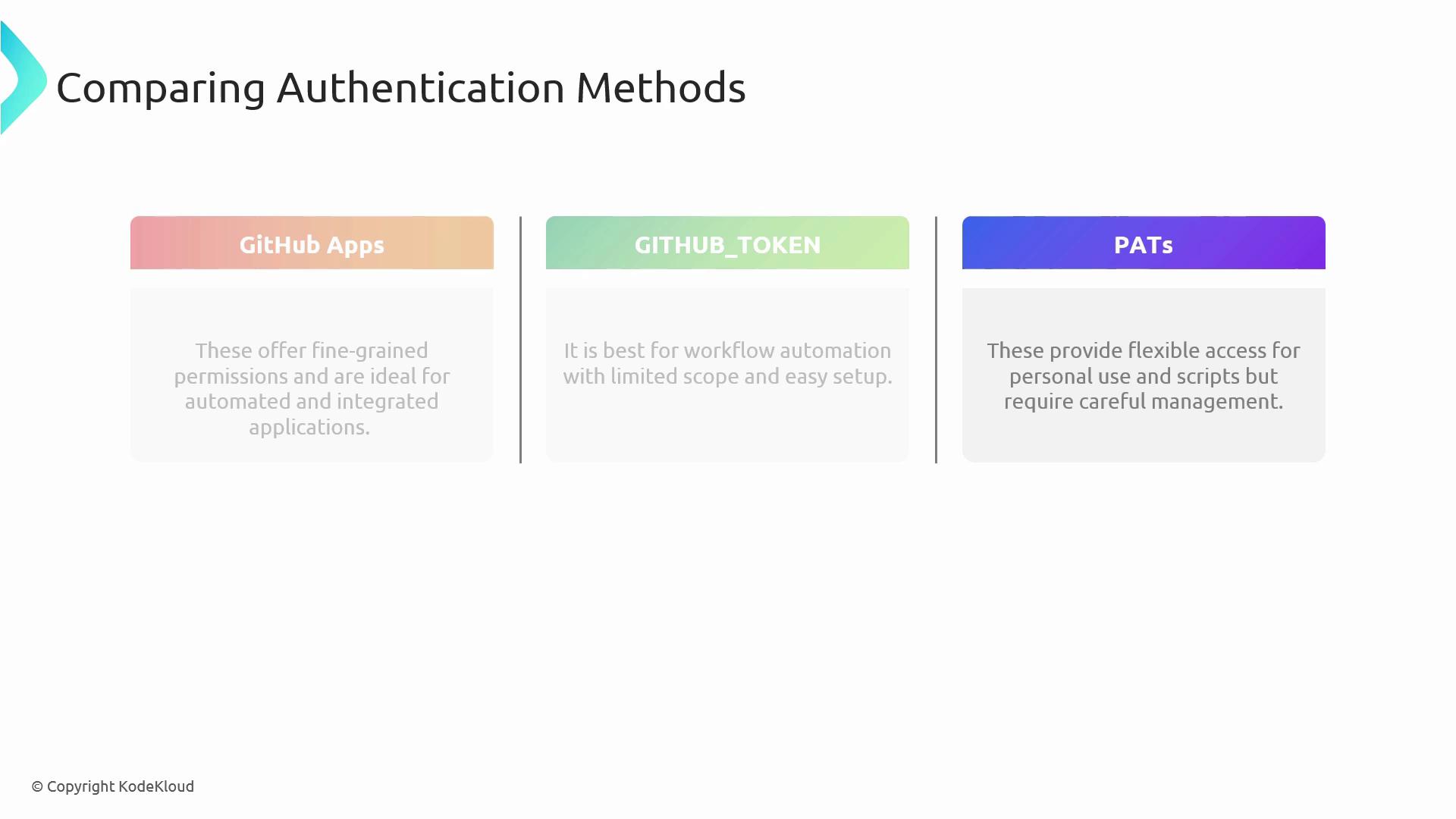
## Method Comparison and Best Practices
| Method | Scope | Rotation | Ideal Use Case |
| ------------- | --------------------------- | ------------ | ------------------------------------------------- |
| GitHub Apps | Org & repo, fine-grained | Manual/API | Integrations, bots, automated workflows |
| GITHUB\_TOKEN | Single repo | Auto-rotated | GitHub Actions workflows |
| PATs | User-level, broad or narrow | Manual | CLI scripts, local development, third-party tools |
**Security Best Practices**
* Grant the minimum required permissions.
* Rotate keys and tokens frequently.
* Monitor audit logs for unauthorized access.
* Enforce SAML SSO, OAuth apps, and branch protection rules.
***
## Links and References
* [GitHub Apps Documentation](https://docs.github.com/apps)
* [GitHub Actions: `GITHUB_TOKEN`](https://docs.github.com/actions/security-guides/automatic-token-authentication)
* [Personal Access Tokens](https://docs.github.com/authentication/keeping-your-account-and-data-secure/creating-a-personal-access-token)