> ## Documentation Index
> Fetch the complete documentation index at: https://notes.kodekloud.com/llms.txt
> Use this file to discover all available pages before exploring further.
# Introduction
> This lesson explores designing and implementing authentication and authorization strategies in Azure DevOps and GitHub for secure workflows.
In this lesson, we’ll explore how to design and implement robust authentication and authorization strategies across Azure DevOps and GitHub. By the end, you’ll understand identity management in Azure, how to authenticate in GitHub and Azure DevOps, and how to configure projects and teams in Azure DevOps for secure, efficient workflows.
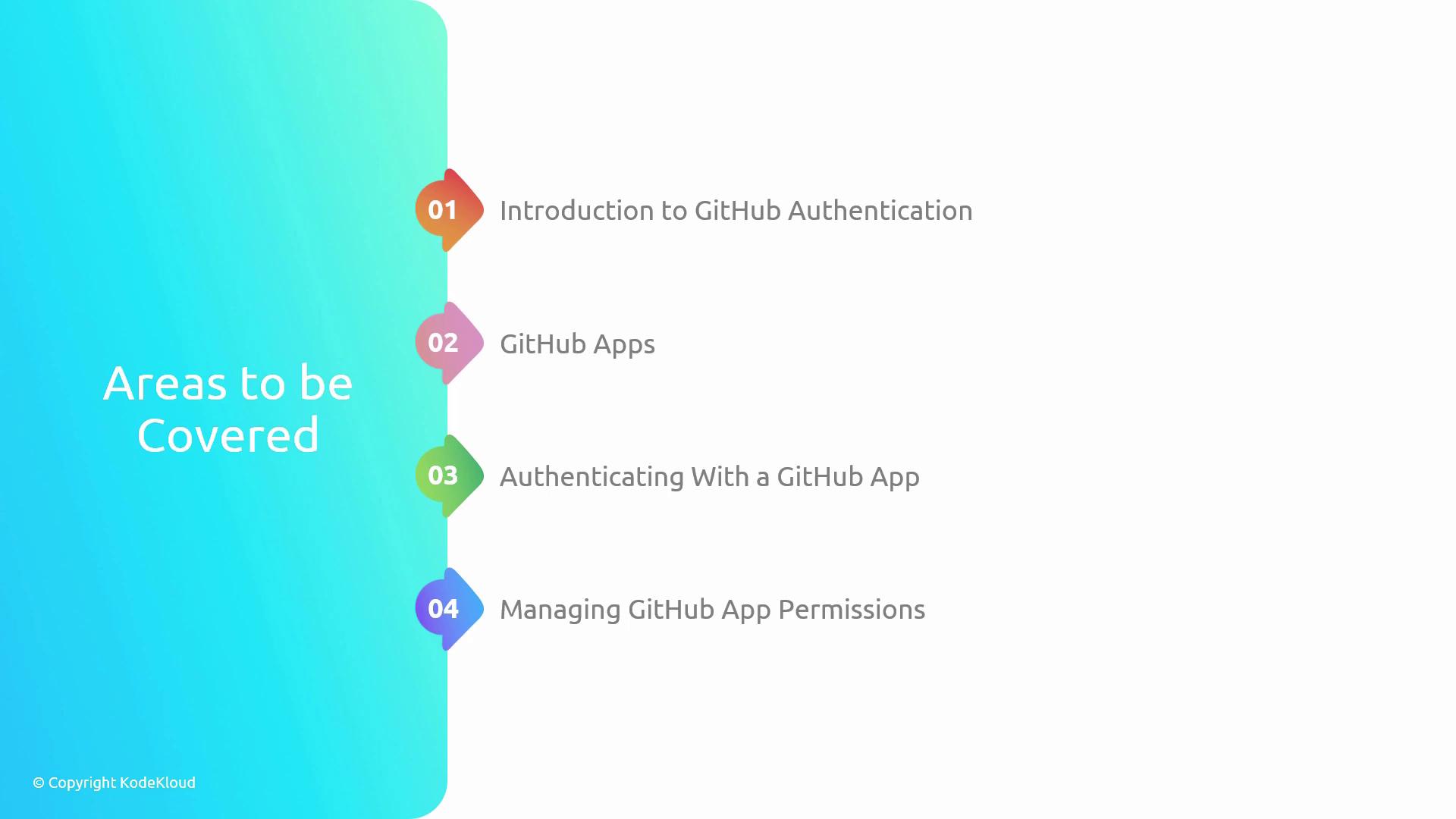
Our lesson is organized into four sections:
1. Identity Management in Azure
2. Implementing and Managing GitHub Authentication
3. Authentication in Azure DevOps
4. Configuring Projects, Teams, and Work Item Management in Azure DevOps
***
## 1. Identity Management in Azure
Azure provides two primary identity solutions for non-user access: **service principals** and **managed identities**. Understanding their differences and best practices will help you secure your cloud resources effectively.
### Key Concepts
* Service Principal\
– An identity you create in Azure AD for use with apps, services, and automation tools.
* Managed Identity\
– A first-party Azure AD identity automatically managed by Azure for Azure resources.
### Comparison Table
| Feature | Service Principal | Managed Identity |
| --------------------- | --------------------------------------------- | ------------------------------------------------- |
| Creation | Manual via Azure CLI/PowerShell/Portal | Automated when you enable it on an Azure resource |
| Credential Management | You supply and rotate secrets or certificates | Azure handles credential rotation |
| Scope | Broad – can access multiple subscriptions | Tied to a single resource or resource group |
| Use Cases | CI/CD pipelines, cross-tenant automation | Secure access from VMs, Functions, App Services |
Use managed identities wherever possible to eliminate secret management. Reserve service principals for scenarios requiring cross-tenant or custom-role access.
### Security Best Practices
* Assign least-privilege roles.
* Rotate credentials regularly (for service principals).
* Audit sign-in logs in **Azure Active Directory**:\
[Azure AD Sign-ins](https://docs.microsoft.com/azure/active-directory/reports-monitoring/concept-sign-ins).
***
## 2. Implementing and Managing GitHub Authentication
In this section, we’ll review GitHub’s authentication mechanisms and how to manage them in your workflows.
### Authentication Options
* **GitHub Apps**: Fine-grained permissions and installation-based auth.
* **GITHUB\_TOKEN**: Auto-generated token scoped to Actions.
* **Personal Access Tokens (PATs)**: User-generated, customizable scopes.
### GitHub Apps Flow
1. Register your GitHub App under **Settings > Developer settings**.
2. Generate a private key and install the app on repositories or organizations.
3. Exchange installation ID for an installation access token.
### Authentication Methods Comparison
| Method | Scope | Rotation | Use Case |
| ------------- | -------------------------------- | -------------- | ------------------------------ |
| GITHUB\_TOKEN | Repo-scoped, auto-generated | Automatic | CI jobs in GitHub Actions |
| PAT | User-scoped, configurable scopes | Manual | Local scripts, external CI/CD |
| GitHub App | Granular, installation-level | Rotate via API | Third-party integrations, bots |
Personal Access Tokens expire by default. Always set reminders to renew or automate rotation via the [GitHub REST API](https://docs.github.com/rest/overview/resources-in-the-rest-api#authentication).
### Security Best Practices
* Grant only necessary scopes to tokens.
* Use short-lived tokens for automation.
* Monitor token usage via **Audit Log**:\
[GitHub Audit Log](https://docs.github.com/enterprise-cloud@latest/admin/monitoring-activity-around-your-enterprise/reviewing-the-audit-log).
***
## 3. Authentication in Azure DevOps
Azure DevOps supports two main non-user authentication patterns:
* **Service Connections** — managed endpoints for Azure, AWS, Docker, and more.
* **Personal Access Tokens (PATs)** — scoped tokens tied to a user identity.
### When to Use Each
| Option | Scope | Management | Best For |
| ------------------ | ---------------------------------------- | ------------------------------- | ------------------------------------ |
| Service Connection | Project-level, integrates with pipelines | Centralized in project settings | Linking pipelines to cloud services |
| Azure DevOps PAT | User-level, configurable scopes | User rotates manually | Local Git operations, REST API calls |
Rotate Azure DevOps PATs at least every 90 days and restrict scope to only what’s necessary.
### Security Controls
* Use Azure Key Vault to store secrets:\
[Azure Key Vault with Azure DevOps](https://docs.microsoft.com/azure/devops/pipelines/library/secure-variables).
* Limit access by assigning Azure DevOps **security groups** minimal permissions.
***
## 4. Configuring Projects, Teams, and Work Item Management in Azure DevOps
Effective project and team setup streamlines collaboration and traceability.
### Project & Team Setup
1. Create an **Azure DevOps Project** with the appropriate visibility (public/private).
2. Define **Teams** and assign areas & iterations.
3. Configure **Security Groups** and **Permissions** for repos, pipelines, and work items.
### Work Item Management
* **Work Item Types**: Epic, Feature, User Story, Bug, Task.
* **Backlogs & Boards**: Customize columns and swimlanes.
* **Sprints & Iterations**: Set sprint length, capacity, and goals.
| Work Item Type | Purpose | Example |
| -------------- | ------------------------------- | ------------------------------------------------ |
| Epic | Large initiative | “Migrate Monolith to Microservices” |
| Feature | A distinct product capability | “Add OAuth2 support” |
| User Story | Customer-centric requirement | “As a user, I want to reset password via email.” |
| Bug | Defect tracking | “Fix login redirect issue” |
| Task | Development or testing activity | “Write unit tests for AuthService” |
Align sprints and iterations with your team’s delivery cadence. Use capacity planning to avoid overcommitment.
***
Let’s get started with **Identity Management in Azure**!