> ## Documentation Index
> Fetch the complete documentation index at: https://notes.kodekloud.com/llms.txt
> Use this file to discover all available pages before exploring further.
# Summary
> This guide covers essential pillars for securing and automating DevOps workflows including identity management, GitHub authentication, Azure DevOps authentication, and project configuration.
This guide covers four essential pillars for securing and automating your DevOps workflows:
1. **Identity Management in Azure**
2. **GitHub Authentication**
3. **Azure DevOps Authentication**
4. **Azure DevOps Project and Team Configuration**
Master these areas to implement principle-of-least-privilege, streamline CI/CD pipelines, and structure agile projects effectively.
***
## 1. Identity Management in Azure
Managing identities in Azure ensures that your applications and services authenticate securely and follow best practices.
### Core Concepts
* **Service Principal**: An Azure AD application identity with credentials (secret or certificate).
* **Managed Identity**: A first-class Azure resource identity managed by Azure, available on VMs, App Services, and Functions.
### Comparison of Identity Types
| Identity Type | Description | Use Case |
| ----------------- | ---------------------------------------- | ------------------------------------- |
| Service Principal | App registration with client ID & secret | Automation scripts, external services |
| Managed Identity | Azure-managed credential lifecycle | Intra-Azure resource communication |
Always assign the minimal Azure RBAC roles required and rotate credentials according to your security policy.
### Security Best Practices
* Audit access logs regularly through Azure Monitor.
* Use role-based access control (RBAC) scopes instead of subscription-wide roles.
* Rotate secrets or certificates at least every 90 days.
***
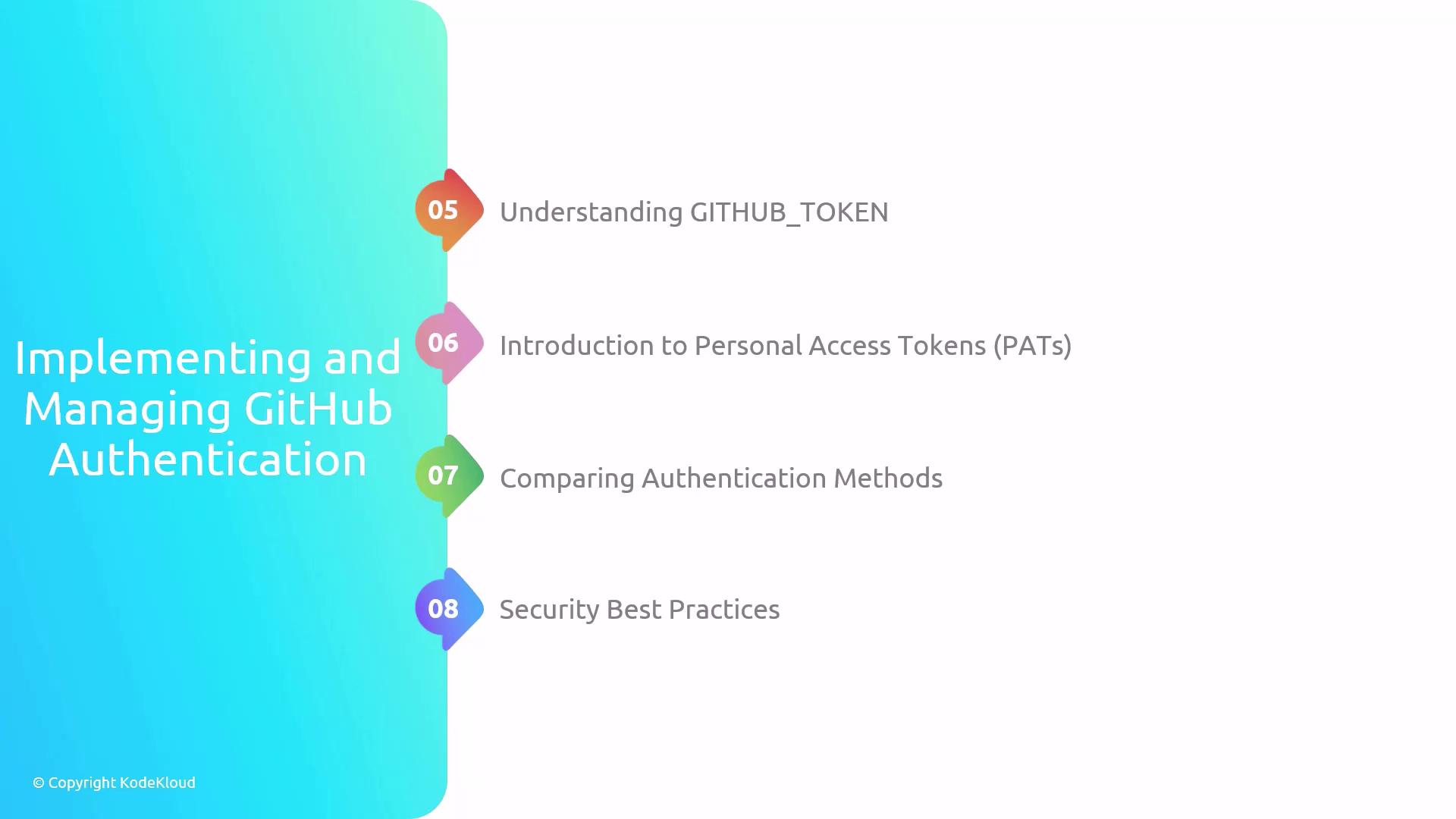
## 2. GitHub Authentication
GitHub supports multiple auth methods for API access, Actions workflows, and integrations.
### Authentication Mechanisms
* **GITHUB\_TOKEN** (GitHub Actions): Automatically generated per workflow run.
* **GitHub App**: Fine-grained permissions for repos and organizations.
* **Personal Access Token (PAT)**: User-scoped token with configurable scopes and expiry.
| Auth Method | Scope | Expiry | Recommended Use |
| ----------------------- | -------------------- | ------------------- | ------------------------------------------- |
| GITHUB\_TOKEN (Actions) | Repo-level | Single workflow run | CI/CD jobs within GitHub Actions |
| GitHub App | Organization or repo | Configurable | External integrations, fine-grained control |
| Personal Access Token | Granular scopes | Up to 1 year | CLI, REST API, third-party tools |
Never commit a PAT in source code. Store secrets in GitHub Secrets or a Vault solution.
### Recommended Practices
* Limit `GITHUB_TOKEN` permissions in your workflow YAML.
* Use a GitHub App for automated apps requiring scoped permissions.
* Revoke unused PATs and rotate tokens periodically.
### References
* [GitHub Authentication](https://docs.github.com/en/authentication)
* [GitHub Actions: Authentication in a workflow](https://docs.github.com/en/actions/security-guides/automatic-token-authentication)
***
## 3. Azure DevOps Authentication
Azure DevOps pipelines and services require secure authentication to interact with Azure and external systems.
### Key Options
* **Service Connection**: Uses an Azure AD service principal to grant pipeline access to Azure resources.
* **Personal Access Token (PAT)**: User-scoped token for REST API calls and automation.
| Connection Type | Auth Mechanism | Expiry | Use Case |
| --------------------- | -------------------------- | -------------- | --------------------------------------- |
| Service Connection | Azure AD Service Principal | 1 year | Pipelines accessing Azure subscriptions |
| Personal Access Token | PAT | 30 days–1 year | Custom scripts, REST API automation |
Enable diagnostic logging in Azure DevOps to track service connection usage and detect unauthorized access.
### Security Best Practices
* Restrict service connection scopes to specific resource groups.
* Rotate service principal credentials and PATs on a regular schedule.
* Review access and activity logs monthly.
### Further Reading
* [Azure DevOps Service Connections](https://docs.microsoft.com/azure/devops/pipelines/library/service-endpoints)
* [PATs in Azure DevOps](https://docs.microsoft.com/azure/devops/organizations/accounts/use-personal-access-tokens-to-authenticate)
***
## 4. Azure DevOps Project and Team Configuration
Organizing projects and teams in Azure DevOps lays the foundation for efficient agile planning and work tracking.
### Setting Up Projects & Teams
1. **Create a Project**
* Define visibility (public/private).
* Select Agile, Scrum, or CMMI process template.
2. **Organize Teams**
* Assign team areas and iterations.
* Configure team dashboards and backlogs.
### Planning with Iterations
* Define **Sprints** (timeboxed iterations).
* Assign work items to iterations in backlog.
* Review capacity and velocity regularly.
### Work Item Management
| Work Item Type | Description | Best Practice |
| -------------- | ---------------------- | ---------------------------------------- |
| Epic | High-level feature set | Break into Features/User Stories |
| Feature | Functional slice | Link child User Stories |
| User Story | Small deliverable | Include acceptance criteria and estimate |
| Bug | Defect report | Triage and prioritize in backlog |
Link commits and pull requests to work items to maintain end-to-end traceability.
### References
* [Azure Boards Overview](https://docs.microsoft.com/azure/devops/boards/)
* [Agile Planning in Azure DevOps](https://docs.microsoft.com/azure/devops/boards/sprints/)
***
Master these pillars—Azure identity, GitHub auth, Azure DevOps authentication, and project configuration—to build secure, automated, and well-managed DevOps workflows. Practice in real-world scenarios to solidify your skills. Good luck on your DevOps journey!