> ## Documentation Index
> Fetch the complete documentation index at: https://notes.kodekloud.com/llms.txt
> Use this file to discover all available pages before exploring further.
# Design a hotfix path plan
> This guide covers creating a hotfix deployment plan in Azure DevOps to maintain production stability and address urgent bugs and security vulnerabilities.
In this guide, we’ll walk through creating a streamlined hotfix deployment plan in Azure DevOps. A well-defined hotfix strategy is critical for maintaining production stability, meeting Service Level Objectives (SLOs), and succeeding on the \[AZ-400 Exam]. Hotfixes address urgent bugs and security vulnerabilities—think of them as emergency patches that keep your application running under pressure.
## Why You Need a Hotfix Path Plan
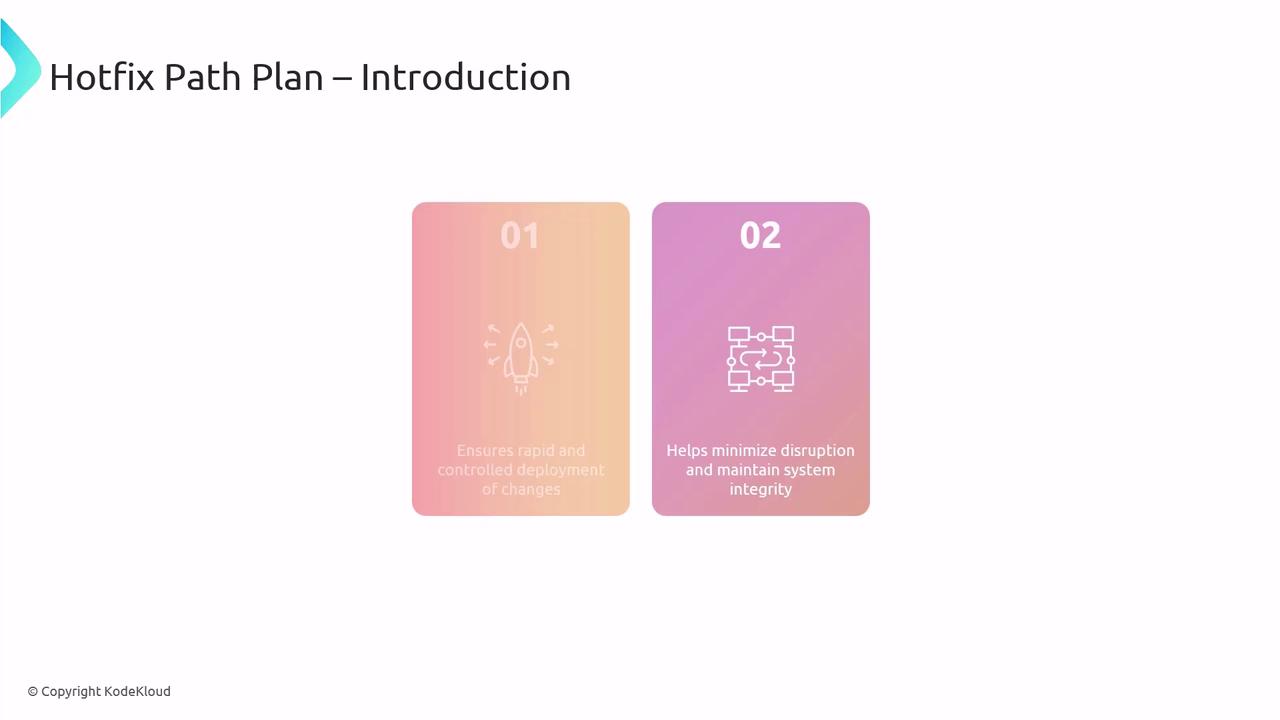
Having a pre-approved hotfix workflow delivers two major benefits:
* **Rapid, controlled deployment**\
Eliminate improvisation during high-pressure incidents by following a documented process.
* **Minimal service disruption**\
Apply fixes swiftly without compromising system reliability.
## Hotfix Branching Strategy
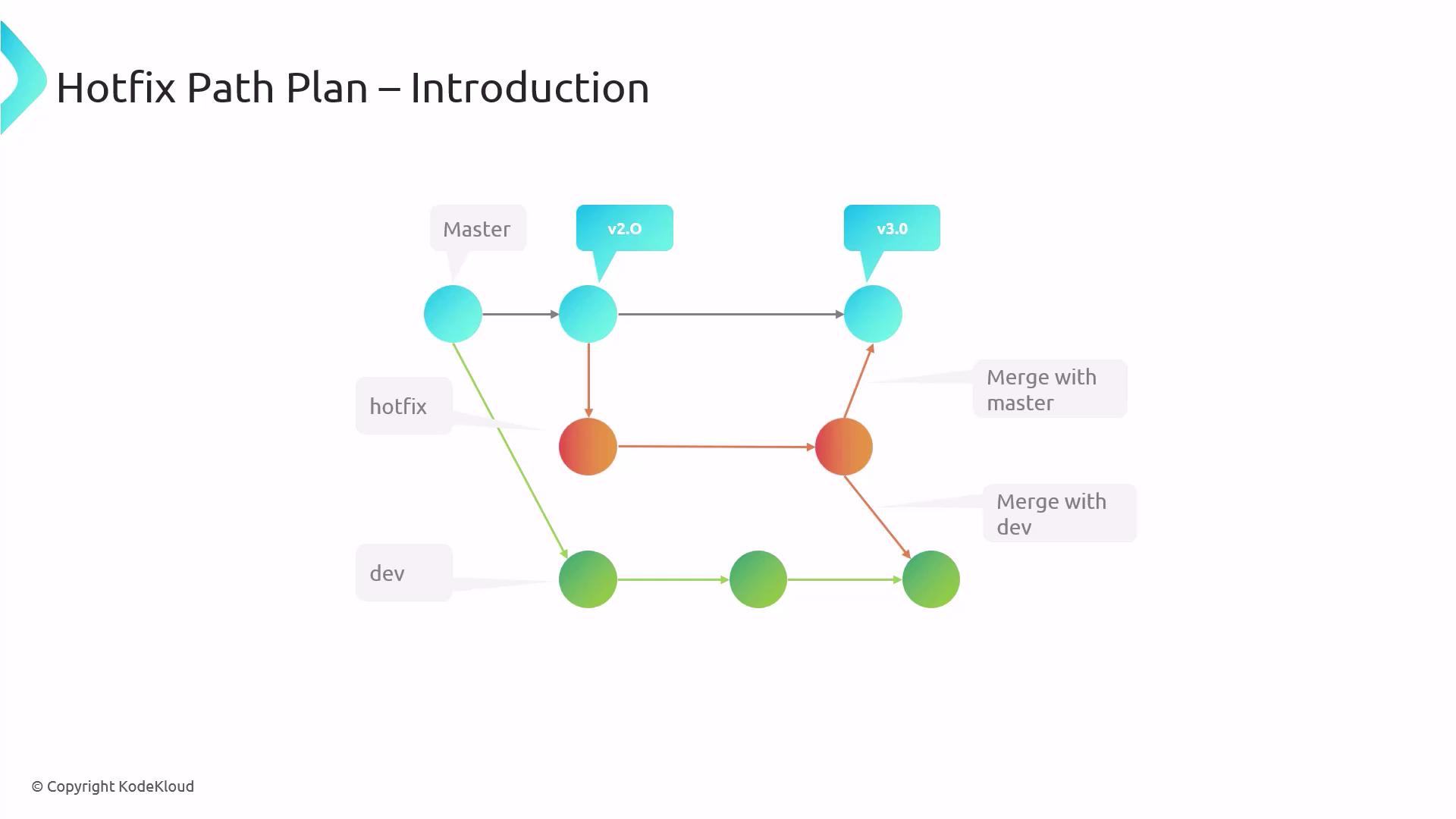
Adopt a clear branching model to isolate and track urgent fixes:
| Branch | Purpose | Example |
| ------ | ------------------------------------------ | ------------------ |
| master | Production-ready code | `v2.0` |
| hotfix | Temporary branch for critical repairs | `hotfix/issue-123` |
| dev | Active development and feature integration | `dev` |
Use consistent naming conventions for hotfix branches (for example, `hotfix/{ticket-number}`) to simplify tracking and rollbacks.
1. Create a **hotfix** branch from **master**.
2. Implement and test the fix in the hotfix branch.
3. Merge changes back into both **master** and **dev** to keep all branches up to date.
## Five Steps of a Hotfix Path Plan
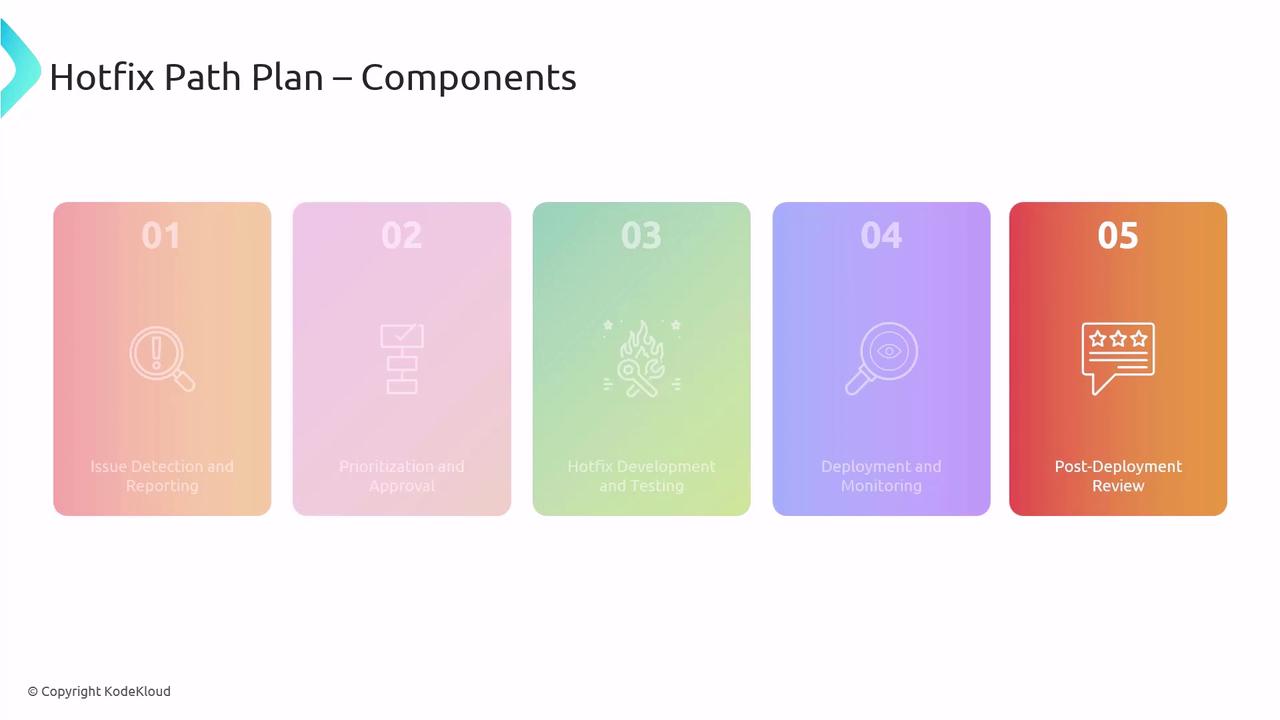
Follow these structured stages to ensure a smooth hotfix rollout:
1. **Issue Detection & Reporting**\
Quick logging of errors or security alerts into your tracking system.
2. **Prioritization & Approval**\
Fast decision-making based on impact and risk.
3. **Hotfix Development & Testing**\
Code the fix, execute automated and manual tests to prevent regressions.
4. **Deployment & Monitoring**\
Roll out updates and immediately validate success metrics.
5. **Post-Deployment Review**\
Document outcomes, identify improvements, and update runbooks.
### Deep Dive: Prioritization & Approval
Prioritizing a hotfix is time-sensitive. Evaluate:
* System availability: Is the service down?
* Security impact: Are customers at risk of data loss?
* Business impact: What is the revenue or reputation cost?
Ensure that decision authority (Dev Lead, Product Owner, or Ops Manager) is clearly defined to avoid delays during incident response.
## Automating with Azure DevOps
Leverage \[Azure DevOps] to automate builds and tests when hotfix branches are updated. For instance, include a simple YAML trigger:
```yaml theme={null}
trigger:
branches:
include:
- hotfix/*
```
This configuration runs unit and integration tests on each push, catching regressions before deployment.
Automation reduces manual steps and speeds up your hotfix delivery.
## Deployment Strategies
Choose the right rollout plan based on risk and urgency:
| Strategy | Description | Pros & Cons |
| -------------- | ------------------------------------------- | ------------------ |
| Phased Rollout | Deploy to a subset of users or environments | Safer but slower |
| Full Rollout | Release to all users at once | Faster but riskier |
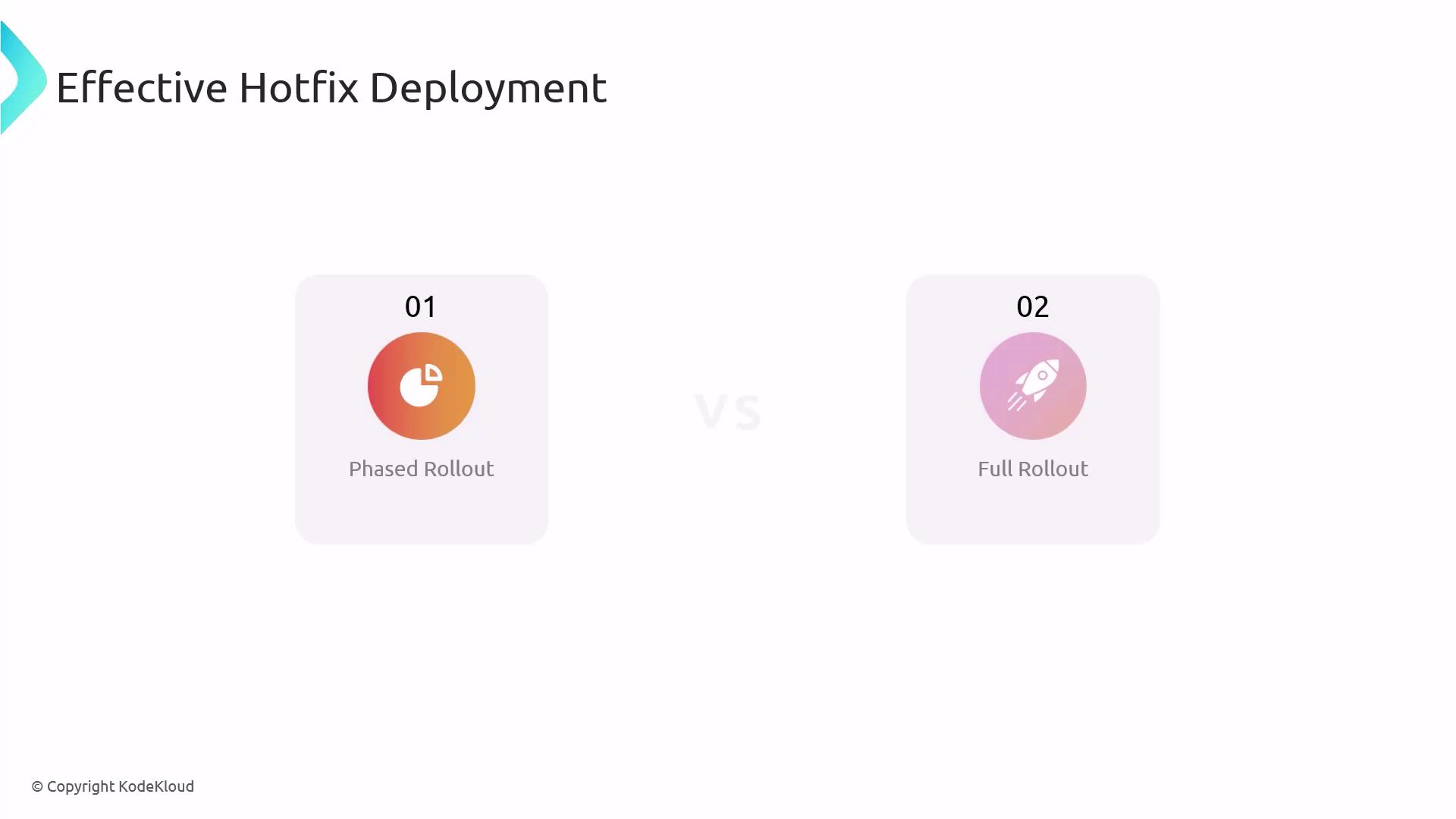
Balance the criticality of the fix against potential side effects to select the optimal approach.
## Monitoring & Verification
Monitor your hotfix in two phases:
1. **Immediate Monitoring**\
Review logs and alerts right after deployment.
2. **Long-Term Monitoring**\
Track performance trends over days or weeks to confirm stability.
This layered monitoring ensures both rapid detection and sustained performance.
## Post-Deployment Review
After stabilization, schedule a post-mortem meeting to:
* Record successes and failures.
* Update your hotfix runbooks.
* Share insights with the team for continuous improvement.
***
Whether you’re preparing for the \[AZ-400 Exam] or handling live incidents, a structured hotfix path plan is essential. By codifying each step—from branch strategy to post-deployment review—you’ll reduce downtime and maintain high system reliability.
## References
* [AZ-400 Certification Exam](https://learn.microsoft.com/en-us/certifications/exams/az-400)
* [Azure DevOps Services](https://azure.microsoft.com/services/devops/)