> ## Documentation Index
> Fetch the complete documentation index at: https://notes.kodekloud.com/llms.txt
> Use this file to discover all available pages before exploring further.
# Design a pipeline to ensure reliable order of dependency deployments
> Learn to build an Azure DevOps pipeline ensuring correct deployment order for interdependent components, crucial for avoiding failures and service outages.
In this guide, you’ll learn how to build an Azure DevOps pipeline that guarantees the correct order of deployments for interdependent components. Whether you’re preparing for the AZ-400 exam or improving your production CI/CD workflows, understanding dependency-aware pipelines is essential for avoiding deployment failures and service outages.
Managing dependencies is like following a recipe: deploy a database before a web app, provision services before consuming them, and verify each step before moving on. As architectures grow in complexity, you need a structured approach to ensure reliable, repeatable deployments.
## Key Challenges in Dependency Deployments
| Challenge | Impact | Azure Solution |
| ---------------------------------- | -------------------------------------------------- | ----------------------------------------------- |
| Multiple interdependent components | Out-of-order deployments lead to failures | `dependsOn` in YAML stages |
| Enforcement of deployment sequence | Manual scripts become brittle and hard to maintain | Approval gates (manual and automated) |
| Visibility and traceability | Difficult to pinpoint failures and rollback points | Azure Monitor, Application Insights integration |
## Core Azure DevOps Tools
* **Azure Pipelines**: Define multi-stage YAML workflows.
* **YAML `dependsOn`**: Enforce stage and job ordering.
* **ManualValidation\@0**: Add human approval gates.
* **Gates & Checks**: Automate conditional validations.
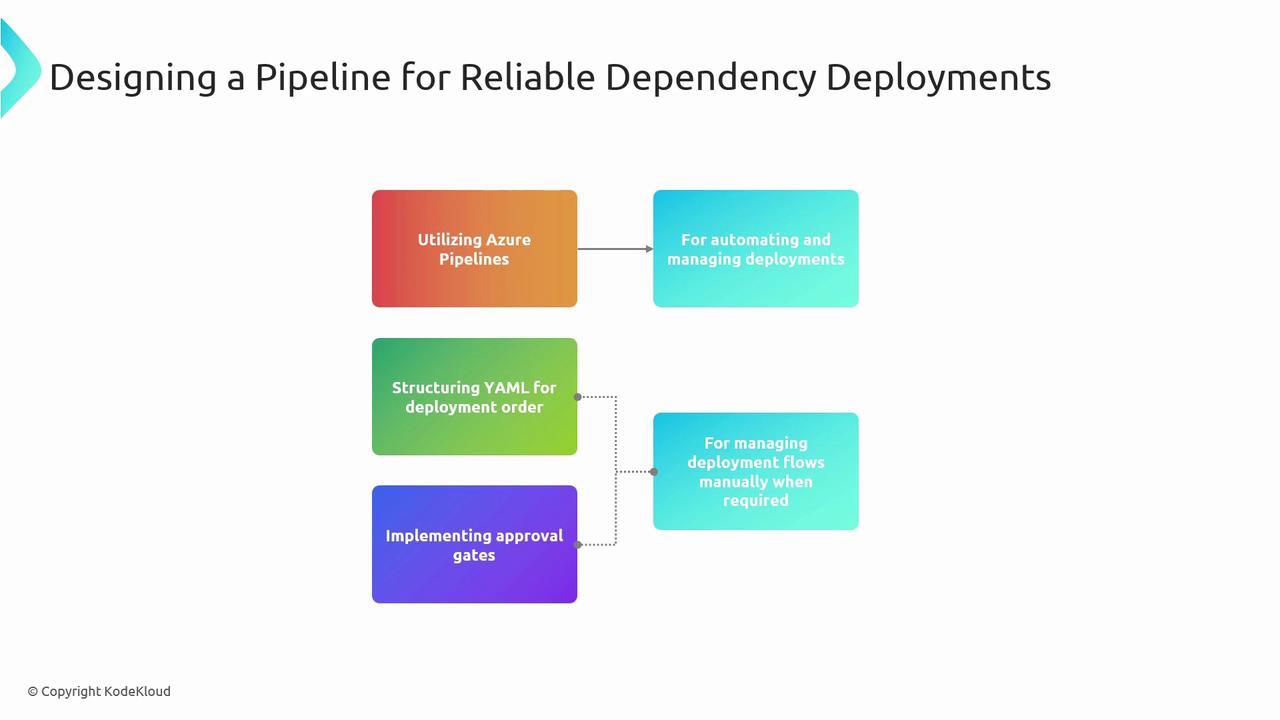
Deploying components out of sequence can cause runtime errors, data corruption, or service downtime. Always model your pipeline to mirror real-world dependencies.
## Example: Database → Approval → Web App
This sample YAML pipeline demonstrates a three-stage deployment:
1. **DeployDatabase**: Provision the database.
2. **WaitForApproval**: Pause for a manual approval.
3. **DeployWebApp**: Roll out the dependent web application.
```yaml theme={null}
trigger:
branches:
include:
- main
pool:
vmImage: 'ubuntu-latest'
stages:
- stage: DeployDatabase
displayName: 'Deploy Database'
jobs:
- deployment: DeployDB
displayName: 'Database Deployment'
environment:
name: 'production'
resourceType: 'VirtualMachine'
strategy:
runOnce:
deploy:
steps:
- script: |
echo "Starting database deployment..."
# Add your DB provisioning commands here
displayName: 'Deploy Database'
- stage: WaitForApproval
displayName: 'Manual Approval Gate'
dependsOn: DeployDatabase
jobs:
- job: Approval
displayName: 'Await Approval'
steps:
- task: ManualValidation@0
inputs:
notifyUsers: 'approver@contoso.com'
instructions: 'Please validate database schema and connectivity.'
displayName: 'Manual Approval'
- stage: DeployWebApp
displayName: 'Deploy Web Application'
dependsOn: WaitForApproval
jobs:
- deployment: DeployApp
displayName: 'Web App Deployment'
environment:
name: 'production'
resourceType: 'VirtualMachine'
strategy:
runOnce:
deploy:
steps:
- script: |
echo "Starting web app deployment..."
# Add your web app release commands here
displayName: 'Deploy Web App'
```
## Implementing Approval Gates
Approval gates provide an extra layer of control before critical stages run:
| Gate Type | Use Case |
| ---------------- | ------------------------------------------------- |
| Manual Approvals | High-impact releases requiring human verification |
| Automated Checks | Validate service endpoints, version constraints |
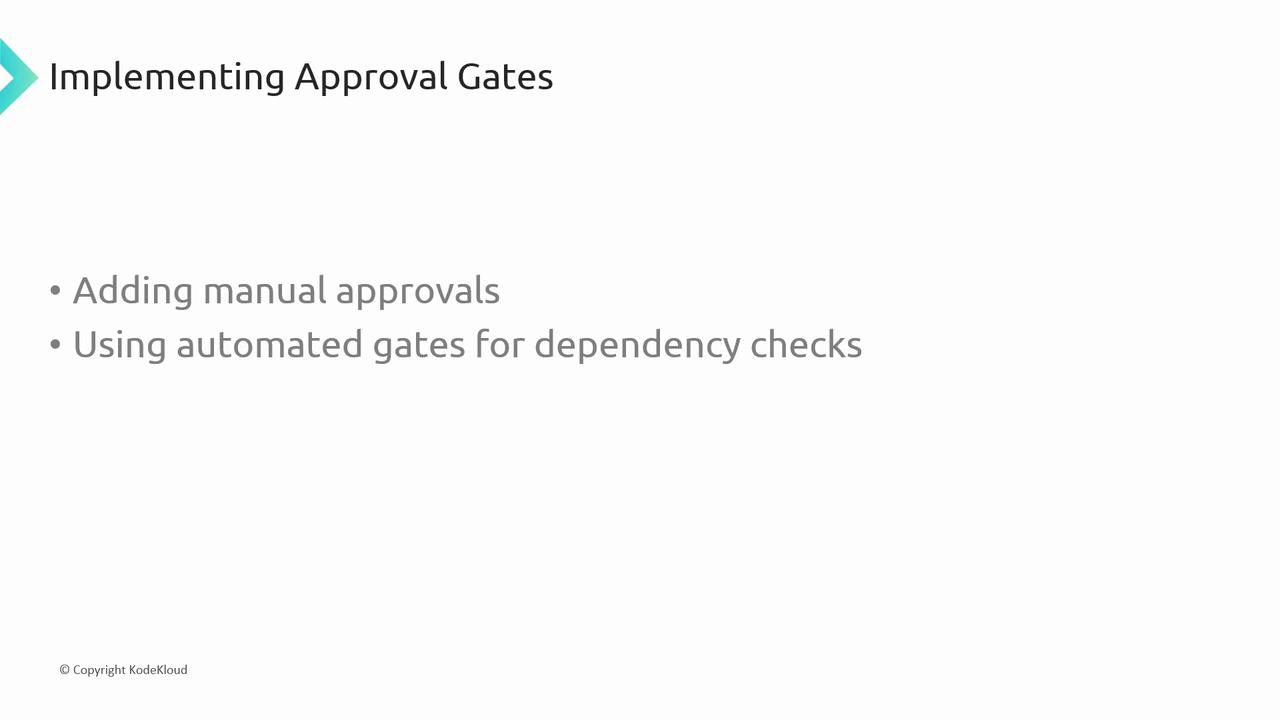
Excessive manual approvals can slow down your delivery cadence. Balance manual and automated gates to maintain speed and safety.
## Monitoring and Logging
After deployment, continuous monitoring ensures your application stays healthy and performant. Integrate Azure Monitor and Application Insights to collect metrics, logs, and alerts:
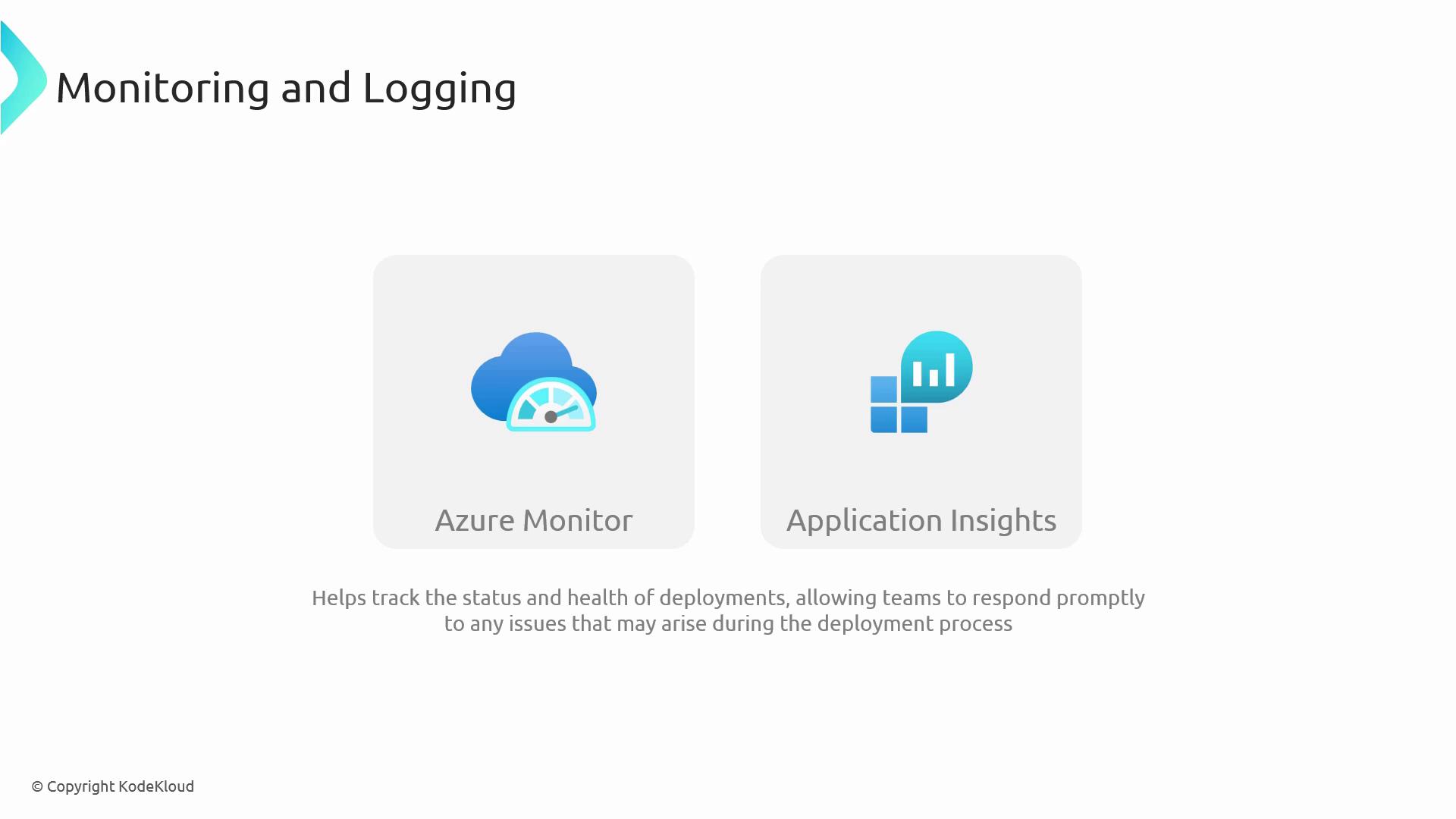
* **Azure Monitor**: Track resource health, set alerts on failures.
* **Application Insights**: Diagnose application performance issues in real time.
## Best Practices for Dependency-Aware Pipelines
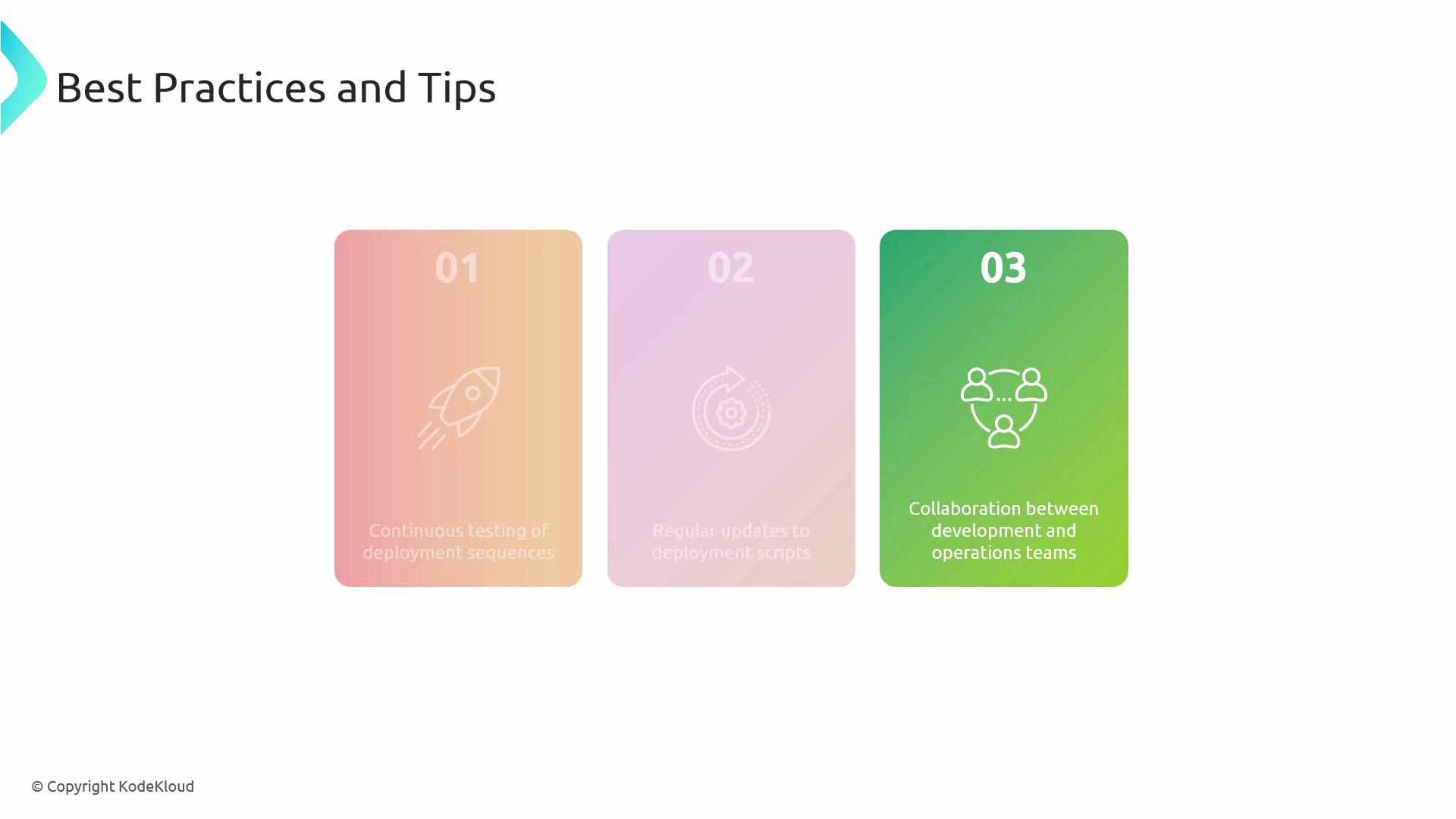
1. Continuously validate your `dependsOn` graph with automated tests.
2. Keep your YAML definitions DRY—use templates and parameters.
3. Collaborate closely with database and infrastructure teams.
## Links and References
* [Azure Pipelines documentation](https://docs.microsoft.com/azure/devops/pipelines/)
* [Manual Validation task](https://docs.microsoft.com/azure/devops/pipelines/tasks/utility/manual-validation)
* [Azure Monitor overview](https://docs.microsoft.com/azure/azure-monitor/)
* [Application Insights deep dive](https://docs.microsoft.com/azure/azure-monitor/app/app-insights-overview)
* [AZ-400: Designing and Implementing Microsoft DevOps Solutions](https://docs.microsoft.com/learn/certifications/exams/az-400)