> ## Documentation Index
> Fetch the complete documentation index at: https://notes.kodekloud.com/llms.txt
> Use this file to discover all available pages before exploring further.
# Exploring Deployment Strategies
> This guide explores six deployment strategies to minimize risk, maintain uptime, and support continuous delivery for reliable software releases.
When delivering new software versions, a solid deployment strategy is essential to minimize risk, maintain uptime, and support continuous delivery. In this guide, we’ll walk through six proven approaches to streamline your release process and ensure a smooth user experience.
**Key Benefits of Deployment Strategies**
* **Risk Management**: Contain failures and reduce blast radius.
* **Improved Uptime**: Roll out updates in stages to avoid downtime.
* **Continuous Delivery**: Deploy features more frequently with confidence.
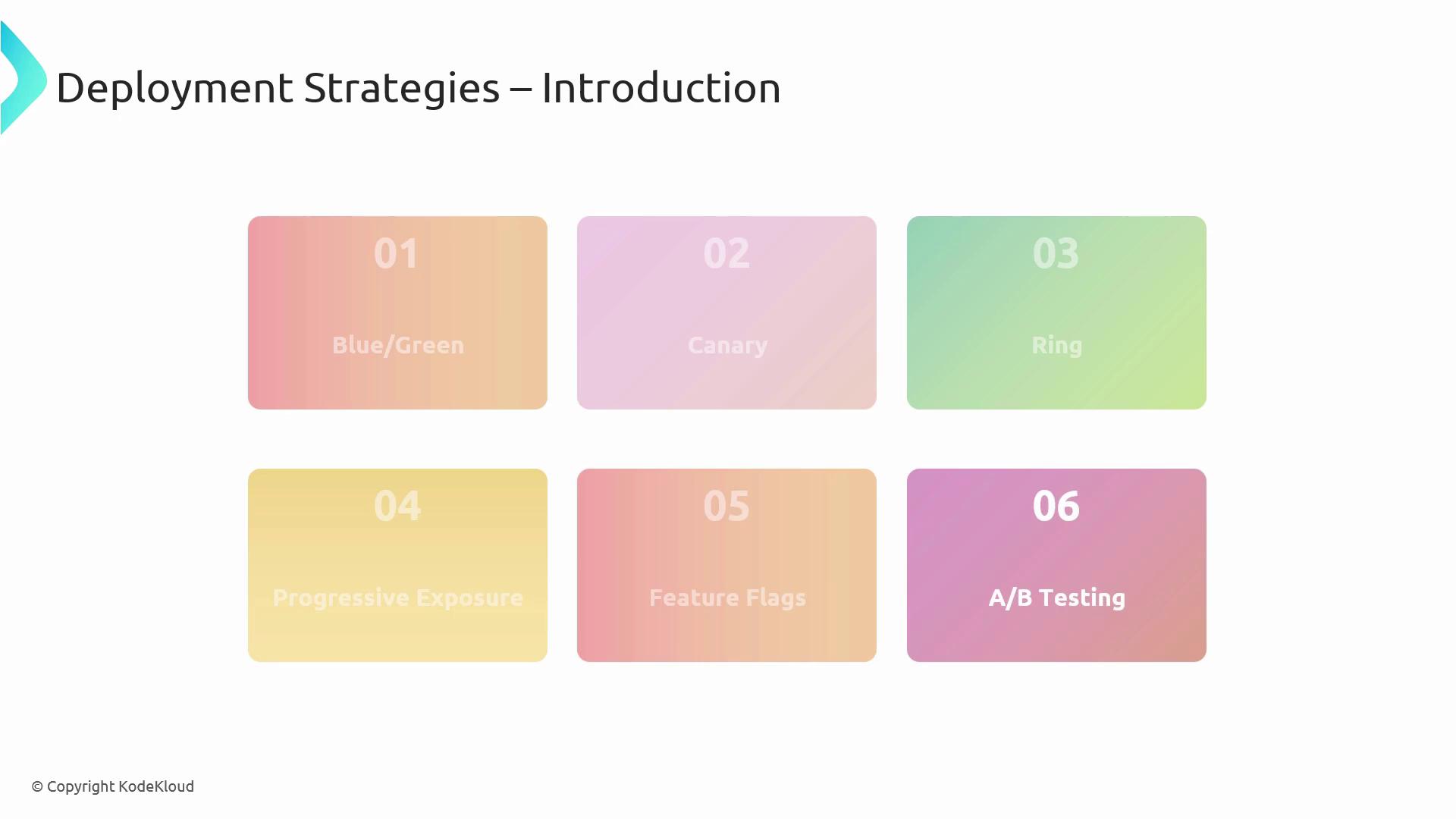
## Table of Contents
1. [Blue/Green Deployments](#bluegreen-deployments)
2. [Canary Releases](#canary-releases)
3. [Ring Deployments](#ring-deployments)
4. [Progressive Exposure](#progressive-exposure)
5. [Feature Flags](#feature-flags)
6. [A/B Testing](#ab-testing)
***
## Blue/Green Deployments
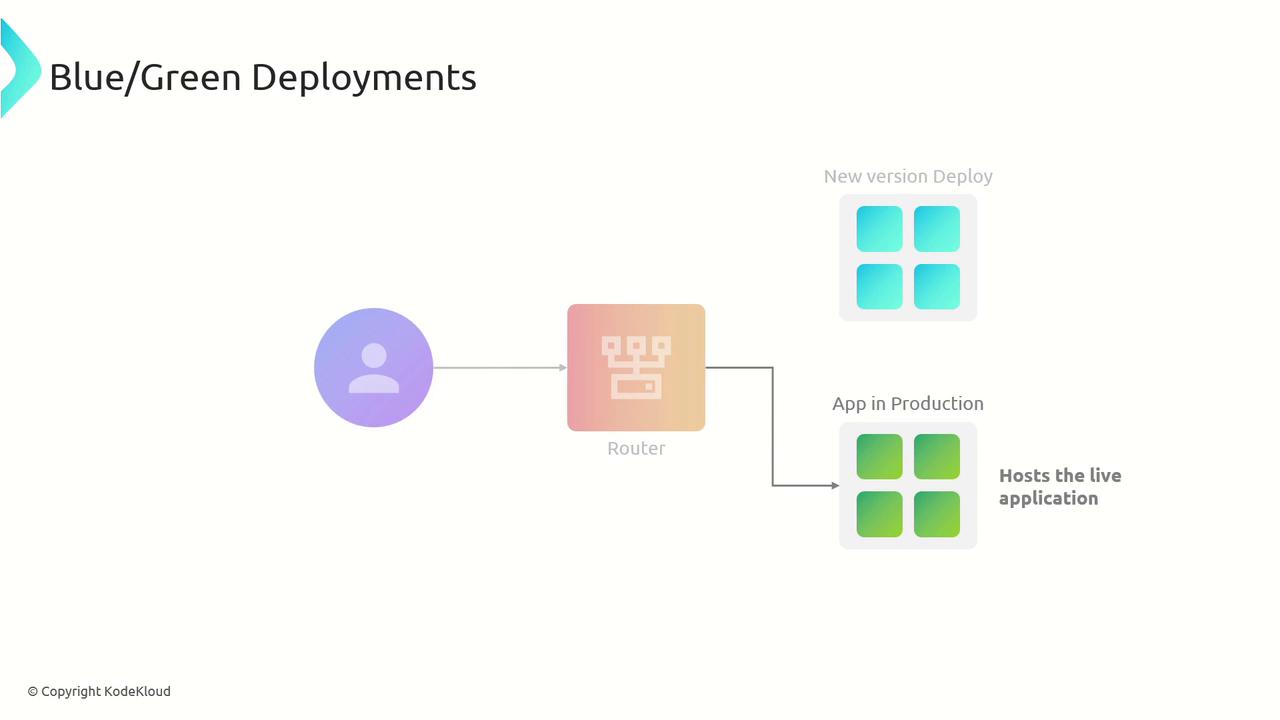
Blue/Green deployments use two identical production environments to achieve near-zero downtime and instant rollback capabilities.
1. Build and validate version B in the **blue** environment.
2. Switch the router or load balancer so all traffic flows to **blue**.
3. Monitor metrics; if issues occur, revert traffic to **green** immediately.
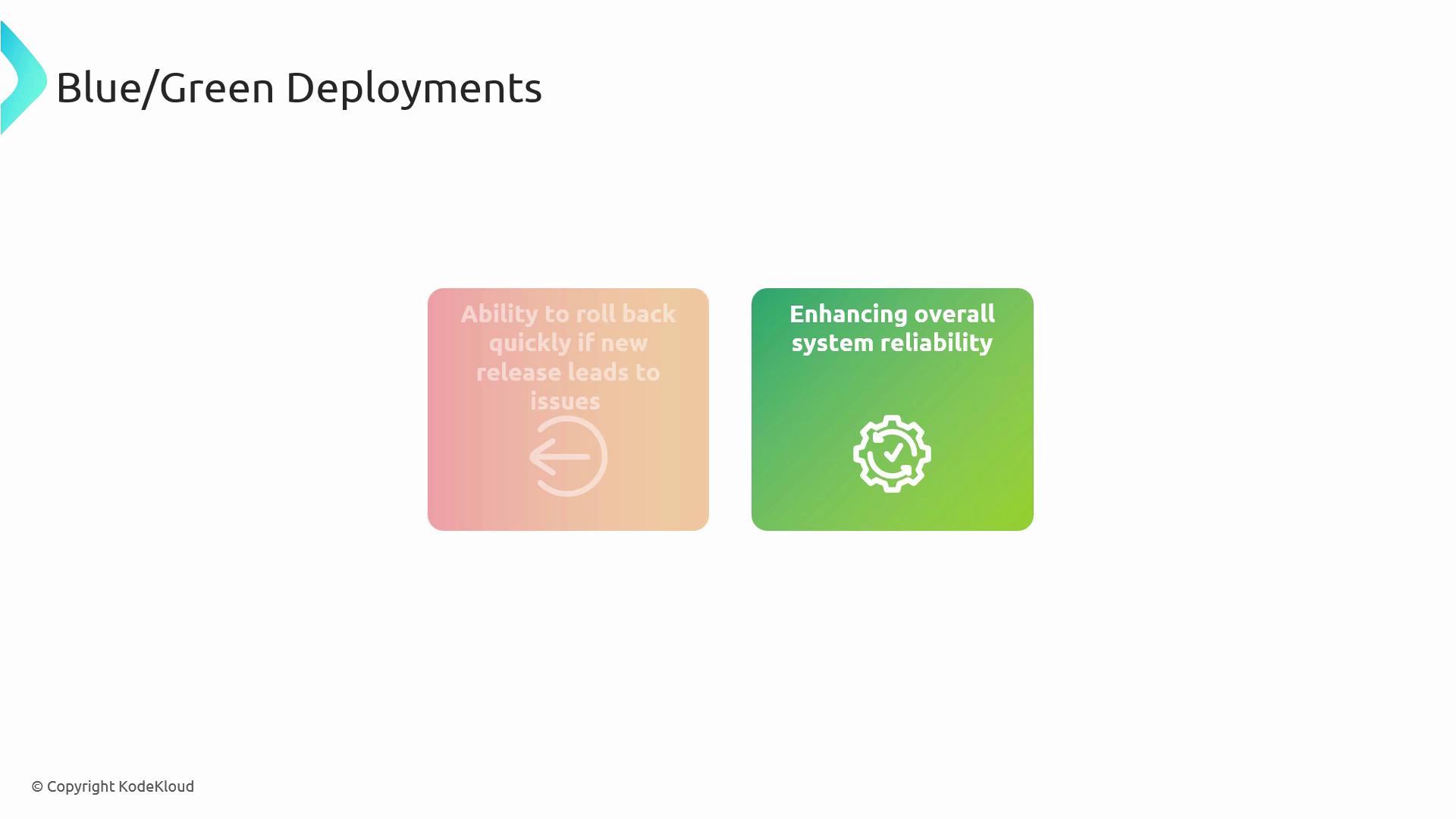
Blue/Green is ideal when you need a fast rollback plan and zero interruption for end users.
***
## Canary Releases
Canary deployments roll out new features to a small subset of users, enabling early detection of performance regressions before a full release.
* Deploy the new version to a limited group of servers or users.
* Collect metrics, logs, and user feedback.
* Gradually increase traffic to the canary cohort if all health checks pass.
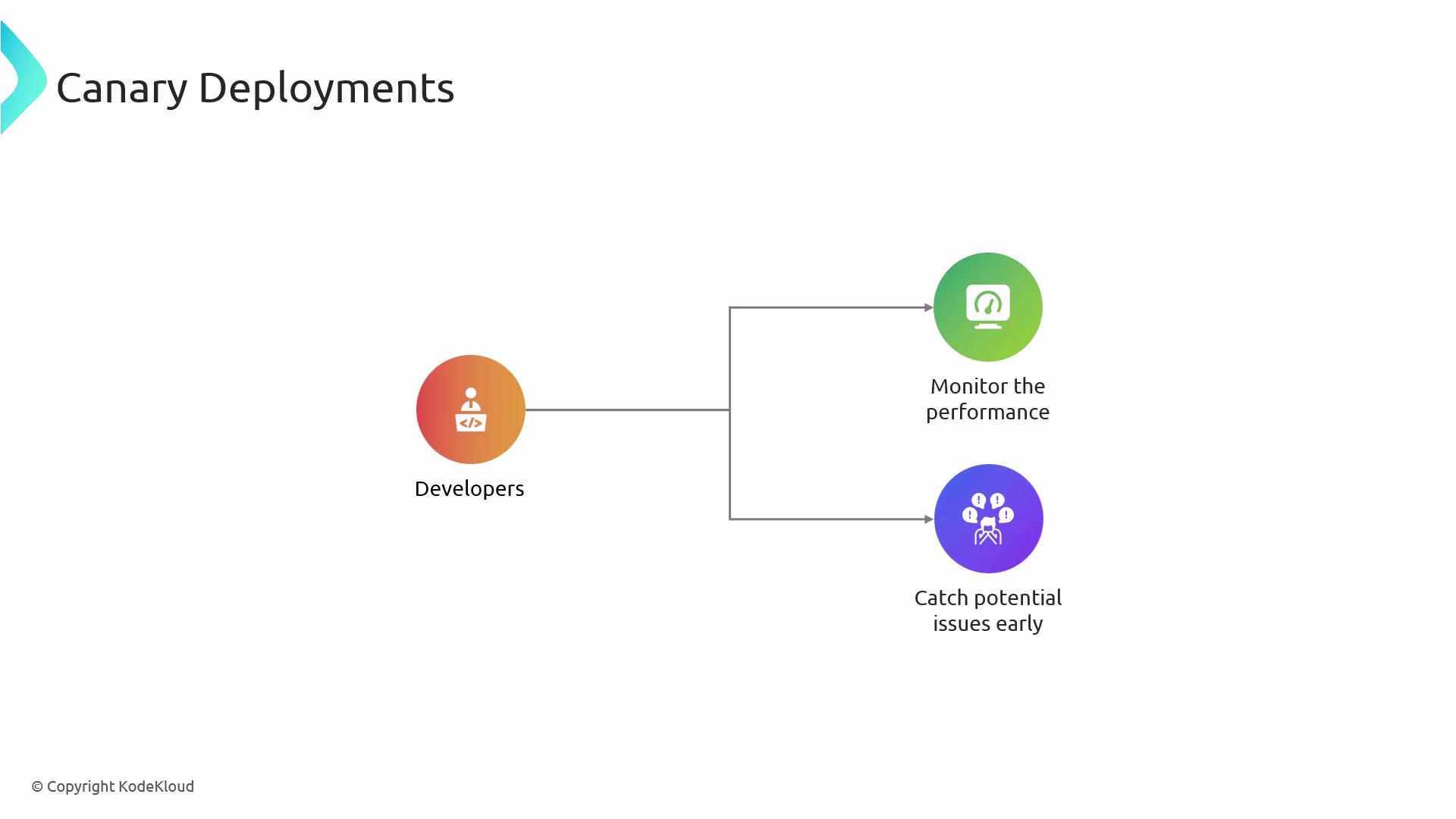
If anomalies arise, you can halt the rollout or roll back with minimal impact.
***
## Ring Deployments
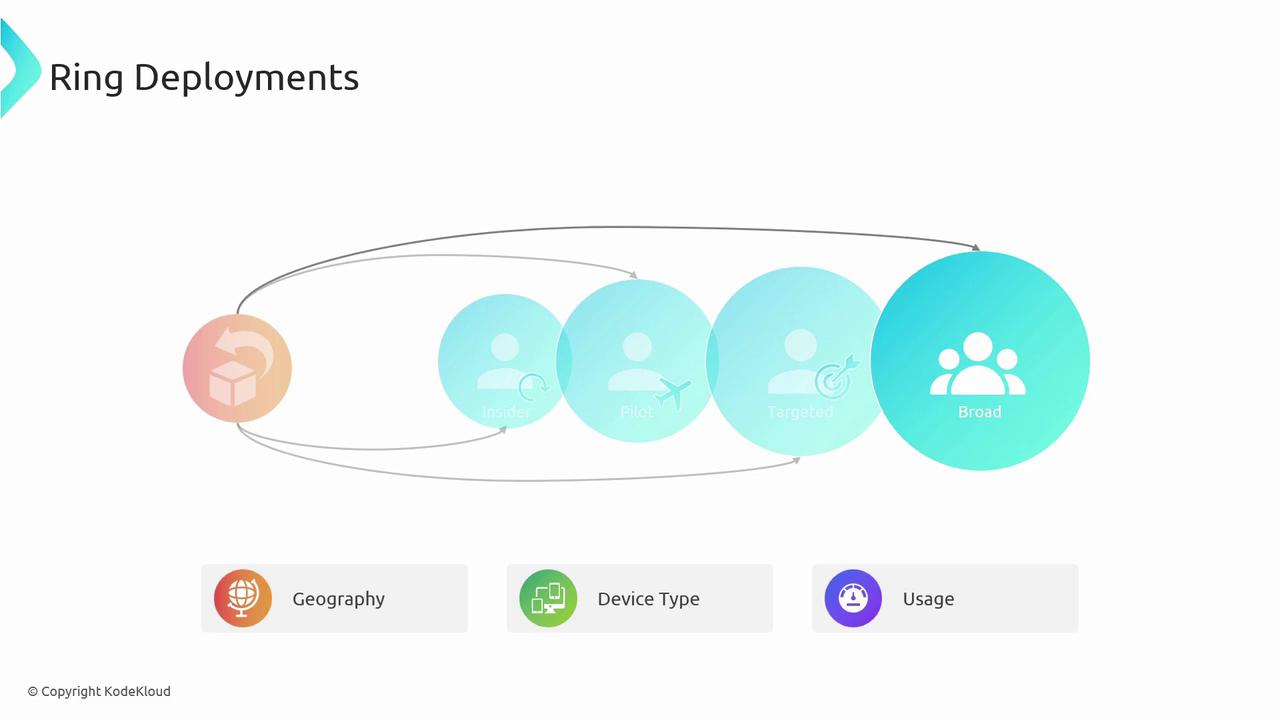
Ring deployments build on canary by defining multiple user “rings” that receive updates in succession. Rings are often organized by geography, device type, or user role.
1. **Insiders**: Internal team or trusted testers.
2. **Pilot**: Small subset of external users.
3. **Targeted**: Larger user segment.
4. **Broad**: All remaining users.
Managing multiple rings introduces complexity in monitoring and coordination—plan your automation carefully.
***
## Progressive Exposure
Progressive exposure combines canary and ring patterns by advancing through well-defined stages based on real-time metrics. This method works well for large-scale features that require validation under varying loads.

**Stages**
* **Canary**: Initial validation with minimal users.
* **Pilot Customers**: Trusted external testers.
* **Light-Load Regions**: Early geographic rollout.
* **Medium-Load Regions**: Expanded coverage upon successful metrics.
***
## Feature Flags
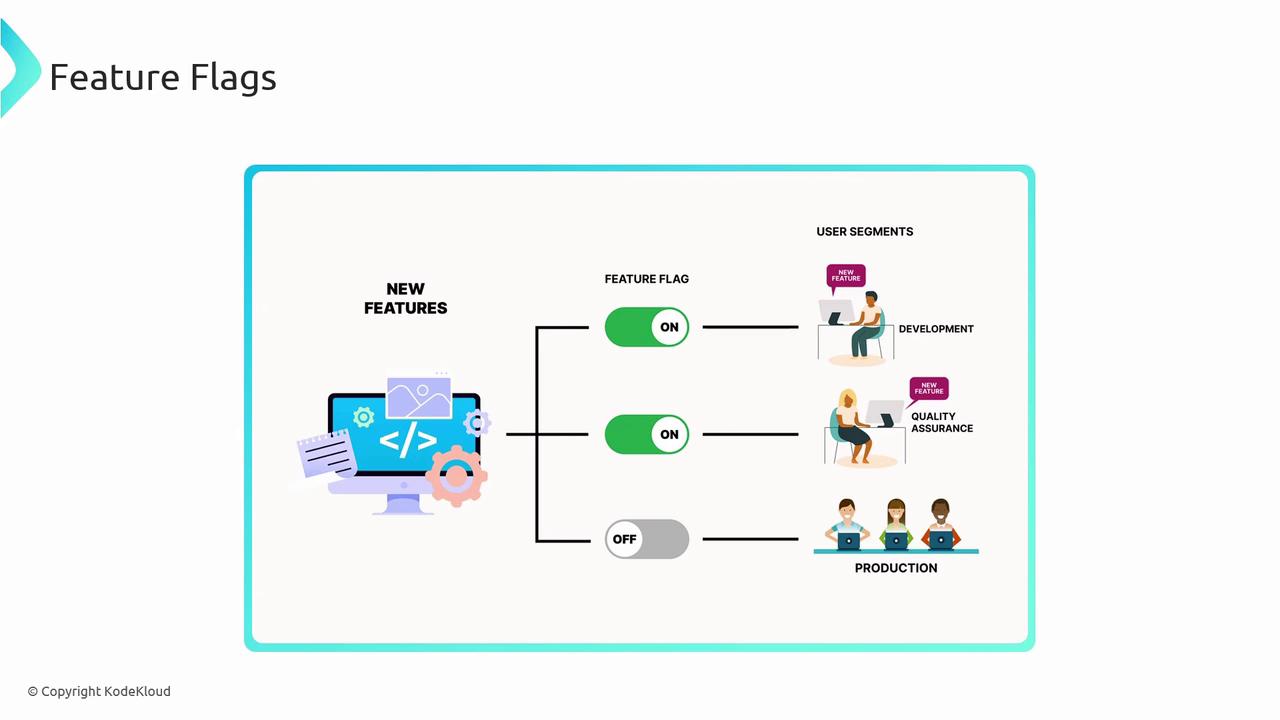
Feature flags (also known as feature toggles) decouple code deployment from feature release, granting granular control over who sees new functionality.
* Turn features on/off at runtime without redeploying.
* Perform dark launches by toggling visibility.
* Enable canary or phased rollouts by flagging select user segments.
* Instantly disable problematic features to avoid full rollback.
Use a centralized flag management service to avoid flag sprawl and technical debt.
***
## A/B Testing
A/B testing (split testing) helps you compare two or more variants of a feature to identify which one best meets your key performance indicators (KPIs).
* Serve version A to one cohort and version B to another.
* Collect behavioral data (e.g., click-through rates, conversions).
* Analyze results statistically and roll out the winning variant.
A/B testing fosters data-driven decisions and continuous optimization of user experience.
***
## Strategy Comparison
| Strategy | Key Benefit | Ideal Use Case |
| -------------------- | ------------------------------- | ------------------------------------------------ |
| Blue/Green | Instant rollback, zero downtime | Major version upgrades |
| Canary | Early anomaly detection | High-risk features, backend services |
| Ring | Controlled phased release | Large user bases with varied geographies |
| Progressive Exposure | Multi-stage validation | Complex features requiring load-specific testing |
| Feature Flags | Runtime control, dark launches | Incremental feature releases, quick disablement |
| A/B Testing | Data-driven UX improvements | UI/UX experiments, marketing campaigns |
## Links and References
* [Continuous Delivery on Wikipedia](https://en.wikipedia.org/wiki/Continuous_delivery)
* [Azure DevOps Documentation](https://docs.microsoft.com/azure/devops/)
* [Feature Flag Best Practices](https://martinfowler.com/articles/feature-toggles.html)
By combining these deployment strategies according to your application’s risk profile and traffic patterns, you can achieve reliable, efficient, and resilient software releases.