> ## Documentation Index
> Fetch the complete documentation index at: https://notes.kodekloud.com/llms.txt
> Use this file to discover all available pages before exploring further.
# Exploring Configuration management technology for application infrastructure
> This guide explores Azure Configuration Management tools for automating, securing, and scaling Azure resources in DevOps processes.
Welcome to our deep dive into Azure Configuration Management tools. In this guide, you’ll learn how to automate, secure, and scale your Azure resources, streamlining your DevOps processes from development to production.
## What Is Configuration Management?
Configuration Management is a cornerstone of DevOps. It’s the practice of tracking and controlling changes in your software and hardware components to maintain system integrity, prevent drift, and ensure consistent environments.
Effective configuration management enhances collaboration between teams by providing a single source of truth for your environment’s state.
## Why Configuration Management Matters in Azure
Azure Configuration Management delivers three key benefits that accelerate deployments and enforce governance:
| Benefit | Description | Illustration |
| ------------------------ | -------------------------------------------------------------------------------------------------- | ------------------------------------------------------------------------------------------------------------------------------------------------------------------------------------------------------------------------------------------------------------------------------------------------------------------------------------------------------------------------------------------------------------------------------------------------------------------------------------------------------- |
| Consistency & Compliance | Adheres to organizational standards and regulatory requirements across all systems. | 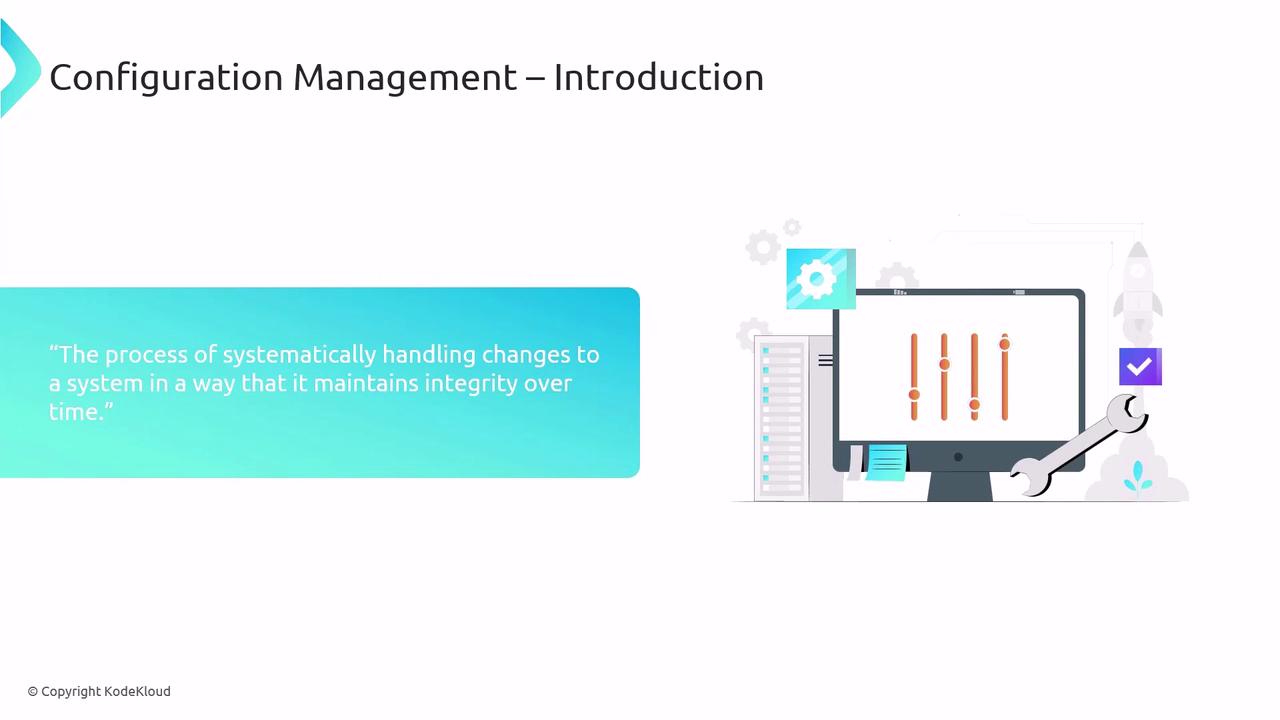 |
| Automation & Scalability | Automates deployment workflows so new instances match existing environments without manual effort. | 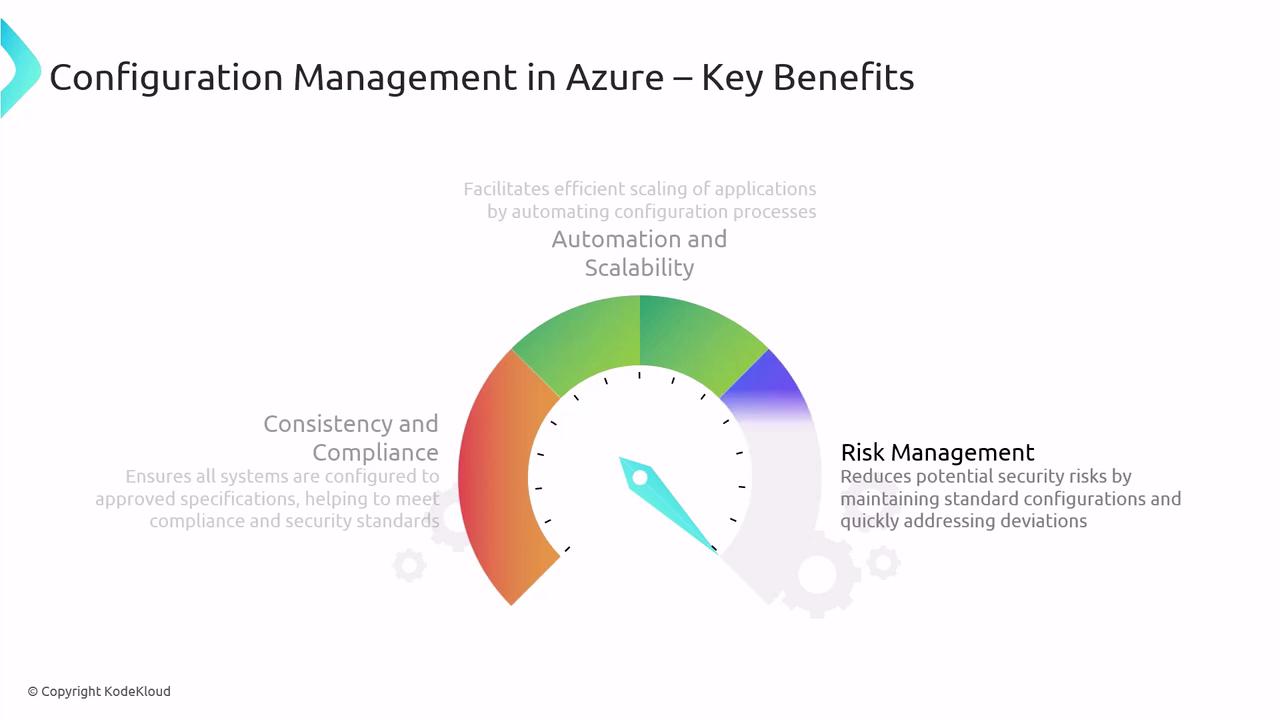 |
| Risk Management | Detects and remediates deviations from the desired state, reducing security risks. | *(See “Best Practices” section for audit and monitoring guidance.)* |
## Configuration Management in a DevOps Workflow
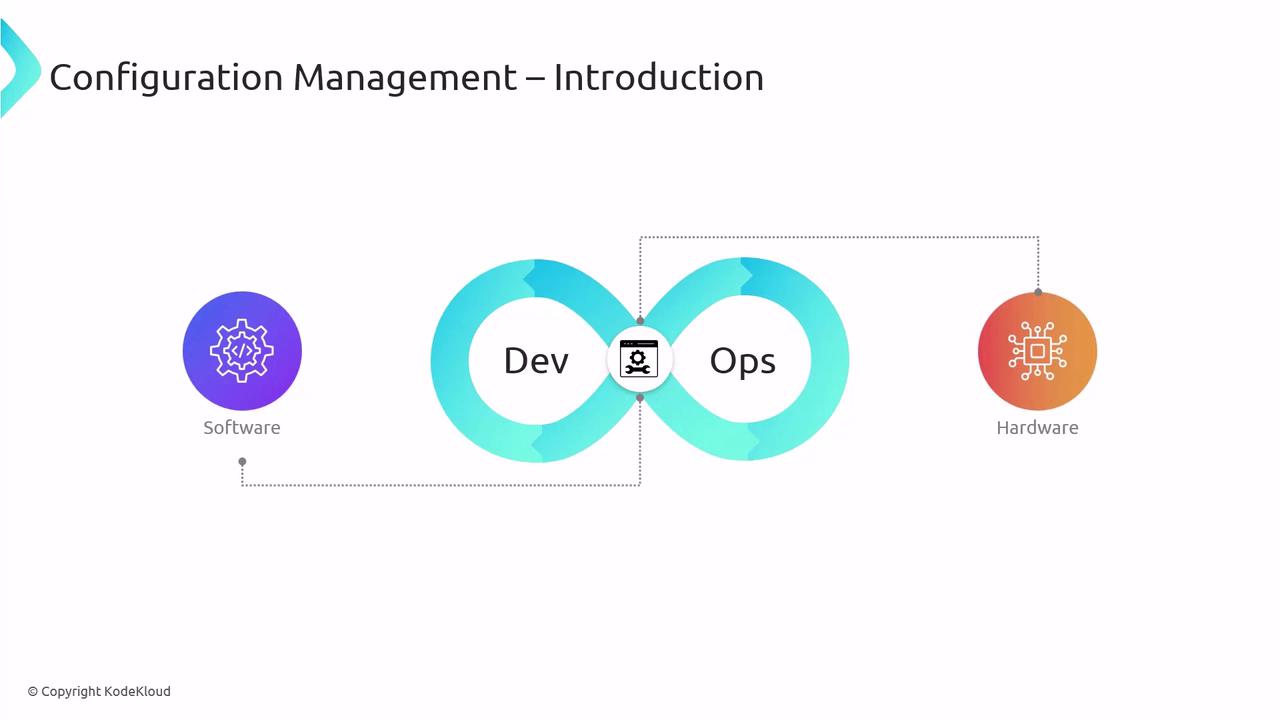
Configuration Management bridges development and operations by tracking both software and infrastructure changes. This collaboration reduces errors, accelerates deployments, and ensures repeatable processes.
## Azure Configuration Management Tools
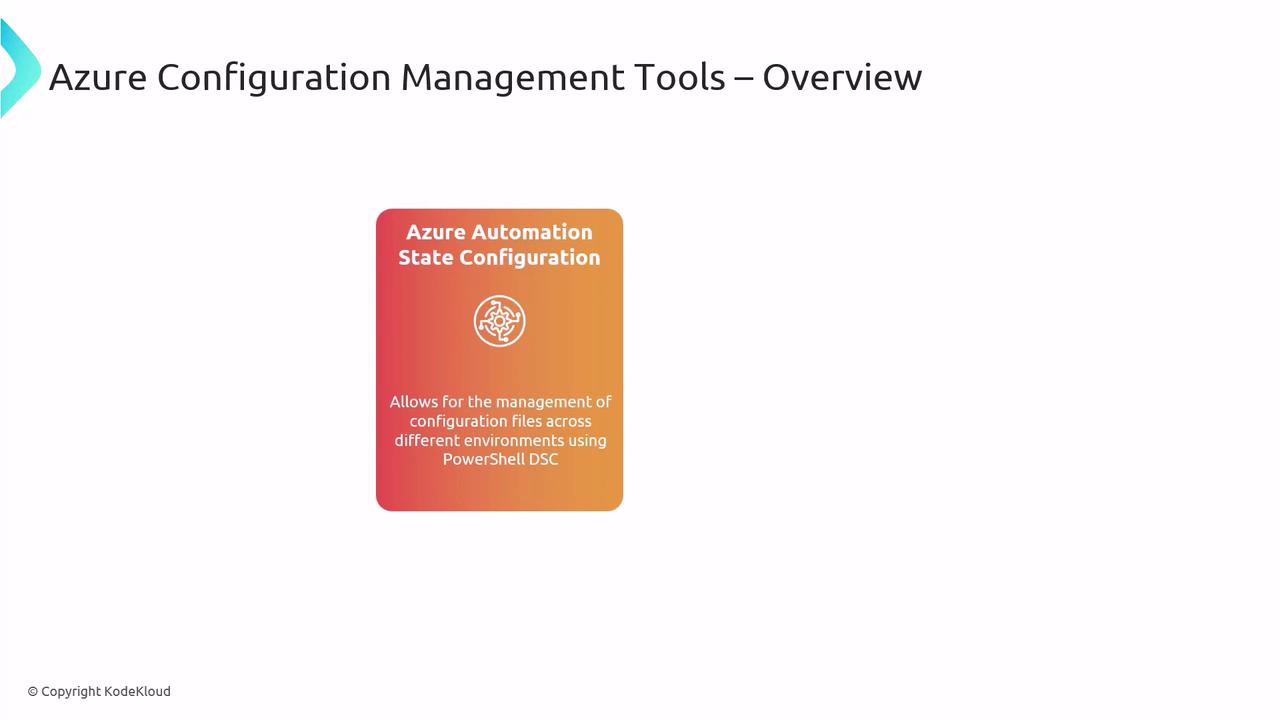
Azure provides two primary solutions to define, deploy, and enforce configurations:
| Tool | Purpose | Learn More |
| -------------------------------------------------- | ----------------------------------------------------------------------------------------------------------------------------------------------------------- | ---------------------------------------------------------------------------------- |
| Azure Automation Desired State Configuration (DSC) | Leverages [PowerShell DSC](https://docs.microsoft.com/powershell/dsc/overview) to script, compile, and apply desired states across Windows and Linux nodes. | [Azure Automation DSC](https://docs.microsoft.com/azure/automation/automation-dsc) |
| Azure Policy | Defines, audits, and enforces rules to ensure resources remain compliant with organizational standards. | [Azure Policy](https://docs.microsoft.com/azure/governance/policy/overview) |
Azure Automation DSC may require elevated permissions and infrastructure connectivity for hybrid environments. Plan network and role assignments before onboarding nodes.
## Best Practices for Configuration Management
Apply these practices to get the most out of your Azure Configuration Management strategy:

* Integrate with a version control system (Git) to track changes and enable rollbacks.
* Schedule **regular audits** to detect unauthorized or drifted configurations.
* Establish a **continuous improvement** cycle: update scripts and policies as requirements evolve.
* Use built-in **reporting and alerting** to monitor compliance and state changes.
## Real-World Implementation: A Case Study
A mid-sized software firm maintains configurations across Azure VMs and on-premises servers. Their goals: automate deployments, reduce human error, and enforce strict compliance.
### Implementation Steps
1. **Provision an Azure Automation account**\
Create the account in the [Azure portal](https://portal.azure.com) and configure run-as credentials for both Azure and hybrid nodes.
2. **Develop DSC configurations**\
Write modular DSC scripts or ARM templates that describe each server’s desired state.
3. **Import and compile**\
Upload your DSC resources into Automation Assets and compile configurations.
4. **Onboard target nodes**\
Register VMs and servers as DSC nodes to apply configurations.
5. **Monitor compliance**\
Use built-in reporting, alerts, and dashboards to verify each node’s status.
6. **Iterate and improve**\
Update scripts, refine policies, and incorporate feedback from audits and deployments.
### Expected Outcomes
* Automation of repetitive configuration tasks, cutting manual steps by up to 70%.
* Consistent enforcement of internal policies and external regulations.
* Faster identification and remediation of configuration drift, enhancing security posture.
## Links and References
* [Azure Automation Desired State Configuration (DSC)](https://docs.microsoft.com/azure/automation/automation-dsc)
* [PowerShell DSC Overview](https://docs.microsoft.com/powershell/dsc/overview)
* [Azure Policy Overview](https://docs.microsoft.com/azure/governance/policy/overview)
* [Azure Virtual Machines Documentation](https://docs.microsoft.com/azure/virtual-machines/)
* [Azure Portal](https://portal.azure.com)