> ## Documentation Index
> Fetch the complete documentation index at: https://notes.kodekloud.com/llms.txt
> Use this file to discover all available pages before exploring further.
# Local Tests Unit Tests Integration Tests Load Tests
> This article covers essential testing stages and their integration into CI/CD workflows using Azure Pipelines.
In this article, we’ll cover four essential testing stages—local tests, unit tests, integration tests, and load tests—and show you how to plug them into your CI/CD workflows with Azure Pipelines. By automating these checks, you can catch defects early, maintain high quality, and ensure your services scale under pressure.
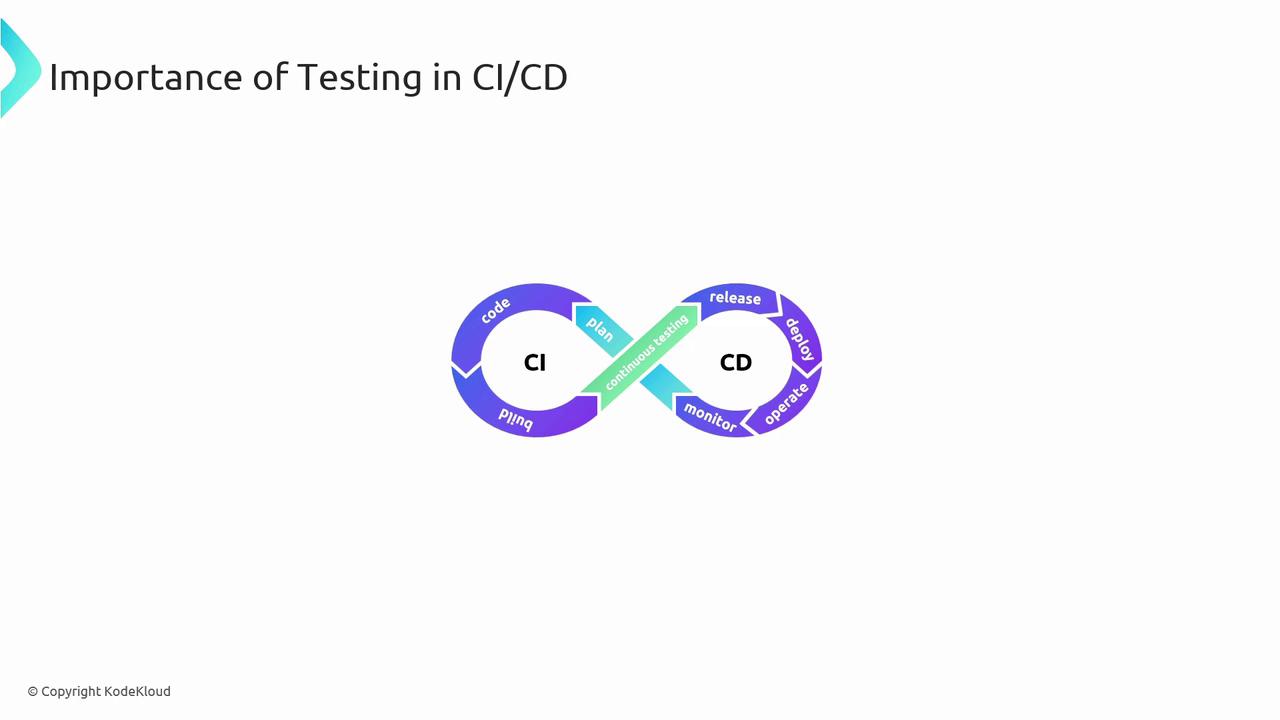
Testing is crucial in CI/CD to maintain application quality and performance.
Azure Pipelines provides the automation framework to execute these tests efficiently, ensuring smooth integration and deployment.
## Testing Matrix
| Test Type | Purpose | Common Tools / Frameworks |
| ----------------- | -------------------------------------------------- | -------------------------- |
| Local Tests | Get immediate feedback in the dev environment | Shell scripts, IDE plugins |
| Unit Tests | Validate individual methods or classes | NUnit, JUnit |
| Integration Tests | Exercise interactions between modules and services | `dotnet test`, pytest |
| Load Tests | Simulate heavy traffic and measure performance | Apache JMeter, BlazeMeter |
Run local tests before every commit to minimize broken builds in your shared branches. Automate unit, integration, and load tests in separate pipeline stages for clear feedback and faster troubleshooting.
## Local Tests
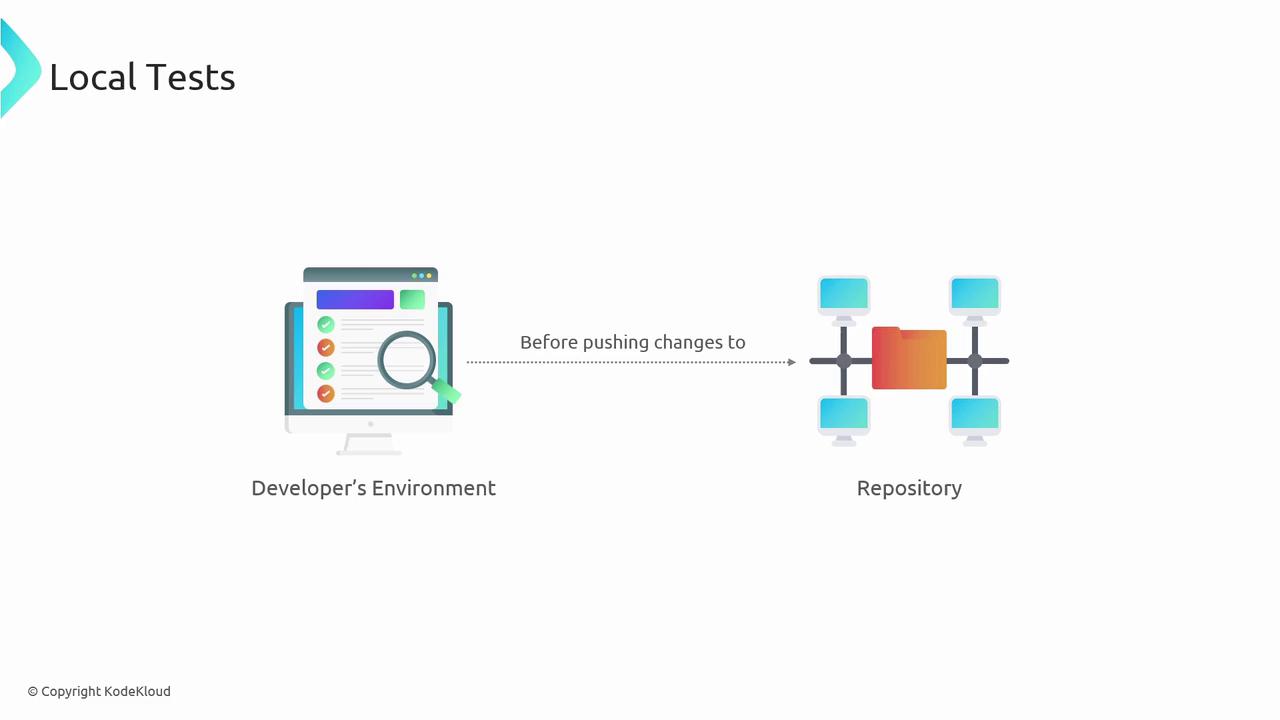
Local tests execute on your machine before code is pushed. They help catch syntax errors, style violations, and basic logical flaws without any external dependencies.
### Benefits of Local Tests
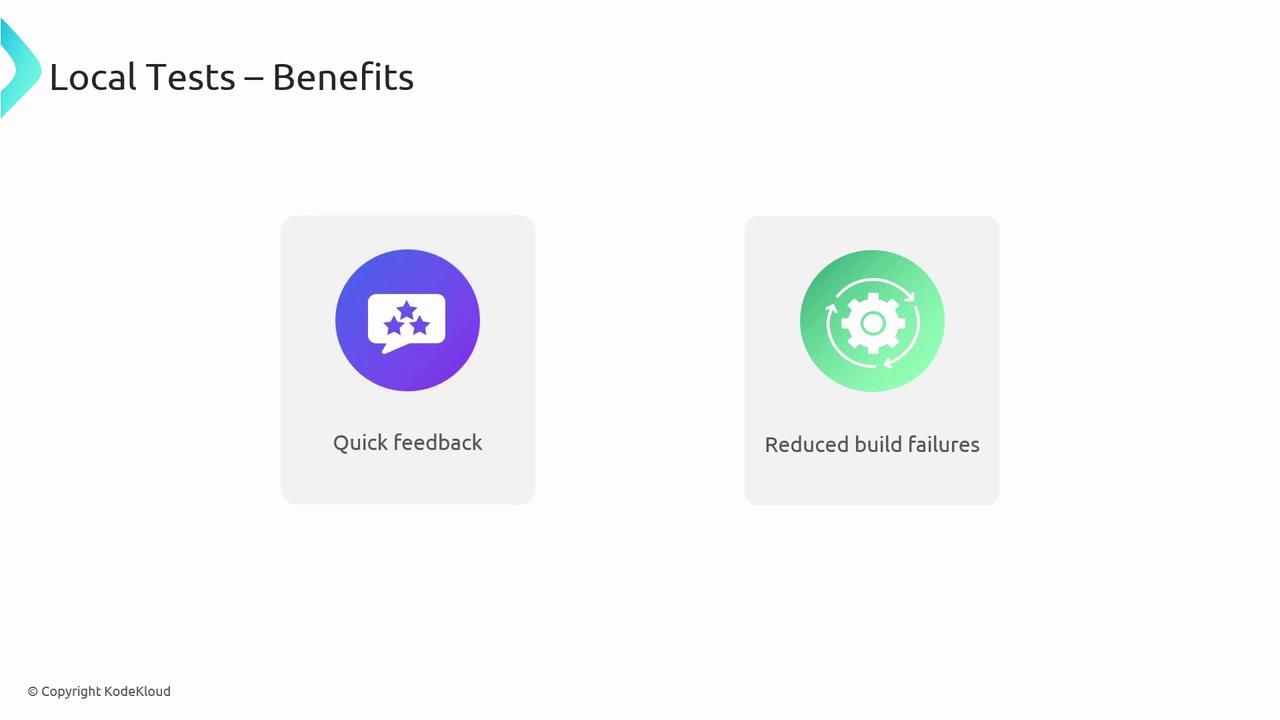
* Quick feedback loop
* Fewer build failures in CI
* Improved developer confidence
## Unit Tests
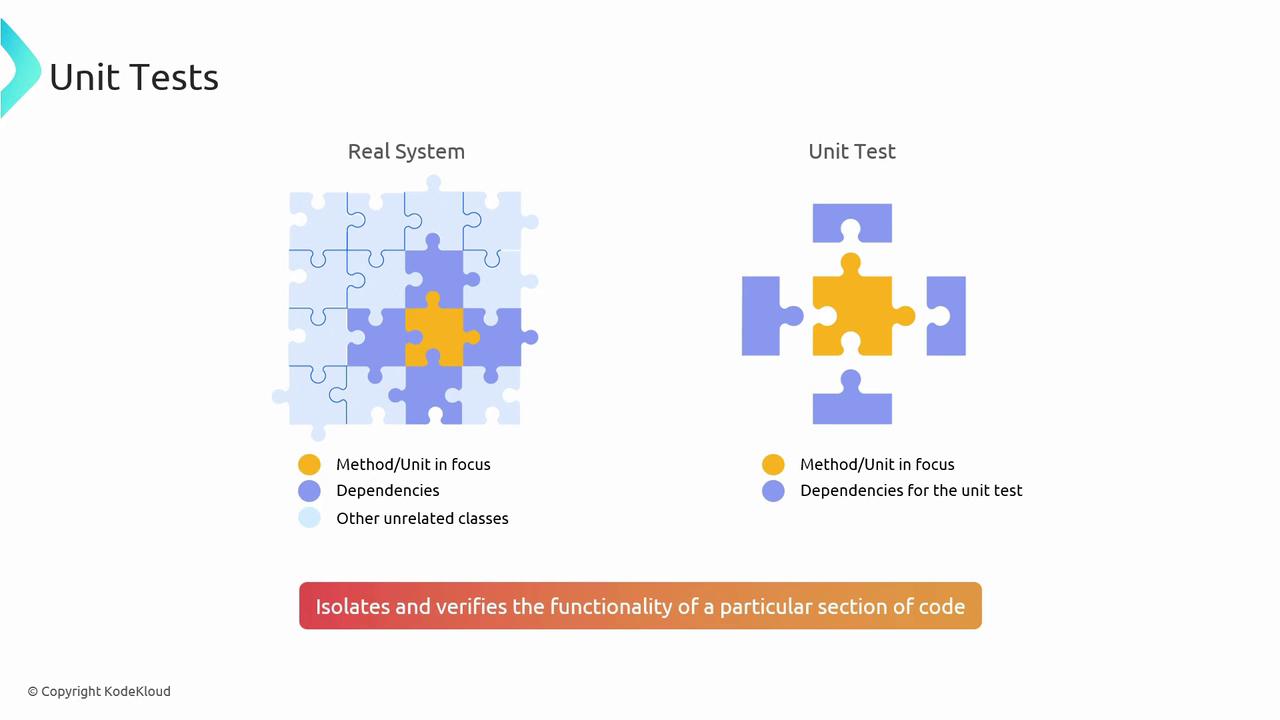
Unit tests isolate and verify the smallest testable parts of your codebase. They run fast and serve as documentation for expected behavior.
### Popular Frameworks
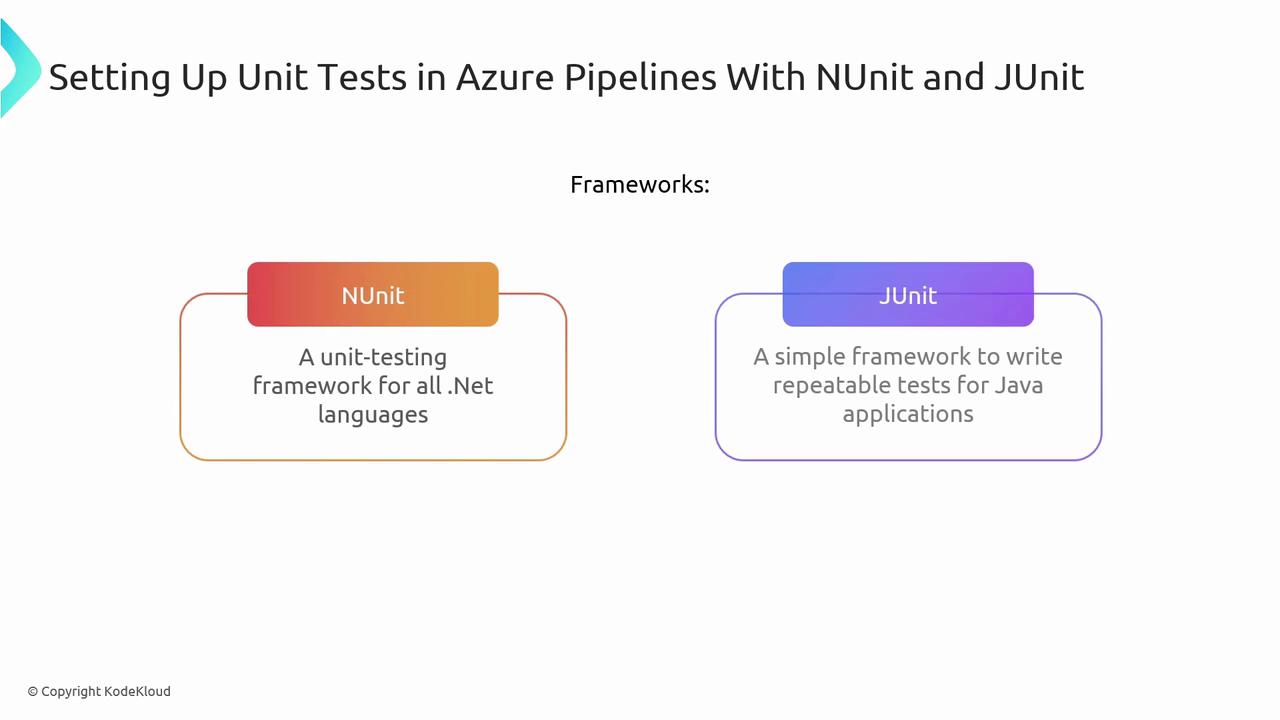
| Framework | Language | Docs |
| --------- | -------- | ------------------------------- |
| NUnit | .NET | [nunit.org](https://nunit.org/) |
| JUnit | Java | [junit.org](https://junit.org/) |
### Azure Pipelines YAML Examples
#### .NET with NUnit on Windows
```yaml theme={null}
trigger:
- main
pool:
vmImage: 'windows-latest'
steps:
- task: NuGetToolInstaller@1
- task: NuGetCommand@2
inputs:
restoreSolution: '**/*.sln'
- task: VSBuild@1
inputs:
solution: '**/*.sln'
platform: 'Any CPU'
configuration: 'Release'
- task: VSTest@2
inputs:
platform: 'Any CPU'
configuration: 'Release'
testSelector: 'testAssemblies'
testAssemblyVer2: '**\test*.dll'
searchFolder: '$(System.DefaultWorkingDirectory)'
```
#### Java with JUnit on Ubuntu
```yaml theme={null}
trigger:
- main
pool:
vmImage: 'ubuntu-latest'
steps:
- script: sudo apt-get update && sudo apt-get install -y maven
displayName: 'Install Maven'
- script: mvn -B package --file pom.xml
displayName: 'Build with Maven'
- script: mvn test
displayName: 'Run JUnit Tests'
```
## Integration Tests
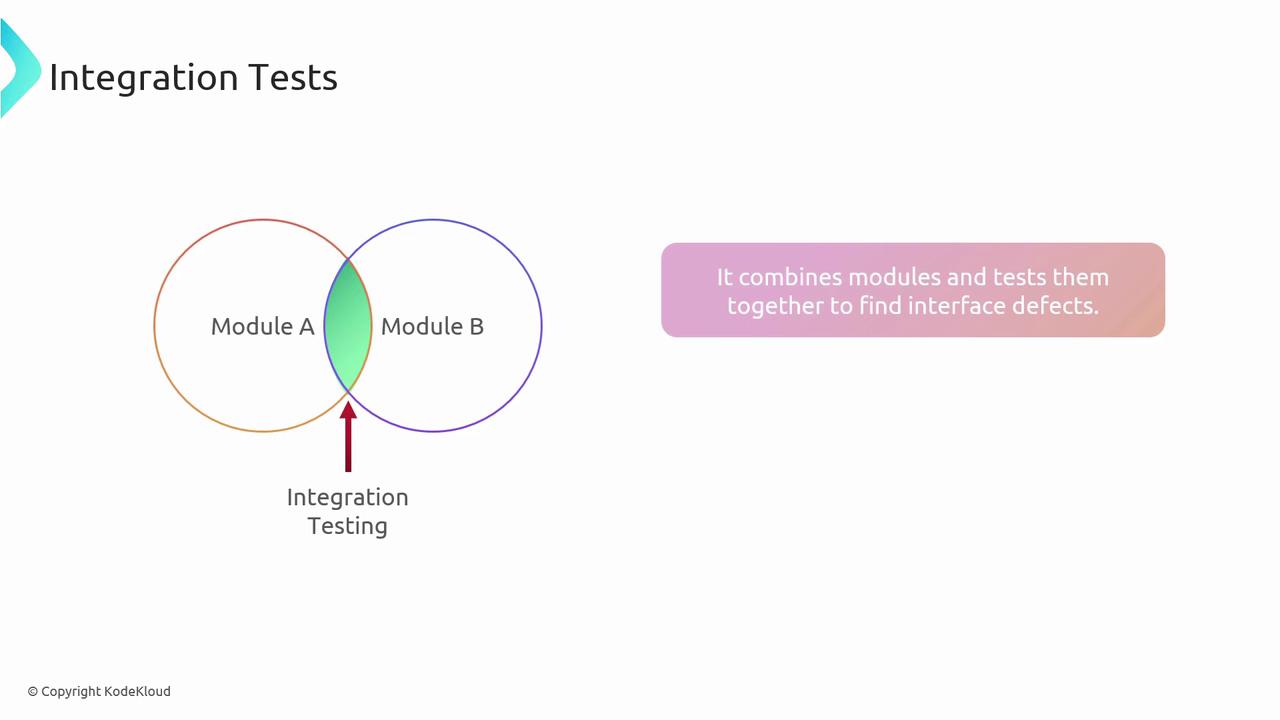
Integration tests validate that multiple components work together correctly. They are vital for catching interface mismatches and environment-specific issues.
### Azure Pipelines Configuration
```yaml theme={null}
trigger:
- main
pool:
vmImage: 'ubuntu-latest'
variables:
connectionString: $(DatabaseConnectionString)
dbHost: $(DatabaseHost)
dbUser: $(DatabaseUser)
dbName: $(DatabaseName)
dbPassword: $(DatabasePassword)
steps:
- script: sudo apt-get update && sudo apt-get install -y postgresql-client
displayName: 'Install PostgreSQL Client'
- script: |
PGPASSWORD=$(dbPassword) psql -h $(dbHost) -U $(dbUser) -d $(dbName) -a -f ./setup.sql
displayName: 'Setup Database'
- script: dotnet test --filter TestCategory=Integration
displayName: 'Run Integration Tests'
- script: |
PGPASSWORD=$(dbPassword) psql -h $(dbHost) -U $(dbUser) -d $(dbName) -a -f ./cleanup.sql
displayName: 'Cleanup Database'
```
Automated integration tests help catch mismatches early and keep your application’s components in sync.
## Load Tests
Load tests simulate concurrent users to verify performance and scalability under stress. They help identify bottlenecks before they impact real users.
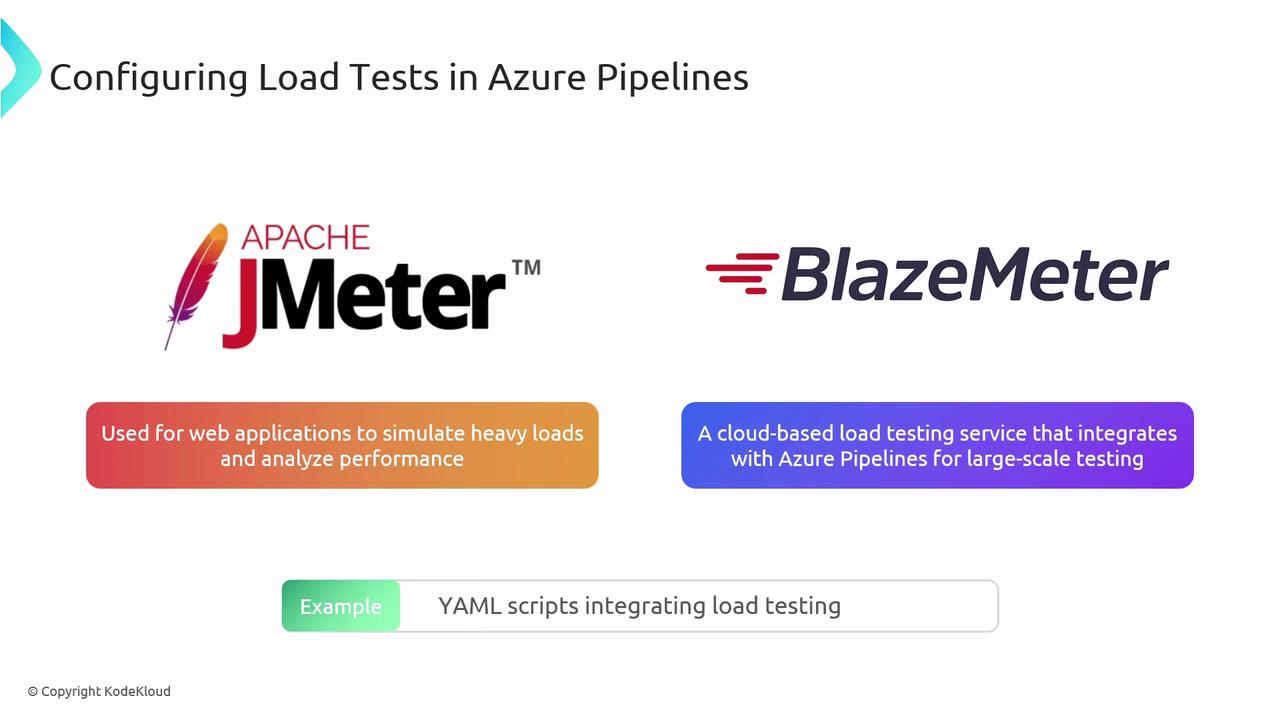
Tools such as [Apache JMeter](https://jmeter.apache.org/) and [BlazeMeter](https://www.blazemeter.com/) integrate seamlessly with Azure Pipelines.
### Choosing the Right Tool
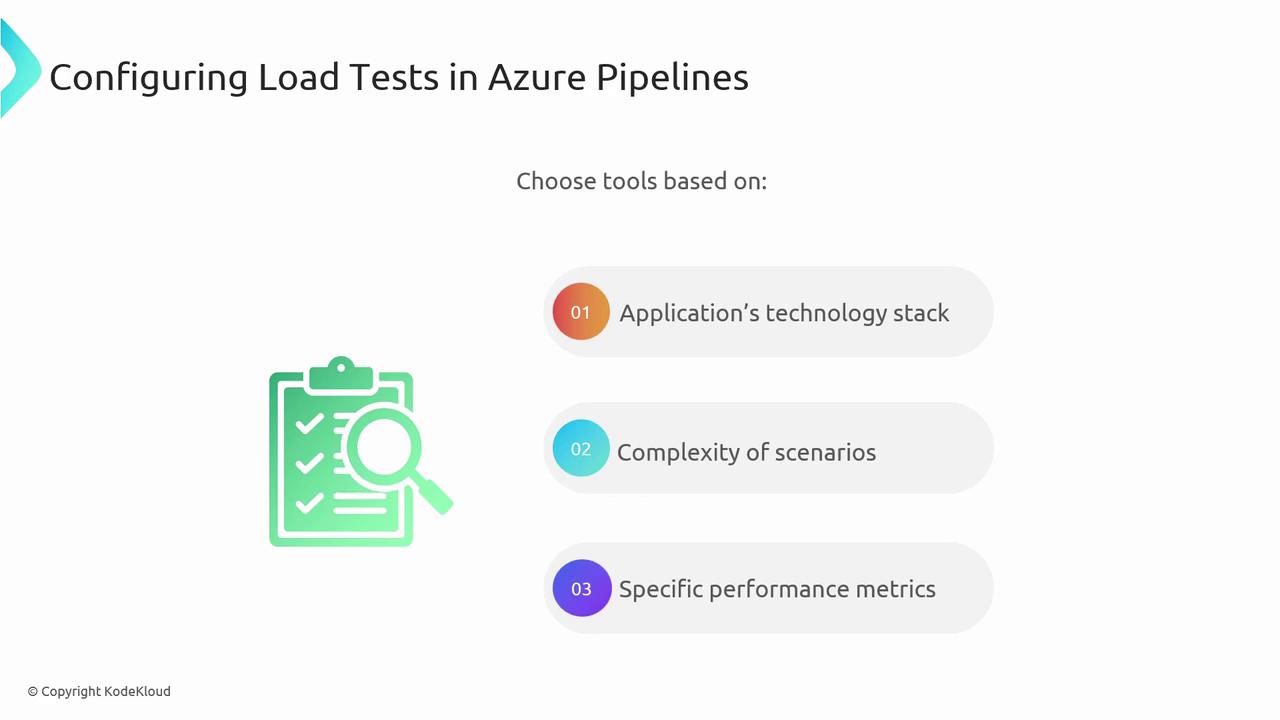
Select a load-testing solution based on:
* Application architecture (microservices vs. monolith)
* Scenario complexity (API calls, UI interactions)
* Required metrics (response time, throughput, error rate)
#### Apache JMeter Example
```yaml theme={null}
trigger:
- main
pool:
vmImage: 'ubuntu-latest'
steps:
- script: wget -q https://apache.mirrors.nublue.co.uk/jmeter/binaries/apache-jmeter-5.4.1.tgz
displayName: 'Download JMeter'
- script: tar -xzf apache-jmeter-5.4.1.tgz
displayName: 'Extract JMeter'
- script: |
./apache-jmeter-5.4.1/bin/jmeter -n -t load-test-plan.jmx -l results_file.jtl
displayName: 'Run Load Tests'
- script: |
echo "Analyzing test results..."
# Add your result analysis scripts here
displayName: 'Analyze Test Results'
```
By automating load tests in your pipeline, you ensure your application meets performance benchmarks and scales reliably.
## Links and References
* [Azure Pipelines Documentation](https://docs.microsoft.com/azure/devops/pipelines/)
* [NUnit](https://nunit.org/)
* [JUnit](https://junit.org/)
* [Apache JMeter](https://jmeter.apache.org/)
* [BlazeMeter](https://www.blazemeter.com/)