> ## Documentation Index
> Fetch the complete documentation index at: https://notes.kodekloud.com/llms.txt
> Use this file to discover all available pages before exploring further.
# Orchestration of GitHub Actions and Azure Pipelines
> Learn to trigger a GitHub Actions workflow from an Azure Pipeline for deploying a Node.js application using the KodeKloudCoffee repository.
In this guide, you’ll learn how to trigger a GitHub Actions workflow from an Azure Pipeline to build and deploy a Node.js application. We’ll use the **KodeKloudCoffee** repository as our example, combining the flexibility of Azure Pipelines with GitHub Actions CI/CD.
## 1. Repository Overview
Our private GitHub repo **KodeKloudCoffee** contains a Node.js app that builds automatically on commits to `main`.
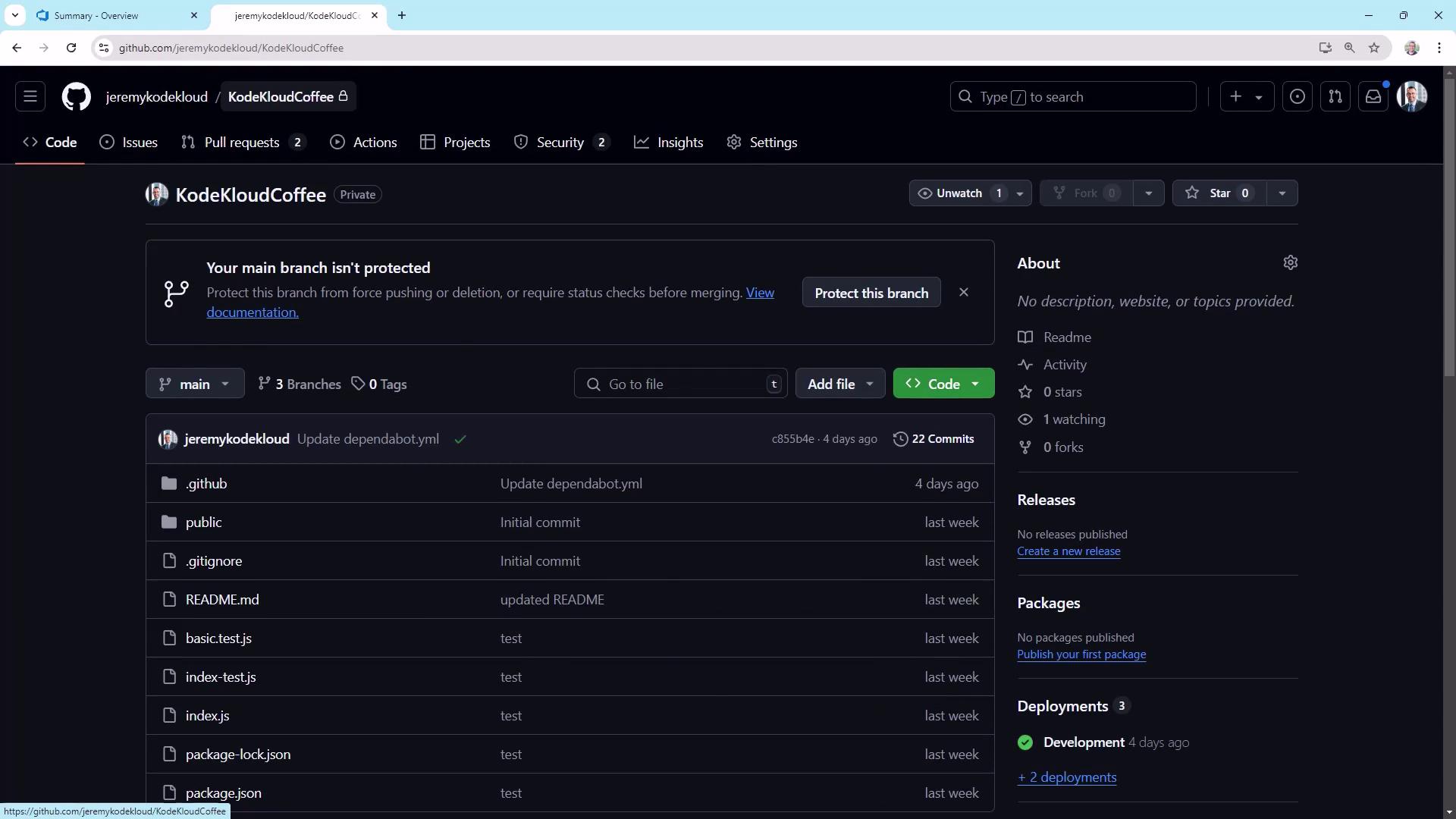
Here’s the current GitHub Actions run history:

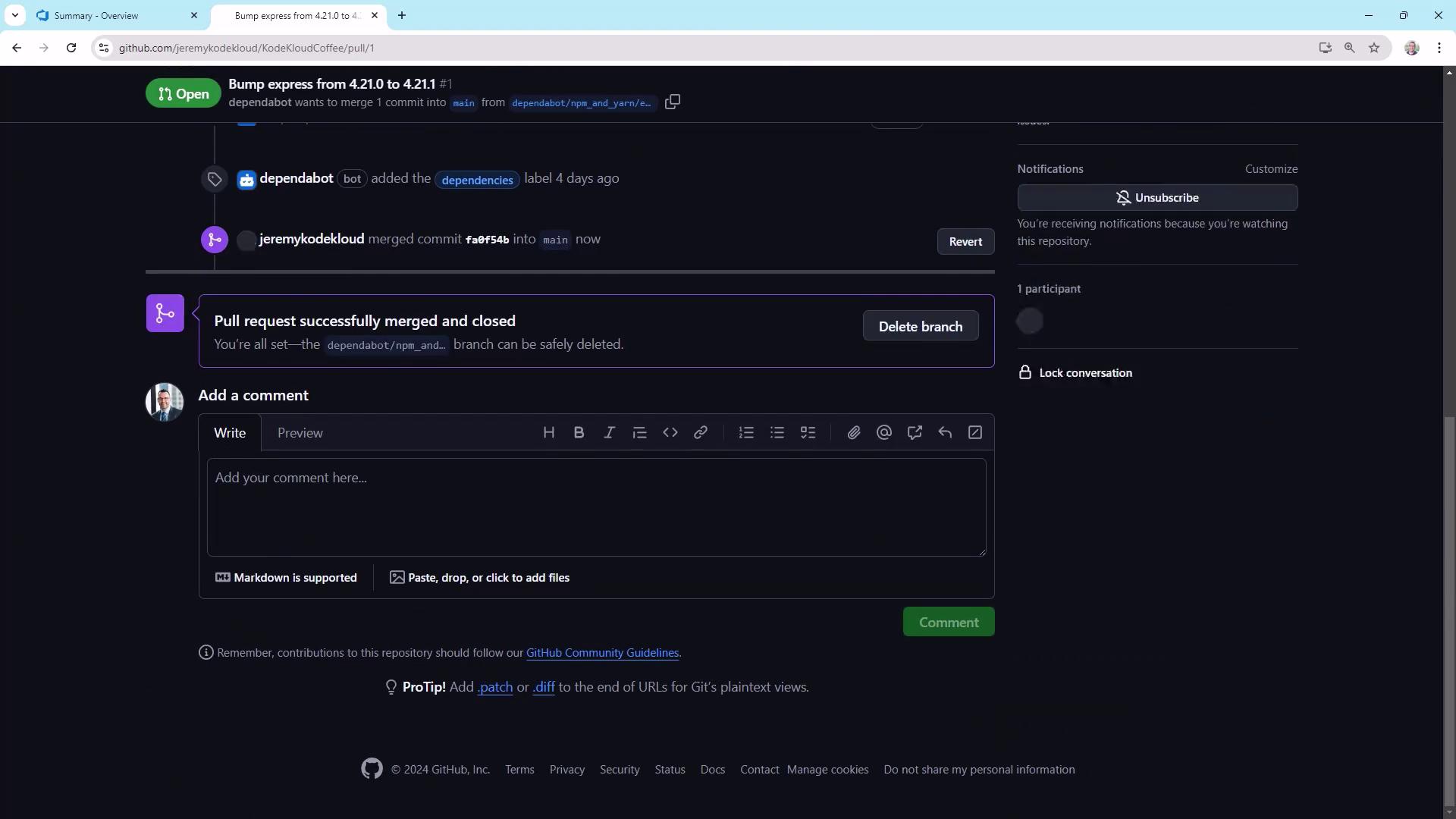
When a Pull Request is merged, the build kicks off and shows a success check:
## 2. Create a GitHub Personal Access Token
Azure Pipelines needs a PAT with `repo` and `workflow` scopes to dispatch workflows.
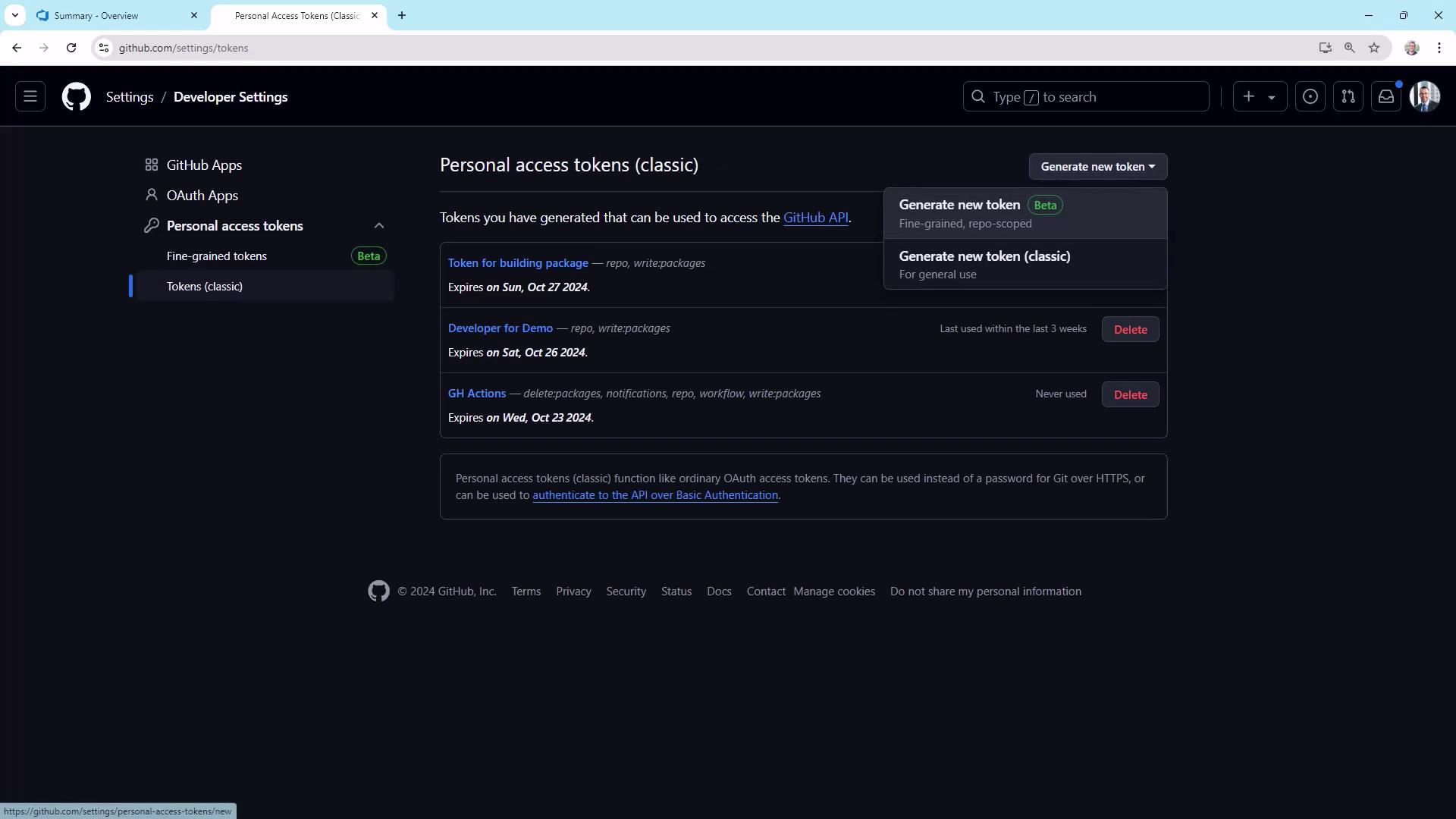
1. Go to **User Settings** → **Developer settings** → **Personal access tokens**.
2. Click **Generate new token** (Classic), name it (e.g., `push-to-azure`), and set an expiration.
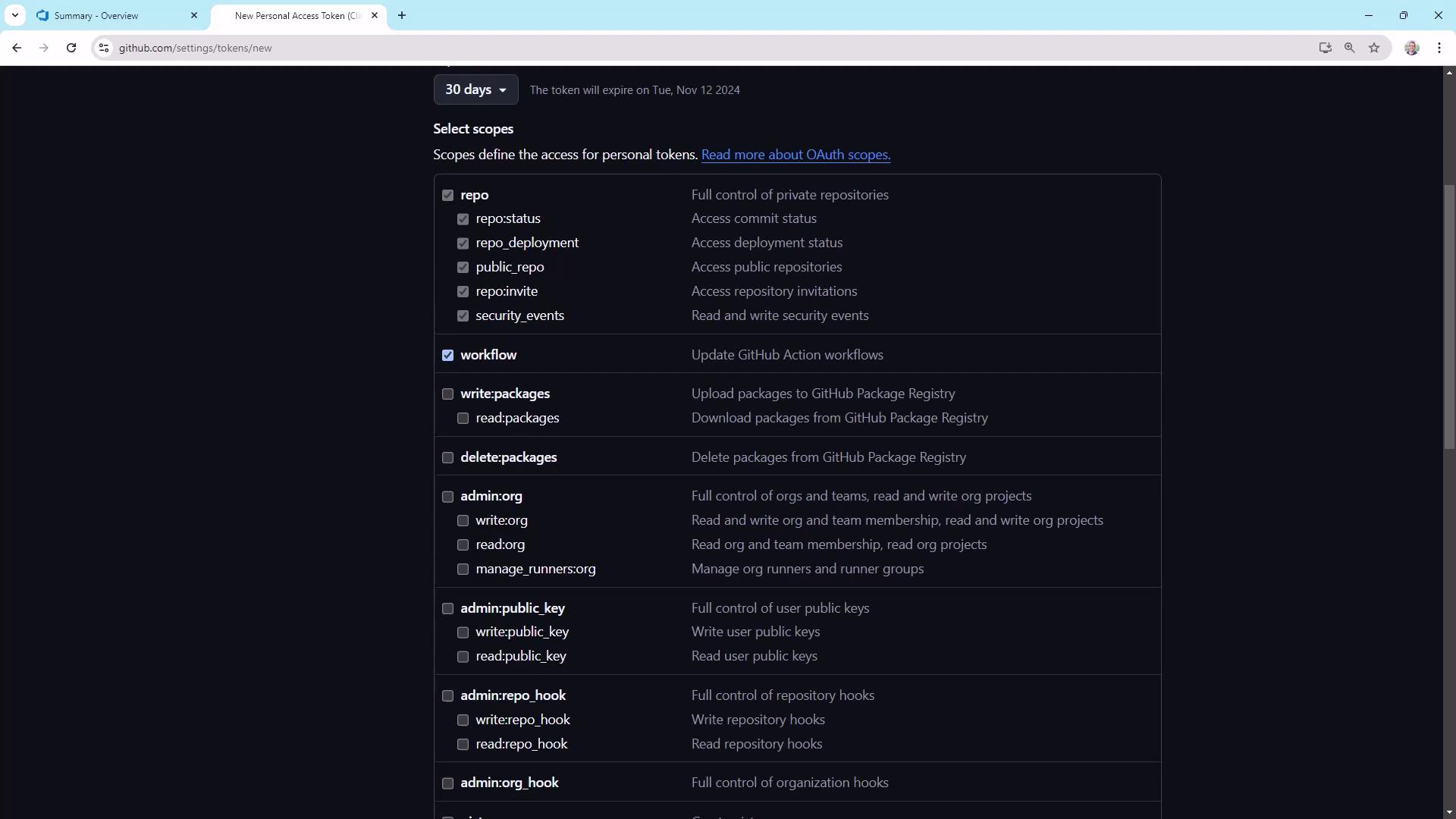
3. Under **Scopes**, select:
* `repo` (full control of private repos)
* `workflow` (manage GitHub Actions workflows)
Store your PAT securely. After you copy it, you won’t be able to view it again.\
Do not commit it to your repo or share it in plain text.
## 3. Modify the GitHub Actions Workflow
Open `.github/workflows/main.yml`. The existing trigger section is:
```yaml theme={null}
name: Deploy to Azure
on:
push:
branches: [ main ]
workflow_dispatch:
```
To enable API-driven dispatches, add `repository_dispatch:`:
```yaml theme={null}
name: Deploy to Azure
on:
push:
branches: [ main ]
repository_dispatch:
workflow_dispatch:
env:
AZURE_WEBAPP_NAME: kodekloudcoffee
AZURE_WEBAPP_PACKAGE_PATH: '.'
NODE_VERSION: '20.x'
permissions:
contents: read
jobs:
build:
runs-on: ubuntu-latest
steps:
- uses: actions/checkout@v4
- name: Setup Node.js
uses: actions/setup-node@v4
with:
node-version: ${{ env.NODE_VERSION }}
cache: 'npm'
- name: Build and test
run: |
npm install
npm run build --if-present
npm test --if-present
```
Commit and push this change to the `main` branch.
## 4. Configure Azure Pipelines
In Azure DevOps, create a new pipeline connected to **KodeKloudCoffee**. Use the Starter pipeline template and set:
```yaml theme={null}
trigger:
- none
pool:
vmImage: 'ubuntu-latest'
steps:
- script: echo Hello, world!
displayName: 'Run a one-line script'
```
The `trigger: none` prevents automatic runs—this pipeline will only run manually or via API.
### 4.1 Add the PAT as a Secret Variable
1. In your pipeline’s **Variables** tab, add `github_token`.
2. Paste the PAT and mark it as **secret**.
3. Save and close.
## 5. Dispatch GitHub Actions from Azure Pipelines
Replace the starter step with a PowerShell task that sends a `repository_dispatch` event:
```yaml theme={null}
trigger:
- none
pool:
vmImage: 'ubuntu-latest'
steps:
- task: PowerShell@2
inputs:
targetType: 'inline'
script: |
$body = '{ "ref": "main" }'
$headers = @{
'Authorization' = "Bearer $env:github_token"
'Accept' = 'application/vnd.github+json'
'X-GitHub-Api-Version' = '2022-11-28'
}
Invoke-RestMethod `
-Uri 'https://api.github.com/repos/jeremykodekloud/KodeKloudCoffee/actions/workflows/main.yml/dispatches' `
-Method POST `
-Headers $headers `
-Body $body `
-ContentType 'application/json' `
-ErrorAction Stop
displayName: 'Trigger GitHub Actions via Repository Dispatch'
```
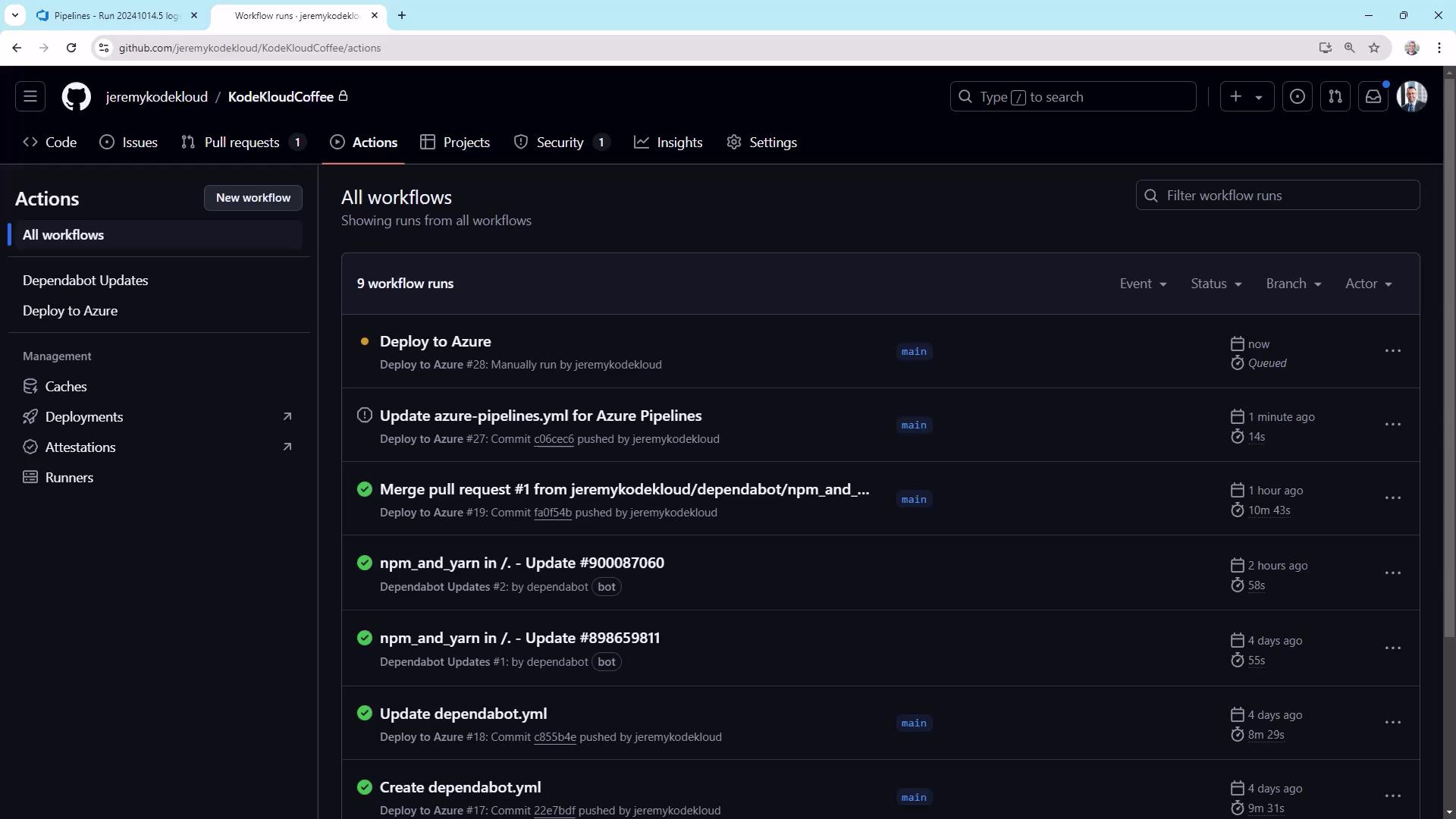
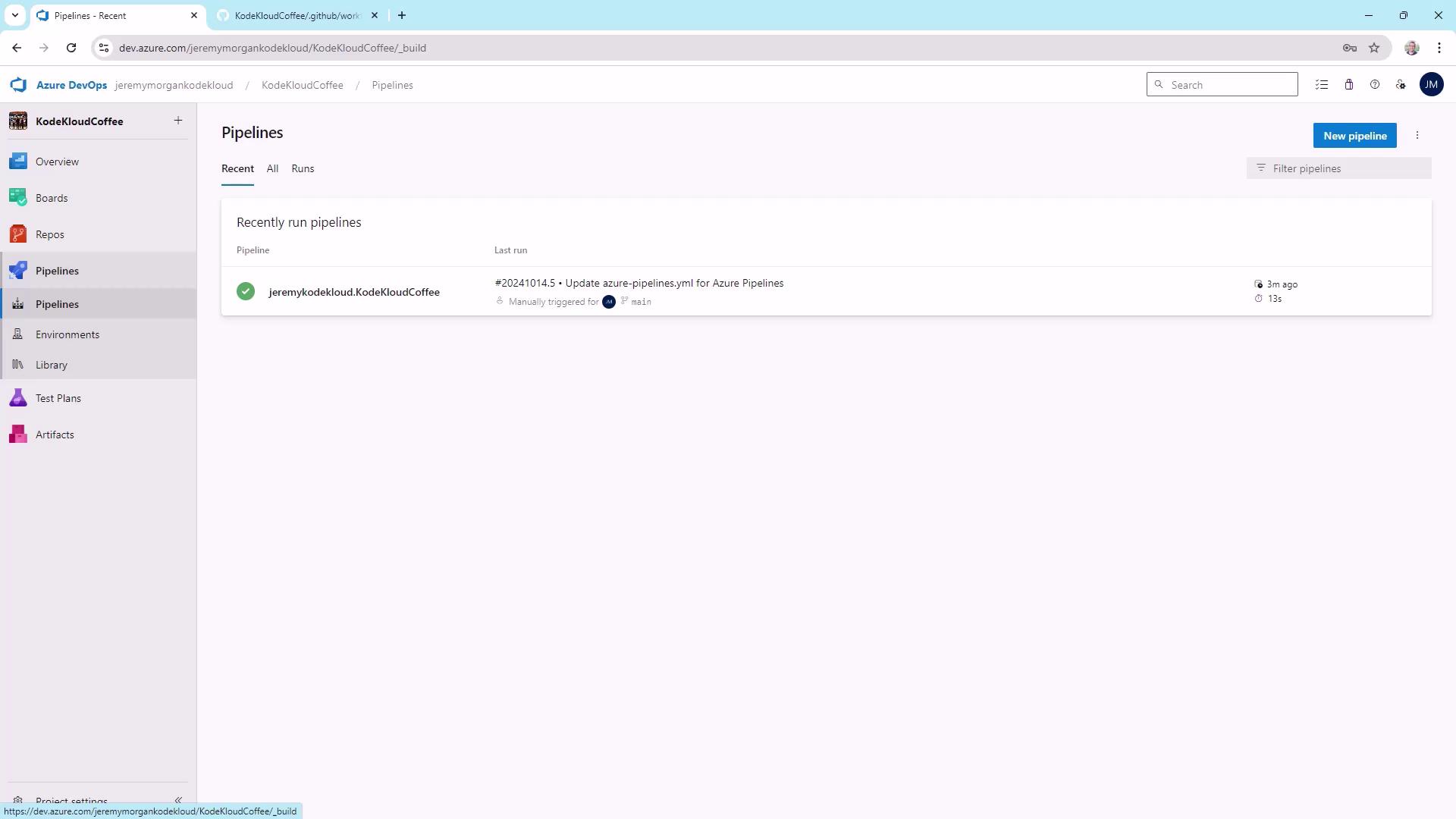
Run the pipeline. It will call the GitHub API and start the **Deploy to Azure** job.
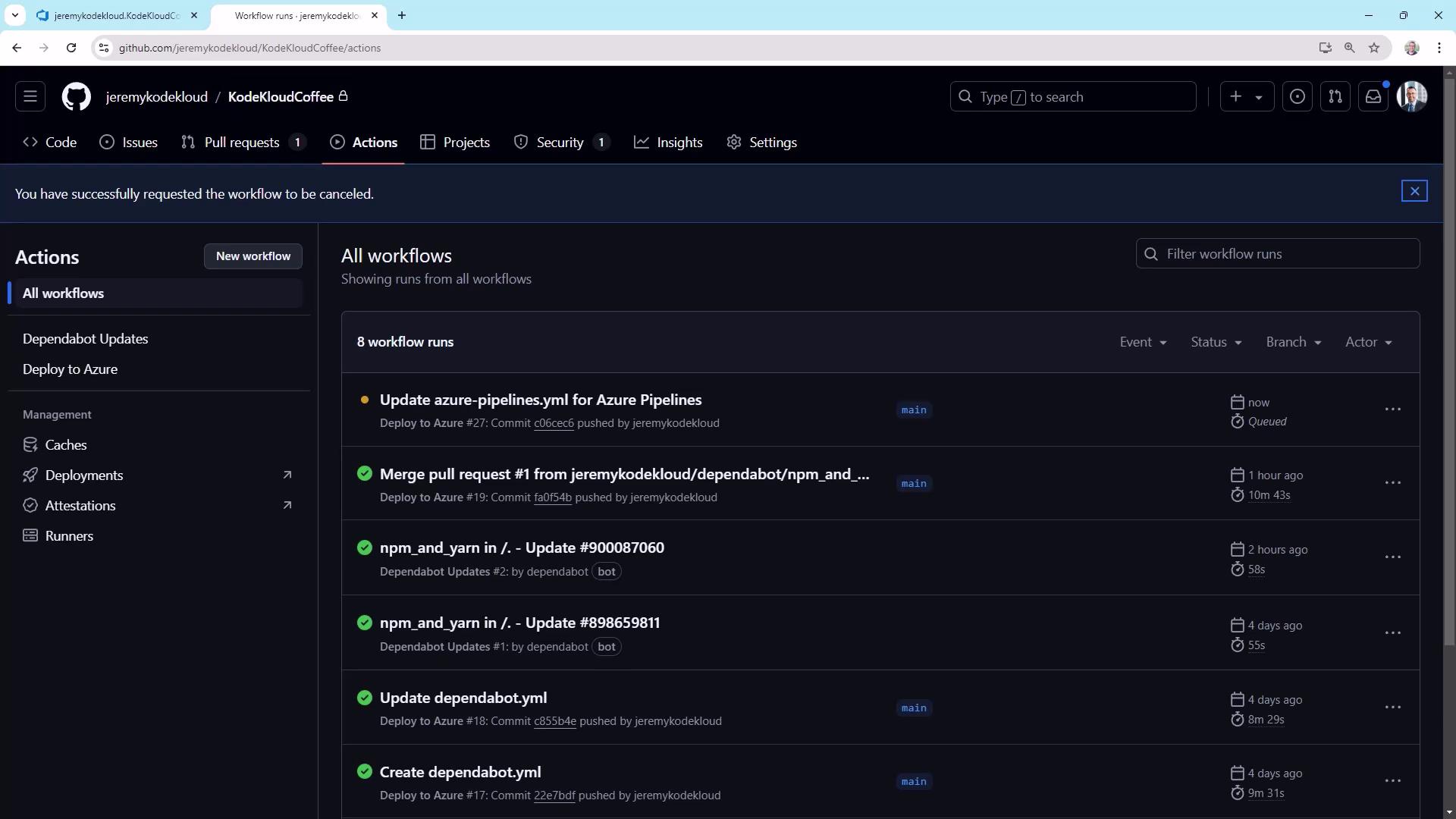
Refresh the Actions tab to see the new dispatch run:
## 6. Managing Deployment Gates
Now you can control deployments from Azure Pipelines—perfect for environments requiring approvals.
| Trigger Type | Invocation Source | Use Case |
| -------------------- | -------------------------------- | ----------------------------- |
| push | GitHub on `main` commits | Automatic CI builds |
| workflow\_dispatch | GitHub UI manual run | Ad-hoc runs |
| repository\_dispatch | API (Azure Pipelines or scripts) | Controlled, gated deployments |
To enforce strict gating, remove `push` and `workflow_dispatch` triggers and rely solely on `repository_dispatch`.
***
## Links and References
* [GitHub Actions Documentation](https://docs.github.com/actions)
* [Azure Pipelines YAML reference](https://docs.microsoft.com/azure/devops/pipelines/yaml-schema)
* [Authenticating with the REST API](https://docs.github.com/rest/overview/other-authentication-methods)