> ## Documentation Index
> Fetch the complete documentation index at: https://notes.kodekloud.com/llms.txt
> Use this file to discover all available pages before exploring further.
# Connectivity
> Learn to architect secure, reliable connectivity for CI/CD pipelines using Azure DevOps to ensure seamless communication without compromising security.
In this article, you’ll learn how to architect secure, reliable connectivity for CI/CD pipelines using Azure DevOps. Proper network design ensures that agents communicate seamlessly with code repositories, build services, and deployment targets without compromising security.
## Why Connectivity Matters
Connectivity is the backbone of any DevOps workflow. When pipelines cannot reach external package feeds or self-hosted agents lack network access, builds fail and deployments stall. By designing a resilient network topology, you guarantee:
* Secure access to source code and artifacts
* Efficient data transfer between pipeline stages
* Compliance with organizational security policies
## Azure Pipelines Network Components
The following table summarizes the key elements involved in Azure DevOps connectivity:
| Component | Purpose | Example or Link |
| ------------------------------ | ----------------------------------------------------------------------------- | ------------------------------------------------------------------ |
| Internet | Provides access to public endpoints and third-party services | Download NuGet packages, Docker images |
| Virtual Network (VNet) | Isolates pipeline resources in a private Azure network | [Azure VNets](https://docs.microsoft.com/azure/virtual-network/) |
| Network Security Groups (NSGs) | Enforce inbound/outbound traffic rules at subnet and NIC levels | Allow HTTPS (443) to Azure Artifacts |
| Agent Pools | Execute build and deployment jobs on Microsoft-hosted or self-hosted machines | Self-hosted agents in a VNet require NSG and routing configuration |
| Inbound/Outbound Port Rules | Define which ports and protocols can enter or leave your VNet | Allow outbound 443, 80 for dependency retrieval |
## Advanced Connectivity Features
Azure provides private and service endpoints to enhance security by avoiding the public internet:
* **Private Endpoints**\
Connect directly to Azure services like [Azure Storage](https://docs.microsoft.com/azure/storage/) over the Azure backbone.
* **Service Endpoints**\
Extend your VNet identity to PaaS resources such as [Azure Key Vault](https://docs.microsoft.com/azure/key-vault/) and [Azure Container Registry](https://docs.microsoft.com/azure/container-registry/), ensuring traffic stays within Azure’s network.
## Troubleshooting Connectivity Issues
Even the best network designs encounter issues. Start with these steps:
* Verify NSG rules and route tables for correct port ranges and address prefixes.
* Check DNS resolution and outbound connectivity from self-hosted agents.
* Use Azure Monitor and [Network Watcher](https://docs.microsoft.com/azure/network-watcher/) to review logs for dropped packets or denied traffic.
Enable NSG Flow Logs in Azure Monitor to capture detailed traffic information and speed up root cause analysis.
## Best Practices for Secure Connectivity
* Define least-privilege NSG rules and avoid overly permissive configurations.
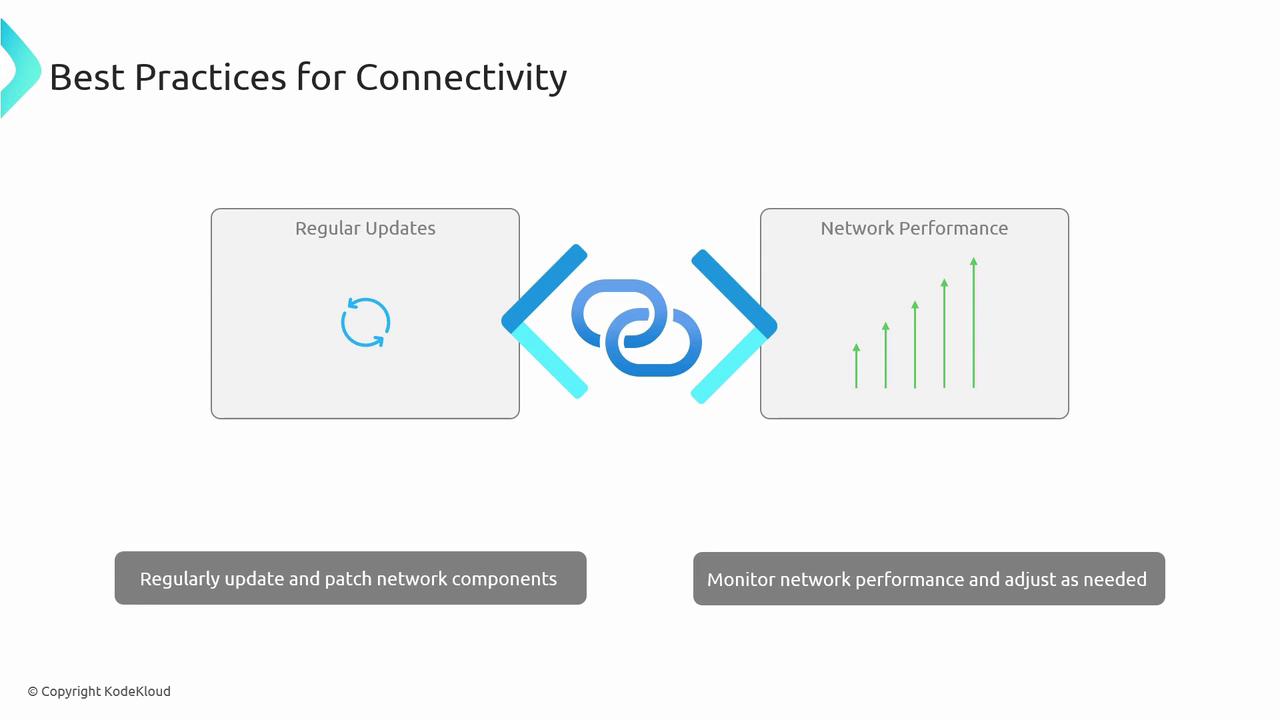
* Keep self-hosted agent VM images and NSG rule sets up to date with security patches.
* Continuously monitor network performance metrics and security alerts.
Overly broad port rules increase attack surface. Always restrict access to specific IP ranges and protocols.
## Conclusion
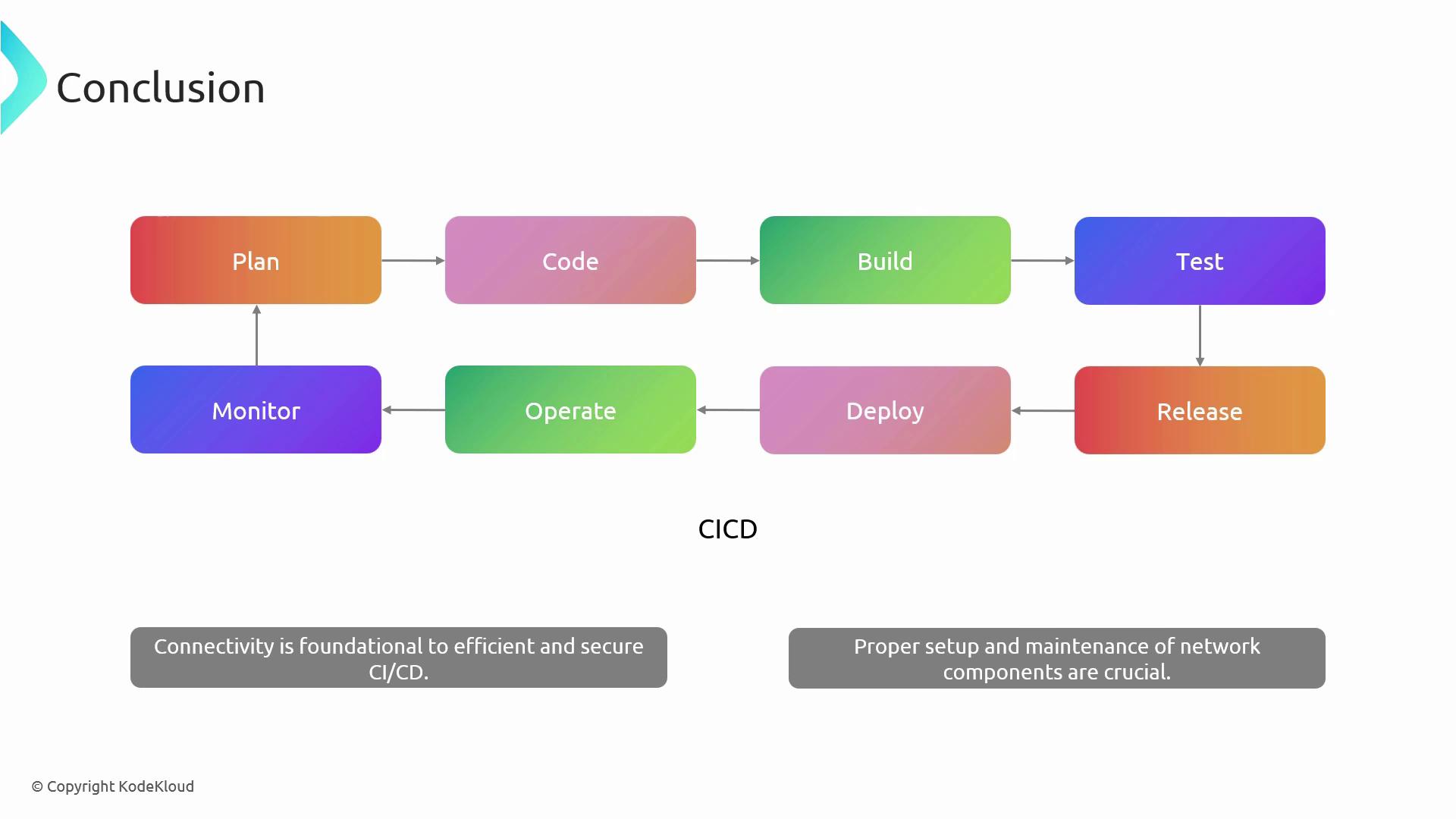
Robust network connectivity is critical for seamless CI/CD operations in Azure DevOps. By correctly configuring VNets, NSGs, agent pools, and leveraging private or service endpoints, you’ll ensure your pipelines remain secure, reliable, and performant.
## Further Reading
* [Azure Networking Concepts](https://docs.microsoft.com/azure/virtual-network/)
* [Azure DevOps Documentation](https://docs.microsoft.com/azure/devops/)
* [CI/CD with Azure DevOps](https://docs.microsoft.com/azure/devops/pipelines/)