> ## Documentation Index
> Fetch the complete documentation index at: https://notes.kodekloud.com/llms.txt
> Use this file to discover all available pages before exploring further.
# Maintainability
> This article discusses best practices for maintainability in Azure Pipelines to enhance CI/CD processes and reduce technical debt.
Maintainability is often overlooked but it’s a critical factor in the long-term success of your CI/CD lifecycle. By emphasizing maintainability, you future-proof your DevOps processes, reduce technical debt, and enable teams to iterate faster. Azure Pipelines offers built-in features and best practices to help you design, manage, and evolve pipelines that stand the test of time.
## Why Maintainability Matters
* Speeds up onboarding for new team members
* Simplifies troubleshooting and updates
* Enables consistent compliance with internal standards
* Supports scalable, repeatable deployments
Investing in maintainability reduces downtime and accelerates feature delivery.
***
## Core Pillars of Maintainable Pipelines

| Pillar | Description |
| --------------------------- | ----------------------------------------------------------------------------------------- |
| Code Reusability | Leverage templates and variable groups to avoid duplication. |
| Modular Design | Break pipelines into stages, jobs, and templates for clear separation of concerns. |
| Comprehensive Documentation | Use inline comments, README files, and parameter descriptions to clarify pipeline intent. |
Defining your pipeline in YAML unlocks version control, peer reviews, and automated validation—key enablers for these pillars.
***
## Best Practices for Pipeline Maintainability
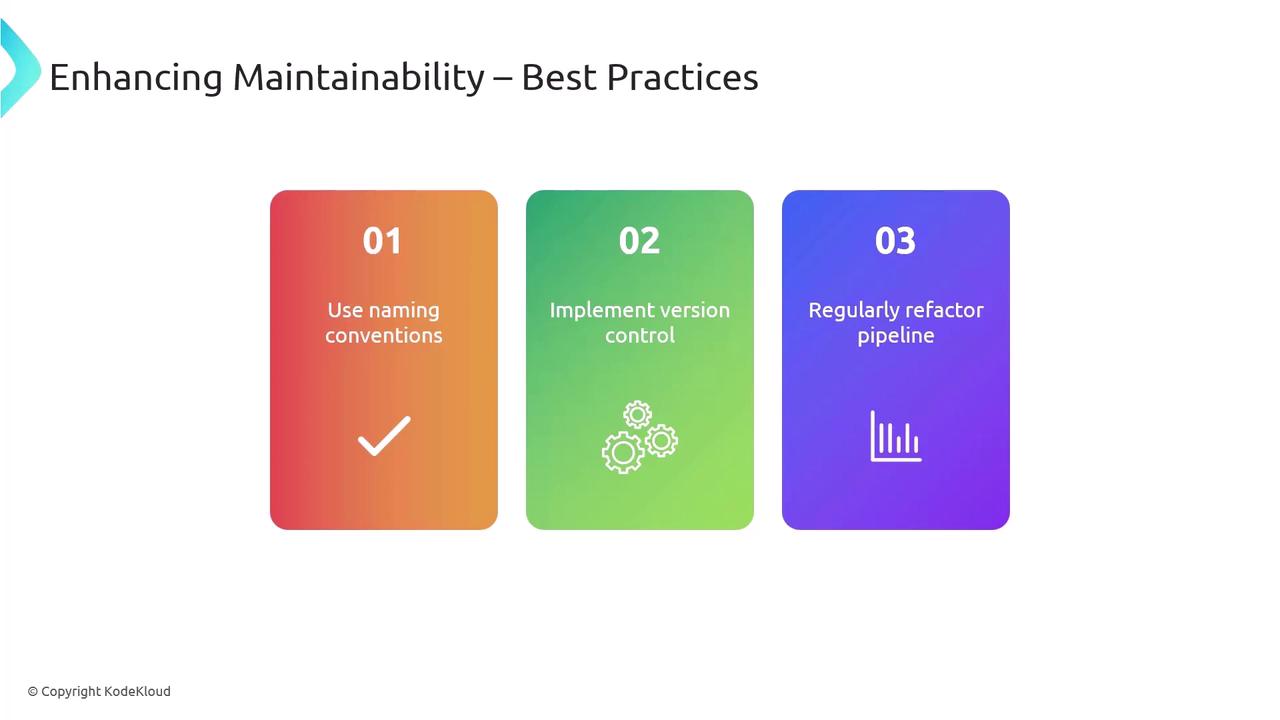
1. **Consistent Naming Conventions**\
Use clear, descriptive names for pipelines, stages, jobs, tasks, and variables.
2. **Version Control Everything**\
Store YAML definitions and templates in Git to track changes and enable rollbacks.
3. **Regular Refactoring**\
Periodically review pipelines to remove redundancy and simplify complex logic.
### Key Azure Pipelines Features
| Feature | Benefit | Reference |
| ---------------- | ---------------------------------------------- | -------------------------------------------------------------------------------------------- |
| Pipeline-as-code | Full integration with your Git repo | [YAML schema](https://docs.microsoft.com/azure/devops/pipelines/yaml-schema) |
| Templates | Reusable components for uniform practices | [Template syntax](https://docs.microsoft.com/azure/devops/pipelines/process/templates) |
| Variable Groups | Centralized management of secrets and settings | [Variable groups](https://docs.microsoft.com/azure/devops/pipelines/library/variable-groups) |
```yaml theme={null}
trigger:
- main
pool:
vmImage: 'ubuntu-latest'
variables:
- group: MyVariableGroup
steps:
- script: dotnet build MySolution.sln
displayName: 'Build solution'
```
***
## Refactoring for a Scalable Pipeline
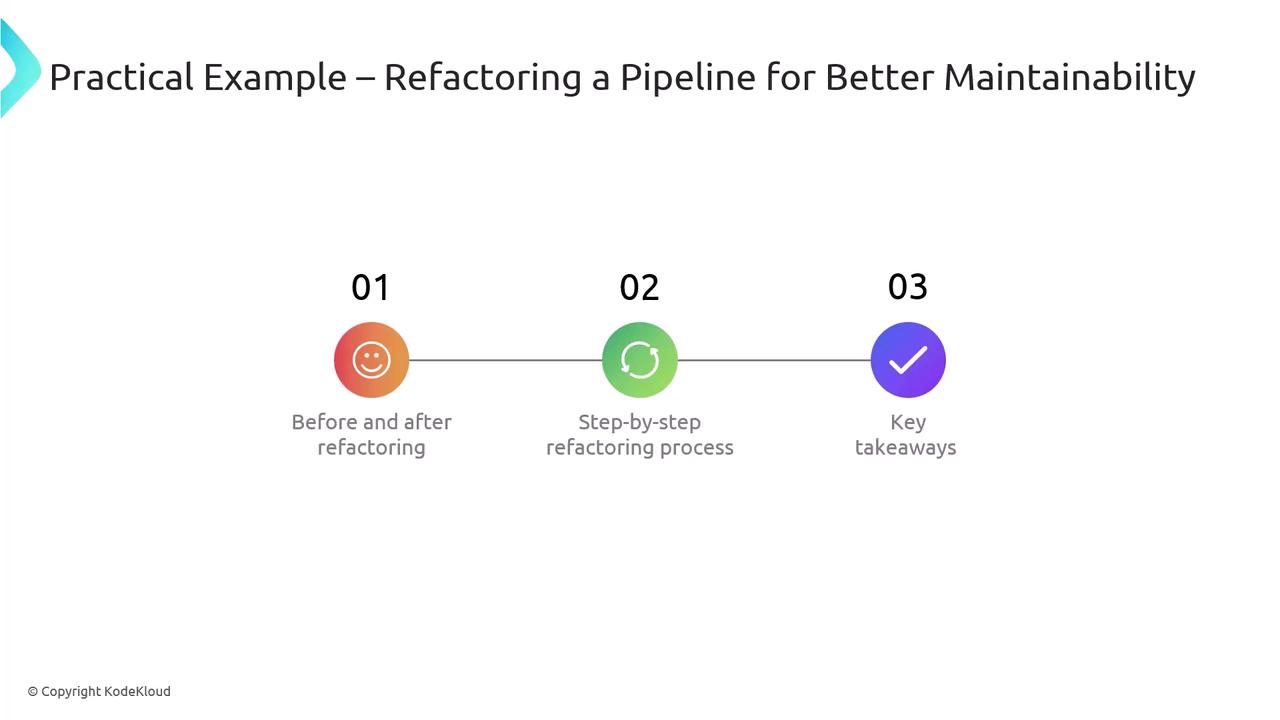
A monolithic YAML file can quickly become unwieldy. Let’s transform a single-file pipeline into a modular, stage-driven configuration.
### Original Monolithic Pipeline
```yaml theme={null}
trigger:
- main
pool:
vmImage: 'windows-latest'
steps:
- script: dotnet build MySolution.sln
displayName: 'Build solution'
- task: DotNetCoreCLI@2
inputs:
command: 'publish'
publishWebProjects: true
arguments: '--configuration Release --output $(Build.ArtifactStagingDirectory)'
zipAfterPublish: true
- task: PublishBuildArtifacts@1
inputs:
PathToPublish: '$(Build.ArtifactStagingDirectory)'
ArtifactName: 'drop'
publishLocation: 'Container'
- script: |
echo Deploying to staging environment
# Mock deployment script
displayName: 'Deploy to Staging'
```
Monolithic pipelines are hard to debug and scale. Breaking them into stages and templates greatly improves clarity.
### Refactored Pipeline
```yaml theme={null}
trigger:
- main
stages:
- stage: Build
jobs:
- template: templates/build.yml
parameters:
solution: 'MySolution.sln'
- stage: Deploy
jobs:
- template: templates/deploy.yml
parameters:
environment: 'staging'
```
#### Build Template (`templates/build.yml`)
```yaml theme={null}
parameters:
solution: ''
jobs:
- job: BuildJob
pool:
vmImage: 'windows-latest'
steps:
- script: dotnet build ${{ parameters.solution }}
displayName: 'Build solution'
- task: DotNetCoreCLI@2
inputs:
command: 'publish'
publishWebProjects: true
arguments: '--configuration Release --output $(Build.ArtifactStagingDirectory)'
zipAfterPublish: true
- task: PublishBuildArtifacts@1
inputs:
PathToPublish: '$(Build.ArtifactStagingDirectory)'
ArtifactName: 'drop'
publishLocation: 'Container'
```
#### Deploy Template (`templates/deploy.yml`)
```yaml theme={null}
parameters:
environment: ''
jobs:
- job: DeployJob
pool:
vmImage: 'windows-latest'
steps:
- script: |
echo Deploying to ${{ parameters.environment }} environment
# Mock deployment script
displayName: 'Deploy to ${{ parameters.environment }}'
```
### Refactoring Benefits
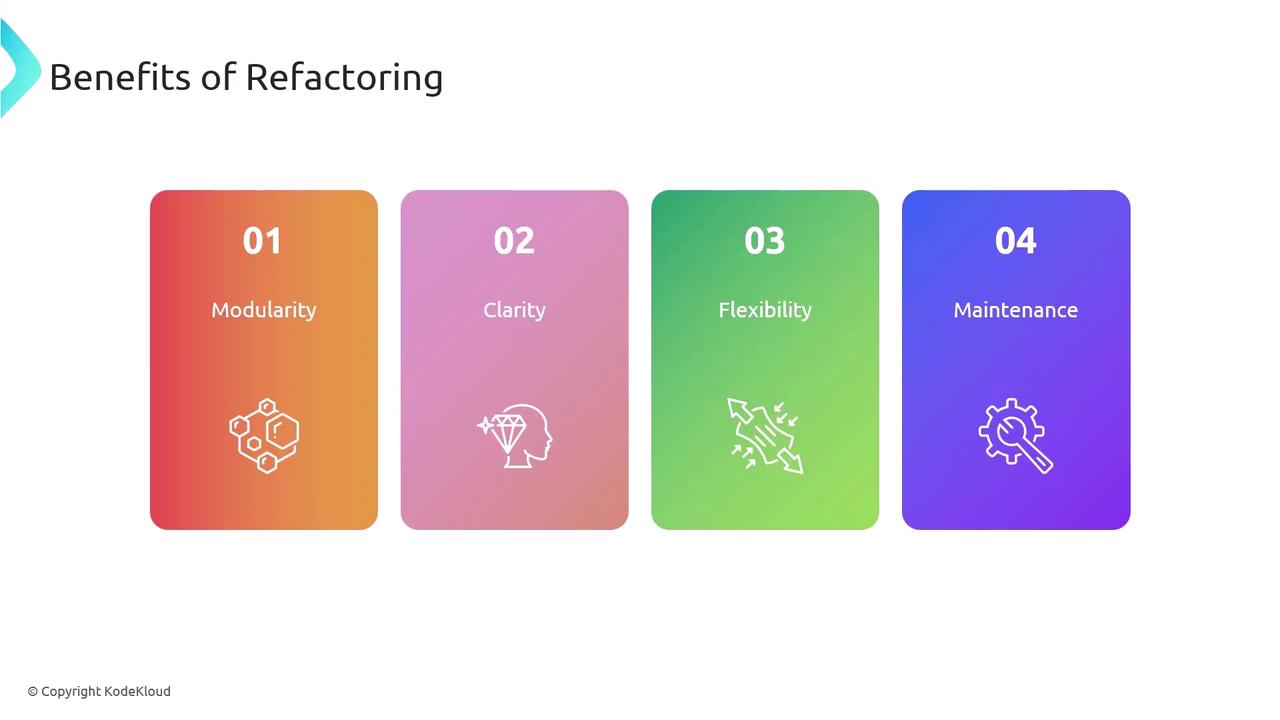
* **Modularity**: Independent templates for build and deploy phases.
* **Clarity**: Stages and parameters make pipeline flow explicit.
* **Flexibility**: Reuse templates across different projects and environments.
* **Maintainability**: Smaller, focused files are easier to update and debug.
***
## References
* [Azure Pipelines Documentation](https://docs.microsoft.com/azure/devops/pipelines/)
* [YAML Schema Reference](https://docs.microsoft.com/azure/devops/pipelines/yaml-schema)
* [Templates in Azure Pipelines](https://docs.microsoft.com/azure/devops/pipelines/process/templates)
* [Variable Groups](https://docs.microsoft.com/azure/devops/pipelines/library/variable-groups)