> ## Documentation Index
> Fetch the complete documentation index at: https://notes.kodekloud.com/llms.txt
> Use this file to discover all available pages before exploring further.
# Using Build Trigger Rules
> This guide demonstrates configuring trigger rules in Azure Pipelines to automate CI/CD workflows using a Blazor WebAssembly application.
In this guide, we’ll demonstrate how to configure trigger rules in Azure Pipelines using a Blazor WebAssembly application. You’ll learn to automate your CI/CD workflows with continuous integration, pull request validation, scheduled runs, tag-based triggers, and pipeline-resource dependencies.
## Table of Contents
1. [Basic Trigger Types](#basic-trigger-types)
2. [Refining CI Triggers with Branch & Path Filters](#refining-ci-triggers-with-branch--path-filters)
3. [Example: Updating `launchsettings.json`](#example-updating-launchsettingsjson)
4. [Pull Request Triggers](#pull-request-triggers)
5. [Scheduled Triggers](#scheduled-triggers)
6. [Tag-Based Triggers](#tag-based-triggers)
7. [Pipeline Resource Triggers](#pipeline-resource-triggers)
8. [Managing YAML in Azure Repos](#managing-yaml-in-azure-repos)
9. [Summary](#summary)
10. [Links and References](#links-and-references)
## Basic Trigger Types
Azure Pipelines supports several trigger rules to automate builds and deployments. The key types are:
| Trigger Type | Purpose | Example Snippet |
| --------------------------- | ------------------------------------ | --------------------------------- |
| Continuous Integration (CI) | Run on every code push | `trigger: - master` |
| Pull Request (PR) | Validate PRs before merging | `pr: branches: include: - master` |
| Scheduled | Run on a defined cron schedule | `schedules: - cron: "0 2 * * *"` |
| Tag-Based | Trigger when a version tag is pushed | `trigger: tags: include: - 'v*'` |
| Pipeline Resource | Run after another pipeline completes | `resources: pipelines: ...` |
### 1. Continuous Integration (CI)
A CI trigger automatically starts a build when code is pushed to specified branches.
```yaml theme={null}
trigger:
- master
pool:
vmImage: ubuntu-latest
variables:
buildConfiguration: 'Release'
steps:
- script: dotnet build --configuration $(buildConfiguration)
displayName: 'dotnet build $(buildConfiguration)'
```
### 2. Pull Request (PR)
PR triggers validate changes in pull requests before they’re merged into the target branch.
```yaml theme={null}
pr:
branches:
include:
- master
```
### 3. Scheduled
Schedule pipelines using cron syntax to run at regular intervals.
```yaml theme={null}
schedules:
- cron: "0 2 * * *"
displayName: Nightly build
branches:
include:
- master
always: true
```
### 4. Tag-Based
Trigger builds when Git tags matching a pattern are pushed.
```yaml theme={null}
trigger:
tags:
include:
- 'v*'
```
### 5. Pipeline Resource
Chain pipelines by triggering one when another succeeds.
```yaml theme={null}
resources:
pipelines:
- pipeline: BlazorAPI
source: BlazorAPISource
trigger:
branches:
include:
- master
```
***
## Refining CI Triggers with Branch & Path Filters
By default, a CI trigger on `master` fires for any change. You can target multiple branches and restrict file paths:
```yaml theme={null}
trigger:
branches:
include:
- master
- feature/*
paths:
include:
- 'Properties/**'
exclude:
- '**/*.md'
pool:
vmImage: ubuntu-latest
variables:
buildConfiguration: 'Release'
steps:
- script: dotnet build --configuration $(buildConfiguration)
displayName: 'dotnet build $(buildConfiguration)'
```
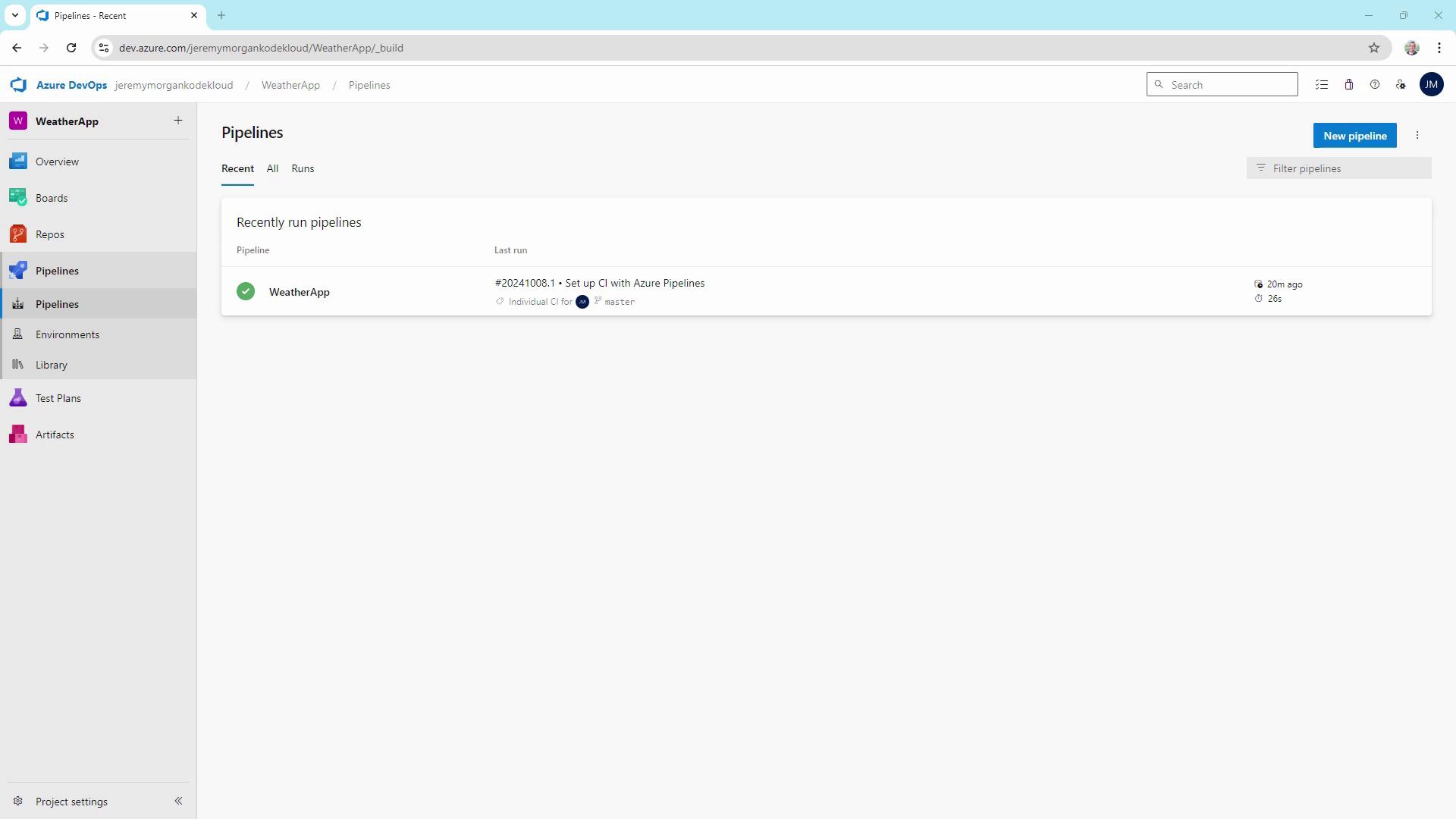
This configuration builds on commits to `master` or any `feature/*` branch **only** when files under `Properties/` change (ignoring Markdown updates).
## Example: Updating `launchsettings.json`
Let’s make a change inside the monitored `Properties` folder:
```json theme={null}
{
"$schema": "http://json.schemastore.org/launchsettings.json",
"iisSettings": {
"windowsAuthentication": false,
"anonymousAuthentication": true,
"iisExpress": {
"applicationUrl": "http://localhost:58347",
"sslPort": 44367
}
},
"profiles": {
"http": {
"commandName": "Project",
"dotnetRunMessages": true,
"launchBrowser": true,
"inspectUri": "{wsProtocol}://{url.hostname}:{url.port}/_framework/debug/ws-proxy?browser={browserInspectPort}",
"applicationUrl": "http://localhost:5047",
"environmentVariables": {
"ASPNETCORE_ENVIRONMENT": "Development"
}
},
"https": {
"commandName": "Project",
"dotnetRunMessages": true,
"launchBrowser": true,
"inspectUri": "{wsProtocol}://{url.hostname}:{url.port}/_framework/debug/ws-proxy?browser={browserInspectPort}",
"applicationUrl": "https://localhost:7143;http://localhost:5047"
}
}
}
```
Then commit and push your changes:
```bash theme={null}
git add Properties/launchsettings.json
git commit -m "Update Properties/launchsettings.json"
git push
```
Since the file is in `Properties/`, the CI pipeline triggers again.
## Pull Request Triggers
To enforce code quality before merging, add a PR trigger in your YAML:
```yaml theme={null}
trigger:
branches:
include:
- master
- feature/*
paths:
exclude:
- '**/*.md'
pr:
branches:
include:
- master
paths:
include:
- '**/*'
```
### Testing Feature Branch Builds
```bash theme={null}
git pull
git checkout -b feature/my-new-feature
# Modify Program.cs
git add Program.cs
git commit -m "Small change in Program.cs"
git push --set-upstream origin feature/my-new-feature
```
This push invokes the CI trigger on your feature branch.
### Validating Pull Requests
When you open a PR against `master` in Azure Repos, the pipeline runs against the merged commit, ensuring no regressions slip through.
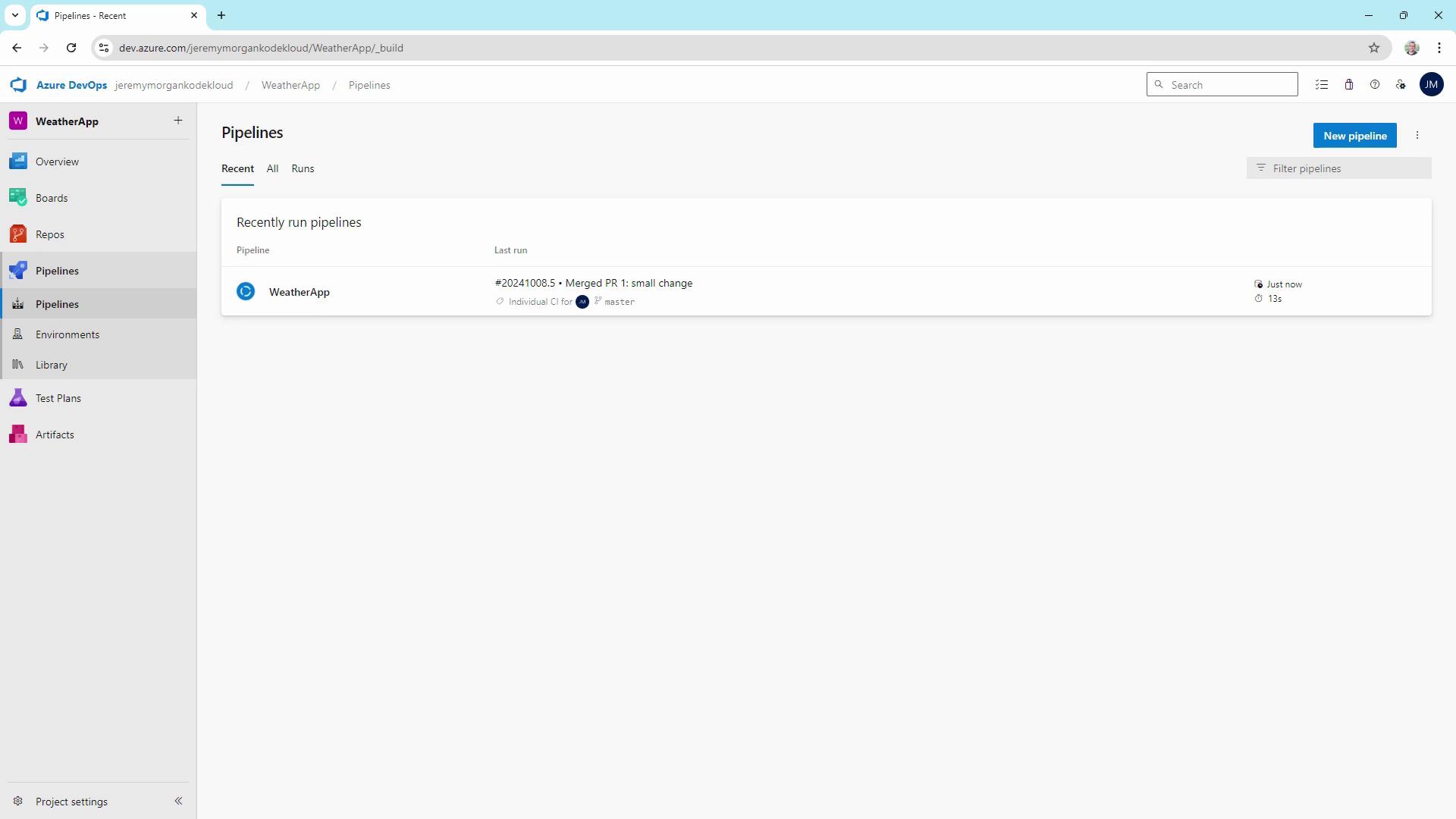
Use PR triggers to run tests, deploy to staging, or produce artifacts **before** merging.
## Scheduled Triggers
Nightly or hourly builds help catch issues that arise over time:
```yaml theme={null}
schedules:
- cron: "0 2 * * *"
displayName: Nightly build
branches:
include:
- master
always: true
```
The setting `always: true` ensures the pipeline runs regardless of code changes.
## Tag-Based Triggers
Create a build when you tag a release (e.g., `v1.0.0`), but only if source or test files changed:
```yaml theme={null}
trigger:
tags:
include:
- 'v*'
paths:
include:
- src/**
- tests/**
```
## Pipeline Resource Triggers
Connect pipelines to build downstream artifacts automatically:
```yaml theme={null}
resources:
pipelines:
- pipeline: BlazorAPI
source: BlazorAPISource
trigger:
branches:
include:
- master
trigger:
branches:
include:
- master
```
This ensures your Blazor WebAssembly app always builds with the latest API changes.
## Managing YAML in Azure Repos
Maintaining `azure-pipelines.yaml` in source control provides:
* Versioned build definitions
* Easier peer review and auditing
* Consistent CI/CD behavior across environments
You can also define or override triggers via the Azure DevOps web interface, but YAML-as-code offers transparency and repeatability.
## Summary
By configuring CI, PR, scheduled, tag-based, and pipeline-resource triggers, you can:
* Accelerate feedback loops
* Enforce quality gates before merges
* Automate nightly or periodic builds
* Trigger releases on semantic version tags
* Orchestrate multi-pipeline workflows
Tailor these trigger rules to match your project’s requirements and boost your DevOps maturity.
## Links and References
* [Azure Pipelines Triggers Documentation](https://docs.microsoft.com/azure/devops/pipelines/yaml-schema/triggers)
* [Blazor WebAssembly Overview](https://docs.microsoft.com/aspnet/core/blazor/?view=aspnetcore-6.0)
* [YAML Schema for Azure Pipelines](https://docs.microsoft.com/azure/devops/pipelines/yaml-schema)
* [GitHub CI/CD with Azure Pipelines](https://docs.microsoft.com/azure/devops/pipelines/repos/github)