> ## Documentation Index
> Fetch the complete documentation index at: https://notes.kodekloud.com/llms.txt
> Use this file to discover all available pages before exploring further.
# Exploring Azure Artifacts
> This article explores Azure Artifacts, focusing on package management within Azure DevOps for efficient CI/CD pipelines.
In this lesson, we dive into **Azure Artifacts**, a core component of Azure DevOps that enables enterprise-scale package management. Mastering Azure Artifacts is essential for the [AZ-400 exam](https://learn.microsoft.com/en-us/certifications/exams/az-400) and for streamlining your CI/CD pipelines with reliable, repeatable package deployments.
## Why Choose Azure Artifacts?
Azure Artifacts augments your DevOps workflow with:
| Benefit | Description |
| ------------------------------ | ---------------------------------------------------------------- |
| Tight Azure DevOps Integration | Automate package restore and publishing in Pipelines and Boards. |
| Multi-format Support | Host and manage NuGet, npm, Maven, Python, and more. |
| Fine-grained Access Control | Assign permissions at feed and individual package levels. |
Azure Artifacts scales from small teams to large enterprises, offering performance and security.
## Package Management Workflow
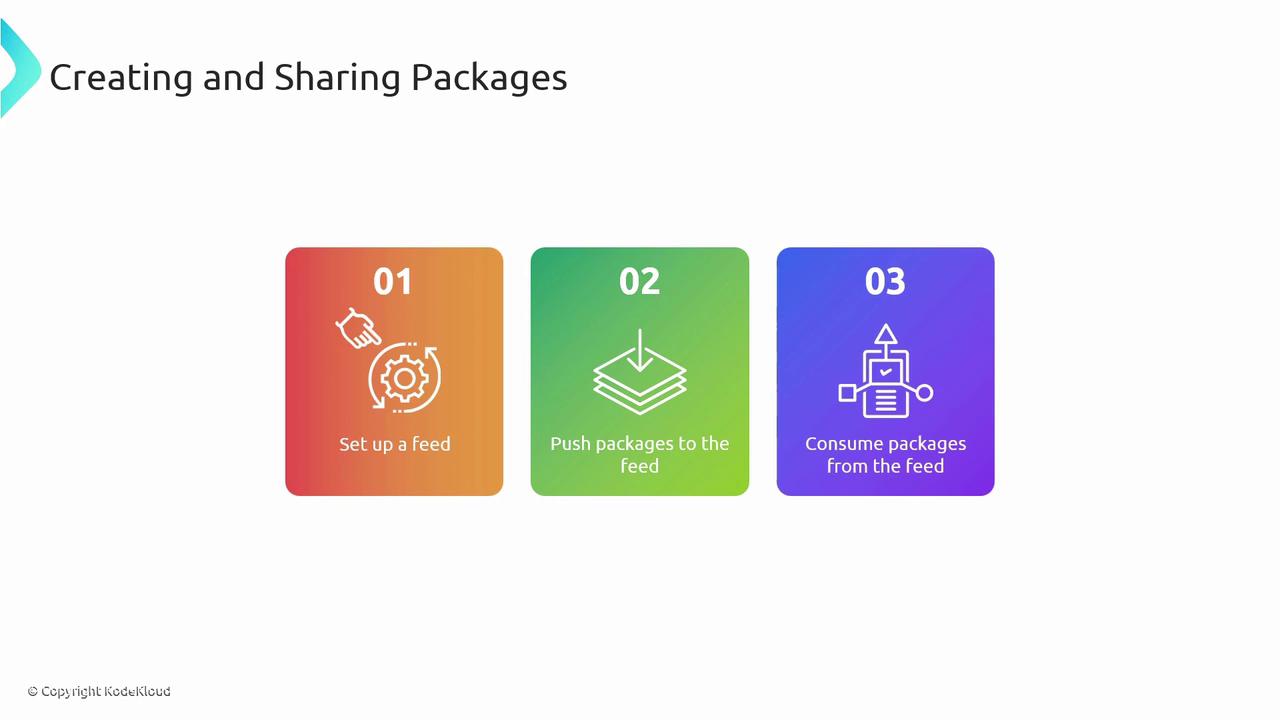
Follow these three core steps to onboard packages:
1. **Set up a feed**
2. **Push your packages**
3. **Consume packages**
***
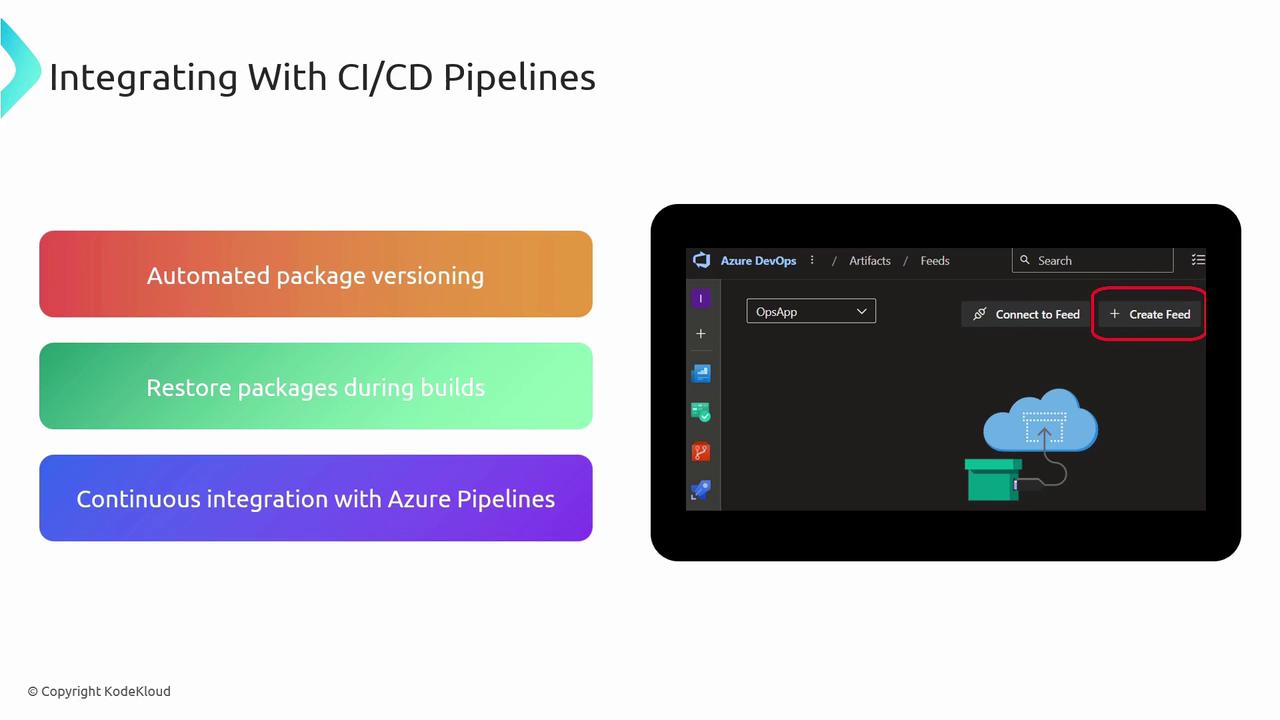
## 1. Creating a Feed
In Azure DevOps:
1. Navigate to **Artifacts**.
2. Click **Create Feed**.

Configure these settings:
| Setting | Options | Description |
| ---------------- | ------------------------------------------------ | -------------------------------------------------------------------- |
| Visibility | Private, Organization, Public | Controls who can view and install your packages. |
| Upstream Sources | NuGet.org, npmjs.com, Maven Central, other feeds | Automatically proxy or cache packages from external registries. |
| Scope | Entire organization or specific projects | Limits feed access to select projects or makes it organization-wide. |
Public feeds expose your packages to the internet. Ensure no sensitive artifacts are published inadvertently.
***
## 2. Consuming a Feed
After feed creation, select **Connect to Feed** for authentication snippets, or **Search Stream Sources** to browse upstream packages:
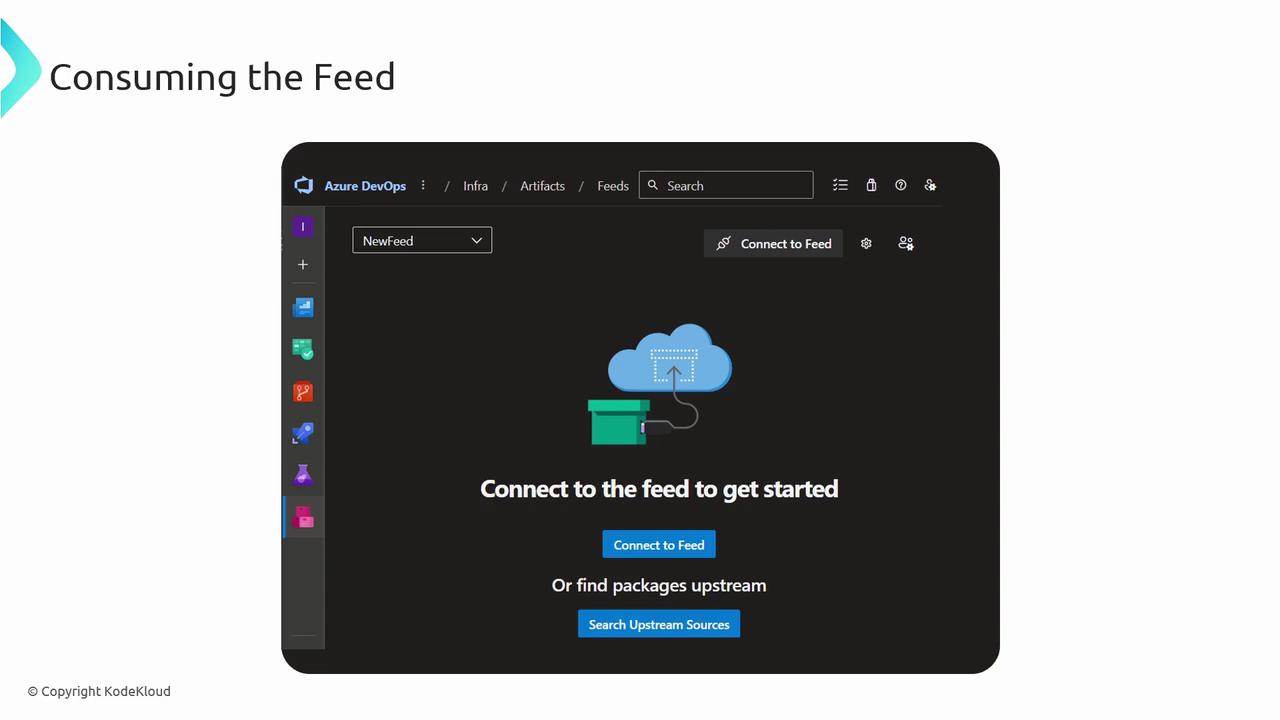
* **Connect to Feed**: Copy configuration for `NuGet.config`, `.npmrc`, `settings.xml`, or `pip.conf`.
* **Search Stream Sources**: Filter by package name, version, license, or dependencies.
***
## 3. CI/CD Integration
Use Azure Pipelines to restore, version, and publish packages automatically:
### Pipeline Steps
```yaml theme={null}
trigger:
branches:
include:
- main
paths:
include:
- '**/*.csproj'
steps:
- task: NuGetToolInstaller@1
- task: NuGetCommand@2
inputs:
command: 'restore'
restoreSolution: '**/*.sln'
feedsToUse: 'select'
vstsFeed: ''
- task: DotNetCoreCLI@2
inputs:
command: 'publish'
projects: '**/*.csproj'
arguments: '--configuration Release --output $(Build.ArtifactStagingDirectory)'
- task: PublishBuildArtifacts@1
inputs:
PathtoPublish: '$(Build.ArtifactStagingDirectory)'
ArtifactName: 'drop'
publishLocation: 'Container'
- task: AzureWebApp@1
inputs:
azureSubscription: ''
appType: 'webApp'
appName: ''
package: '$(Build.ArtifactStagingDirectory)/**/*.zip'
```
Automate version bumps using tools like [Dependabot](https://dependabot.com/) or GitHub’s native versioning bot.
***
## Best Practices
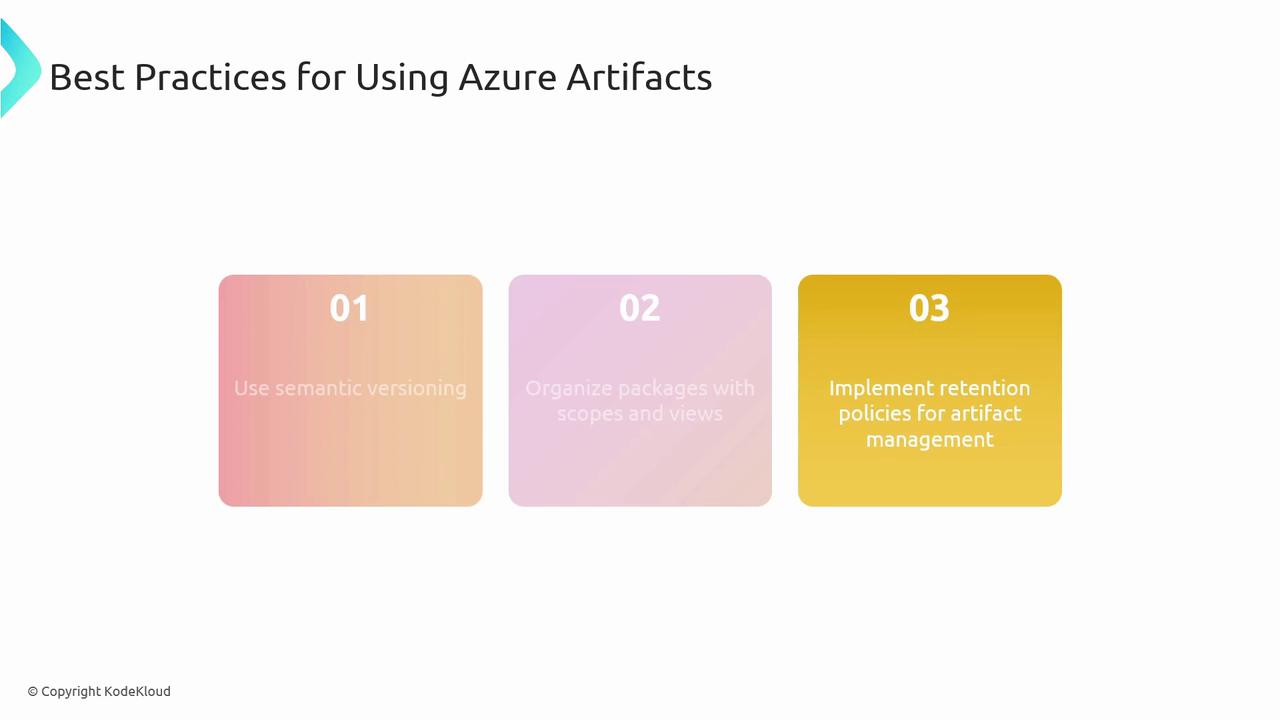
* Adopt [semantic versioning](https://semver.org/) to signal breaking changes, features, and fixes.
* Leverage **scopes and views** to partition packages by team, environment, or lifecycle.
* Implement automated **retention policies** to purge stale artifacts and optimize storage costs.
***
## Links and References
* [Azure Artifacts Documentation](https://learn.microsoft.com/azure/devops/artifacts/)
* [Azure Pipelines Documentation](https://learn.microsoft.com/azure/devops/pipelines/)
* [Semantic Versioning Guide](https://semver.org/)