> ## Documentation Index
> Fetch the complete documentation index at: https://notes.kodekloud.com/llms.txt
> Use this file to discover all available pages before exploring further.
# Summary
> This article discusses the importance of package management in software development and CI/CD, highlighting key tools and best practices.
In modern software development and CI/CD pipelines, effective package management is essential for handling libraries, dependencies, and artifacts in a consistent, maintainable manner. By standardizing how packages are stored, versioned, and consumed, teams can:
* Ensure build consistency across environments
* Reduce dependency conflicts and drift
* Accelerate development and deployment cycles
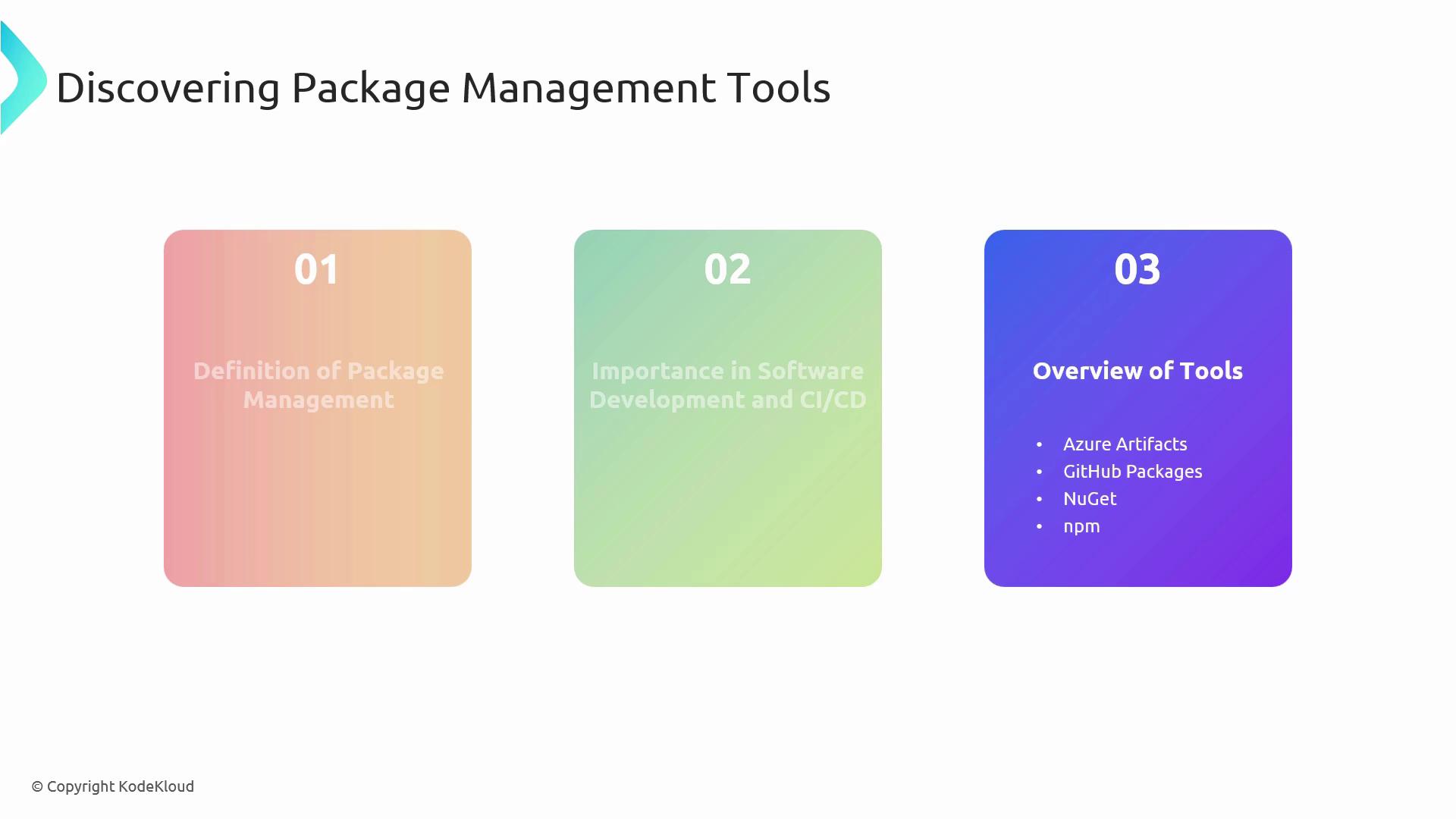
## Key Package Management Tools
| Tool | Description | Link |
| --------------- | ------------------------------------------------------------------------------------------------------ | ---------------------------------------------------------------------- |
| Azure Artifacts | Universal hosting for NuGet, npm, Maven, Python, and more—manage public & private feeds in one portal. | [Azure Artifacts](https://learn.microsoft.com/azure/devops/artifacts/) |
| GitHub Packages | Integrated package registry on GitHub, providing version control and artifact hosting. | [GitHub Packages](https://github.com/features/packages) |
| NuGet | Official .NET package manager simplifying third-party library integration into .NET applications. | [NuGet.org](https://www.nuget.org/) |
| npm | JavaScript package manager for Node.js, essential for web and server-side dependency management. | [npmjs.com](https://www.npmjs.com/) |
## Deep Dive: Azure Artifacts
Azure Artifacts provides a rich set of features for hosting and managing package feeds across multiple formats.
### Functionality & Integration
* **Feed Creation**
```bash theme={null}
az artifacts feed create \
--name MyProjectFeed \
--organization https://dev.azure.com/MyOrg \
--project MyProject
```
* **Publishing Packages**
* .NET (NuGet):
```bash theme={null}
dotnet nuget push \
--source "MyProjectFeed" \
bin/Release/MyLibrary.1.0.0.nupkg
```
* npm:
```bash theme={null}
npm publish \
--registry https://pkgs.dev.azure.com/MyOrg/_packaging/MyProjectFeed/npm/registry
```
* **Connecting Feeds to Pipelines**
* Add a feed resource in your YAML pipeline:
```yaml theme={null}
resources:
containers:
- container: artifactsFeed
connection: MyArtifactoryServiceConnection
```
* Reference packages directly in your `build` and `release` stages.
You can scope feeds to teams or projects to isolate dependencies and improve security.
### Key Features
* Universal support for NuGet, npm, Maven, Python, and more
* Fine-grained permissions at user, group, or token levels
* Seamless integration with Azure Pipelines for automated CI/CD workflows
### CI/CD Best Practices
| Practice | Description |
| -------------------- | -------------------------------------------------------------------------------------------- |
| Semantic Versioning | Adopt MAJOR.MINOR.PATCH guidelines to signal breaking changes, enhancements, and fixes. |
| Scoped Feeds & Views | Organize packages by project, environment, or team to simplify discovery and access control. |
| Retention Policies | Automatically clean up old or unused packages to manage storage costs. |
Misconfigured retention policies can inadvertently delete packages in use. Always verify your cleanup rules before applying.
## References & Resources
* [Azure Artifacts Documentation](https://learn.microsoft.com/azure/devops/artifacts/)
* [GitHub Packages Guide](https://docs.github.com/packages)
* [NuGet Documentation](https://docs.microsoft.com/nuget/)
* [npm Documentation](https://docs.npmjs.com/)