> ## Documentation Index
> Fetch the complete documentation index at: https://notes.kodekloud.com/llms.txt
> Use this file to discover all available pages before exploring further.
# Exploring GitHub Secrets
> This guide explains managing GitHub Secrets for secure automation, covering setup, usage in workflows, and best practices.
In this guide, you’ll learn how to manage encrypted variables in GitHub—commonly known as **GitHub Secrets**—to keep API keys, tokens, and credentials safe. We’ll cover what secrets are, how to set them up, use them in workflows, and follow best practices for secure automation.
## What Are GitHub Secrets?
GitHub Secrets are encrypted environment variables stored at the repository, environment, or organization level. They enable you to reference sensitive data in your Actions workflows without exposing them in code.
| Scope | Description | Ideal for |
| -------------------- | ------------------------------------------------------------ | -------------------------- |
| Repository secrets | Accessible only in a single repository | Project-specific API keys |
| Environment secrets | Scoped to named environments (e.g., `staging`, `production`) | Deployment credentials |
| Organization secrets | Shared across multiple repositories within an organization | Centralized service tokens |
### Viewing Secrets and Variables
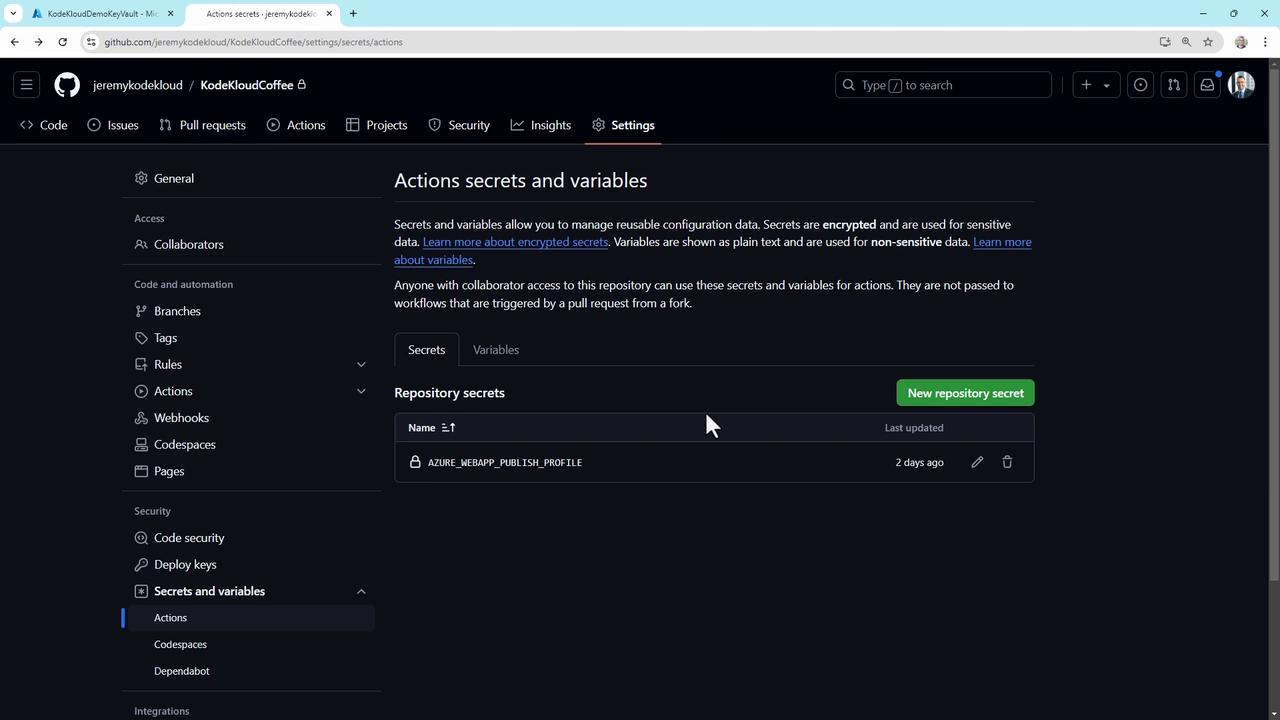
To inspect secrets in a repository:
1. Navigate to **Settings** → **Secrets and variables**.
2. Choose **Actions**, **Codespaces**, or **Dependabot**.
#### Variables vs. Secrets
* **Secrets** are encrypted and masked in logs.
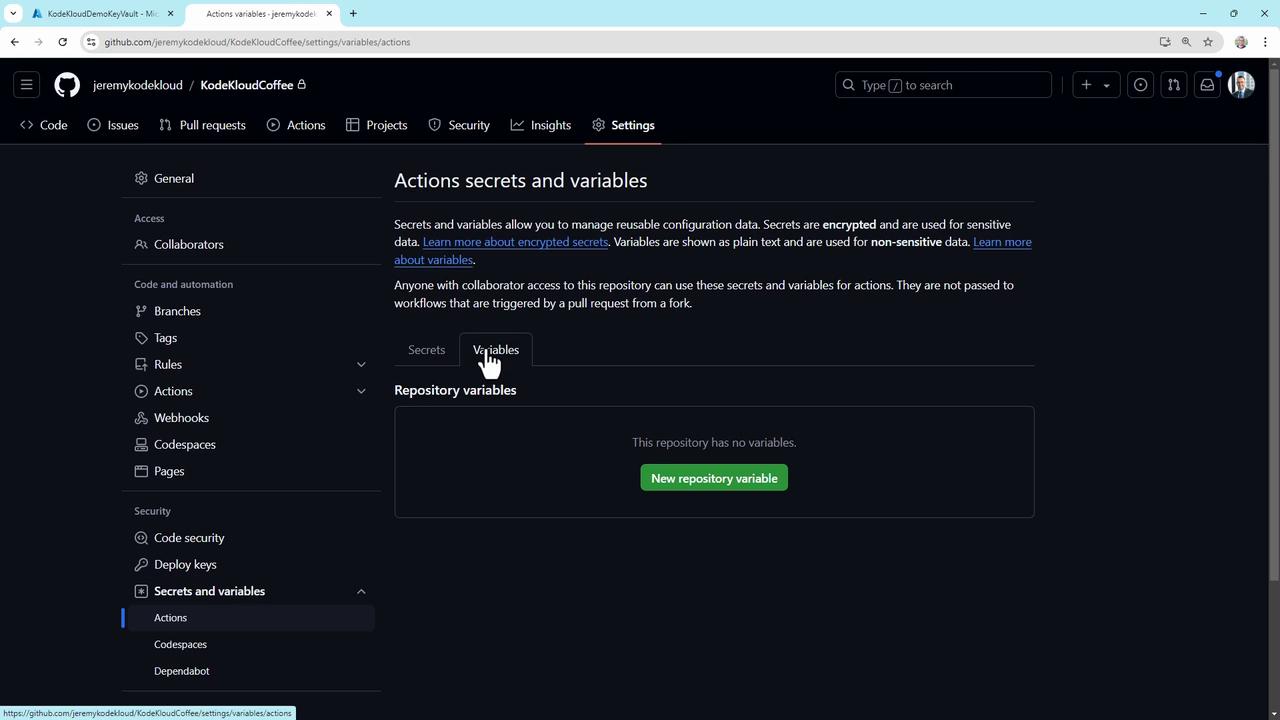
* **Variables** hold non-sensitive data (e.g., server names) and can be updated centrally.
## Creating and Updating Repository Secrets
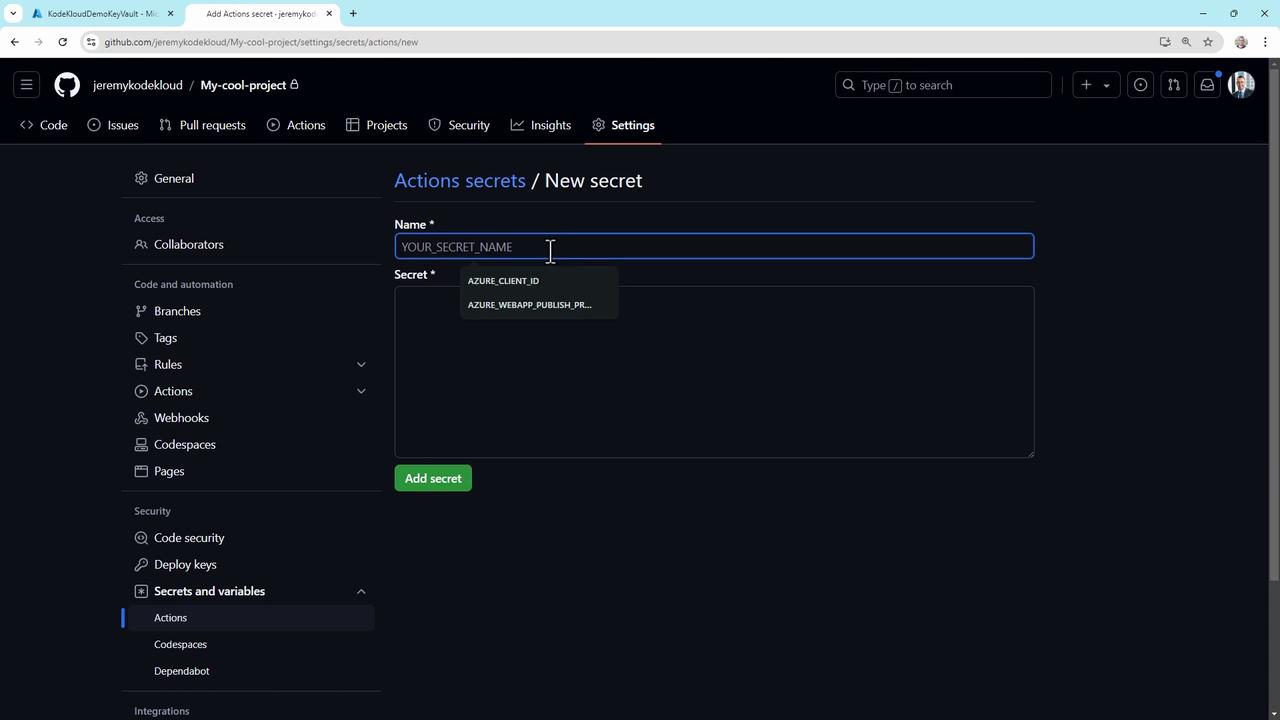
1. Go to **Settings** → **Secrets and variables** → **Actions**.
2. Click **New repository secret**.
3. Enter a **Name** (e.g., `API_KEY`) and the secret **Value**.
4. Click **Add secret**.
Once created, the secret appears in the list—its value remains hidden:
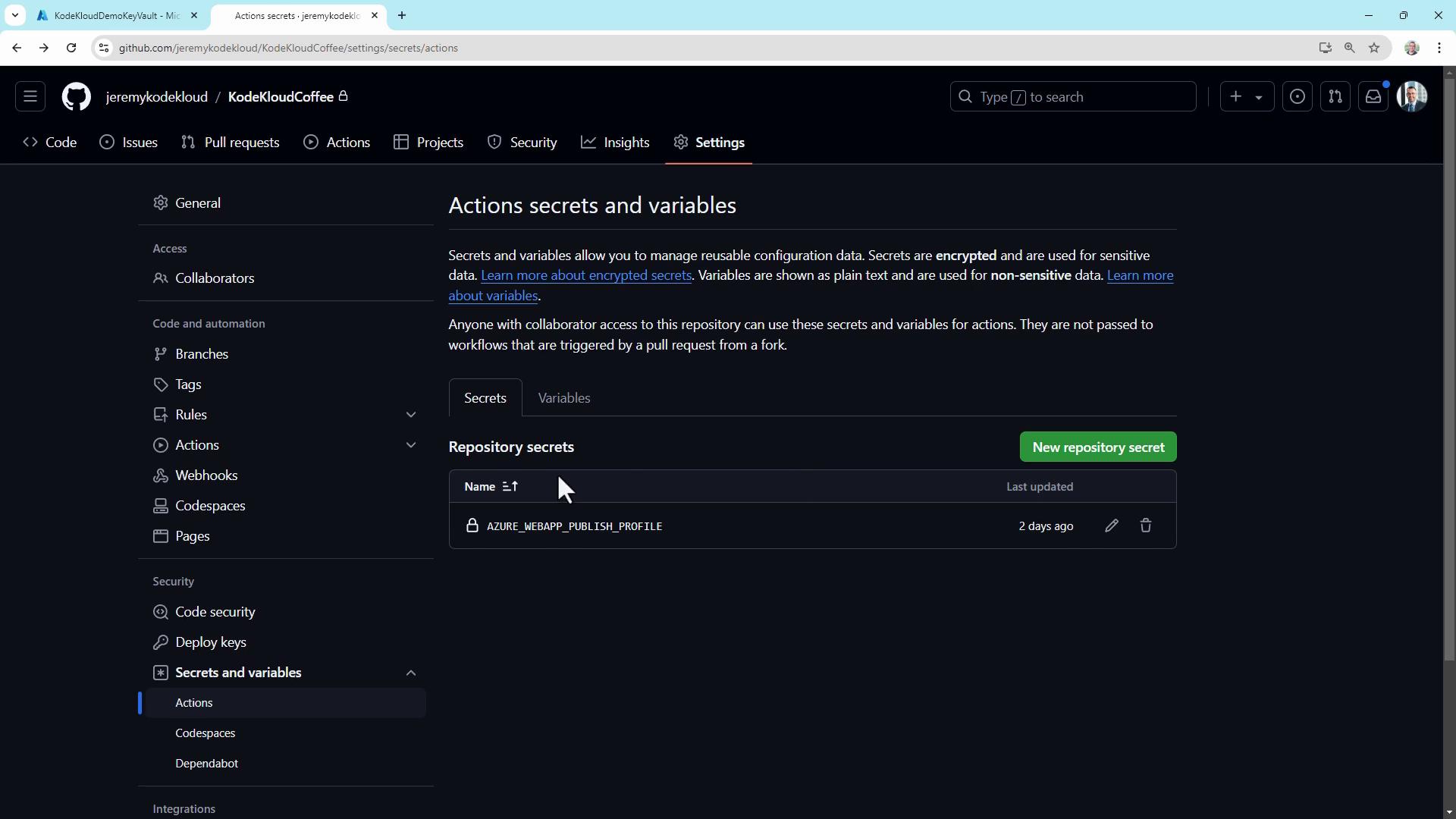
To update a secret, click **Edit**, provide a new value, and re-authenticate if prompted.
## Using Secrets in a Workflow
Add secrets to your workflow YAML to inject them at runtime. Create a file like `.github/workflows/hello.yml`:
```yaml theme={null}
on:
workflow_dispatch:
jobs:
hello_world_job:
runs-on: ubuntu-latest
steps:
- name: Hello World Action
run: |
curl -H "Authorization: Bearer ${{ secrets.API_KEY }}" \
https://en12e6i3tq18hk.x.pipedream.net
```
Here, `${{ secrets.API_KEY }}` retrieves the value securely.
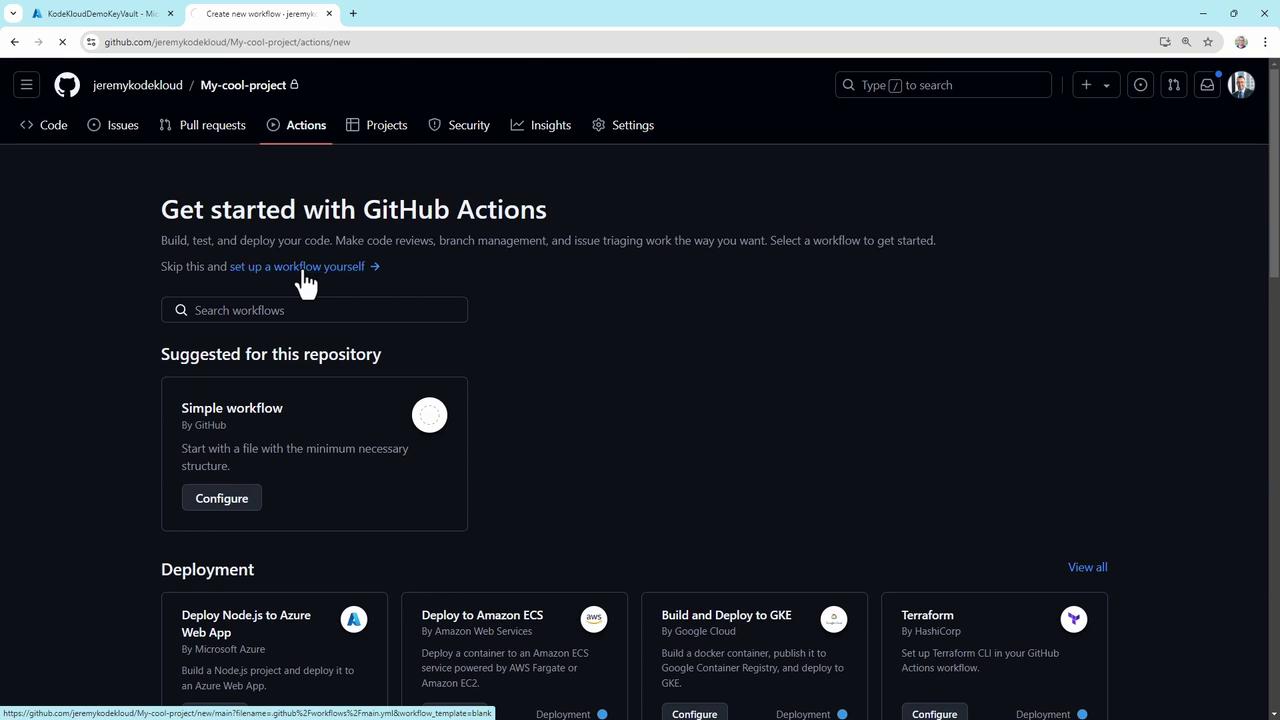
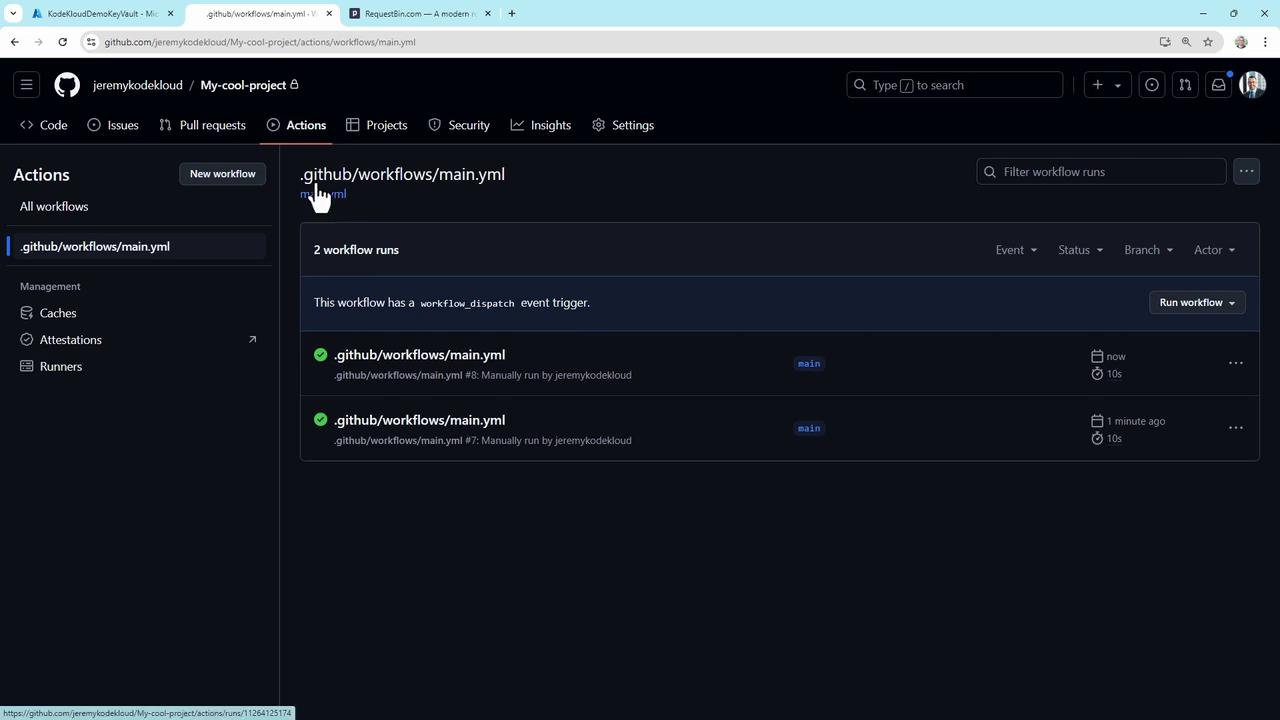
Commit the workflow and trigger it manually or on push. GitHub masks the secret in logs, replacing characters with `***`, while your external endpoint receives the correct token.
Secrets are **not** exposed to workflows triggered by pull requests from forks. This prevents unauthorized access to your credentials.
## Advanced GitHub Secrets Usage
### Deploying to Azure with JSON Credentials
Store full JSON service principals in a secret and use them:
```yaml theme={null}
name: Deploy to Azure
on:
push:
branches: [ main ]
jobs:
build-and-deploy:
runs-on: ubuntu-latest
steps:
- uses: actions/checkout@v2
- name: Azure Login
uses: azure/login@v1
with:
creds: ${{ secrets.AZURE_CREDENTIALS }}
- name: Deploy to Azure Web App
uses: azure/webapps-deploy@v2
with:
app-name: ${{ secrets.AZURE_WEBAPP_NAME }}
publish-profile: ${{ secrets.AZURE_WEBAPP_PUBLISH_PROFILE }}
```
GitHub automatically masks secrets in Action logs, so your credentials never appear in plaintext.
### Automating Secret Rotation
Use a scheduled workflow to rotate keys monthly:
```yaml theme={null}
name: Rotate API Key
on:
schedule:
- cron: '0 0 1 * *' # Monthly at midnight UTC
jobs:
rotate-key:
runs-on: ubuntu-latest
steps:
- name: Generate new API key
run: |
NEW_KEY=$(openssl rand -base64 32)
echo "NEW_KEY=$NEW_KEY" >> $GITHUB_ENV
- name: Update external service
run: |
curl -X POST https://api.example.com/rotate-key \
-H "Authorization: Bearer ${{ secrets.CURRENT_API_KEY }}" \
-d "{\"new_key\": \"$NEW_KEY\"}"
- name: Update GitHub Secret
uses: hmanzur/actions-set-secret@v2.0.0
with:
name: CURRENT_API_KEY
value: $NEW_KEY
```
### Auditing Secret Usage
Log each secret access for compliance:
```yaml theme={null}
steps:
- name: Log secret usage
if: success() && contains(github.event.head_commit.message, 'DEPLOY_KEY')
run: |
echo "Secret DEPLOY_KEY used at $(date)" >> $GITHUB_WORKSPACE/secret_usage.log
- name: Use secret
env:
DEPLOY_KEY: ${{ secrets.DEPLOY_KEY }}
run: ./deploy.sh
```
## Best Practices for GitHub Secrets
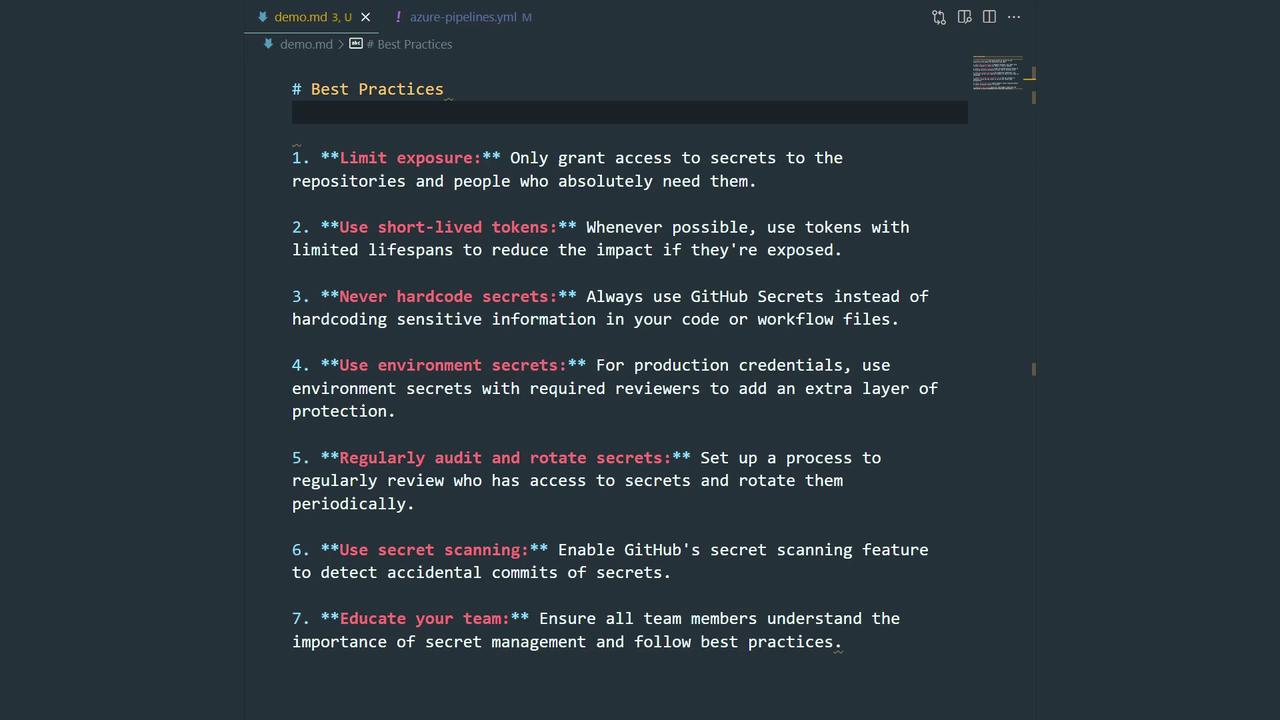
* Limit access with fine-grained permissions.
* Use short-lived tokens or ephemeral credentials.
* Never commit secrets to code or configuration files.
* Require approvals for environment secrets in production.
* Rotate and audit secrets regularly.
* Enable [GitHub Secret Scanning](https://docs.github.com/en/code-security/secret-scanning/about-secret-scanning).
* Train your team on secure secret handling.
## References
* [GitHub Secrets Documentation](https://docs.github.com/en/actions/security-guides/encrypted-secrets)
* [GitHub Actions Overview](https://docs.github.com/en/actions/learn-github-actions/introduction-to-github-actions)
* [Azure Login Action](https://github.com/Azure/login)
* [azure/webapps-deploy@v2](https://github.com/Azure/webapps-deploy)