> ## Documentation Index
> Fetch the complete documentation index at: https://notes.kodekloud.com/llms.txt
> Use this file to discover all available pages before exploring further.

# Implement and manage secrets keys and certificates by using Azure Key Vault

> Azure Key Vault provides a secure solution for managing secrets, keys, and certificates in Azure, enhancing security and compliance.

Azure Key Vault is a centralized solution for securely storing and managing secrets, cryptographic keys, and certificates in Azure. It helps enforce access policies, integrate with DevOps workflows, and maintain compliance with regulatory standards.

## Table of Contents

1. [Overview](#overview)
2. [Core Features](#core-features)
3. [Managing Secrets](#managing-secrets)
4. [Managing Cryptographic Keys](#managing-cryptographic-keys)
5. [Managing Certificates](#managing-certificates)
6. [Authentication and Authorization](#authentication-and-authorization)
7. [Access Policies](#access-policies)
8. [Monitoring and Logging](#monitoring-and-logging)
9. [DevOps and CI/CD Integration](#devops-and-cicd-integration)
10. [Automation](#automation)
11. [Best Practices](#best-practices)
12. [Demo: Creating and Managing Secrets](#demo-creating-and-managing-secrets)
13. [References](#references)

***

## Overview

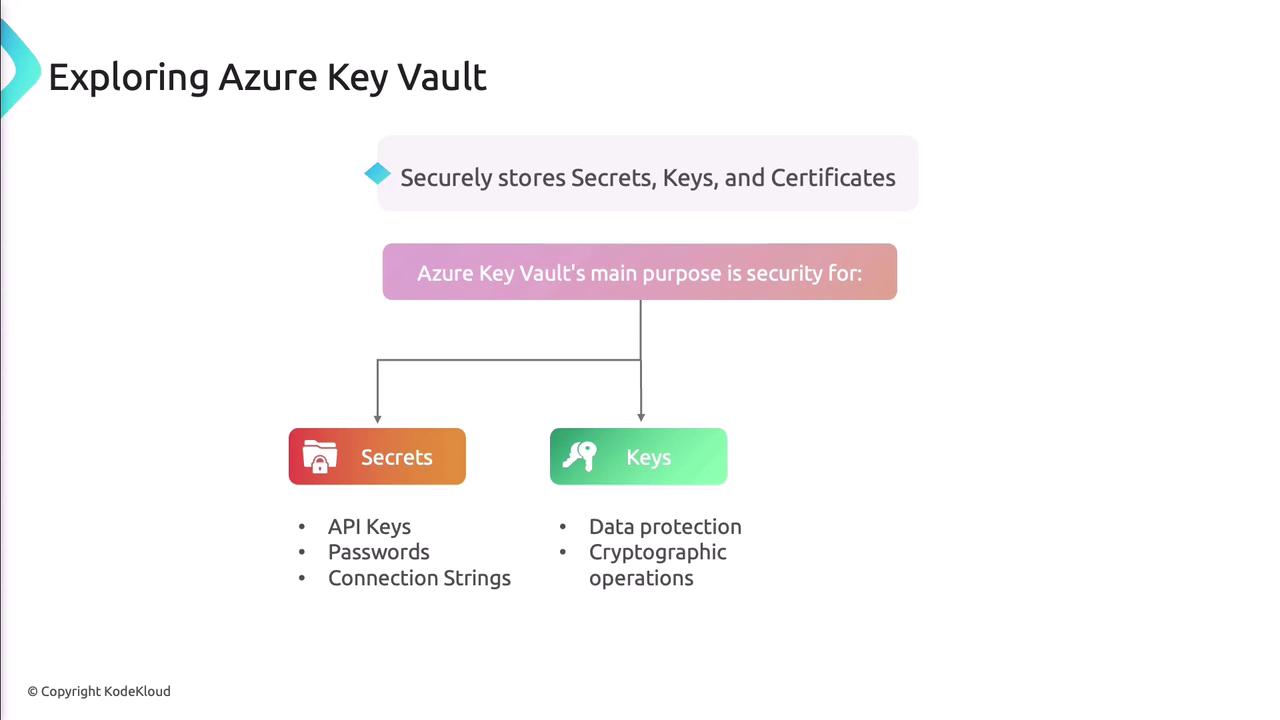
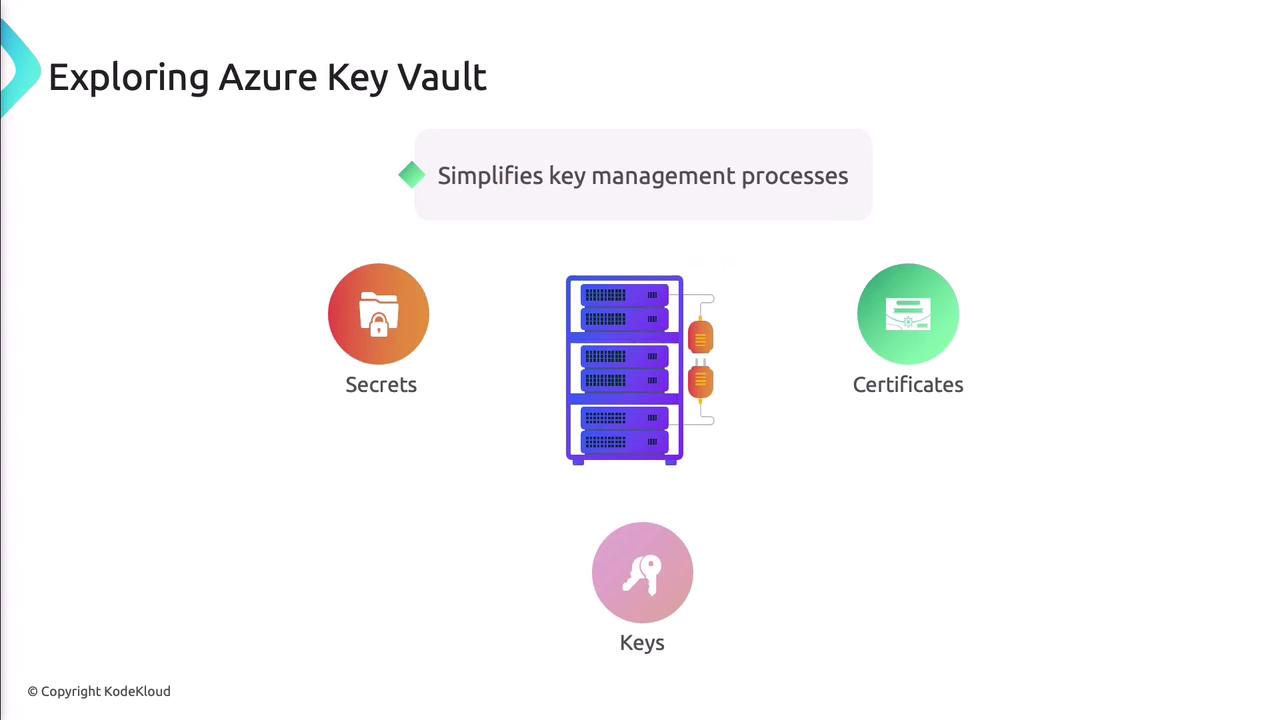
Azure Key Vault streamlines security operations by centralizing storage for secrets, keys, and certificates. It offers:

* Secure secret, key, and certificate storage
* Hardware Security Module (HSM) protection
* Role-Based Access Control (RBAC) with Azure Active Directory
* Comprehensive logging via Azure Monitor and Azure Security Center
* Automated key rotation and certificate renewal
<Frame>
  ![The image is a diagram explaining Azure Key Vault, highlighting its role in securely storing secrets, keys, and certificates, with a focus on security for API keys, passwords, connection strings, data protection, and cryptographic operations.](https://kodekloud.com/kk-media/image/upload/v1752867949/notes-assets/images/AZ-400-Designing-and-Implementing-Microsoft-DevOps-Solutions-Implement-and-manage-secrets-keys-and-certificates-by-using-Azure-Key-Vault/azure-key-vault-diagram-security.jpg)
</Frame>

<Frame>
  ![The image is an illustration about Azure Key Vault, highlighting its role in simplifying key management processes and reducing the risk of data breaches.](https://kodekloud.com/kk-media/image/upload/v1752867950/notes-assets/images/AZ-400-Designing-and-Implementing-Microsoft-DevOps-Solutions-Implement-and-manage-secrets-keys-and-certificates-by-using-Azure-Key-Vault/azure-key-vault-key-management-illustration.jpg)
</Frame>

<Frame>
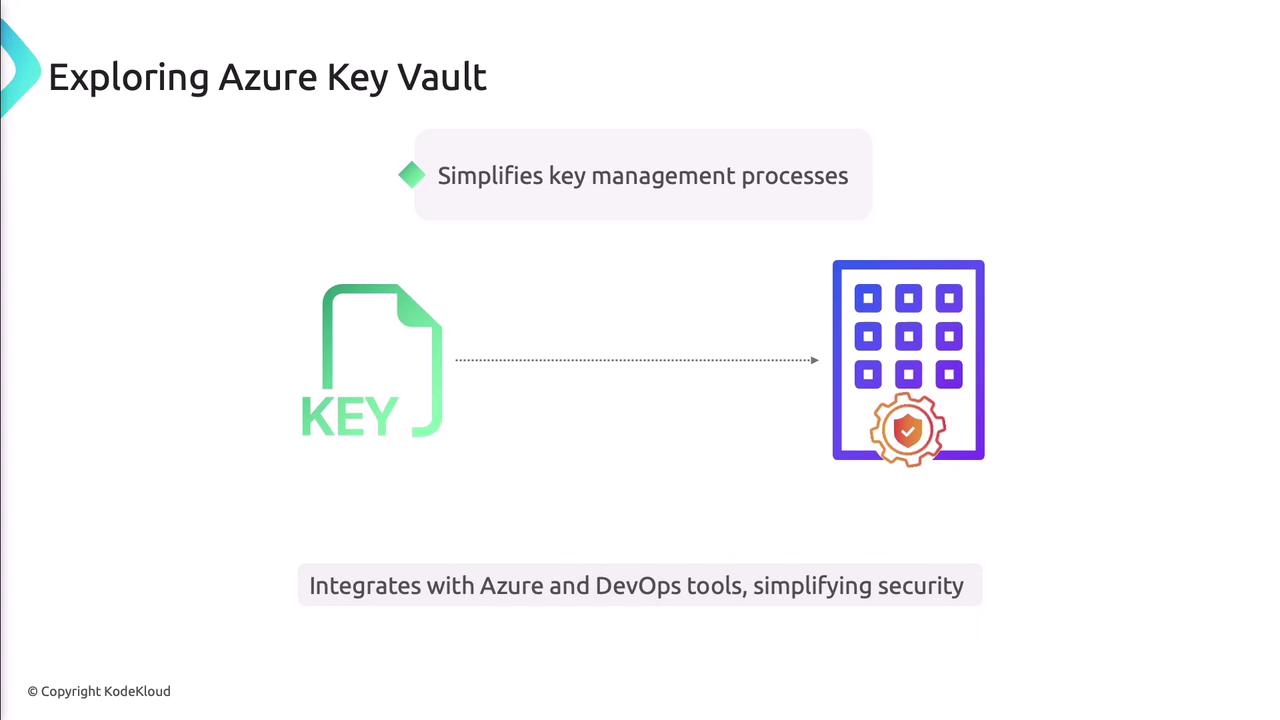
  ![The image is an illustration about Azure Key Vault, highlighting its role in simplifying key management processes and integrating with Azure and DevOps tools to enhance security.](https://kodekloud.com/kk-media/image/upload/v1752867951/notes-assets/images/AZ-400-Designing-and-Implementing-Microsoft-DevOps-Solutions-Implement-and-manage-secrets-keys-and-certificates-by-using-Azure-Key-Vault/azure-key-vault-key-management-illustration-2.jpg)
</Frame>

***

## Core Features

### Secure Storage and Management

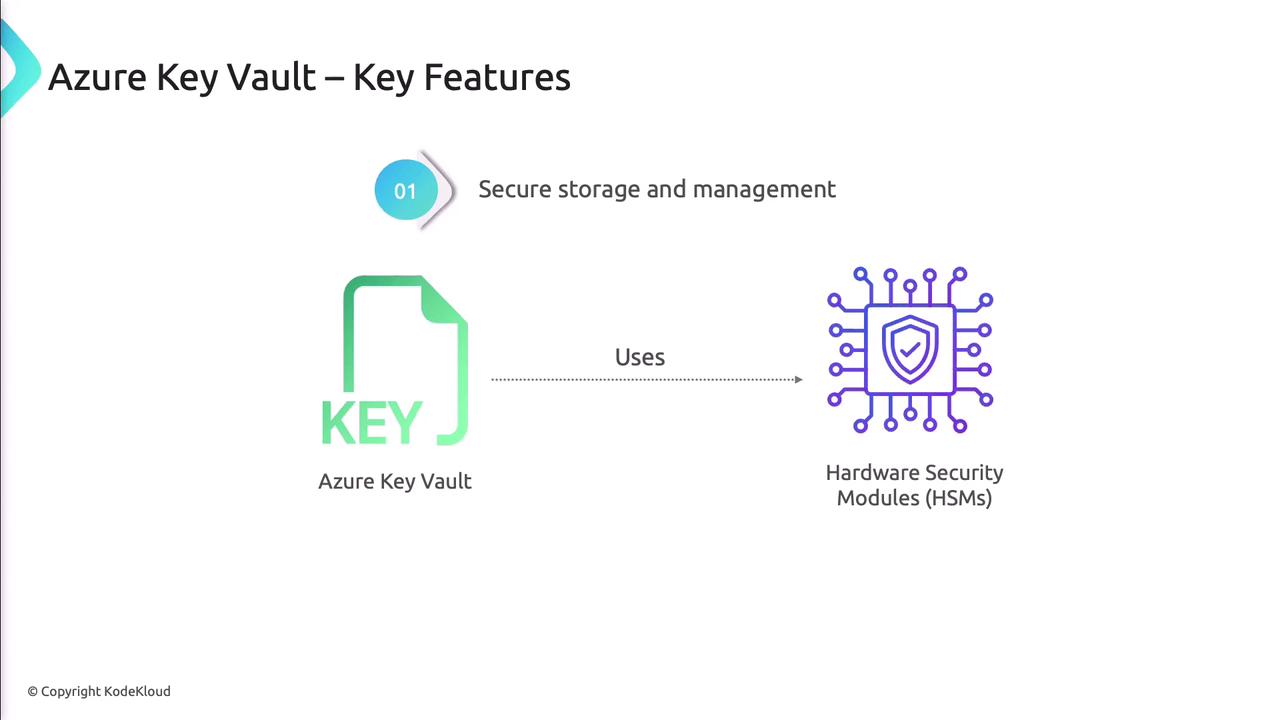
Azure Key Vault uses certified Hardware Security Modules (HSMs) to protect your data.

<Callout icon="lightbulb" color="#1CB2FE">
  Choose the **Standard** or **Premium** tier to leverage HSM-backed key protection.
</Callout>

<Frame>
  ![The image illustrates a key feature of Azure Key Vault, highlighting its use of Hardware Security Modules (HSMs) for secure storage and management.](https://kodekloud.com/kk-media/image/upload/v1752867952/notes-assets/images/AZ-400-Designing-and-Implementing-Microsoft-DevOps-Solutions-Implement-and-manage-secrets-keys-and-certificates-by-using-Azure-Key-Vault/azure-key-vault-hsm-secure-storage.jpg)
</Frame>

### Access Control

Integrate with Azure Active Directory to apply RBAC, granting least-privilege access to secrets, keys, and certificates.

### Logging and Monitoring

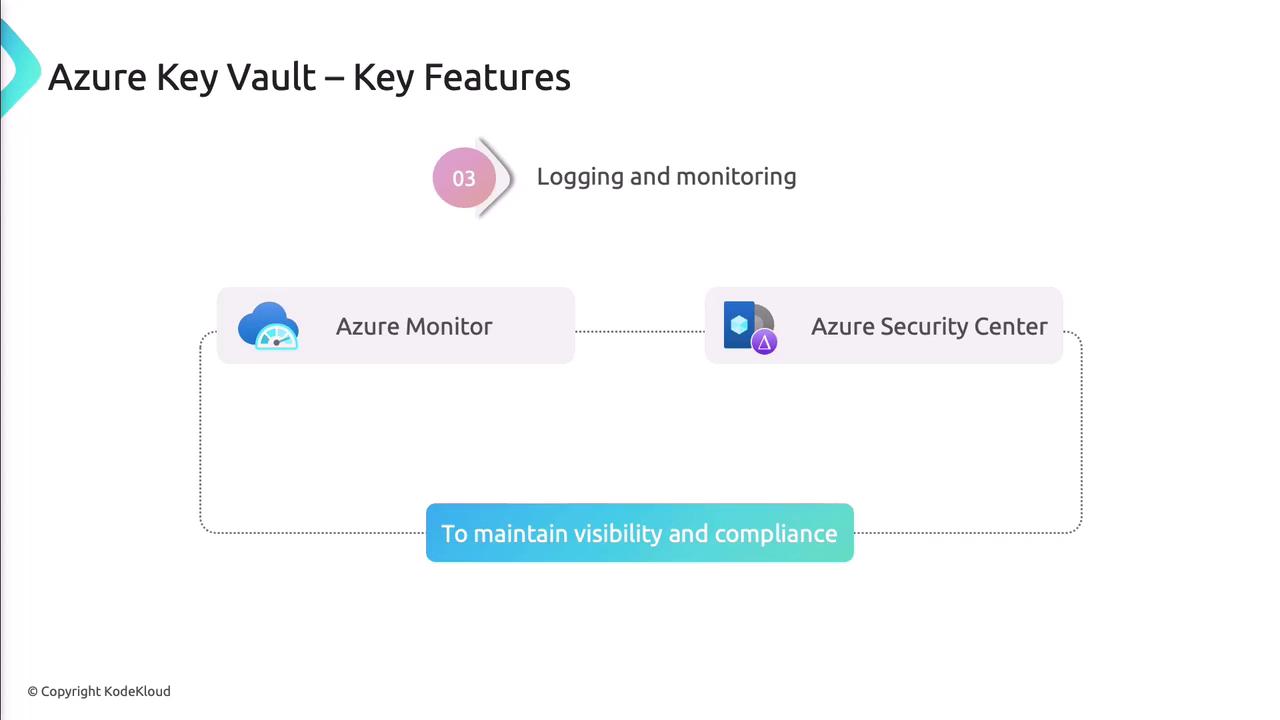
Stream diagnostic logs to Azure Monitor and Security Center to audit every operation and maintain compliance.
<Frame>
  ![The image outlines key features of Azure Key Vault, focusing on logging and monitoring through Azure Monitor and Azure Security Center to maintain visibility and compliance.](https://kodekloud.com/kk-media/image/upload/v1752867953/notes-assets/images/AZ-400-Designing-and-Implementing-Microsoft-DevOps-Solutions-Implement-and-manage-secrets-keys-and-certificates-by-using-Azure-Key-Vault/azure-key-vault-logging-monitoring.jpg)
</Frame>

***

## Managing Secrets

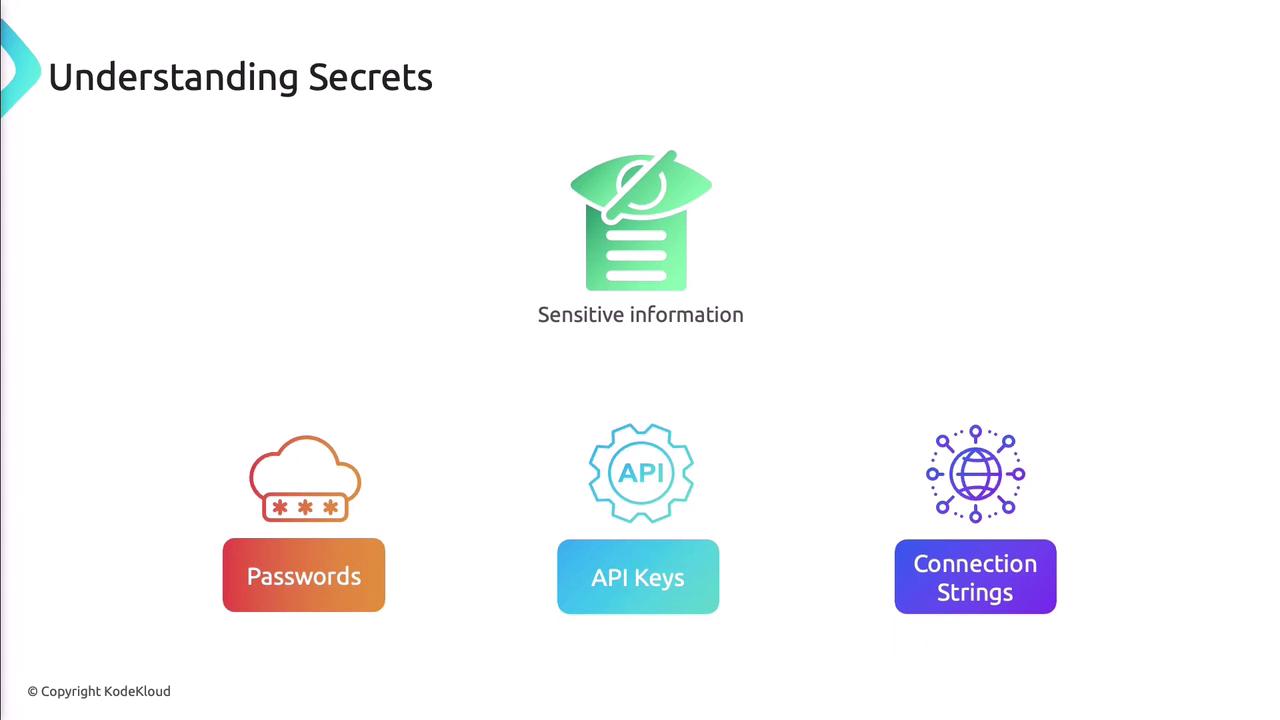
Secrets include API keys, passwords, and connection strings needed at runtime.
<Frame>
  ![The image is an infographic titled "Understanding Secrets," illustrating types of sensitive information: passwords, API keys, and connection strings.](https://kodekloud.com/kk-media/image/upload/v1752867954/notes-assets/images/AZ-400-Designing-and-Implementing-Microsoft-DevOps-Solutions-Implement-and-manage-secrets-keys-and-certificates-by-using-Azure-Key-Vault/understanding-secrets-infographic-passwords-api-keys.jpg)
</Frame>

### Common Use Cases

| Scenario                             | Description                                   |
| ------------------------------------ | --------------------------------------------- |
| Database connection strings          | Secure credentials for web apps               |
| API keys for external services       | Protect third-party service tokens            |
| Application configuration parameters | Secure feature flags and configuration values |

### Create a Secret

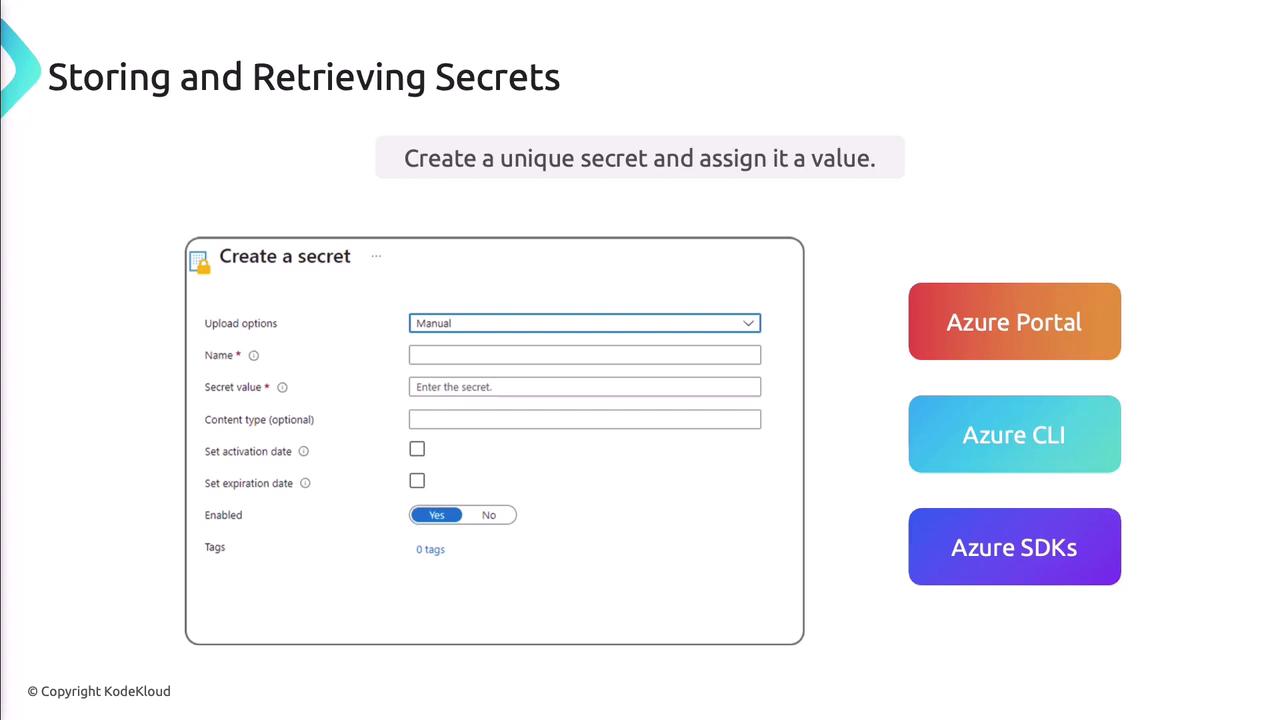
You can use the Azure Portal, CLI, or SDKs.
<Frame>
  ![The image shows a form for creating a secret with fields for name, secret value, and optional settings, alongside options for using Azure Portal, Azure CLI, and Azure SDKs.](https://kodekloud.com/kk-media/image/upload/v1752867956/notes-assets/images/AZ-400-Designing-and-Implementing-Microsoft-DevOps-Solutions-Implement-and-manage-secrets-keys-and-certificates-by-using-Azure-Key-Vault/create-secret-form-azure-options.jpg)
</Frame>

Azure CLI example:

```bash theme={null}
az keyvault secret set \
  --vault-name MyKeyVault \
  --name "api-token" \
  --value "mySecretValue"
```

### Retrieve a Secret

```bash theme={null}
az keyvault secret show \
  --vault-name MyKeyVault \
  --name "api-token"
```

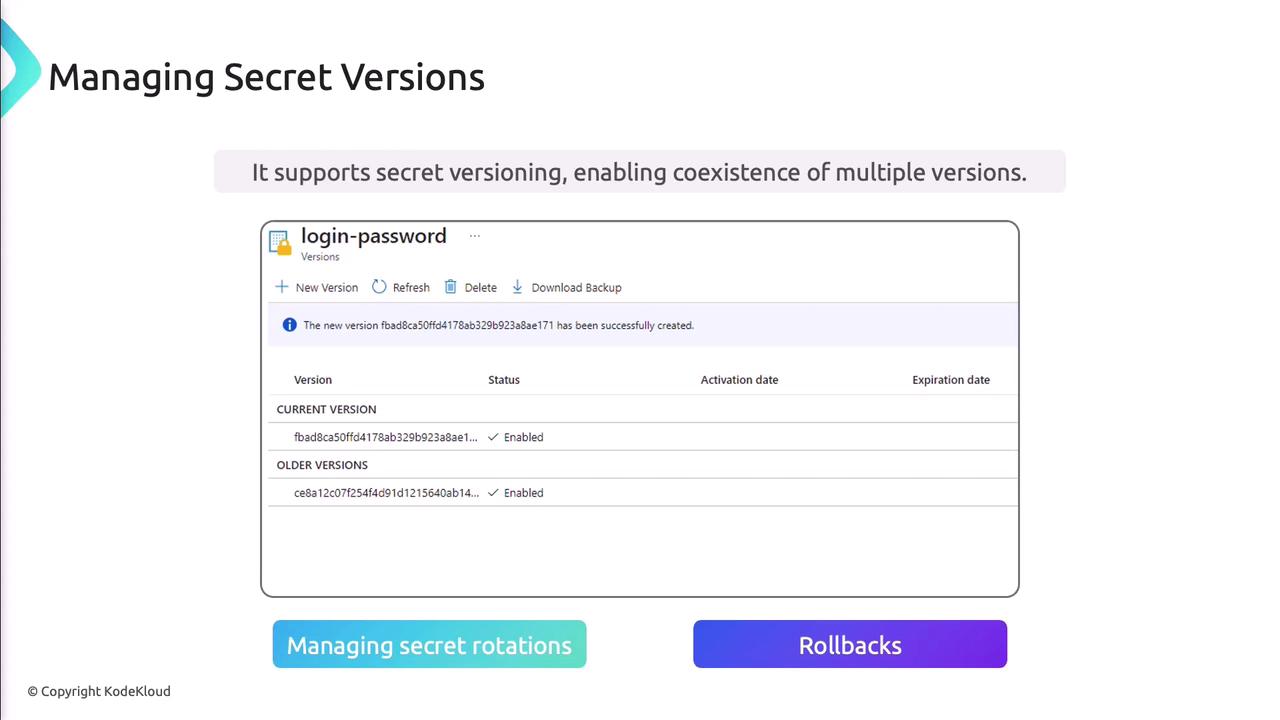
### Secret Versioning

Azure Key Vault retains previous versions, supporting rotation and rollback.
<Frame>
  ![The image is a screenshot of a secret management interface showing versioning for a "login-password," with options for creating new versions, refreshing, deleting, and downloading backups. It highlights the ability to manage secret rotations and rollbacks.](https://kodekloud.com/kk-media/image/upload/v1752867957/notes-assets/images/AZ-400-Designing-and-Implementing-Microsoft-DevOps-Solutions-Implement-and-manage-secrets-keys-and-certificates-by-using-Azure-Key-Vault/secret-management-interface-versioning-screenshot.jpg)
</Frame>

***

## Managing Cryptographic Keys

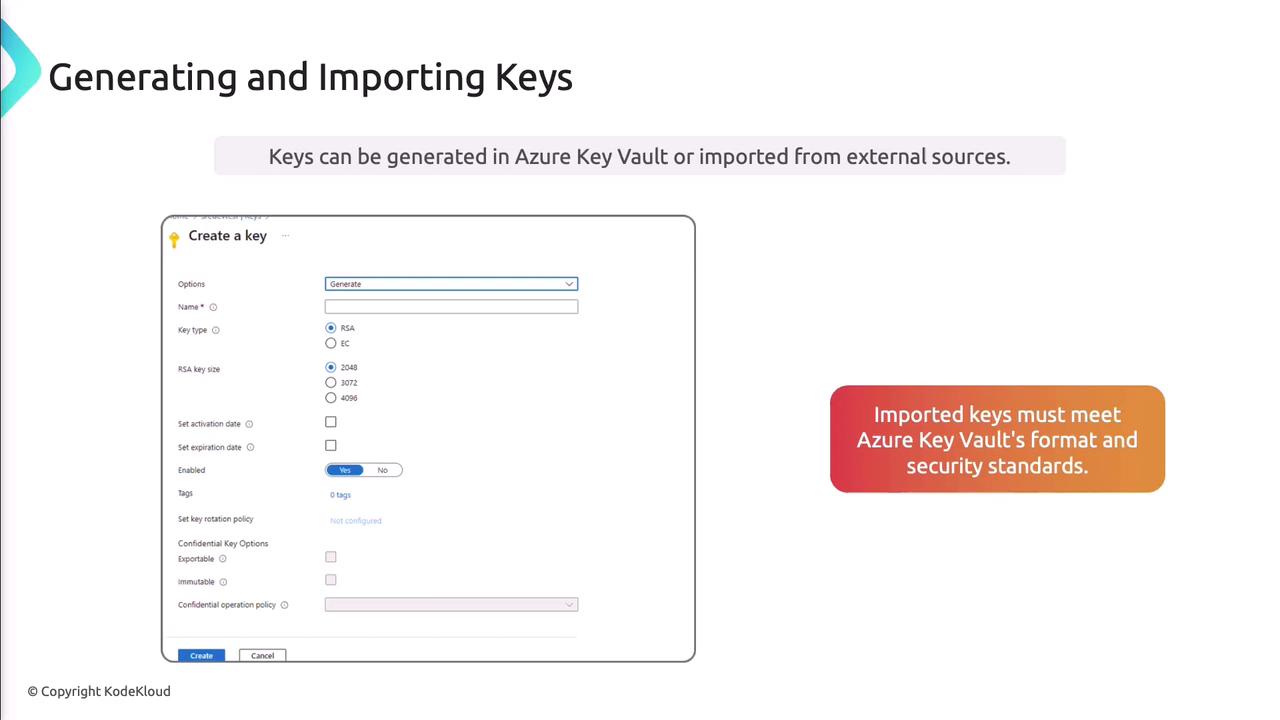
Support for RSA and Elliptic Curve keys enables encryption, decryption, signing, and verification.
<Frame>
  ![The image is a guide on generating and importing keys in Azure Key Vault, showing a form for creating a key with various options and a note about imported keys meeting security standards.](https://kodekloud.com/kk-media/image/upload/v1752867958/notes-assets/images/AZ-400-Designing-and-Implementing-Microsoft-DevOps-Solutions-Implement-and-manage-secrets-keys-and-certificates-by-using-Azure-Key-Vault/azure-key-vault-key-generation-guide.jpg)
</Frame>

### Generate a Key (Azure CLI)

```bash theme={null}
az keyvault key create \
  --vault-name MyKeyVault \
  --name "myRSAKey" \
  --kty RSA \
  --size 2048
```

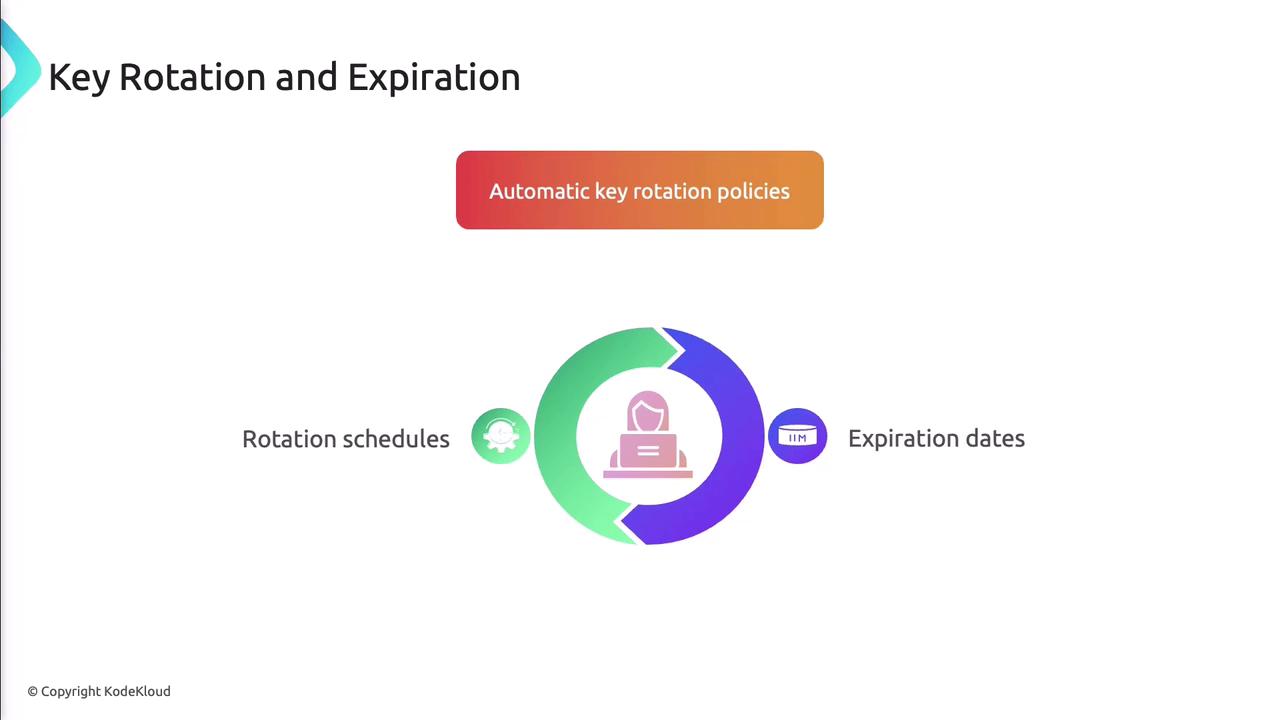
### Key Rotation and Expiration

Automate rotation to minimize risk by defining policies.
<Frame>
  ![The image illustrates the concept of key rotation and expiration, featuring a circular diagram with sections labeled "Rotation schedules" and "Expiration dates," and a header about automatic key rotation policies.](https://kodekloud.com/kk-media/image/upload/v1752867960/notes-assets/images/AZ-400-Designing-and-Implementing-Microsoft-DevOps-Solutions-Implement-and-manage-secrets-keys-and-certificates-by-using-Azure-Key-Vault/key-rotation-expiration-diagram.jpg)
</Frame>

```bash theme={null}
az keyvault key rotation-policy update \
  --vault-name MyKeyVault \
  --name "myRSAKey" \
  --expires "P90D" \
  --lifetime-actions "[{'trigger':{'lifetimePercentage':85},'action':{'type':'Rotate'}}]"
```

***

## Managing Certificates

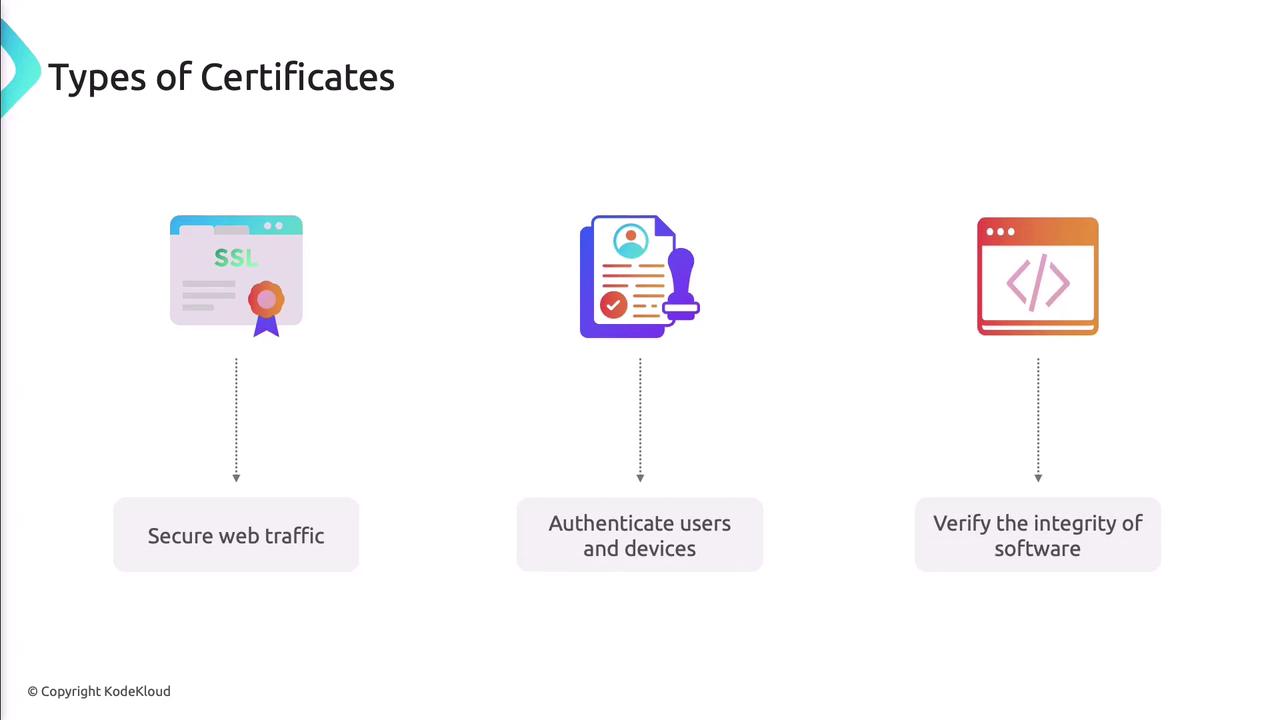
Azure Key Vault handles SSL/TLS, client authentication, and code-signing certificates.
<Frame>
  ![The image illustrates three types of certificates: SSL for securing web traffic, a certificate for authenticating users and devices, and a certificate for verifying the integrity of software.](https://kodekloud.com/kk-media/image/upload/v1752867961/notes-assets/images/AZ-400-Designing-and-Implementing-Microsoft-DevOps-Solutions-Implement-and-manage-secrets-keys-and-certificates-by-using-Azure-Key-Vault/certificate-types-ssl-authentication-integrity.jpg)
</Frame>

Certificate lifecycle: issuance, renewal, and revocation.
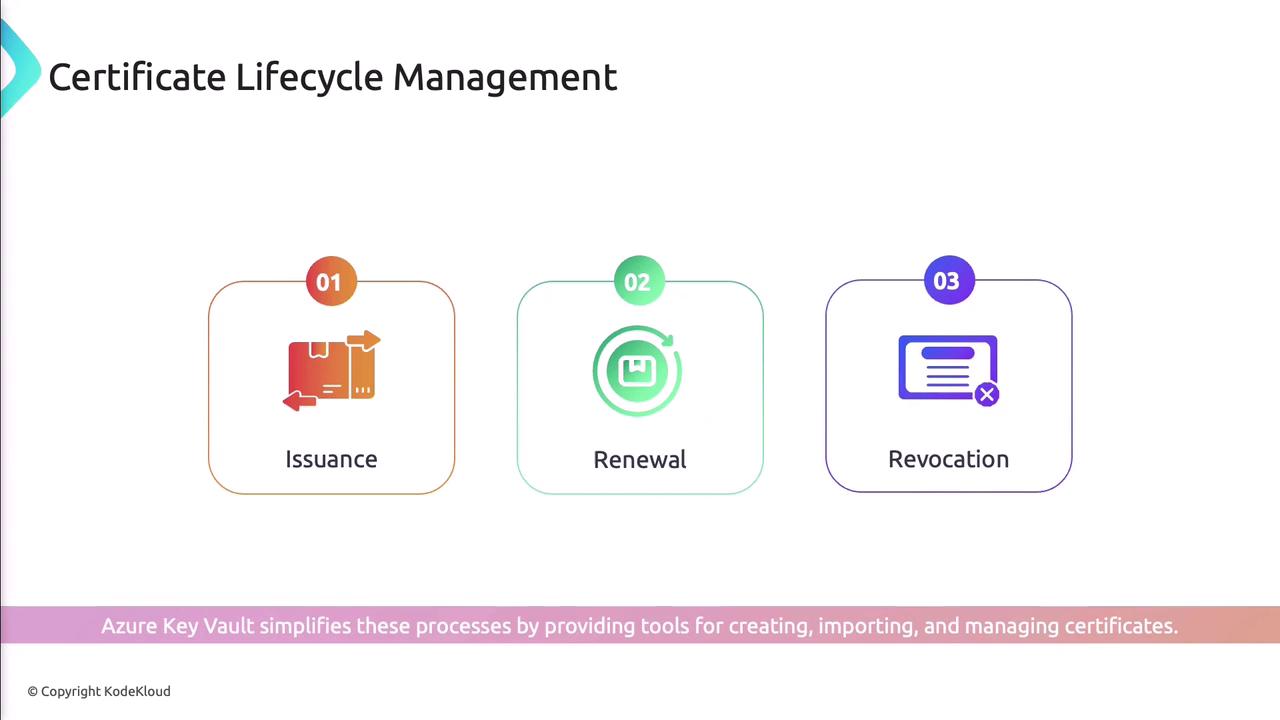
<Frame>
  ![The image illustrates the stages of Certificate Lifecycle Management: Issuance, Renewal, and Revocation. It mentions that Azure Key Vault simplifies these processes.](https://kodekloud.com/kk-media/image/upload/v1752867962/notes-assets/images/AZ-400-Designing-and-Implementing-Microsoft-DevOps-Solutions-Implement-and-manage-secrets-keys-and-certificates-by-using-Azure-Key-Vault/certificate-lifecycle-management-azure-key-vault.jpg)
</Frame>

Automatic renewal prevents disruptions by integrating with certificate authorities.

***

## Authentication and Authorization

Azure Active Directory manages authentication, while RBAC defines authorization for vault objects.
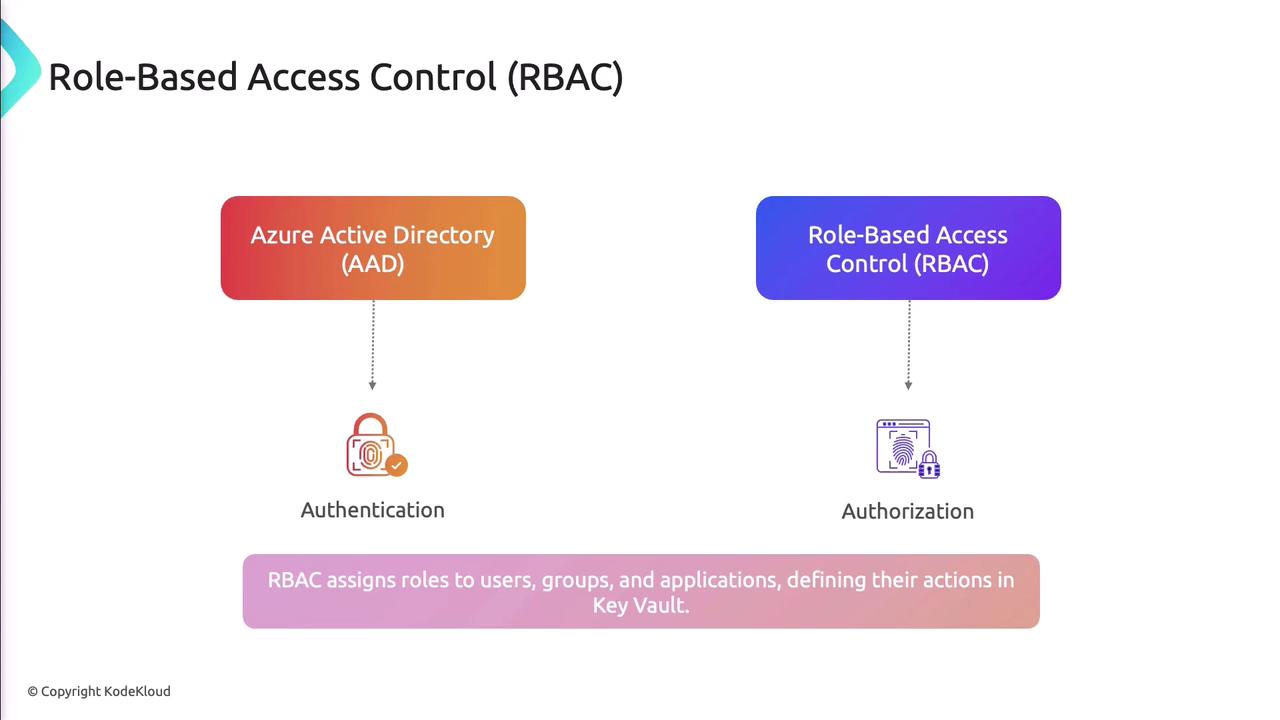
<Frame>
  ![The image illustrates the relationship between Azure Active Directory (AAD) for authentication and Role-Based Access Control (RBAC) for authorization, explaining how RBAC assigns roles to users, groups, and applications.](https://kodekloud.com/kk-media/image/upload/v1752867963/notes-assets/images/AZ-400-Designing-and-Implementing-Microsoft-DevOps-Solutions-Implement-and-manage-secrets-keys-and-certificates-by-using-Azure-Key-Vault/azure-ad-rbac-relationship-diagram.jpg)
</Frame>

Common roles: Owner, Contributor, Reader.

***

## Access Policies

Fine-grained permissions can be assigned for secrets, keys, and certificates via portal, CLI, or PowerShell.
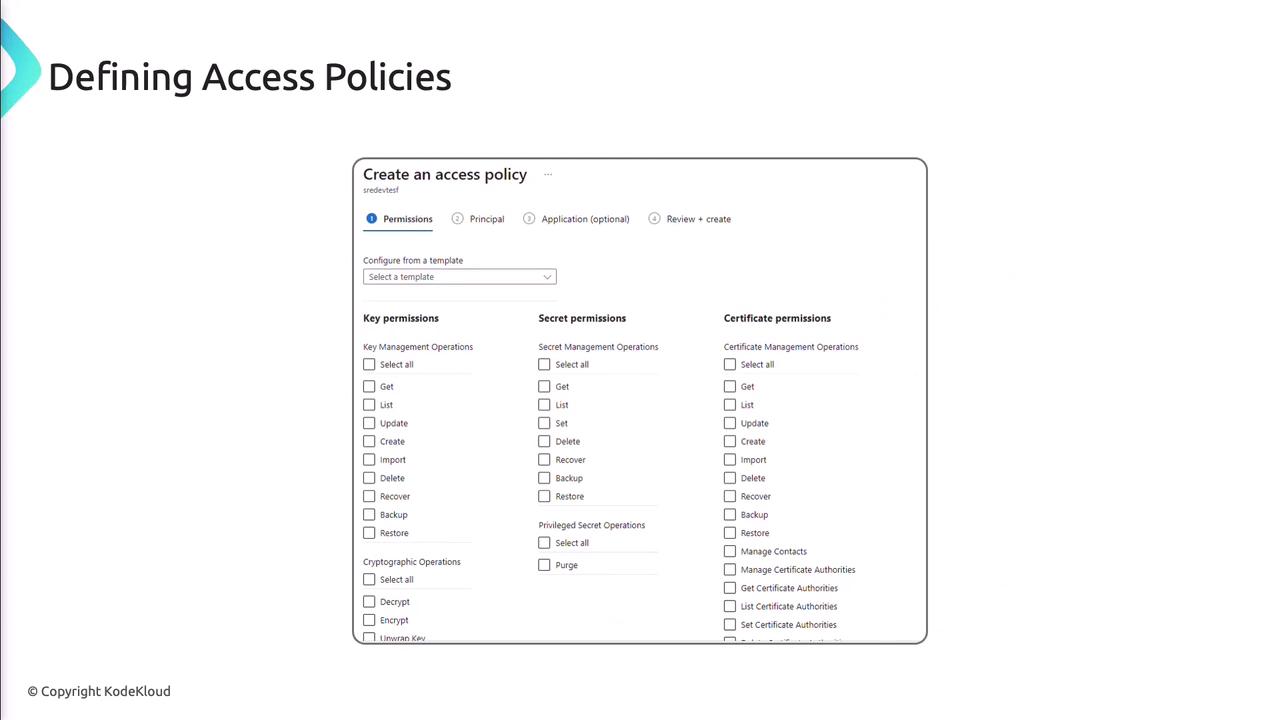
<Frame>
  ![The image shows a user interface for creating an access policy, with options to configure key, secret, and certificate permissions. It includes checkboxes for various management operations like get, list, update, and delete.](https://kodekloud.com/kk-media/image/upload/v1752867964/notes-assets/images/AZ-400-Designing-and-Implementing-Microsoft-DevOps-Solutions-Implement-and-manage-secrets-keys-and-certificates-by-using-Azure-Key-Vault/access-policy-configuration-ui-checkboxes.jpg)
</Frame>

***

## Monitoring and Logging

Enable diagnostic logging to capture vault operations and feed them into Azure Monitor for alerts and dashboards.
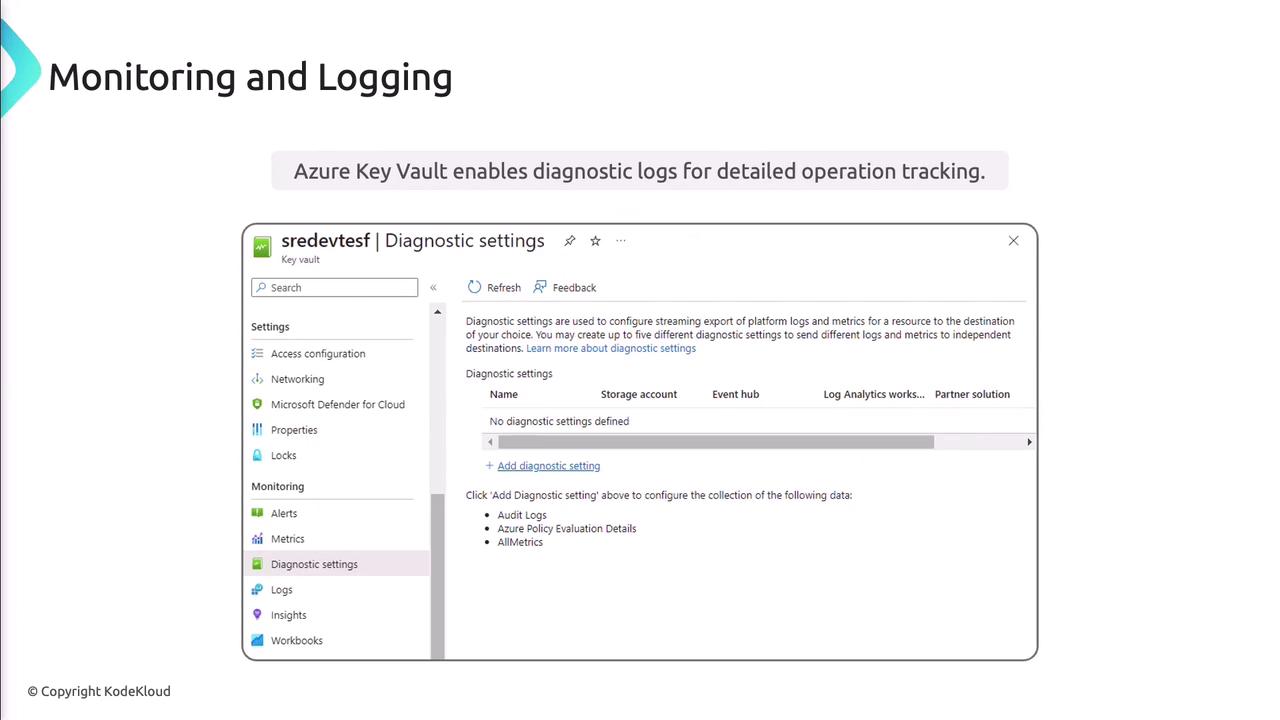
<Frame>
  ![The image shows a screenshot of Azure Key Vault's diagnostic settings interface, highlighting options for configuring diagnostic logs for detailed operation tracking.](https://kodekloud.com/kk-media/image/upload/v1752867966/notes-assets/images/AZ-400-Designing-and-Implementing-Microsoft-DevOps-Solutions-Implement-and-manage-secrets-keys-and-certificates-by-using-Azure-Key-Vault/azure-key-vault-diagnostic-settings-screenshot.jpg)
</Frame>

***

## DevOps and CI/CD Integration

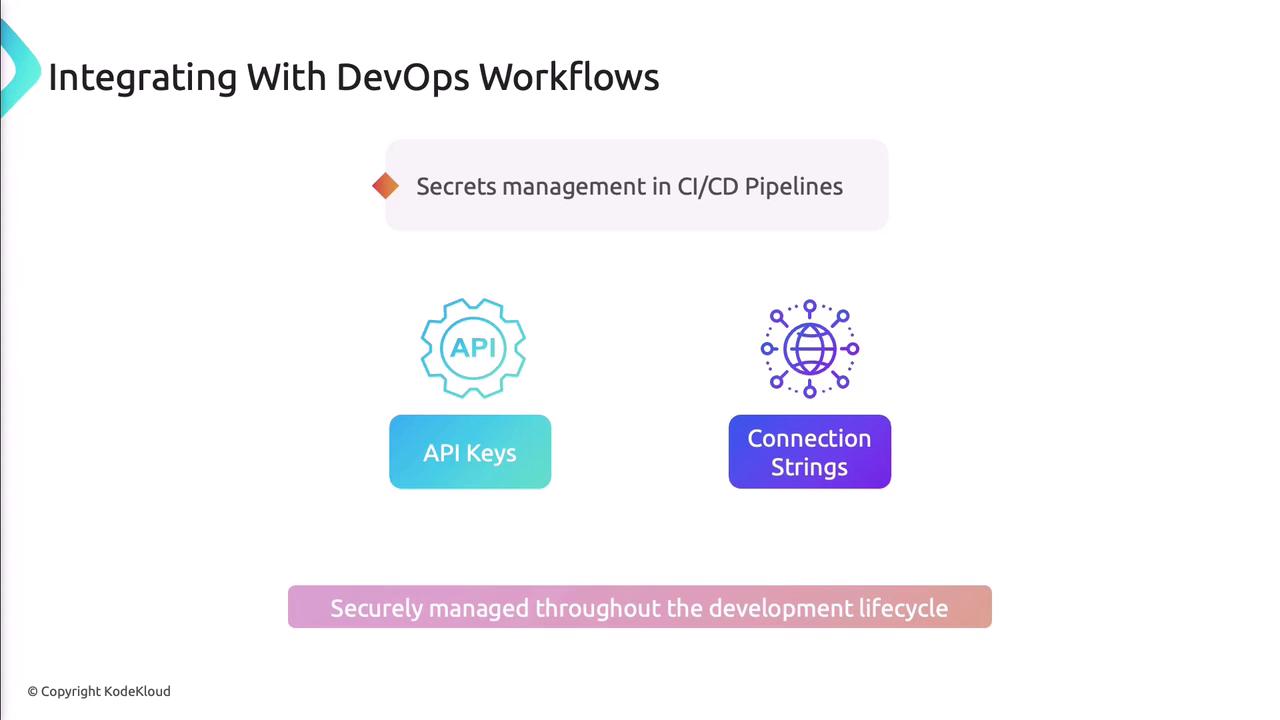
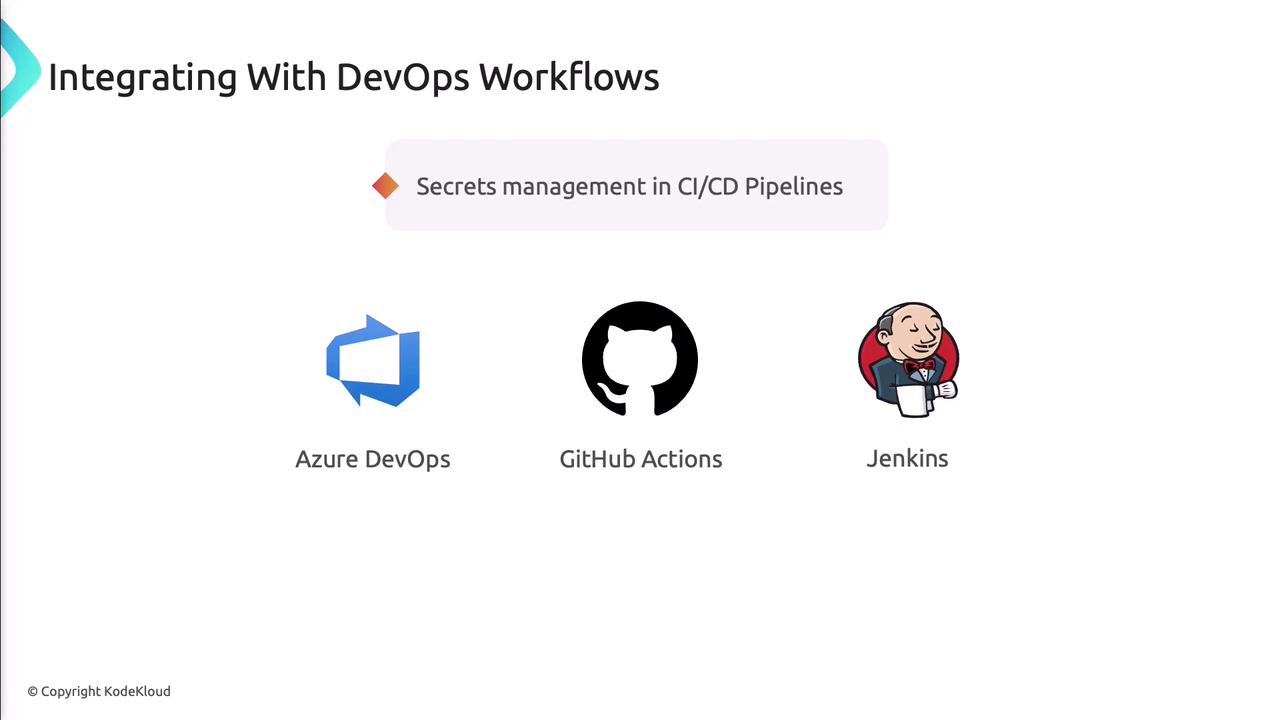
Retrieve secrets dynamically in build and release pipelines. Azure DevOps, GitHub Actions, and Jenkins all support Key Vault integration.
<Frame>
  ![The image is about integrating secrets management in CI/CD pipelines, focusing on API keys and connection strings, and emphasizes secure management throughout the development lifecycle.](https://kodekloud.com/kk-media/image/upload/v1752867967/notes-assets/images/AZ-400-Designing-and-Implementing-Microsoft-DevOps-Solutions-Implement-and-manage-secrets-keys-and-certificates-by-using-Azure-Key-Vault/secrets-management-cicd-pipelines-api-keys.jpg)
</Frame>

<Frame>
  ![The image is about integrating DevOps workflows, focusing on secrets management in CI/CD pipelines, featuring Azure DevOps, GitHub Actions, and Jenkins.](https://kodekloud.com/kk-media/image/upload/v1752867967/notes-assets/images/AZ-400-Designing-and-Implementing-Microsoft-DevOps-Solutions-Implement-and-manage-secrets-keys-and-certificates-by-using-Azure-Key-Vault/devops-workflows-secrets-management-cicd.jpg)
</Frame>

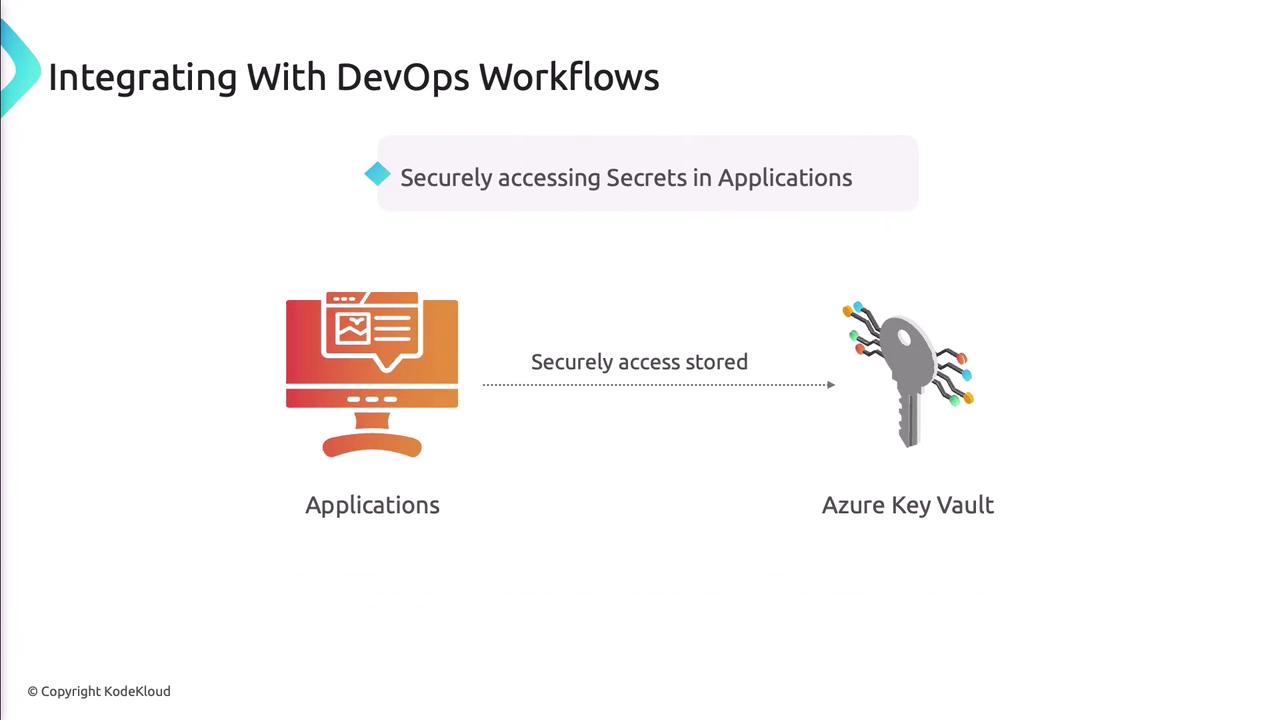
Applications authenticate to Key Vault using managed identities or service principals.
<Frame>
  ![The image illustrates the integration of DevOps workflows, showing how applications securely access stored secrets using Azure Key Vault.](https://kodekloud.com/kk-media/image/upload/v1752867969/notes-assets/images/AZ-400-Designing-and-Implementing-Microsoft-DevOps-Solutions-Implement-and-manage-secrets-keys-and-certificates-by-using-Azure-Key-Vault/devops-workflows-azure-key-vault.jpg)
</Frame>

***

## Automation

Automate routine tasks—rotation, renewal, and policy updates—using Azure Automation, Logic Apps, or PowerShell.

<Frame>
  ![The image is a slide titled "Integrating With DevOps Workflows," focusing on automating key and certificate management using Azure Automation, Logic Apps, and PowerShell Scripts.](https://kodekloud.com/kk-media/image/upload/v1752867969/notes-assets/images/AZ-400-Designing-and-Implementing-Microsoft-DevOps-Solutions-Implement-and-manage-secrets-keys-and-certificates-by-using-Azure-Key-Vault/integrating-devops-workflows-automation.jpg)
</Frame>

***

## Best Practices

<Frame>
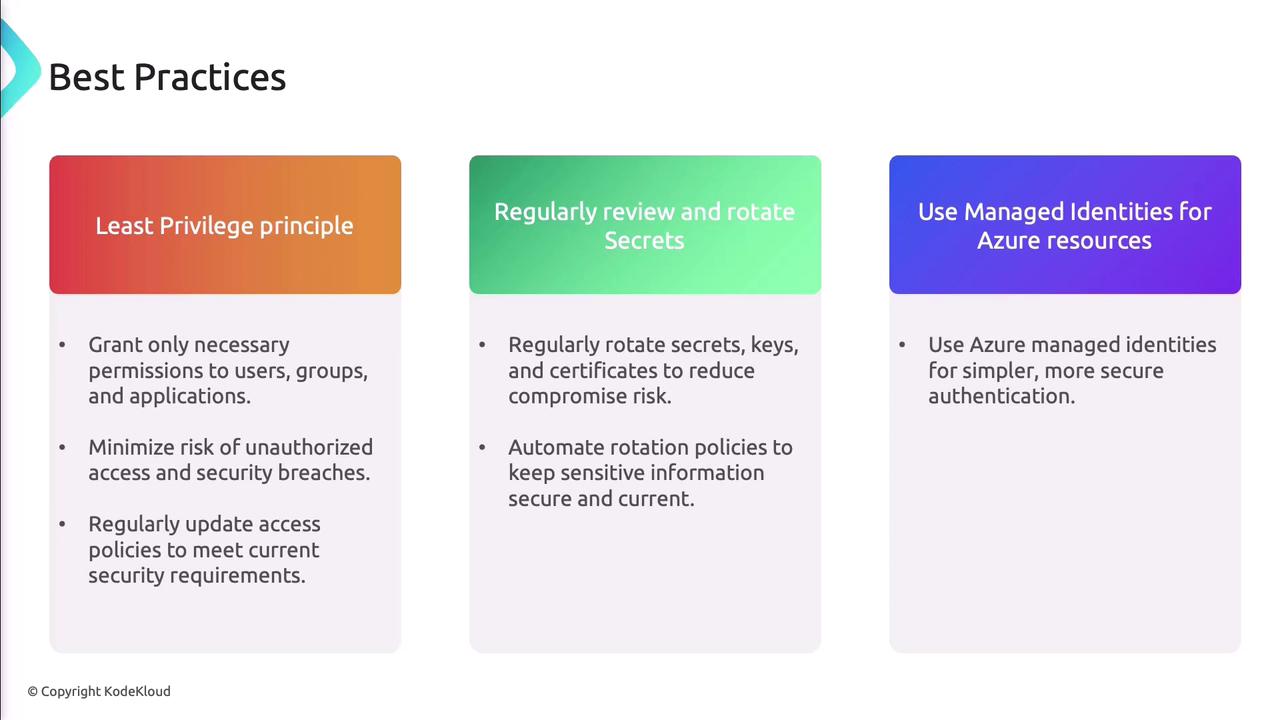
  ![The image outlines best practices for security, including the least privilege principle, regularly reviewing and rotating secrets, and using managed identities for Azure resources.](https://kodekloud.com/kk-media/image/upload/v1752867971/notes-assets/images/AZ-400-Designing-and-Implementing-Microsoft-DevOps-Solutions-Implement-and-manage-secrets-keys-and-certificates-by-using-Azure-Key-Vault/security-best-practices-azure-identities.jpg)
</Frame>

* Apply the principle of least privilege.
* Regularly review and update access policies.
* Rotate secrets, keys, and certificates on a schedule.
* Use managed identities to avoid credential leaks.

<Callout icon="triangle-alert" color="#FF6B6B">
  Deleting a Key Vault or disabling critical secrets is irreversible. Always back up before removal and test in a non-production environment.
</Callout>

***

## Demo: Creating and Managing Secrets

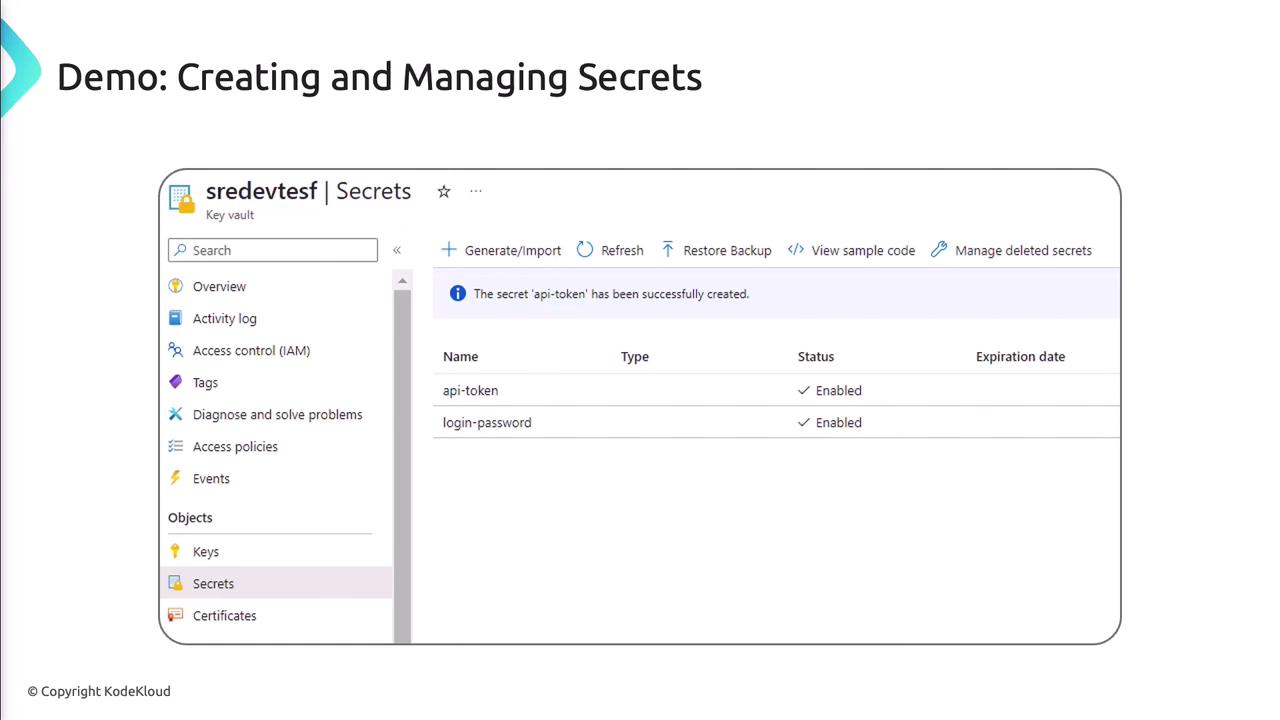
1. In the Azure Portal, go to your Key Vault and select **Secrets**.
2. Click **Generate/Import**, provide a name and value, then click **Create**.
3. To view or rotate, select the secret and choose **New Version**.
<Frame>
  ![The image shows a demo interface for creating and managing secrets in a key vault, with options like generating/importing secrets and managing deleted ones. It lists two secrets, "api-token" and "login-password," both enabled.](https://kodekloud.com/kk-media/image/upload/v1752867972/notes-assets/images/AZ-400-Designing-and-Implementing-Microsoft-DevOps-Solutions-Implement-and-manage-secrets-keys-and-certificates-by-using-Azure-Key-Vault/key-vault-secrets-management-demo.jpg)
</Frame>

***

## References

* [Azure Key Vault Documentation](https://docs.microsoft.com/azure/key-vault/)
* [Azure CLI Key Vault Commands](https://docs.microsoft.com/cli/azure/keyvault)
* [Azure Active Directory RBAC](https://docs.microsoft.com/azure/role-based-access-control/)

<CardGroup>
  <Card title="Watch Video" icon="video" cta="Learn more" href="https://learn.kodekloud.com/user/courses/az-400/module/2f8974b7-9aa9-46b8-a562-d7ed568269af/lesson/24cdaa0e-39f0-420a-8b36-069120ed9596" />
</CardGroup>