> ## Documentation Index
> Fetch the complete documentation index at: https://notes.kodekloud.com/llms.txt
> Use this file to discover all available pages before exploring further.
# Introduction
> Learn to secure sensitive data in DevOps pipelines using Azure Key Vault, GitHub Actions, and Azure Pipelines best practices.
In this module, you’ll learn how to secure sensitive data—secrets, keys, and certificates—in your DevOps automation pipelines. We’ll focus on best practices for Azure Key Vault, GitHub Actions, and Azure Pipelines so you can confidently manage credentials and cryptographic materials in production environments.
Never store secrets or certificates in plaintext within your code repositories. Always leverage a secure vault or secrets store.
***
## Azure Key Vault
Azure Key Vault is a cloud-hosted service that centralizes the storage and management of secrets, keys, and certificates. You can apply fine-grained access policies, enable detailed logging, and integrate with other Azure services.
### Key Vault Components
| Component | Description | Example |
| ----------- | --------------------------------------------- | -------------------------------- |
| Secret | Passwords, API keys, connection strings | `az keyvault secret set …` |
| Key | Cryptographic keys for encryption and signing | `az keyvault key create …` |
| Certificate | Managed X.509 certificates | `az keyvault certificate create` |
### Quickstart with Azure CLI
```bash theme={null}
# Create a new Key Vault
az keyvault create \
--name MyVault \
--resource-group MyResourceGroup \
--location eastus
# Store a secret
az keyvault secret set \
--vault-name MyVault \
--name AppSecret \
--value s3cr3tValue
# Retrieve the secret
az keyvault secret show \
--vault-name MyVault \
--name AppSecret
```
Ensure your user or service principal has the `Key Vault Contributor` role or an equivalent access policy.
### Access Control, Monitoring, and Best Practices
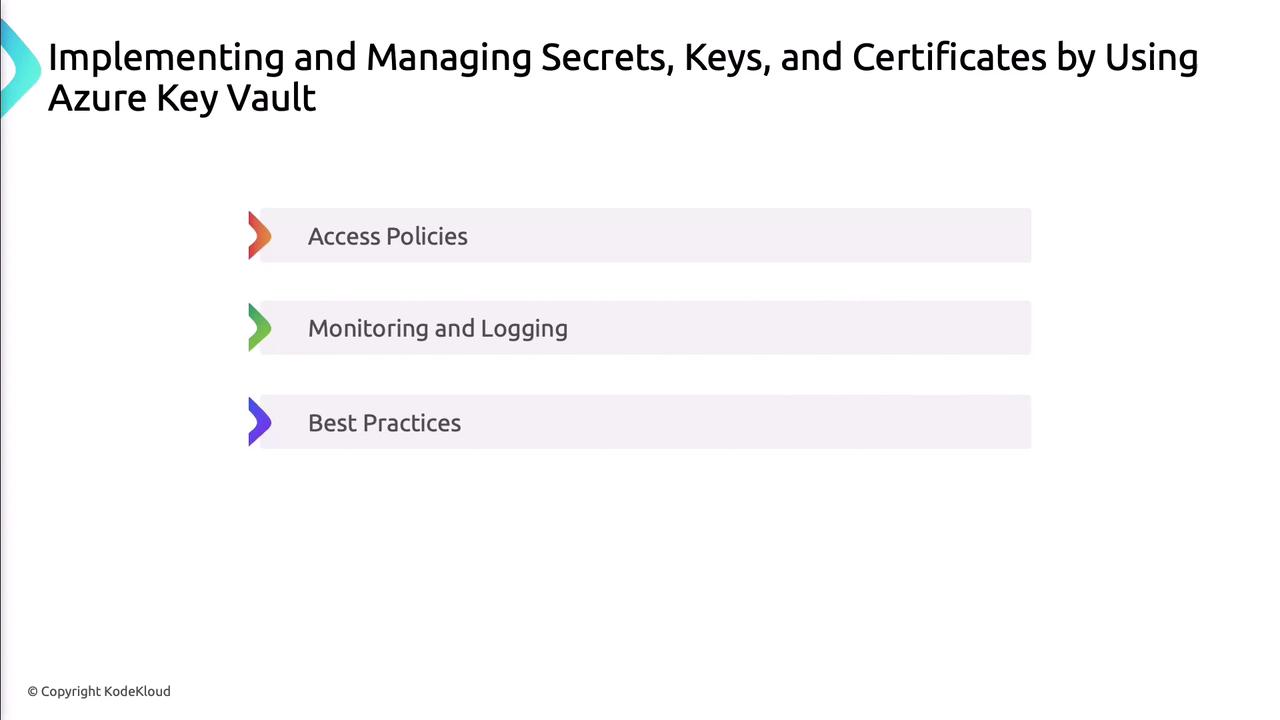
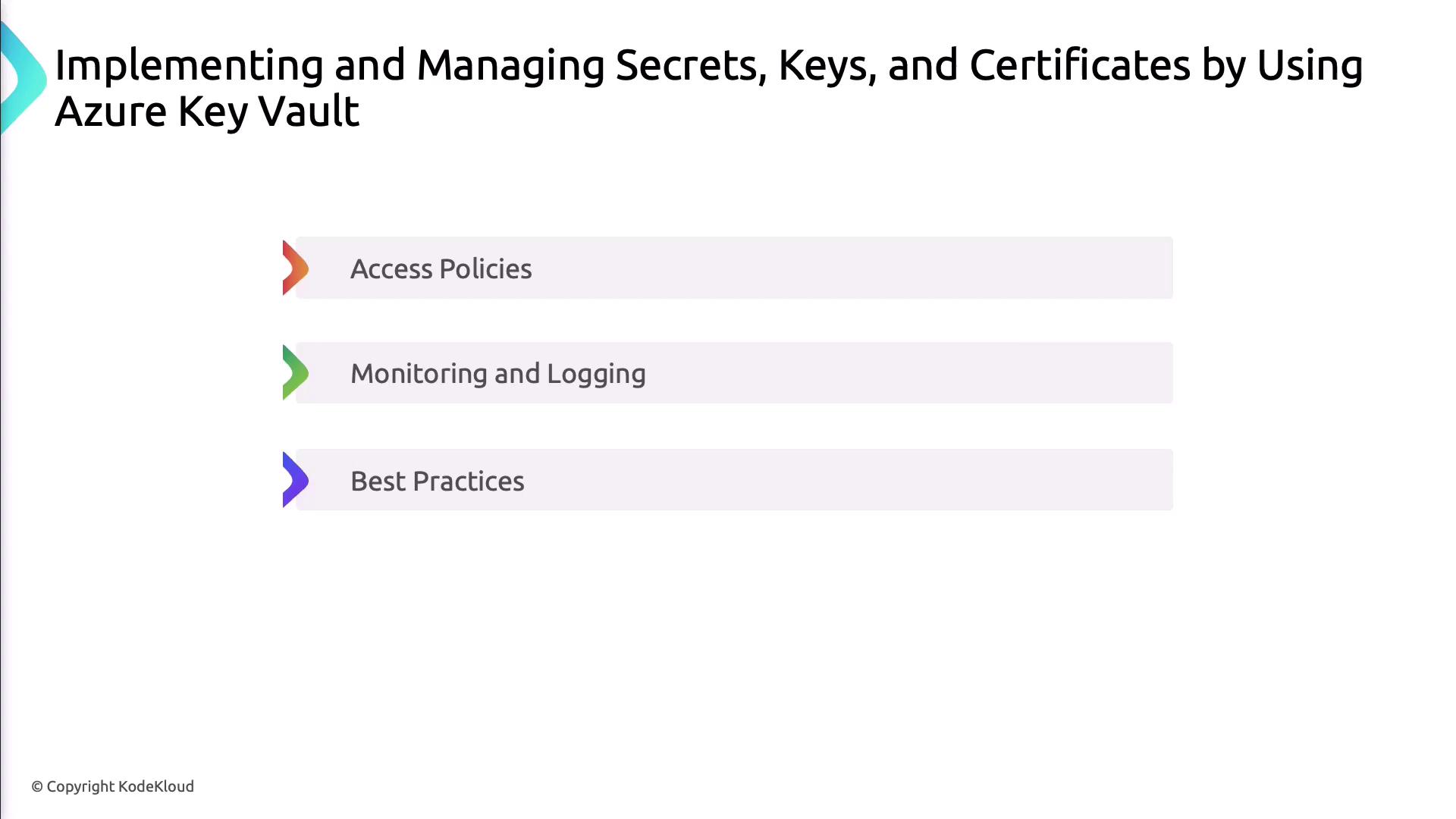
Secure your vault by defining access policies, enabling logging with Azure Monitor, and rotating keys regularly.
| Feature | Description |
| ------------------ | -------------------------------------------------- |
| Access Policies | Grant or deny permissions at object level |
| Diagnostic Logging | Capture read/write operations for audit and alerts |
| Key Rotation | Automate renewal of keys and certificates |
***
## Secrets in CI/CD Pipelines
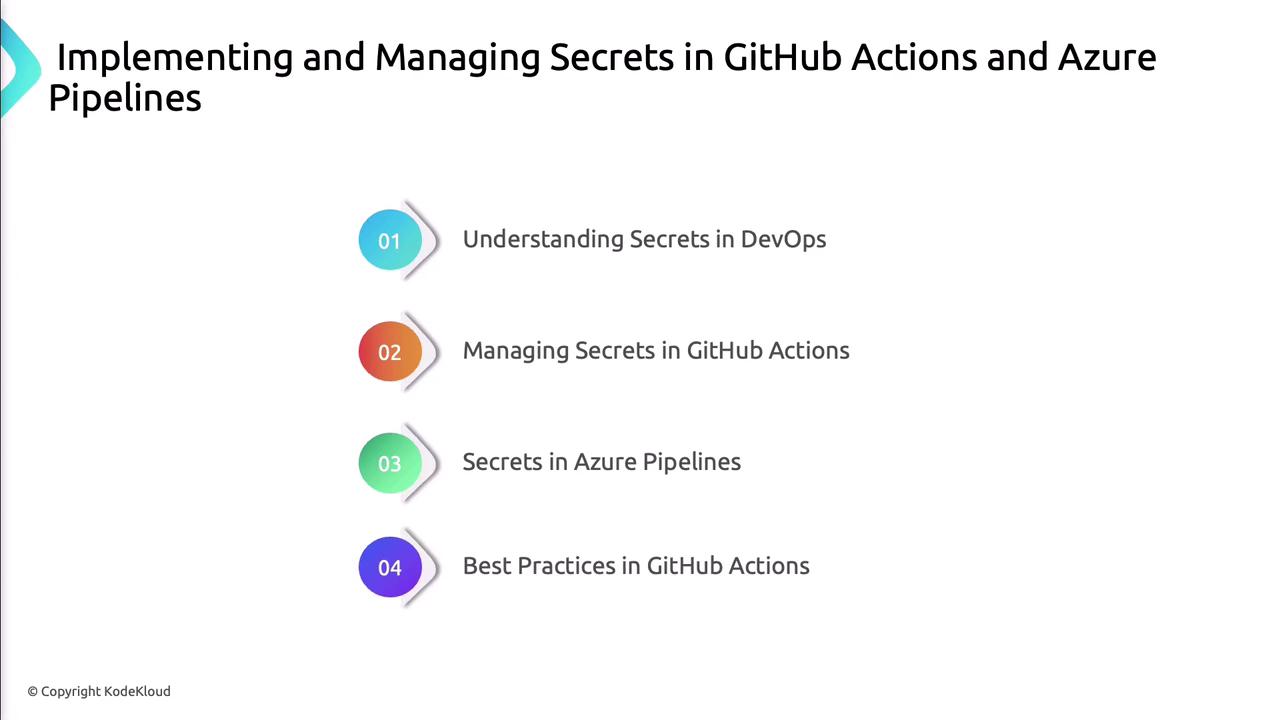
Managing secrets in your build and release workflows is critical. Below is a quick comparison of GitHub Actions and Azure Pipelines secret stores:
| CI/CD Platform | Secret Store | Reference in Pipeline |
| --------------- | -------------------------------- | --------------------- |
| GitHub Actions | GitHub Encrypted Secrets | `secrets.MY_SECRET` |
| Azure Pipelines | Variable Groups & Key Vault Task | `$(MY_SECRET)` |
### GitHub Actions Example
```yaml theme={null}
# .github/workflows/deploy.yml
jobs:
build:
runs-on: ubuntu-latest
steps:
- uses: actions/checkout@v2
- name: Use GitHub Secret
run: echo "API key is ${{ secrets.API_KEY }}"
```
### Azure Pipelines Example
```yaml theme={null}
# azure-pipelines.yml
variables:
- group: KeyVaultVariables
steps:
- task: AzureKeyVault@1
inputs:
azureSubscription: 'MyServiceConnection'
KeyVaultName: 'MyVault'
SecretsFilter: '*'
RunAsPreJob: true
- script: echo "Fetched secret: $(AppSecret)"
```
Use the Azure Key Vault task in Azure Pipelines to pull secrets at runtime rather than storing them statically.
***
## Service Connections in Azure Pipelines
Service connections let your pipelines authenticate to external systems such as Azure, GitHub, or container registries.
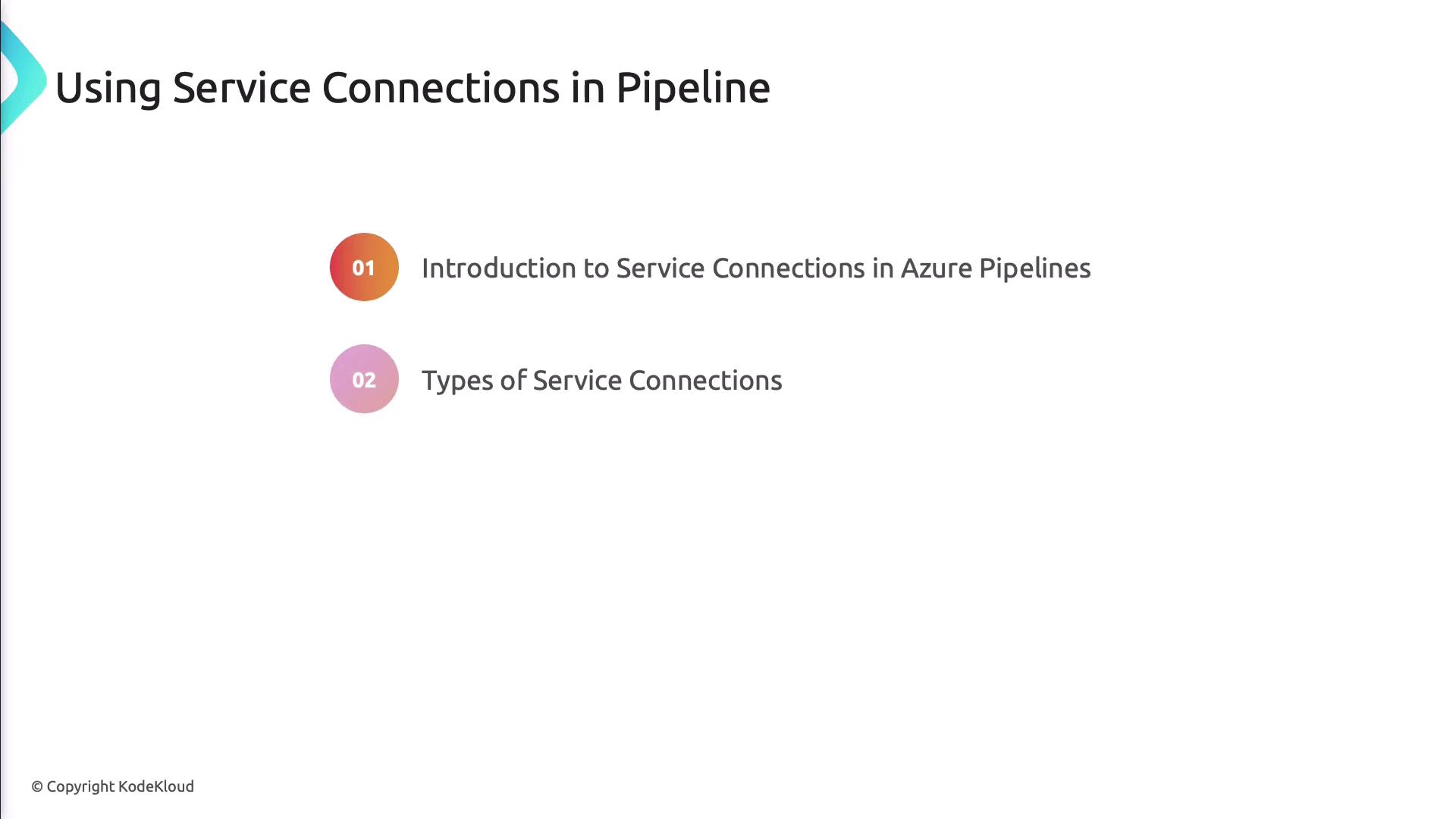
### Types of Service Connections
| Connection Type | Use Case |
| ---------------------- | --------------------------------------- |
| Azure Resource Manager | Deploy to Azure subscriptions |
| GitHub | Checkout or trigger workflows on GitHub |
| Docker Registry | Push/pull container images |
### Configuring and Using Service Connections
```yaml theme={null}
# azure-pipelines.yml
resources:
connections:
- connection: MyAzureSubscription
type: azureResourceManager
- connection: MyGitHubConnection
type: github
steps:
- checkout: self
- script: |
az account show
echo "Cloning via $(MyGitHubConnection)"
```
***
## Conclusion
By centralizing your secrets in Azure Key Vault, integrating vault access into your CI/CD pipelines, and configuring secure service connections, you’ll build robust, compliant DevOps workflows. Implement these patterns to reduce risk and maintain operational excellence.
## Links and References
* [Azure Key Vault Documentation](https://docs.microsoft.com/azure/key-vault/)
* [GitHub Actions Encrypted Secrets](https://docs.github.com/actions/security-guides/encrypted-secrets)
* [Azure Pipelines Service Connections](https://docs.microsoft.com/azure/devops/pipelines/library/service-endpoints)