> ## Documentation Index
> Fetch the complete documentation index at: https://notes.kodekloud.com/llms.txt
> Use this file to discover all available pages before exploring further.
# Establishing Security in Development Pipelines
> This guide covers foundational and advanced measures to secure CI/CD workflows and protect critical assets in development pipelines.
Securing your CI/CD workflows is essential for maintaining the integrity of applications and protecting critical assets. In this guide, we cover both foundational and advanced measures to help you build robust, secure pipelines.
## Core Security Pillars
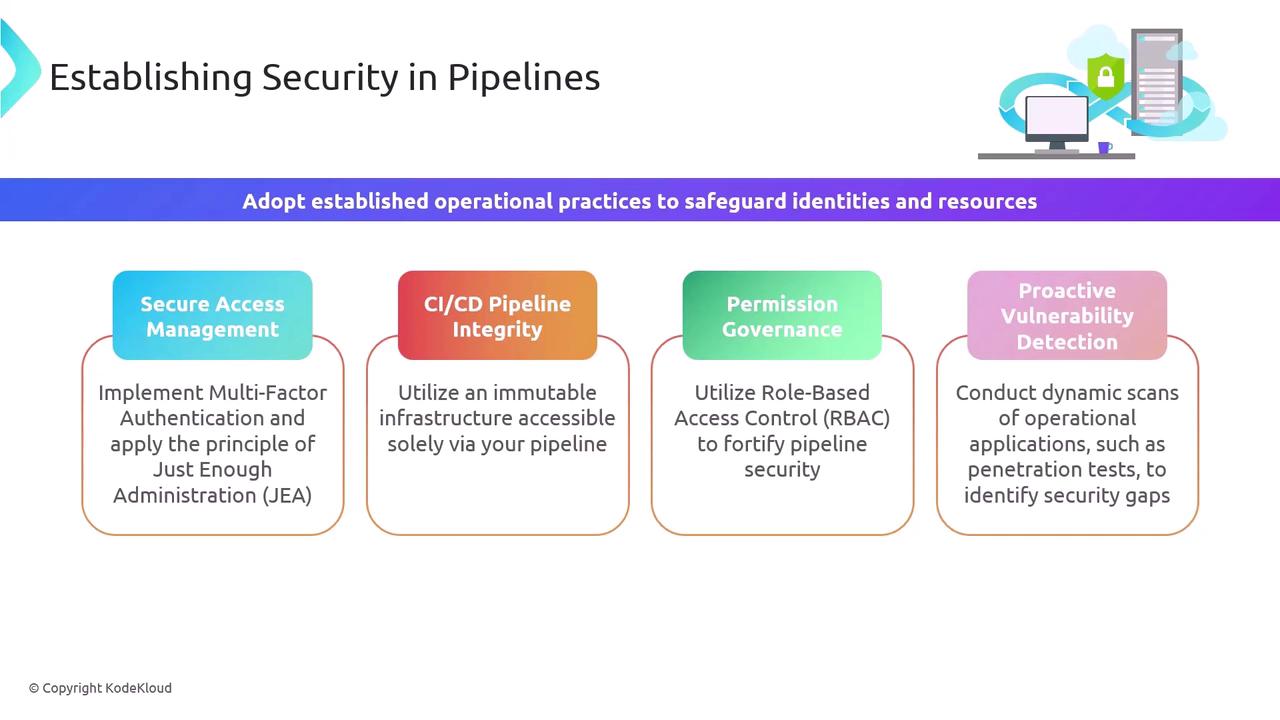
Below are the four fundamental areas you must address to lock down your development pipeline:
| Security Pillar | Goal | Example |
| --------------------------------- | ------------------------------------------------------------------------------ | ---------------------------------------------------------------------------------------------------------------------------------------------------------- |
| Secure Access Management | Ensure only authenticated and authorized users can interact with your pipeline | Implement [Multi-Factor Authentication](https://docs.microsoft.com/azure/active-directory/authentication/concept-mfa) (MFA) and Just-Enough Administration |
| CI/CD Pipeline Integrity | Prevent unauthorized changes to production environments | Adopt immutable infrastructure and restrict direct SSH/RDP access |
| Permission Governance | Define and enforce granular permissions | Use [Role-Based Access Control (RBAC)](https://docs.microsoft.com/azure/role-based-access-control/overview) to limit actions per user/group |
| Proactive Vulnerability Detection | Identify and remediate security issues early | Integrate Dynamic Application Security Testing ([DAST](https://owasp.org/www-project-zap/)) and regular penetration tests |
Regularly review and rotate credentials, secrets, and tokens. Leverage secret management solutions like Azure Key Vault or HashiCorp Vault to avoid hard-coding sensitive data.
## Advanced Deployment Pipeline Strategies
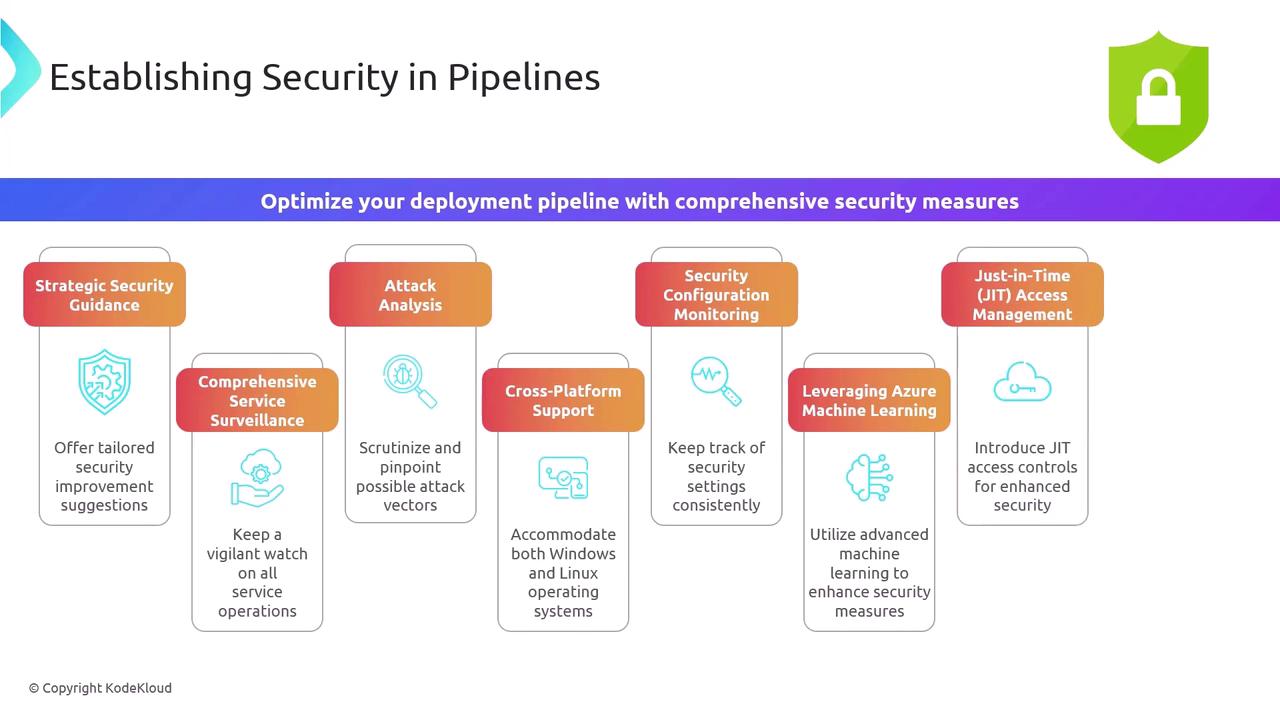
To further enhance your security posture, incorporate these eight practices into your release process:
1. Strategic Security Guidance\
Automate policy-as-code and compliance verifications that reflect your organizational requirements.
2. Comprehensive Service Surveillance\
Continuously monitor microservices and infrastructure events for anomalous behavior.
3. Attack Analysis & Threat Modeling\
Map out attack vectors and incorporate threat modeling to prioritize risk mitigation.
4. Cross-Platform Support\
Ensure security tooling works seamlessly on both Windows and Linux build agents.
5. Configuration Drift Detection\
Use continuous configuration monitoring to enforce secure baselines and identify unauthorized changes.
6. Leveraging Azure Machine Learning\
Apply [Azure Machine Learning](https://azure.microsoft.com/services/machine-learning/) to analyze logs, detect anomalies, and automate responses.
7. Just-In-Time Access Management\
Grant elevated privileges only when needed and for a limited time frame.
8. Flexible Pricing Options\
Select the Azure security tier that aligns cost with your compliance and risk tolerance.
When enabling Just-In-Time access, always define strict time windows and approval workflows. Uncontrolled privileged sessions increase your attack surface.
By layering these strategies, you’ll create a defense-in-depth approach that secures identities, infrastructure, and code throughout the development lifecycle.
***
## References
* [Azure Active Directory Multi-Factor Authentication](https://docs.microsoft.com/azure/active-directory/authentication/concept-mfa)
* [Azure Role-Based Access Control (RBAC)](https://docs.microsoft.com/azure/role-based-access-control/overview)
* [OWASP ZAP DAST Tool](https://owasp.org/www-project-zap/)
* [Azure Machine Learning Service](https://azure.microsoft.com/services/machine-learning/)
* [HashiCorp Vault](https://www.vaultproject.io/)