> ## Documentation Index
> Fetch the complete documentation index at: https://notes.kodekloud.com/llms.txt
> Use this file to discover all available pages before exploring further.
# Investigating ZAP for Penetration Testing
> This article discusses the OWASP Zed Attack Proxy (ZAP) for web application security testing and its features, benefits, and integration into workflows.
OWASP Zed Attack Proxy (ZAP) is a free, open-source web application security scanner trusted by developers and security teams. Operating as an HTTP/HTTPS proxy, ZAP intercepts and logs traffic between your browser and the target application. This setup lets you inspect, modify, and replay requests to uncover security flaws early.
## Key Benefits
* **Open-Source & Community-Driven**: Backed by OWASP with regular updates.
* **Extensible Add-Ons**: Customize scans with community scripts and extensions.
* **CI/CD Ready**: Automate security checks in your pipeline for continuous feedback.
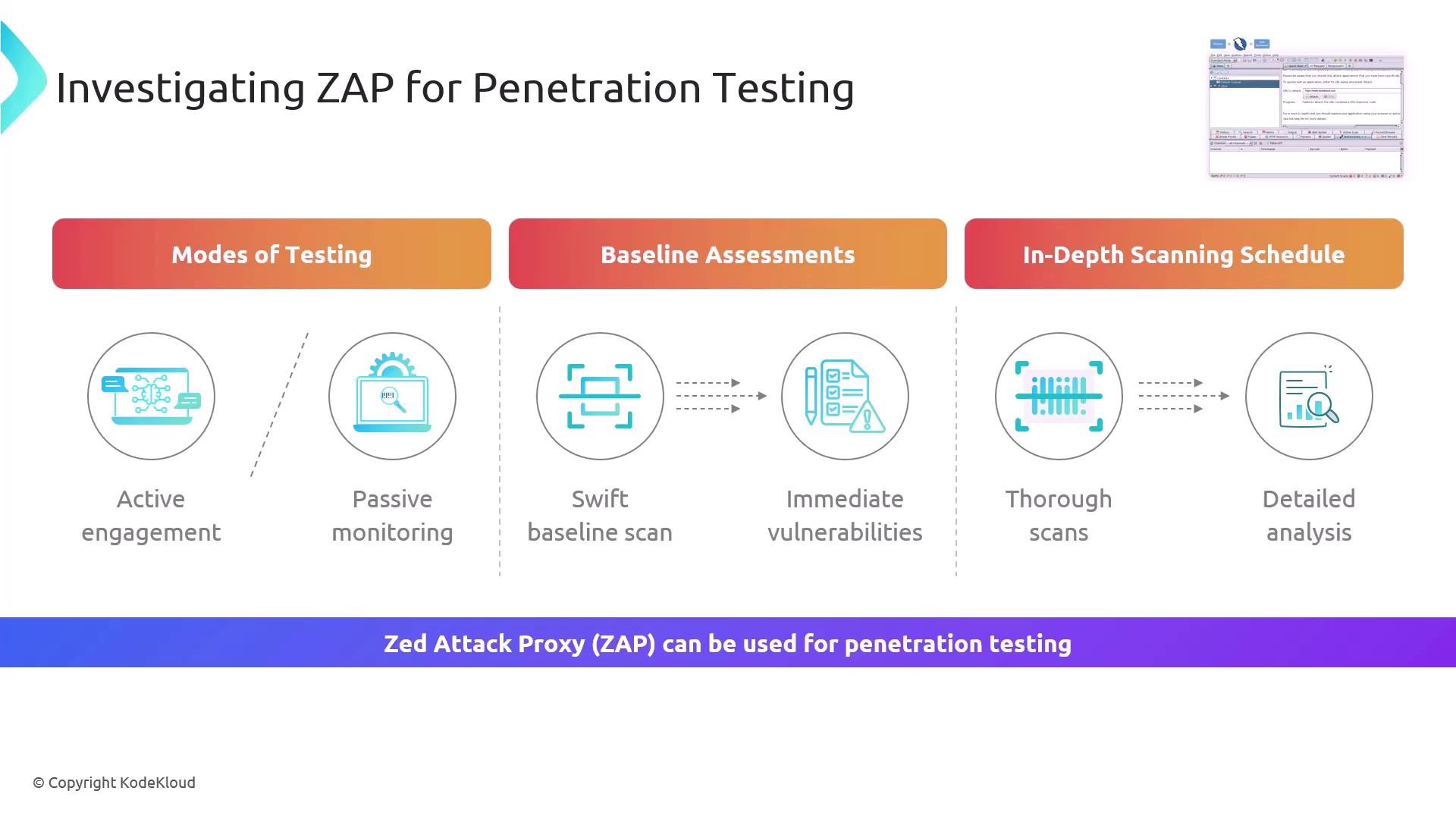
## Testing Modes
| Scan Mode | Description | Ideal Use Case |
| ---------------- | ------------------------------------------------------------------------------ | ---------------------------- |
| Passive Scanning | Observes traffic without alteration, flags missing headers or insecure cookies | Ongoing development |
| Active Scanning | Injects payloads and probes responses to detect vulnerabilities automatically | Pre-release security testing |
## Baseline vs. In-Depth Scans
| Scan Type | Scope | Duration | Use Case |
| ------------------- | --------------------------------- | -------- | ------------------------ |
| Baseline Assessment | Quick, non-intrusive checks | Minutes | CI/CD pre-merge checks |
| In-Depth Analysis | Comprehensive, rule-based testing | Hours | Nightly or weekly audits |
Only perform active scans on applications you own or have explicit permission to test. Unauthorized scanning may violate legal or organizational policies.
By default, ZAP listens as a proxy on `http://127.0.0.1:8080`. Configure your browser or API client to route traffic through ZAP for accurate results.
## Getting Started with ZAP CLI
Scan from the command line to integrate seamlessly with scripts and pipelines:
```bash theme={null}
# Run a quick baseline scan and generate an HTML report
zap-baseline.py -t https://example.com -r baseline-report.html
# Execute a full-depth active scan with detailed reporting
zap-full-scan.py -t https://example.com -r full-scan-report.html
```
## Integrating ZAP into Your Workflow
* Automate baseline assessments on every build for immediate vulnerability feedback.
* Enable passive scanning during feature development to catch missing headers early.
* Schedule full active scans overnight for exhaustive coverage and historic tracking.
## Links and References
* [OWASP ZAP Documentation](https://www.zaproxy.org/docs/)
* [CI/CD Integration Guide](https://www.zaproxy.org/docs/dev/ci/)
* [OWASP Secure Headers Project](https://owasp.org/www-project-secure-headers/)