> ## Documentation Index
> Fetch the complete documentation index at: https://notes.kodekloud.com/llms.txt
> Use this file to discover all available pages before exploring further.
# Stages Dependencies and Conditions
> This guide explores stages, dependencies, and conditions in Azure DevOps YAML pipelines for creating flexible and reliable CI/CD processes.
In this guide, we explore how **stages**, **dependencies**, and **conditions** work together to create flexible, reliable CI/CD pipelines in Azure DevOps. By mastering these concepts, you’ll ensure your code moves smoothly from development through testing and into production with minimal manual intervention.
## Defining Stages and Dependencies in Azure Pipelines
Stages represent the major phases of your pipeline (for example, **Build**, **Test**, and **Deploy**). By default, these stages run in the order they’re defined, but you can customize their execution sequence with the `dependsOn` keyword. In the example below, the **Deploy** stage waits for both **Build** and **Test** to finish before starting:
```yaml theme={null}
stages:
- stage: Build
jobs:
- job: build_app
- stage: Test
jobs:
- job: run_tests
- stage: Deploy
dependsOn:
- Build
- Test
jobs:
- job: deploy_app
```
Each stage can contain multiple jobs (such as `build_app`, `run_tests`, and `deploy_app`) that run in parallel or sequence according to your configuration.
## Using Conditions for Conditional Execution
Conditions add intelligence to your pipeline by allowing stages, jobs, or steps to run—or be skipped—based on branches, variables, or the outcomes of previous tasks. You define these checks using the `condition` keyword. For example, you may want to deploy to production only when the pipeline runs on the `main` branch and every prior stage has succeeded.
Use conditions to optimize build time and resource usage by skipping unnecessary stages.\
For more details, see [Variables in Azure Pipelines](https://docs.microsoft.com/azure/devops/pipelines/process/variables).
## Example: Branch-Aware Multi-Stage Pipeline
Below is a sample YAML that combines sequential stages with branch-based conditions. The **Build** stage compiles your code and runs unit tests, with an extra check to decide whether to proceed. The **Deploy** stage only triggers on `refs/heads/main`.
```yaml theme={null}
stages:
- stage: Build
jobs:
- job: BuildJob
steps:
- script: echo "Building the project"
displayName: 'Build'
- script: echo "Running unit tests"
displayName: 'Run Tests'
# Only proceed on the main branch
- script: echo "Proceeding to deployment stage"
displayName: 'Check Branch'
condition: eq(variables['Build.SourceBranch'], 'refs/heads/main')
- stage: Deploy
dependsOn: Build
condition: succeeded()
jobs:
- job: DeployJob
steps:
- script: echo "Deploying the application"
displayName: 'Deploy'
# Add more deployment steps here
```
In this setup, **Deploy** runs immediately after **Build**, but only when the source branch is `main`. Otherwise, the deployment stage is skipped.
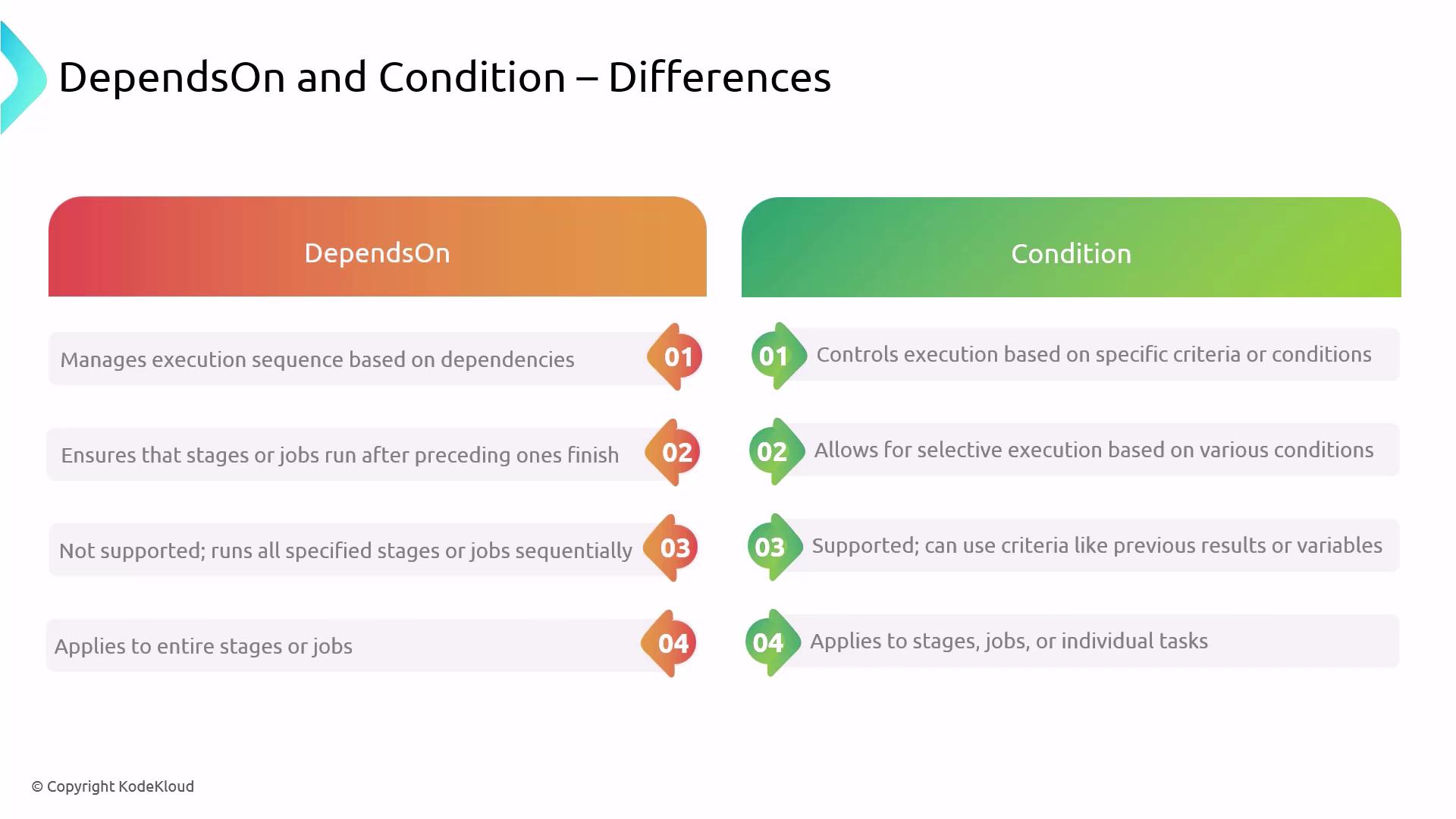
## dependsOn vs condition: Side-by-Side Comparison
| Aspect | dependsOn | condition |
| ------------------ | --------------------------------------------- | ---------------------------------------------------- |
| Execution Control | Enforces order or parallelism based on stages | Evaluates expressions (branches, variables, results) |
| Criteria | Completion status of specified predecessors | Custom criteria (e.g., branch name, variable values) |
| Application Scope | Stage or job level | Stage, job, or individual step level |
| Parallel Execution | Supports parallel runs when no dependencies | Skips or runs tasks based on evaluated expressions |
## Best Practices for Stages, Dependencies, and Conditions
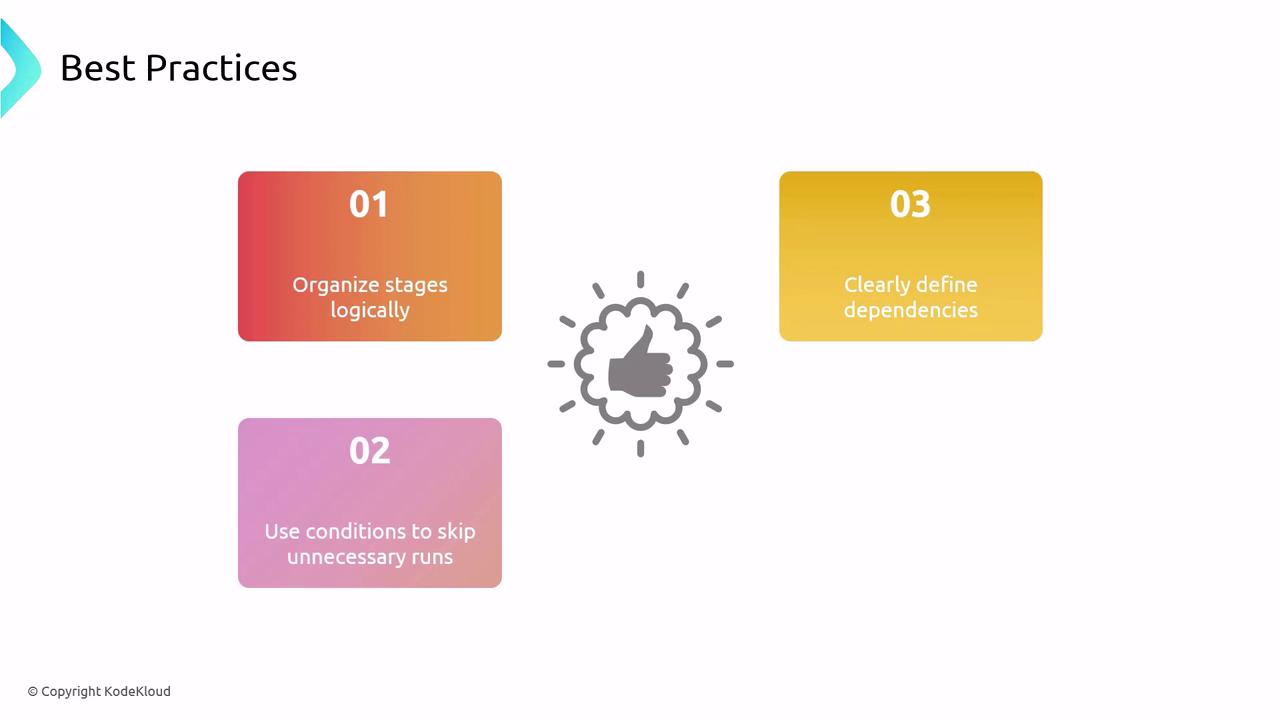
* Align stages with your development lifecycle (e.g., Build → Test → Deploy).
* Use `dependsOn` to enforce critical order or allow safe parallelism.
* Apply `condition` to skip unnecessary runs and save resources.
Overly complex dependencies and conditions can make pipelines hard to maintain. Keep configurations as clear and simple as possible.
## References
* [Azure DevOps Pipelines Documentation](https://docs.microsoft.com/azure/devops/pipelines/)
* [Azure Pipelines YAML schema](https://docs.microsoft.com/azure/devops/pipelines/yaml-schema)
* [Variables in Azure Pipelines](https://docs.microsoft.com/azure/devops/pipelines/process/variables)