> ## Documentation Index
> Fetch the complete documentation index at: https://notes.kodekloud.com/llms.txt
> Use this file to discover all available pages before exploring further.
# Design and implement a retention strategy for pipeline artifacts and dependencies
> Learn to set up and manage retention policies in Azure Pipelines to reduce storage costs and ensure compliance while maintaining efficient CI/CD workflows.
In this guide, you’ll learn how to set up and manage retention policies in Azure Pipelines. Proper artifact and dependency retention reduces storage costs, ensures regulatory compliance, and keeps your CI/CD workflows running smoothly.
## Artifacts vs. Dependencies
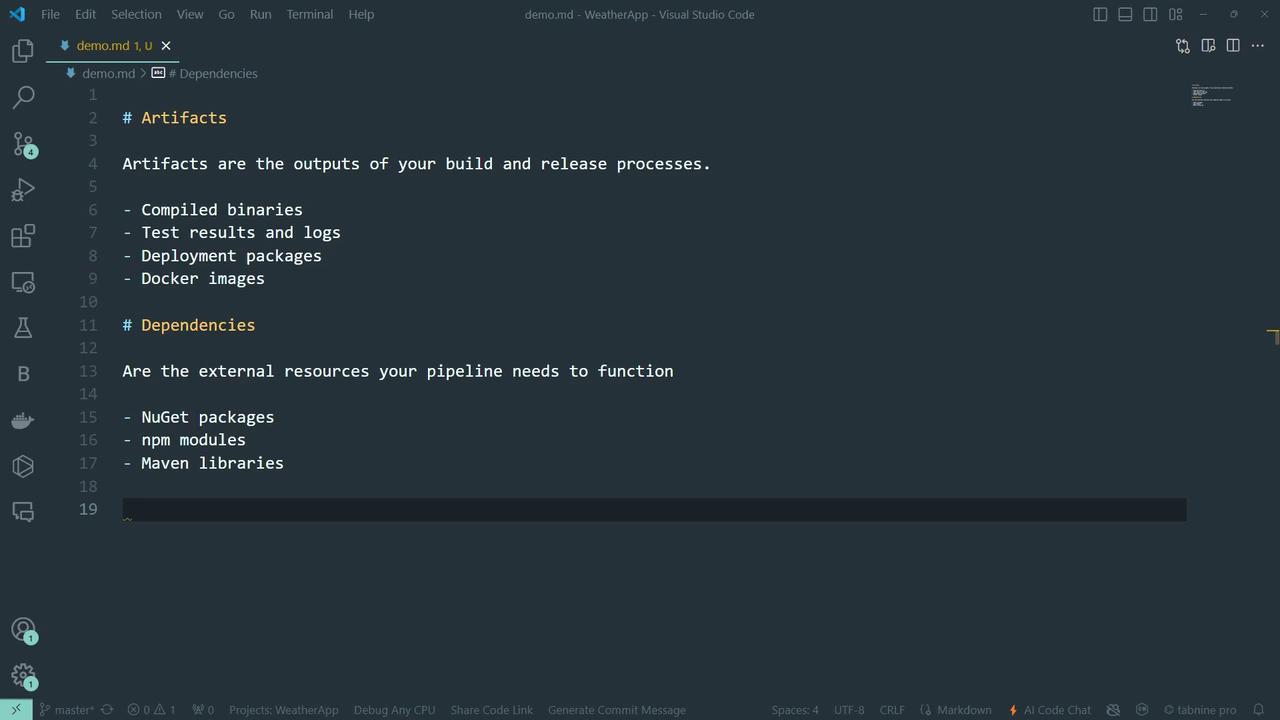
**Artifacts**\
Outputs generated by your build and release processes—binaries, Docker images, test results, logs, deployment packages, and more.
**Dependencies**\
External libraries and packages required at build time—NuGet, npm modules, Maven dependencies, etc.\
Think of dependencies as ingredients and artifacts as the final dishes.
## Why Retention Matters
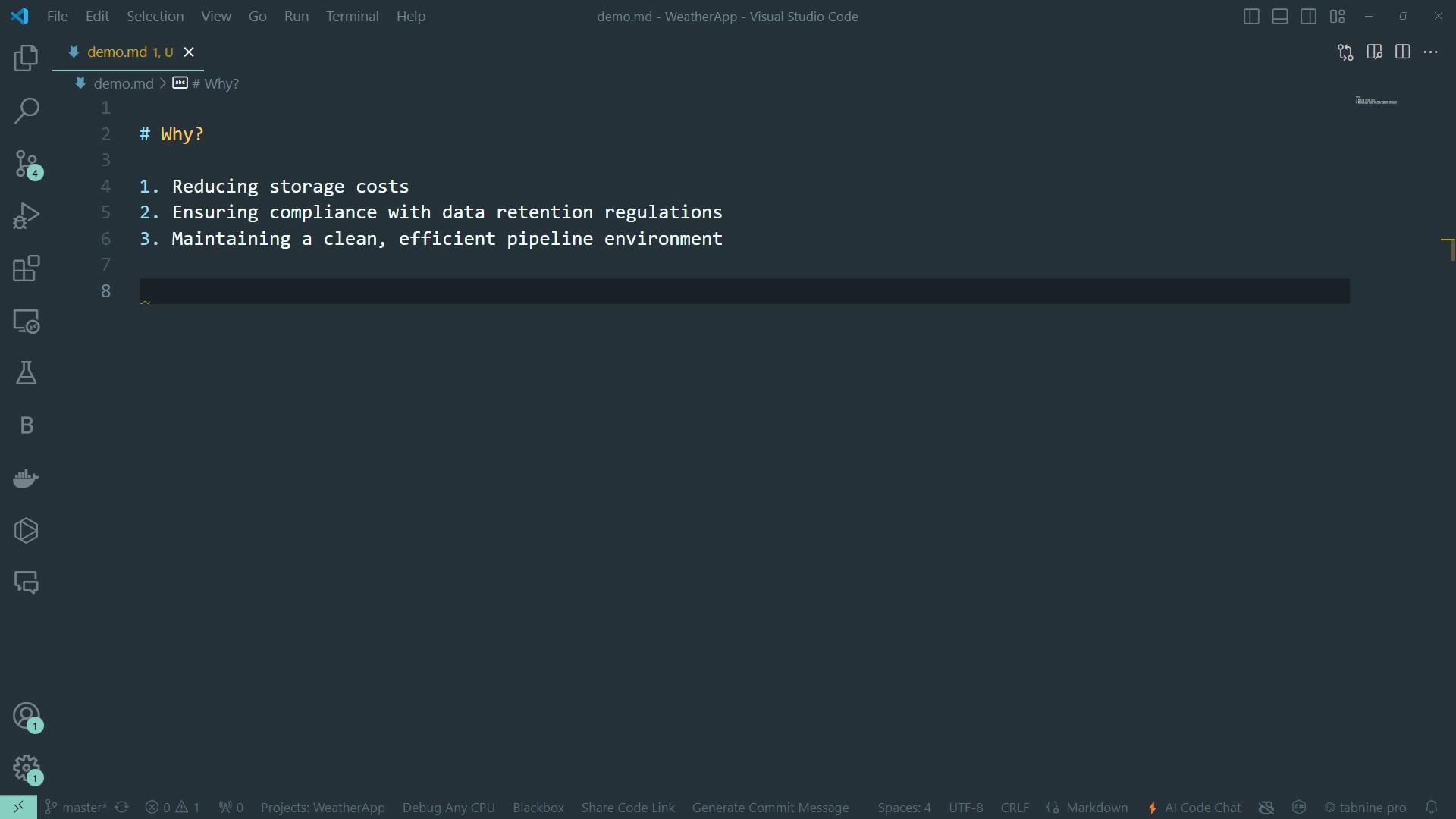
Retention policies in Azure DevOps automatically purge old runs, artifacts, and attachments based on configurable rules. Key benefits include:
* Lower cloud storage costs
* Compliance with data retention regulations
* Cleaner, more efficient pipeline environments
You can scope retention settings to specific branches, tags, or pipeline triggers.
## Configure Retention in the Azure DevOps UI
1. Go to your Azure DevOps project.
2. Select **Project settings** > **Pipelines** > **Settings**.
3. Under **Retention**, adjust:
* **Days to keep runs**
* **Pull request runs**
* **Number of recent runs**
If **Days to keep runs** is shorter than any artifact-level setting, the pipeline-level setting takes precedence.
## Define Retention in Your Pipeline YAML
Embed retention rules directly in YAML for repeatable CI configurations:
```yaml theme={null}
trigger:
branches: [ main ]
pool:
vmImage: ubuntu-latest
variables:
retentionDays: 30
jobs:
- job: Build
displayName: Build and Publish Artifact
steps:
- script: echo "Compiling source code..."
displayName: Compile Code
- task: PublishBuildArtifacts@1
inputs:
pathToPublish: '$(Build.ArtifactStagingDirectory)'
artifactName: 'drop'
- job: Cleanup
displayName: Clean Up and Create Retention Lease
dependsOn: Build
pool: server
steps:
- task: DeleteFiles@1
inputs:
SourceFolder: '$(Build.SourcesDirectory)'
Contents: '**/*.tmp'
displayName: Remove Temporary Files
- task: PowerShell@2
inputs:
targetType: 'inline'
script: |
$uri = "$(System.CollectionUri)$(System.TeamProject)/_apis/build/retention/leases?api-version=6.0"
$lease = @{
daysValid = $(retentionDays)
definitionId = $(System.DefinitionId)
runId = $(Build.BuildId)
ownerId = "User:$(Build.RequestedForId)"
} | ConvertTo-Json
Invoke-RestMethod -Uri $uri -Method Post -Body $lease `
-ContentType "application/json" `
-Headers @{ Authorization = "Bearer $(System.AccessToken)" }
displayName: Create Retention Lease
```
## Other Retention Management Methods
| Method | Description | Example Command or Script |
| ------------------ | -------------------------------------------------- | --------------------------------------------------- |
| Azure DevOps UI | Centralized retention settings in Project Settings | N/A |
| PowerShell Scripts | Use the \[Retention Leases API] | `Invoke-RestMethod -Uri .../leases?api-version=6.0` |
| Azure CLI | Manage leases from the command line | `az pipelines runs lease create --days 30` |
## Best Practices for Balancing Retention and Cost
* Review and prune retention policies quarterly.
* Tag production releases for extended retention.
* Automate variable templates to standardize `retentionDays`.
Centralize retention variables in a template to keep your pipelines DRY and maintainable.
## Links and References
* [Azure Pipelines Retention Policies](https://learn.microsoft.com/azure/devops/pipelines/policies/retention)
* [Retention Leases REST API](https://learn.microsoft.com/rest/api/azure/devops/build/leases)
* [Azure CLI for Pipelines](https://learn.microsoft.com/cli/azure/pipelines)