> ## Documentation Index
> Fetch the complete documentation index at: https://notes.kodekloud.com/llms.txt
> Use this file to discover all available pages before exploring further.

# Discovering Pipeline Health including monitoring Failure Rate Duration Flaky Tests

> This guide covers monitoring pipeline health in Azure DevOps, focusing on key metrics like failure rate, duration, and flaky tests for efficient software delivery.

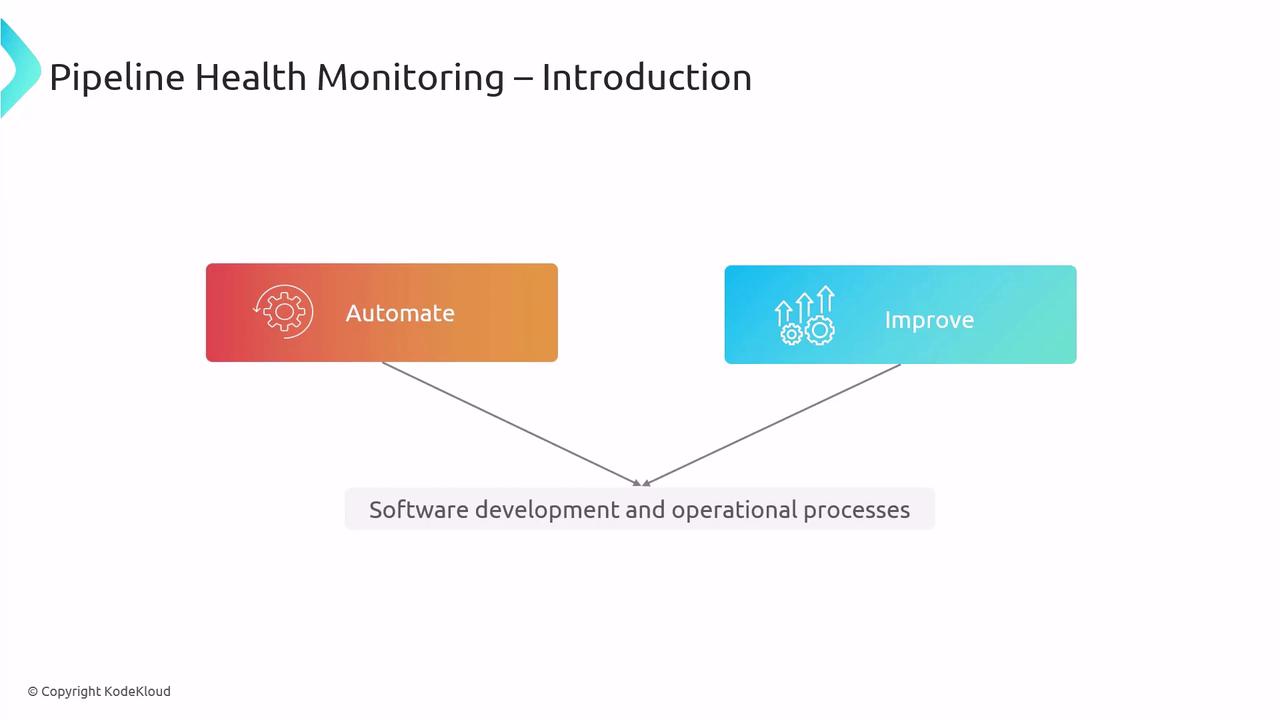
Welcome to this guide on **Discovering Pipeline Health in Azure DevOps**. In modern CI/CD workflows, maintaining pipeline health ensures reliable, efficient software delivery. Whether you’re preparing for the [AZ-400 exam](https://learn.microsoft.com/en-us/certifications/exams/az-400/) or optimizing your DevOps practice, monitoring key pipeline metrics is essential.

Pipeline health monitoring means regularly tracking metrics to catch issues early, reduce failures, and accelerate feedback loops.
<Frame>
  ![The image is a diagram titled "Pipeline Health Monitoring – Introduction," showing two connected boxes labeled "Automate" and "Improve," which relate to "Software development and operational processes."](https://kodekloud.com/kk-media/image/upload/v1752868116/notes-assets/images/AZ-400-Designing-and-Implementing-Microsoft-DevOps-Solutions-Discovering-Pipeline-Health-including-monitoring-Failure-Rate-Duration-Flaky-Tests/pipeline-health-monitoring-diagram.jpg)
</Frame>

## Key Metrics for Pipeline Health

Track these three primary metrics to understand your pipeline’s reliability, speed, and stability:

* **Failure Rate**: Percentage of runs that fail.
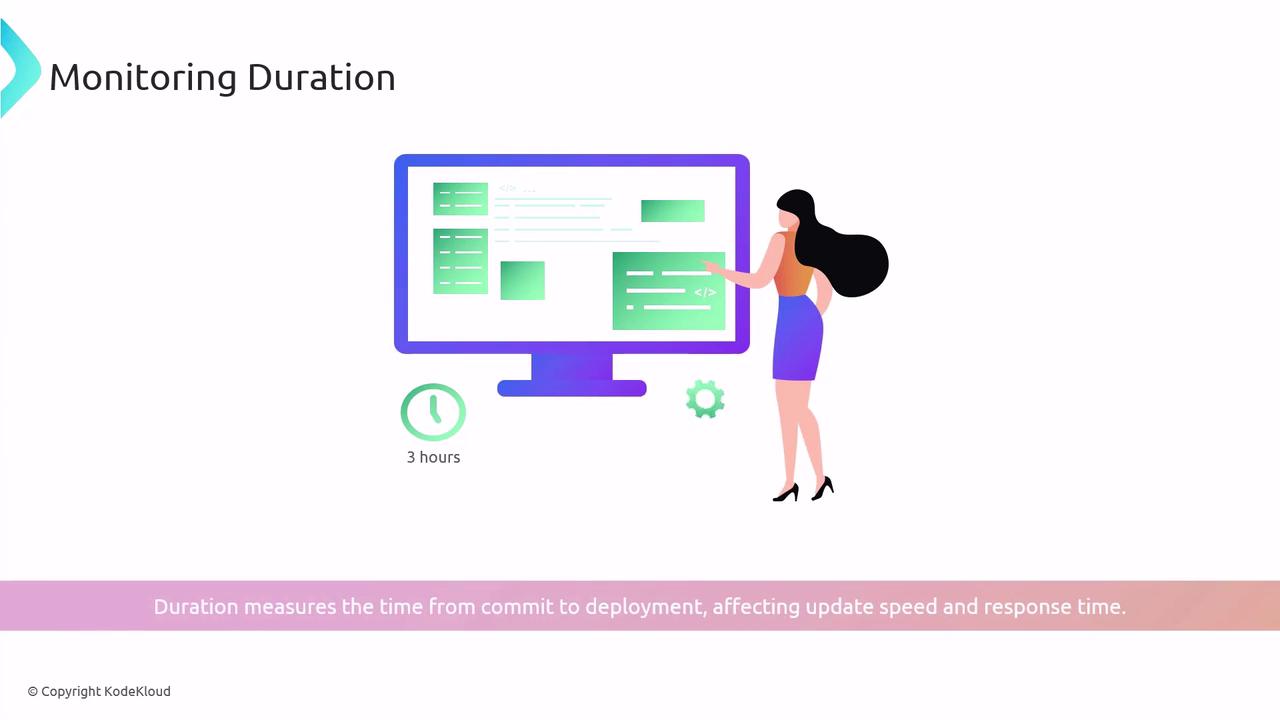
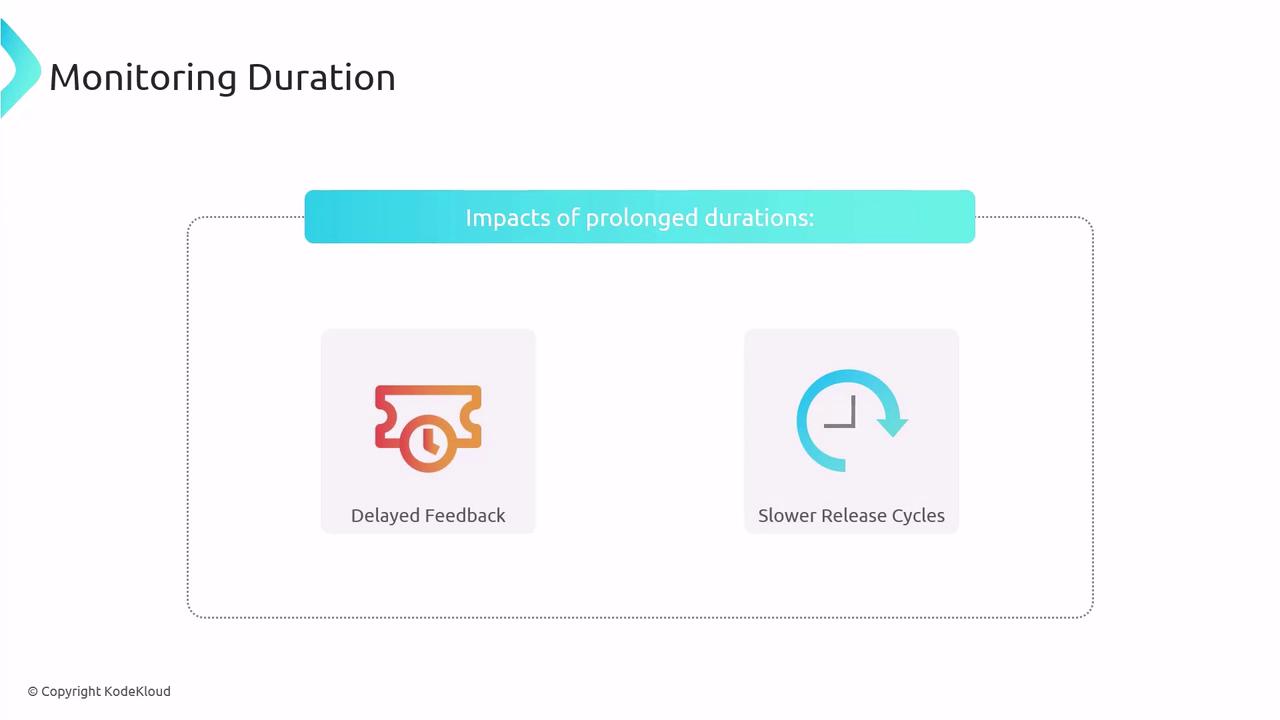
* **Duration**: Total time from commit to deployment.
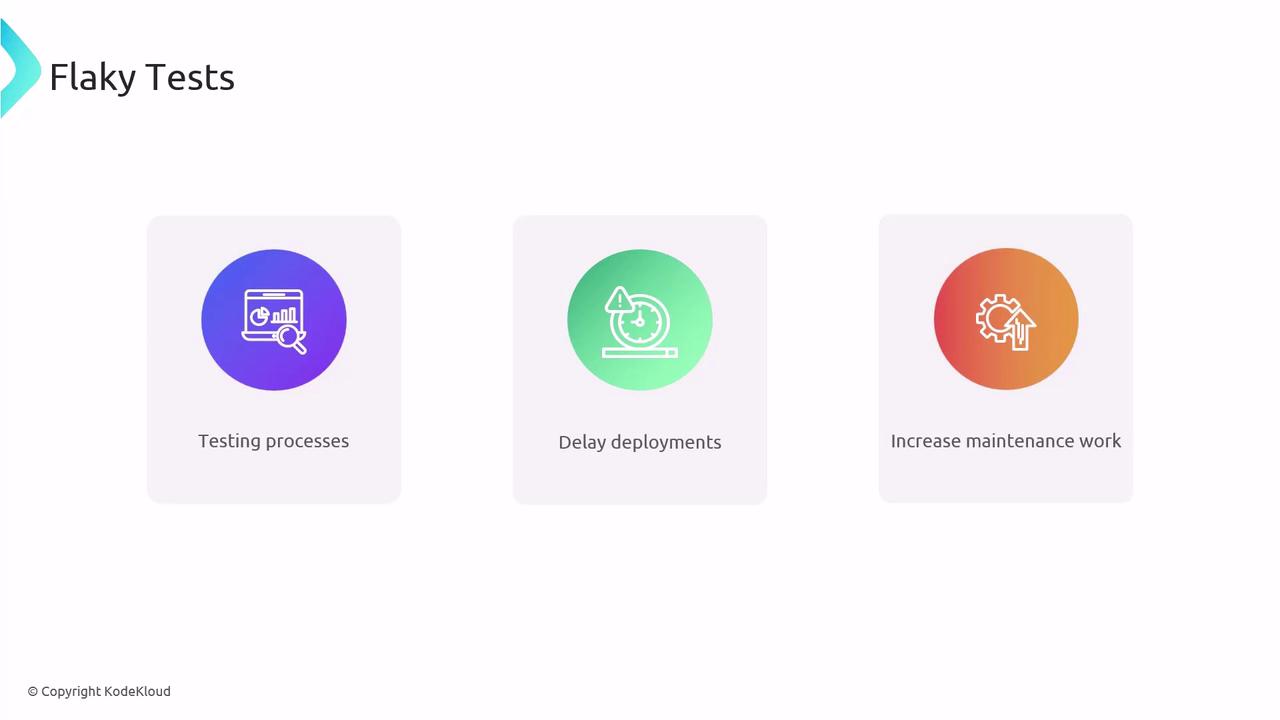
* **Flaky Tests**: Tests with intermittent pass/fail results.

| Metric       | Definition                          | Impact                                       |
| ------------ | ----------------------------------- | -------------------------------------------- |
| Failure Rate | % of runs that end in error or fail | High rate → Low confidence & slower delivery |
| Duration     | Time taken for pipeline execution   | Long durations → Delayed feedback & releases |
| Flaky Tests  | Tests that pass/fail unpredictably  | Flakes → Noise in test results & maintenance |

```bash theme={null}
$ yarn test
127 passing (19m)
1 failing
1) Some test suite
   Some test:
```

<Callout icon="lightbulb" color="#1CB2FE">
  Review your test run logs regularly. Early detection of failures or performance issues helps maintain pipeline health.
</Callout>

***

## Monitoring Failure Rate

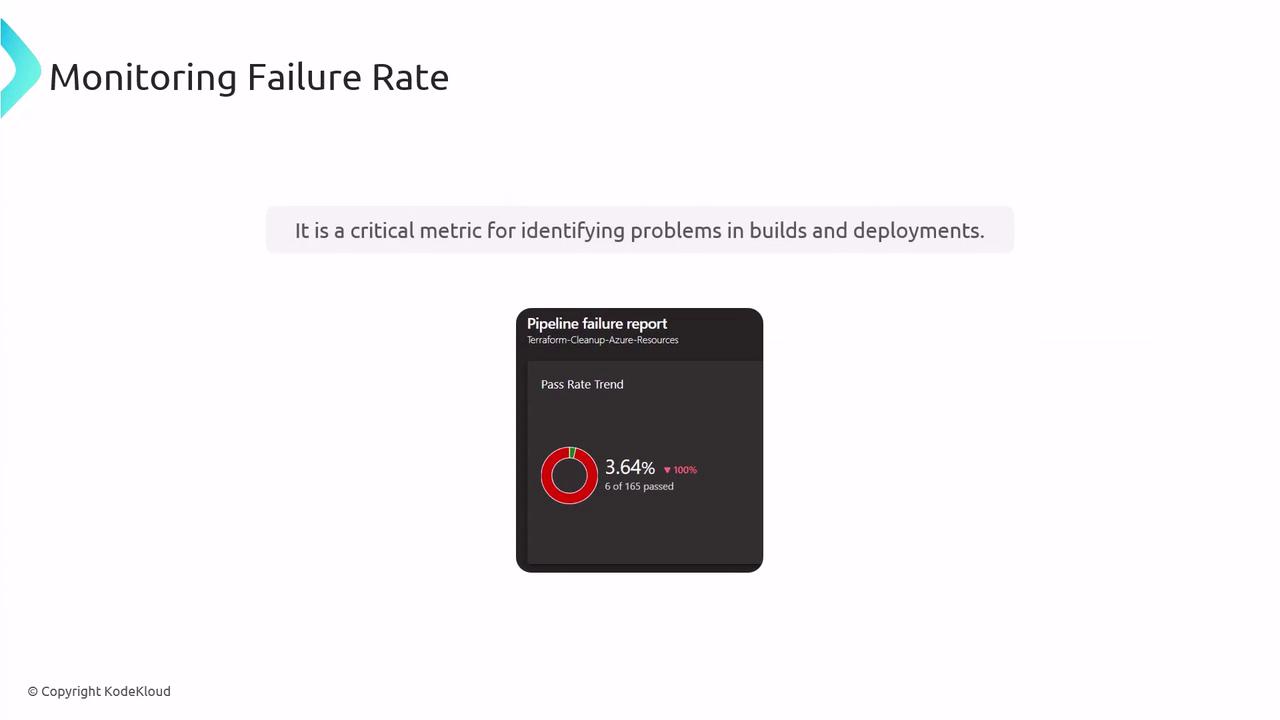
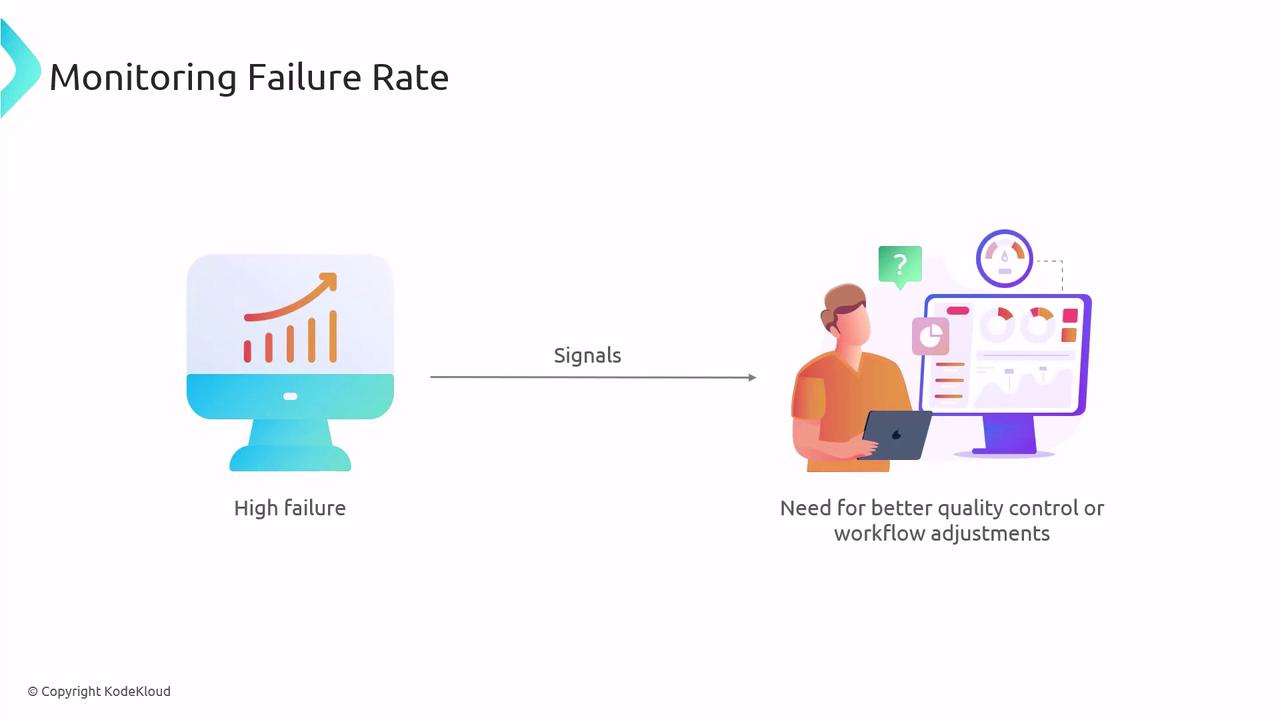
Failure rate measures how often your builds or deployments do not succeed. A low failure rate indicates a stable pipeline, whereas a consistently high failure rate signals deeper issues.
<Frame>
  ![The image shows a "Monitoring Failure Rate" slide with a pipeline failure report indicating a 3.64% pass rate, highlighting its importance in identifying problems in builds and deployments.](https://kodekloud.com/kk-media/image/upload/v1752868117/notes-assets/images/AZ-400-Designing-and-Implementing-Microsoft-DevOps-Solutions-Discovering-Pipeline-Health-including-monitoring-Failure-Rate-Duration-Flaky-Tests/monitoring-failure-rate-pipeline-report.jpg)
</Frame>

Common causes of high failure rates:

* Unstable dependencies
* Misconfigured environments
* Incomplete or missing test coverage

<Callout icon="triangle-alert" color="#FF6B6B">
  A sustained high failure rate can block releases and erode trust in your CI/CD process. Investigate immediately.
</Callout>

<Frame>
  ![The image illustrates the concept of monitoring failure rates, showing a computer with a rising graph labeled "High failure" and a person analyzing data, indicating a need for better quality control or workflow adjustments.](https://kodekloud.com/kk-media/image/upload/v1752868118/notes-assets/images/AZ-400-Designing-and-Implementing-Microsoft-DevOps-Solutions-Discovering-Pipeline-Health-including-monitoring-Failure-Rate-Duration-Flaky-Tests/monitoring-failure-rates-graph-analysis.jpg)
</Frame>

***

## Monitoring Duration

Pipeline duration affects how quickly developers receive feedback. Long-running pipelines slow down releases and lower developer productivity.
<Frame>
  ![The image illustrates "Monitoring Duration" with a person interacting with a computer screen, showing a duration of 3 hours. It highlights the time from commit to deployment, affecting update speed and response time.](https://kodekloud.com/kk-media/image/upload/v1752868120/notes-assets/images/AZ-400-Designing-and-Implementing-Microsoft-DevOps-Solutions-Discovering-Pipeline-Health-including-monitoring-Failure-Rate-Duration-Flaky-Tests/monitoring-duration-person-computer-screen.jpg)
</Frame>

Use **Azure DevOps Analytics** to track duration and pinpoint bottlenecks:

1. In Azure DevOps, go to **Pipelines**.
2. Select the **Analytics** tab.
3. Install the [Analytics extension](https://marketplace.visualstudio.com/items?itemName=ms.vss-analytics) if required.
<Frame>
  ![The image is a diagram titled "Monitoring Duration" showing the impacts of prolonged durations, specifically "Delayed Feedback" and "Slower Release Cycles."](https://kodekloud.com/kk-media/image/upload/v1752868121/notes-assets/images/AZ-400-Designing-and-Implementing-Microsoft-DevOps-Solutions-Discovering-Pipeline-Health-including-monitoring-Failure-Rate-Duration-Flaky-Tests/monitoring-duration-delayed-feedback-diagram.jpg)
</Frame>

***

## Mitigating Flaky Tests

Flaky tests are those that pass or fail without code changes. They undermine confidence in your test suite and waste developer time.
<Frame>
  ![The image is a slide titled "Flaky Tests" with three icons and labels: "Testing processes," "Delay deployments," and "Increase maintenance work."](https://kodekloud.com/kk-media/image/upload/v1752868122/notes-assets/images/AZ-400-Designing-and-Implementing-Microsoft-DevOps-Solutions-Discovering-Pipeline-Health-including-monitoring-Failure-Rate-Duration-Flaky-Tests/flaky-tests-testing-processes-icons.jpg)
</Frame>

### Strategies to Handle Flaky Tests

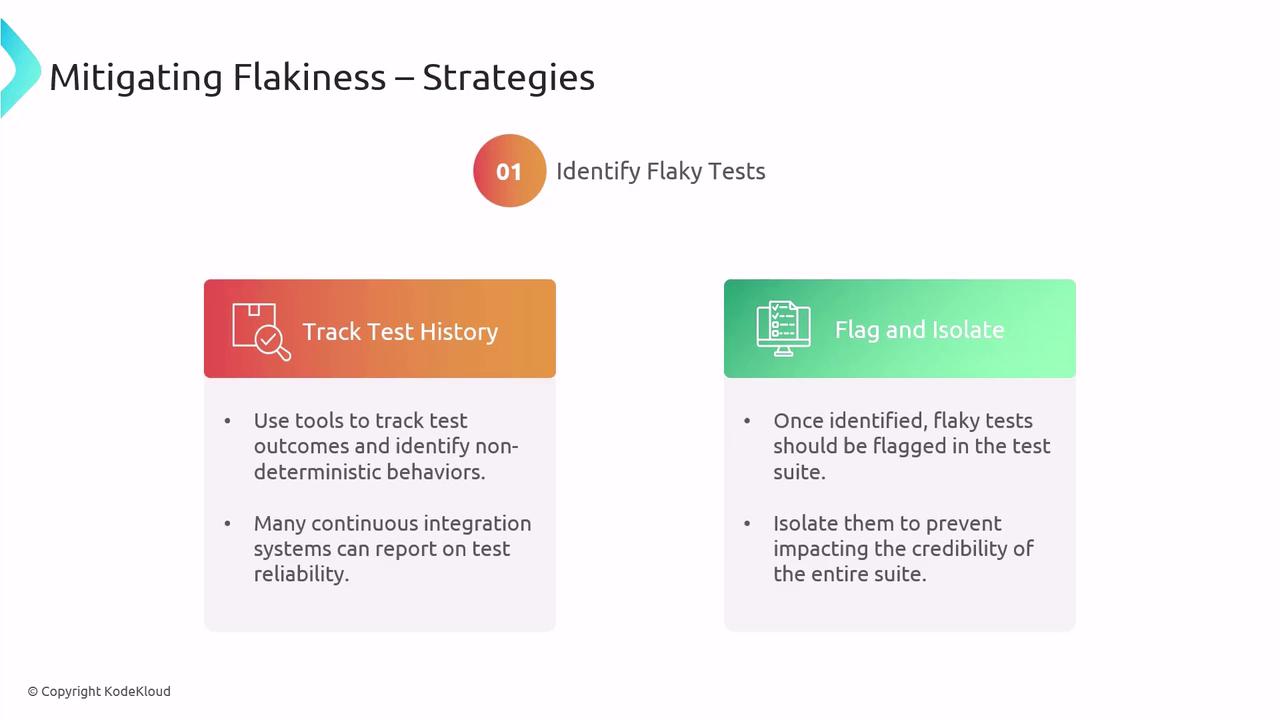
1. **Identify and Isolate**\
   Use test-history tracking in CI to flag and quarantine flaky tests.
<Frame>
  ![The image outlines strategies for mitigating flakiness in tests, focusing on tracking test history and flagging and isolating flaky tests.](https://kodekloud.com/kk-media/image/upload/v1752868122/notes-assets/images/AZ-400-Designing-and-Implementing-Microsoft-DevOps-Solutions-Discovering-Pipeline-Health-including-monitoring-Failure-Rate-Duration-Flaky-Tests/mitigating-flakiness-test-strategies.jpg)
</Frame>

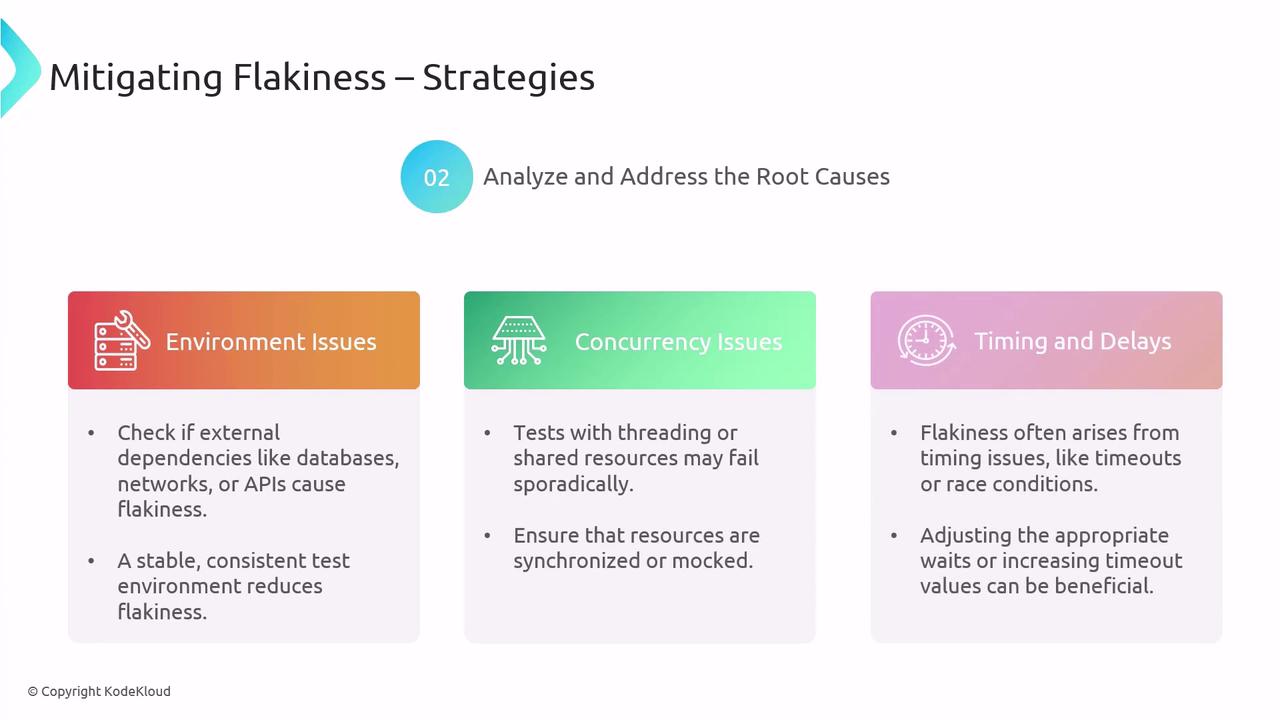
2. **Investigate Root Causes**\
   Examine environmental factors (databases, networks), concurrency issues, or timeouts.
<Frame>
  ![The image outlines strategies for mitigating flakiness by addressing root causes such as environment issues, concurrency issues, and timing and delays. Each section provides specific actions to reduce flakiness in testing environments.](https://kodekloud.com/kk-media/image/upload/v1752868124/notes-assets/images/AZ-400-Designing-and-Implementing-Microsoft-DevOps-Solutions-Discovering-Pipeline-Health-including-monitoring-Failure-Rate-Duration-Flaky-Tests/mitigating-flakiness-testing-strategies.jpg)
</Frame>

3. **Improve Test Design**
   * Use stable test data (avoid timestamps).
   * Mock external dependencies.
   * Assert specific outputs only.

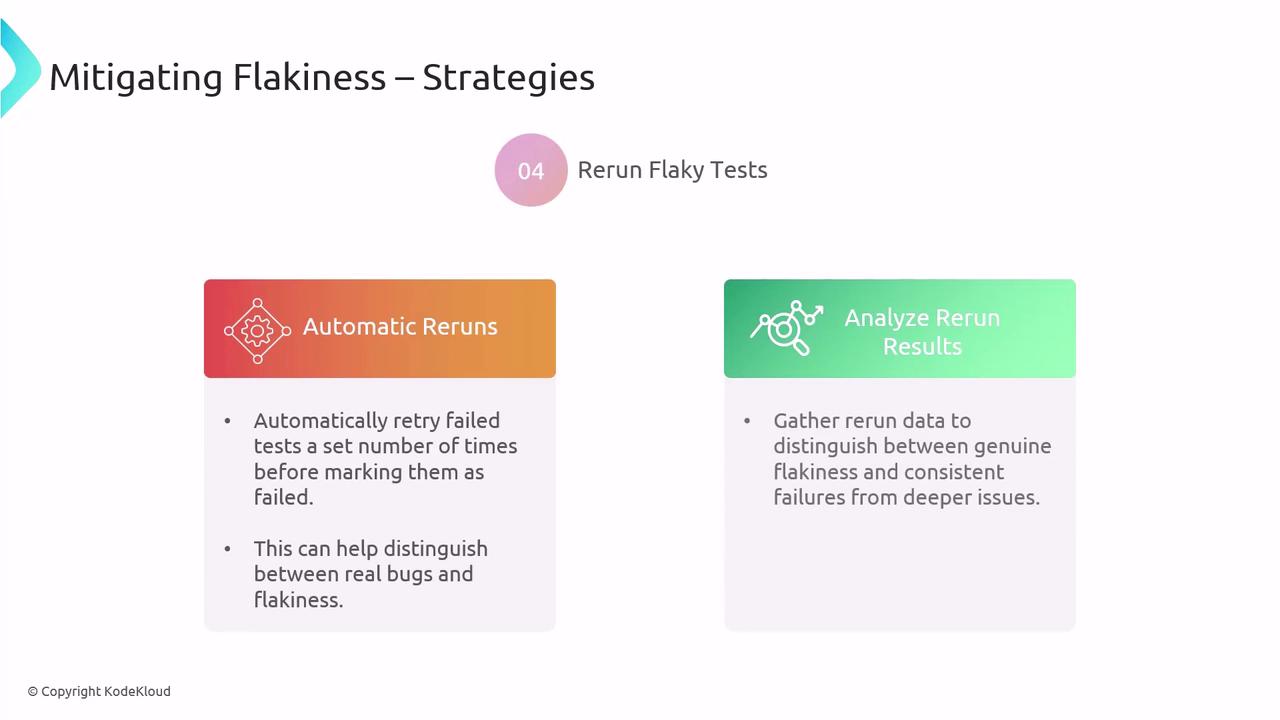
4. **Automatic Reruns**\
   Configure retries for failed tests to distinguish real failures from flakes.
<Frame>
  ![The image outlines strategies for mitigating flakiness in tests, focusing on automatic reruns and analyzing rerun results to distinguish between real bugs and flakiness.](https://kodekloud.com/kk-media/image/upload/v1752868124/notes-assets/images/AZ-400-Designing-and-Implementing-Microsoft-DevOps-Solutions-Discovering-Pipeline-Health-including-monitoring-Failure-Rate-Duration-Flaky-Tests/mitigating-flakiness-test-strategies-2.jpg)
</Frame>

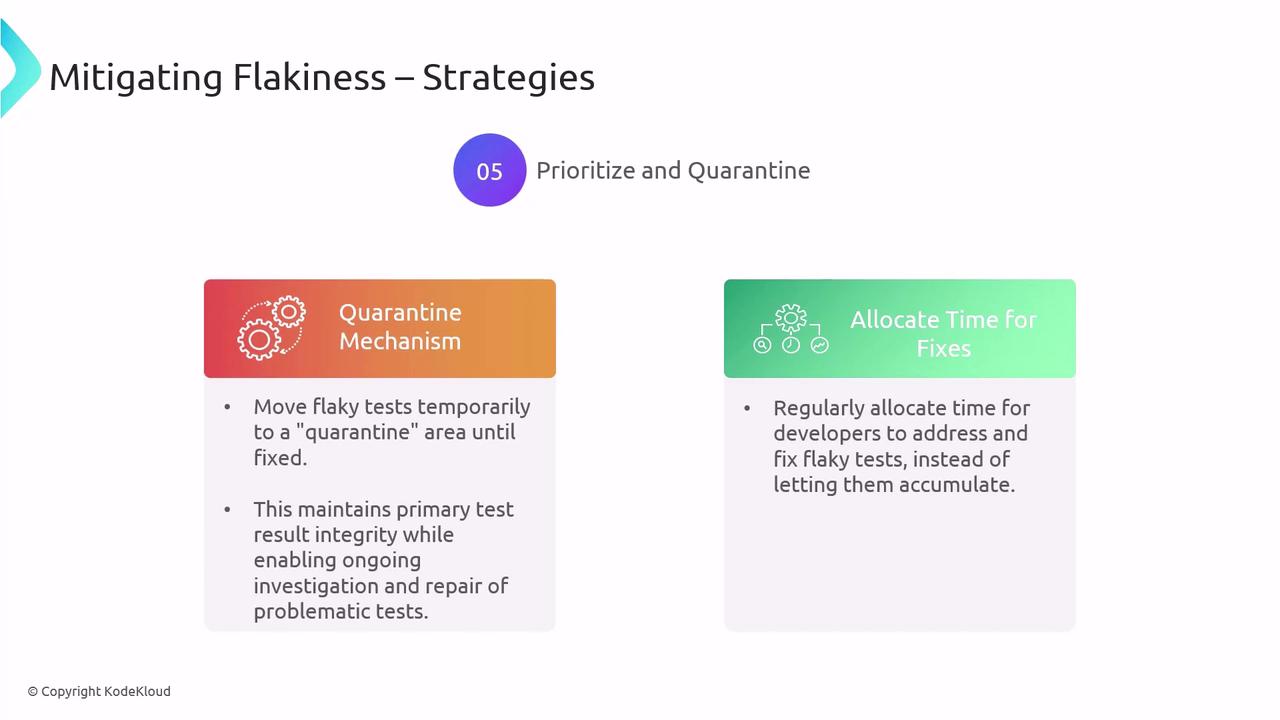
5. **Prioritize and Quarantine**\
   Move flaky tests into a quarantine suite and schedule regular fixes.
<Frame>
  ![The image outlines strategies for mitigating flakiness in tests, focusing on prioritizing and quarantining flaky tests and allocating time for fixes. It suggests moving flaky tests to a quarantine area and regularly allocating time for developers to address these issues.](https://kodekloud.com/kk-media/image/upload/v1752868126/notes-assets/images/AZ-400-Designing-and-Implementing-Microsoft-DevOps-Solutions-Discovering-Pipeline-Health-including-monitoring-Failure-Rate-Duration-Flaky-Tests/mitigating-flakiness-in-tests-strategies.jpg)
</Frame>

6. **Select Robust Tools**\
   Choose test frameworks and CI platforms with built-in stability and analytics.

***

## Azure Test Plans for CI/CD

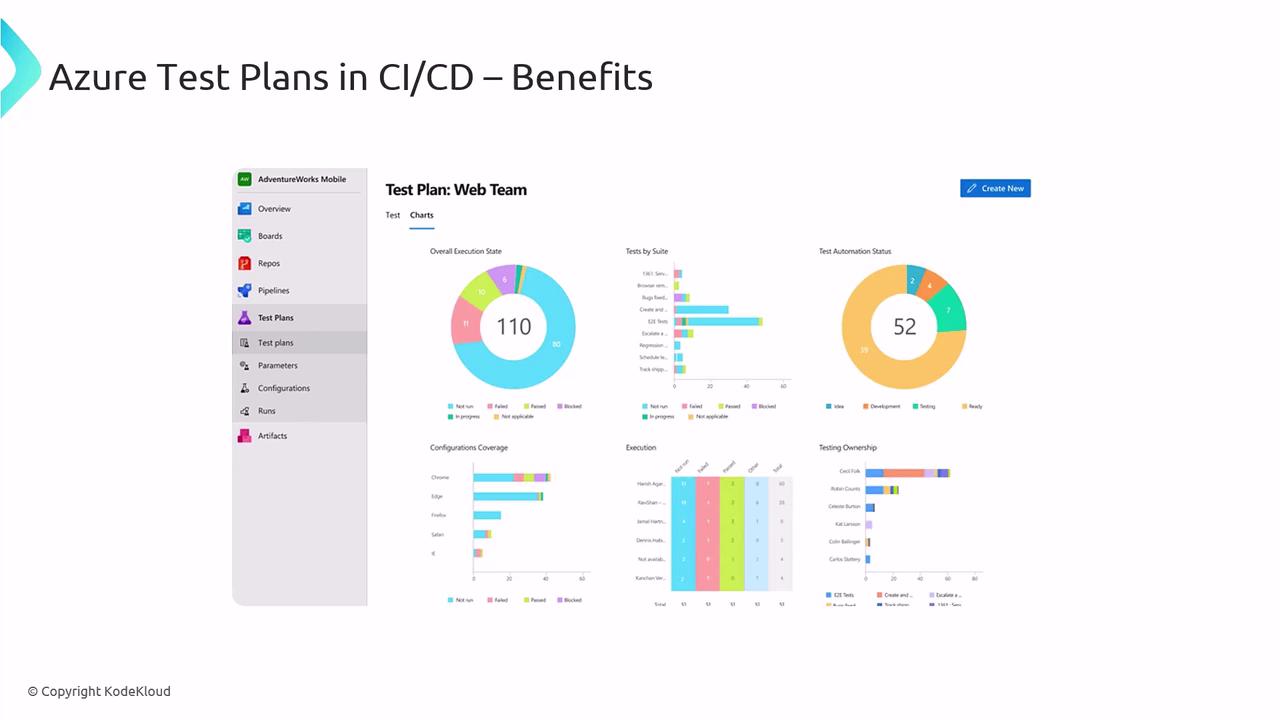
[Azure Test Plans](https://learn.microsoft.com/en-us/azure/devops/test/overview) offers integrated test management and analytics to unify test efforts in your pipelines.
<Frame>
  ![The image shows a dashboard for Azure Test Plans in CI/CD, featuring various charts and graphs displaying test execution states, test automation status, configuration coverage, and testing ownership.](https://kodekloud.com/kk-media/image/upload/v1752868127/notes-assets/images/AZ-400-Designing-and-Implementing-Microsoft-DevOps-Solutions-Discovering-Pipeline-Health-including-monitoring-Failure-Rate-Duration-Flaky-Tests/azure-test-plans-dashboard-ci-cd.jpg)
</Frame>

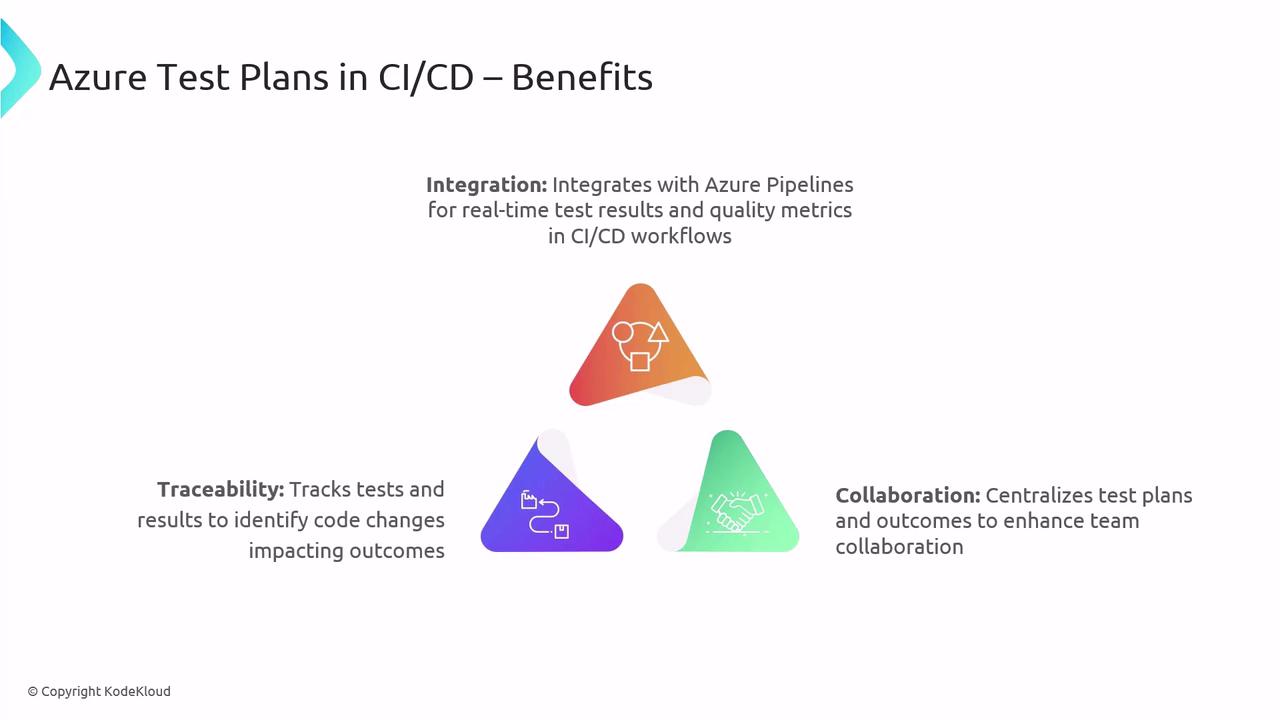
Key benefits:

* **Integration** with Azure Pipelines for live insights
* **Collaboration** via shared test plans and results
* **Traceability** linking tests to builds and releases
<Frame>
  ![The image illustrates the benefits of Azure Test Plans in CI/CD, highlighting integration, traceability, and collaboration with a triangular diagram.](https://kodekloud.com/kk-media/image/upload/v1752868128/notes-assets/images/AZ-400-Designing-and-Implementing-Microsoft-DevOps-Solutions-Discovering-Pipeline-Health-including-monitoring-Failure-Rate-Duration-Flaky-Tests/azure-test-plans-ci-cd-diagram.jpg)
</Frame>

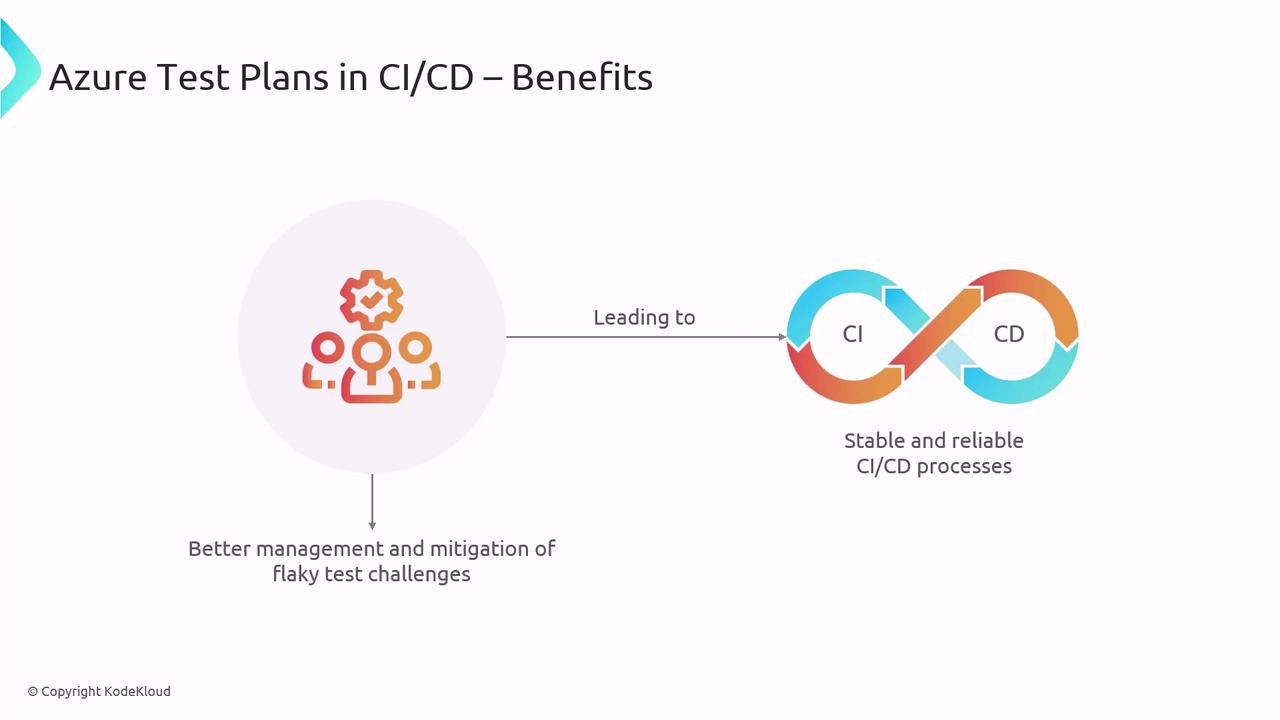
By leveraging Azure Test Plans, teams can manage flaky tests effectively and keep CI/CD processes stable.
<Frame>
  ![The image illustrates the benefits of Azure Test Plans in CI/CD, highlighting better management of flaky test challenges leading to stable and reliable CI/CD processes.](https://kodekloud.com/kk-media/image/upload/v1752868129/notes-assets/images/AZ-400-Designing-and-Implementing-Microsoft-DevOps-Solutions-Discovering-Pipeline-Health-including-monitoring-Failure-Rate-Duration-Flaky-Tests/azure-test-plans-cicd-benefits.jpg)
</Frame>

***

## Best Practices for Pipeline Health

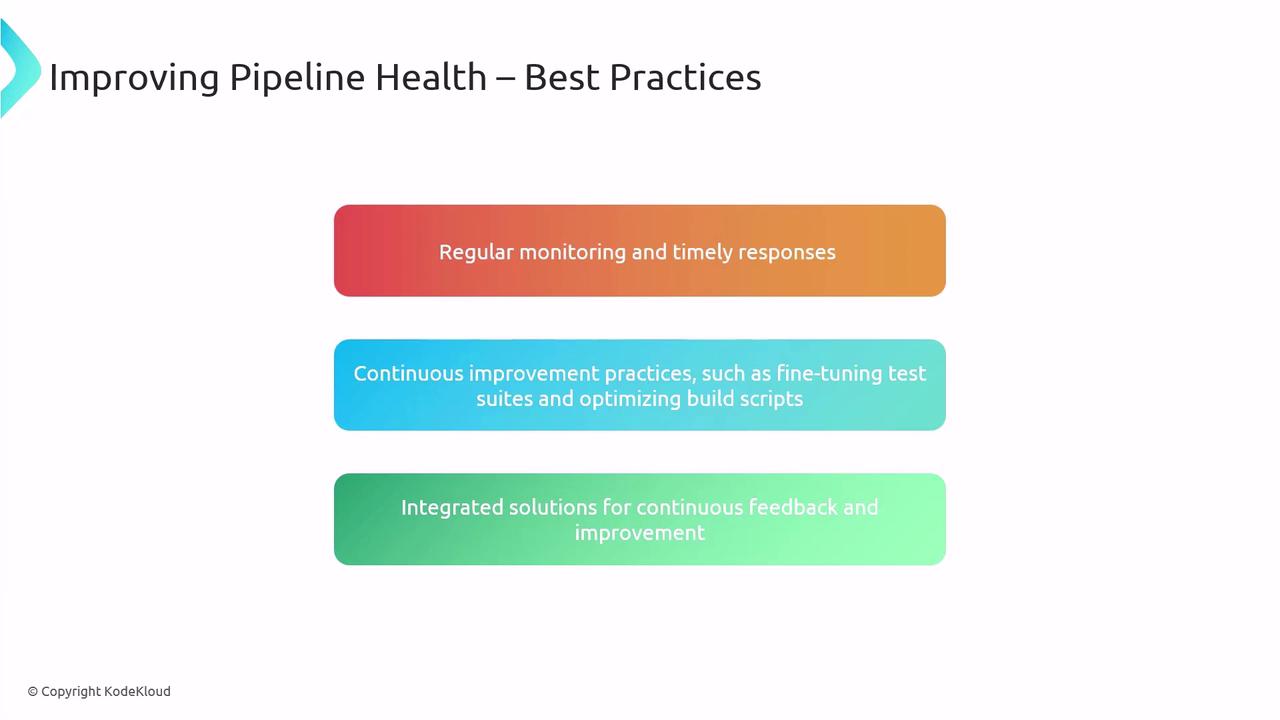
* Continuously monitor failure rates, durations, and flaky tests
* Triage and resolve issues as they arise
* Optimize build scripts and test suites
* Use Azure DevOps tools for feedback loops and ongoing improvements
<Frame>
  ![The image outlines best practices for improving pipeline health, including regular monitoring, continuous improvement practices, and integrated solutions for feedback and improvement.](https://kodekloud.com/kk-media/image/upload/v1752868131/notes-assets/images/AZ-400-Designing-and-Implementing-Microsoft-DevOps-Solutions-Discovering-Pipeline-Health-including-monitoring-Failure-Rate-Duration-Flaky-Tests/pipeline-health-best-practices-diagram.jpg)
</Frame>

***

## Links and References

* [Azure DevOps Analytics Overview](https://learn.microsoft.com/en-us/azure/devops/report/analytics/overview)
* [Analytics extension for Azure DevOps](https://marketplace.visualstudio.com/items?itemName=ms.vss-analytics)
* [Azure Test Plans Documentation](https://learn.microsoft.com/en-us/azure/devops/test/overview)
* [AZ-400: Designing and Implementing Microsoft DevOps Solutions](https://learn.microsoft.com/en-us/certifications/exams/az-400/)

<CardGroup>
  <Card title="Watch Video" icon="video" cta="Learn more" href="https://learn.kodekloud.com/user/courses/az-400/module/c3626b7f-1518-4df3-8499-73782a79b6fe/lesson/8ef969f0-82cf-480f-9060-7165c5c9ae06" />
</CardGroup>
