> ## Documentation Index
> Fetch the complete documentation index at: https://notes.kodekloud.com/llms.txt
> Use this file to discover all available pages before exploring further.
# Introduction
> This guide covers monitoring, optimizing, and migrating Azure DevOps pipelines for improved performance and reliability.
Maintaining robust, efficient, and secure Azure DevOps pipelines is vital for continuous delivery and fast feedback loops. In this guide, you’ll learn how to:
* Monitor pipeline health with the right metrics and tools
* Optimize concurrency to improve throughput
* Migrate from Classic Pipelines to YAML Pipelines
By the end of this article, you’ll have actionable strategies to keep your pipelines performing at their best.
***
## 1. Monitoring Pipeline Health
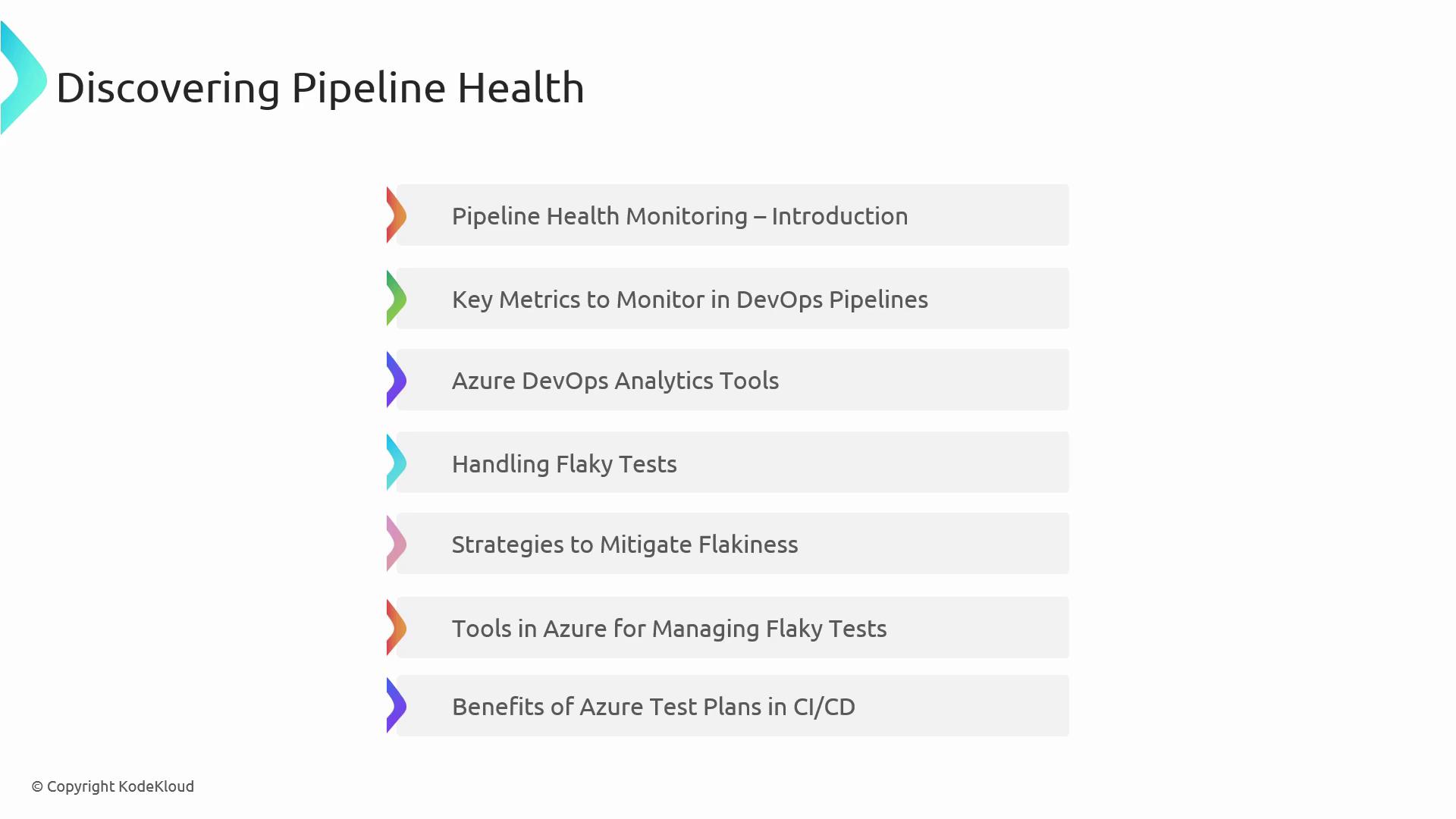
Pipeline health monitoring ensures that your builds and deployments are reliable and predictable. Key areas include:
* Why real-time health checks matter
* Tracking essential metrics (success rates, duration, queue times)
* Leveraging Azure DevOps analytics and reporting
* Identifying and reducing flaky tests
* Integrating Azure Test Plans for systematic testing
* Adding dependency and security scans in CI/CD
| Metric | What It Measures | Recommended Target |
| ---------------- | ----------------------------------------- | ------------------ |
| Success Rate | Percentage of successful runs | ≥ 95% |
| Build Duration | Average time to complete a pipeline | As low as possible |
| Queue Time | Wait time before an agent picks a job | \< 2 minutes |
| Flaky Test Count | Number of non-deterministic test failures | Zero or minimal |
Flaky tests can erode confidence in your CI/CD process. Incorporate retries and isolate tests to identify root causes quickly.
### Azure DevOps Analytics & Reporting
* Use **Pipeline Analytics** to visualize trends and spot regressions.
* Configure **Dashboards** for at-a-glance metrics.
* Export data to Power BI for custom reporting.
***
## 2. Optimizing Pipeline Concurrency
Running jobs in parallel can dramatically shorten build and release times. In this section, we explore:
* How Azure Pipelines allocates agents for parallel jobs
* Configuring concurrency limits and agent pools
* Balancing performance with cost constraints
* Best practices for parallelizing tasks
### Concurrency Considerations
| Concept | Description |
| ------------------ | --------------------------------------------- |
| Parallel Jobs | Multiple build or test jobs running at once |
| Agent Pools | Groups of agents available for your pipelines |
| Concurrency Limits | Maximum number of parallel jobs per pipeline |
| Resource Quotas | Controls on CPU, memory, and licensing costs |
* Define **resource demands** in your YAML to match agent capabilities.
* Use **matrix strategies** for running tests across multiple environments simultaneously.
* Monitor parallel job usage to avoid unexpected billing spikes.
Exceeding your concurrency limits may queue additional jobs and increase wait times. Always review your billing model before scaling up parallelism.
***
## 3. Migrating from Classic Pipelines to YAML Pipelines
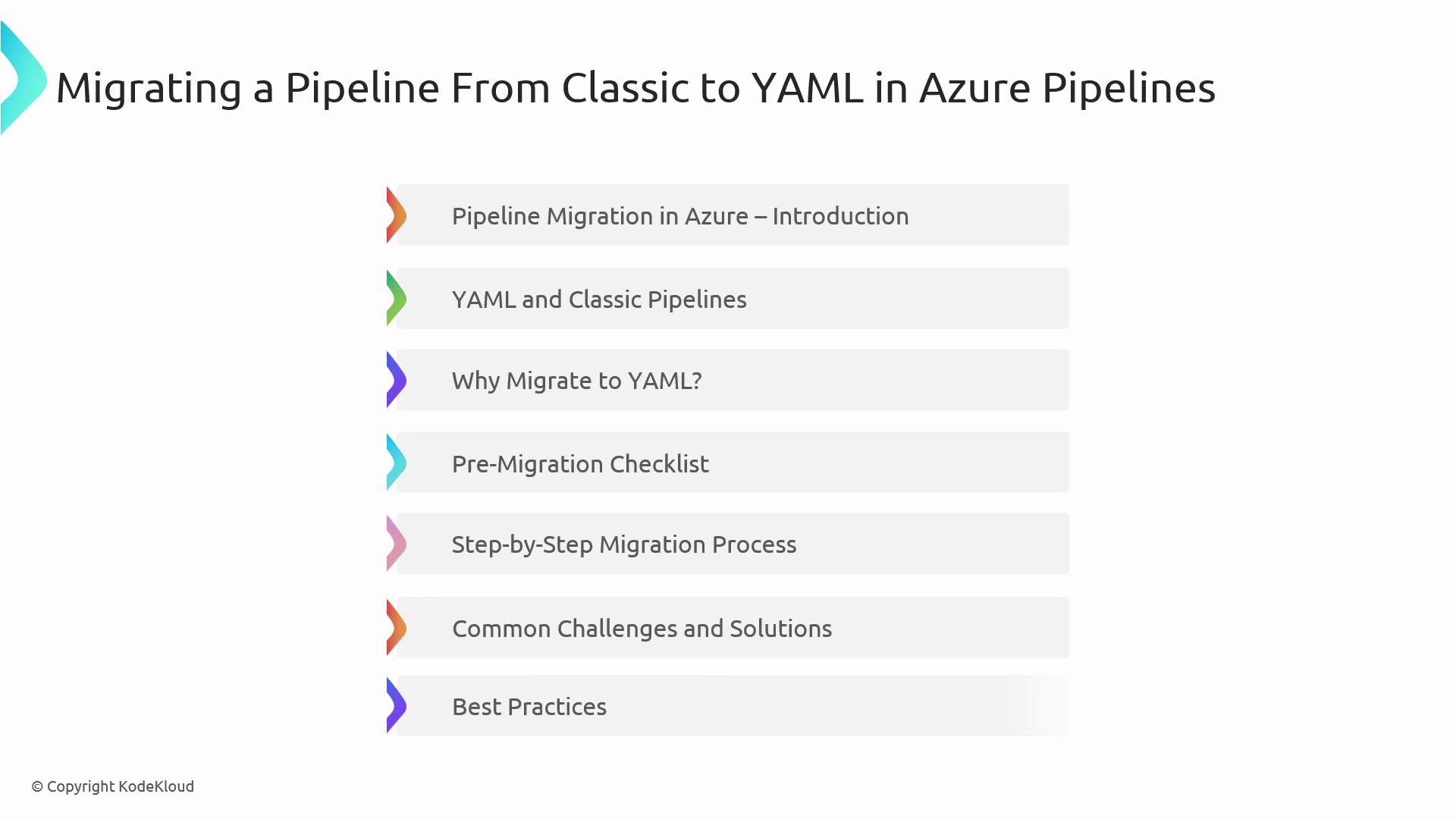
YAML Pipelines provide full version control, modular templates, and better collaboration. Follow this migration roadmap:
1. **Preparation**
* Verify permissions, extensions, and variable groups
* Audit your existing Classic Pipelines
2. **Understand Differences**
| Feature | Classic Pipelines | YAML Pipelines |
| ------------------ | ----------------------- | -------------------------------- |
| Definition Storage | GUI-based configuration | Code–stored in `.yaml` files |
| Versioning | Manual history tracking | Git-native change history |
| Reusability | Limited task groups | Extensive templates and includes |
| Collaboration | Manual export/import | Pull requests and code reviews |
3. **Step-by-Step Migration**
* Export your Classic pipeline definition
* Convert stages, jobs, and tasks into a `.yaml` file
* Validate and test your new pipeline in a feature branch
4. **Post-Migration Best Practices**
* Modularize with reusable templates
* Implement environment-specific variable groups
* Integrate security and dependency scanning early
Test your YAML pipeline thoroughly before decommissioning the Classic version to avoid production disruptions.
***
## References
* [Azure DevOps Pipelines Overview](https://learn.microsoft.com/azure/devops/pipelines/?view=azure-devops)
* [Pipeline Concurrency in Azure Pipelines](https://learn.microsoft.com/azure/devops/pipelines/process/concurrency?view=azure-devops)
* [Classic to YAML Migration Guide](https://learn.microsoft.com/azure/devops/pipelines/migrate/classic-to-yaml?view=azure-devops)
* [Azure Test Plans](https://learn.microsoft.com/azure/devops/test/overview?view=azure-devops)
* [Security Scanning Tasks](https://learn.microsoft.com/azure/devops/pipelines/tasks/security/?view=azure-devops)