> ## Documentation Index
> Fetch the complete documentation index at: https://notes.kodekloud.com/llms.txt
> Use this file to discover all available pages before exploring further.
# Optimize pipeline concurrency for performance and cost
> This article discusses optimizing pipeline concurrency in Azure DevOps to enhance performance and manage costs effectively.
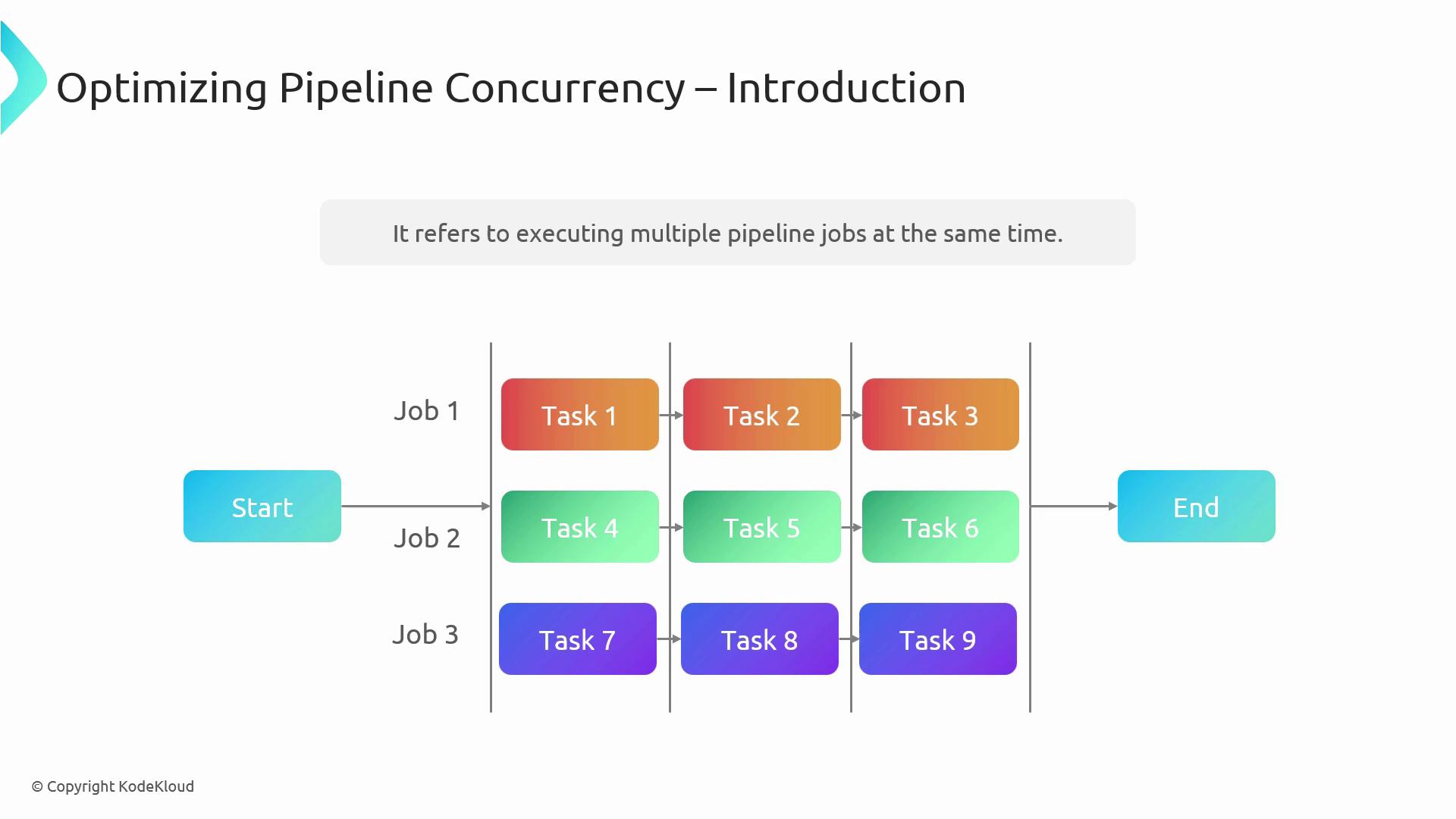
Pipeline concurrency in Azure DevOps enables you to run multiple jobs at the same time, accelerating your build and release workflows while controlling spending on compute resources. This topic is crucial for anyone preparing for the [AZ-400 certification exam](https://learn.microsoft.com/en-us/certifications/exams/az-400) and aiming to deliver software faster without exceeding budget.
## What Is Pipeline Concurrency?
Concurrency refers to executing several pipeline jobs in parallel. By splitting work into independent jobs, you can leverage multiple agents simultaneously and finish your pipeline in a fraction of the time.
Parallel jobs consume more agents, so ensure your agent pool has enough capacity before increasing concurrency.
## Key Benefits of Optimized Concurrency
| Benefit | Description |
| -------------------- | ----------------------------------------------------------------------- |
| Improved Performance | Parallel execution reduces overall pipeline runtime. |
| Cost Efficiency | Better utilization of agents lowers idle time and infrastructure costs. |
Finding the right balance between speed and expense ensures you get rapid feedback without overspending.
## 1. Parallel Jobs
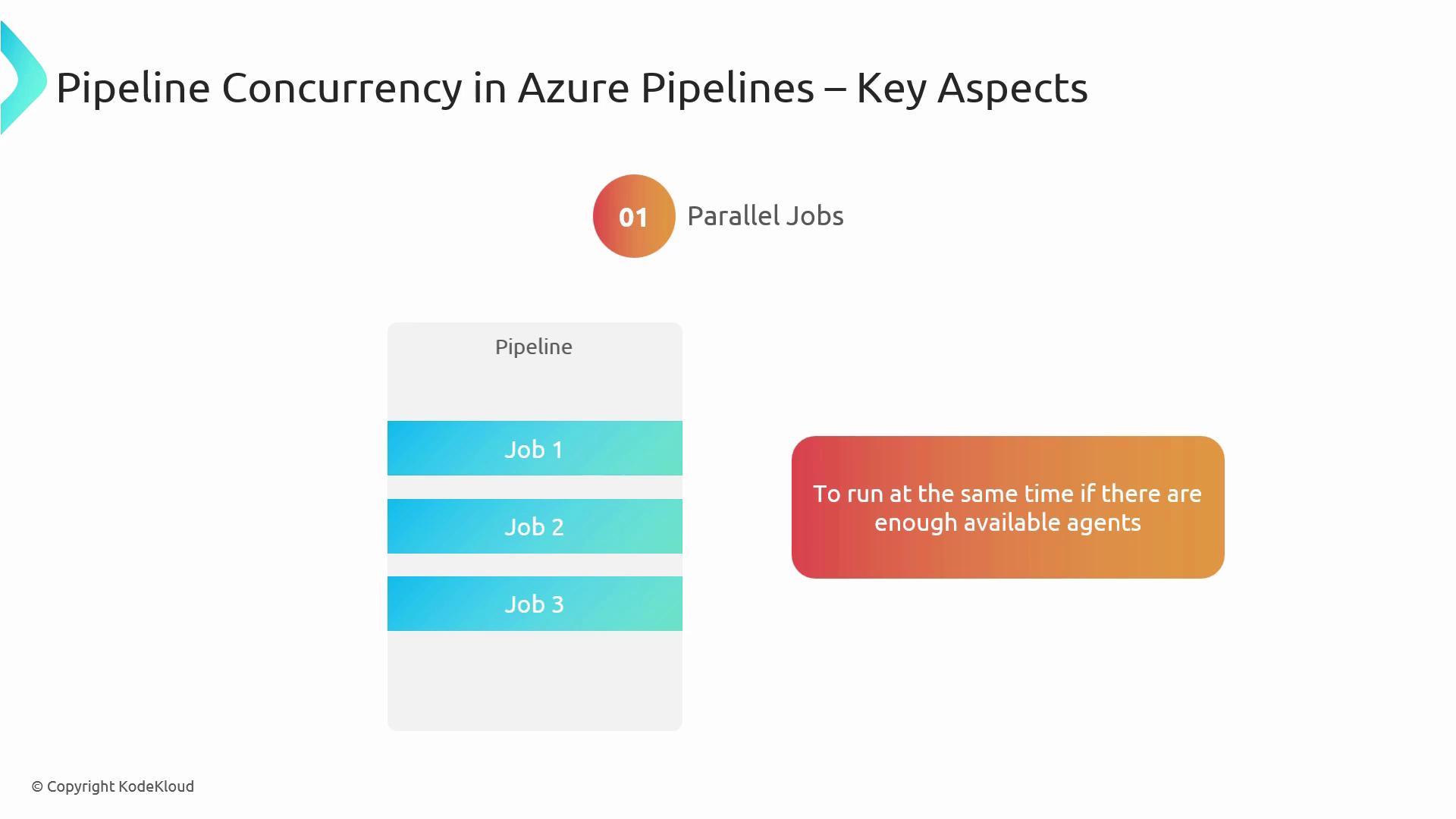
Azure Pipelines allows you to define multiple jobs within a single pipeline. When you have enough agents available, these jobs run at the same time, shortening feedback loops and speeding up delivery.
If your organization shares a limited number of parallel jobs, monitor usage in **Project settings > Pipelines > Parallel jobs** to avoid queuing delays.
## 2. Agent Pools
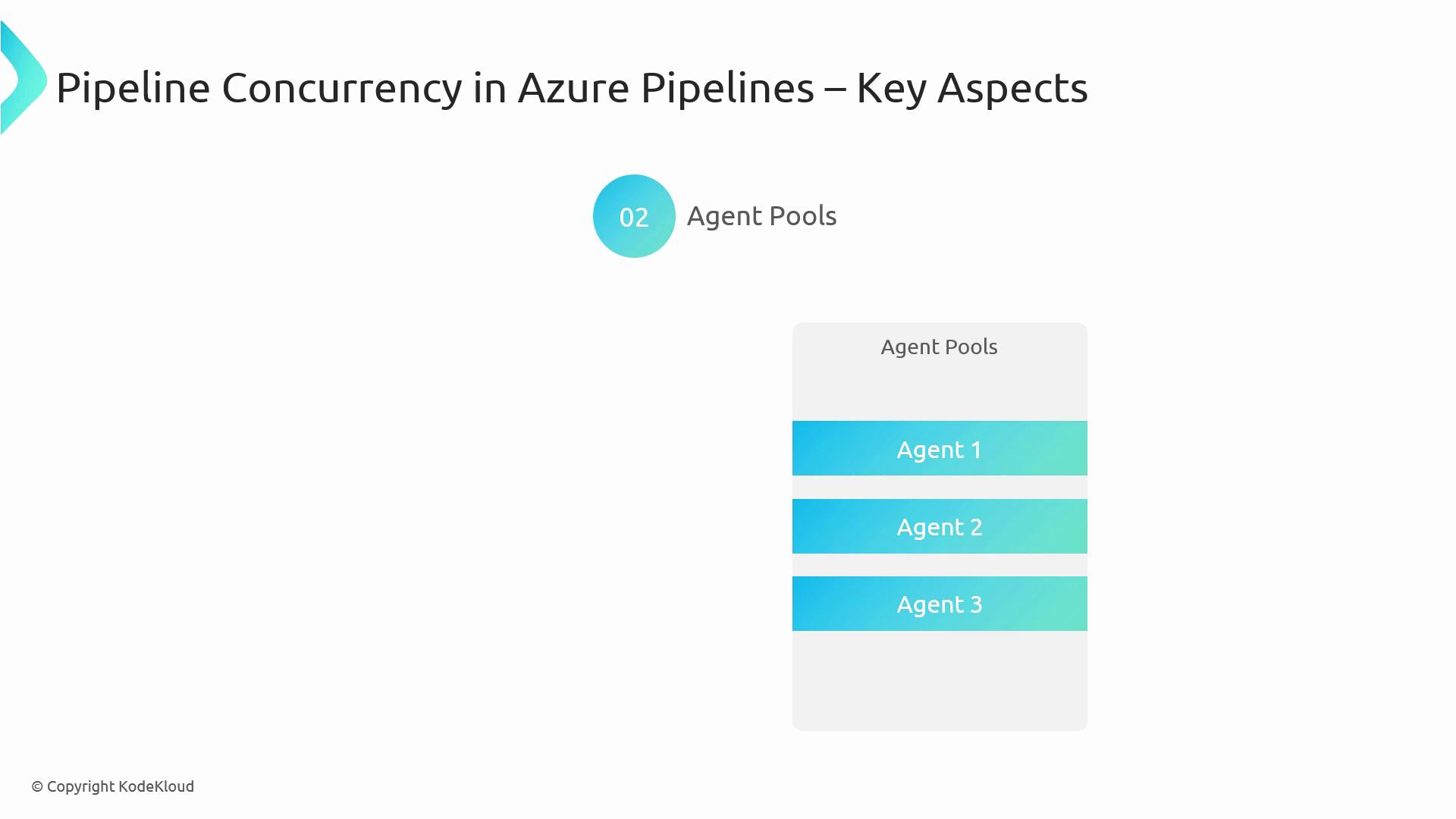
Agents are the workers that execute your pipeline jobs. You group them into pools so pipelines can pick an available machine. Right-sizing your agent pool—choosing the right number and types of agents—ensures you maintain the concurrency level you need without wasting resources.
## References
* [Parallel jobs and agent pools in Azure Pipelines](https://learn.microsoft.com/azure/devops/pipelines/process/concurrency)
* [AZ-400: Designing and Implementing Microsoft DevOps Solutions](https://learn.microsoft.com/en-us/certifications/exams/az-400)
* [Azure DevOps Documentation](https://learn.microsoft.com/azure/devops/)