> ## Documentation Index
> Fetch the complete documentation index at: https://notes.kodekloud.com/llms.txt
> Use this file to discover all available pages before exploring further.
# Transitioning from TFVC to Git
> Migrating from TFVC to Git enhances workflows, collaboration, and branching strategies through a structured import process and highlights the benefits of adopting Git.
Migrating from Team Foundation Version Control (TFVC) to Git can unlock modern workflows, distributed collaboration, and more flexible branching strategies. In this guide, we’ll walk through a branch-by-branch import, compare migration scopes, and highlight the top benefits of moving your codebase to Git.
## Branch-Level Migration
A phased, branch-level approach lets you validate each import before proceeding, minimizing risk:
1. Select a single TFVC branch to import.
2. Use the Azure DevOps [Git import feature](https://learn.microsoft.com/en-us/azure/devops/repos/import/git-import?view=azure-devops) or a tool like [Git-TFS](https://github.com/git-tfs/git-tfs).
```bash theme={null}
# Example: Import a TFVC branch into a new Git repo via Git-TFS
git tfs clone https://tfs-server:8080/tfs/DefaultCollection $/Project/Main --branches=all
```
Start with a non-critical branch (e.g., development) to verify the process before importing protected or release branches.
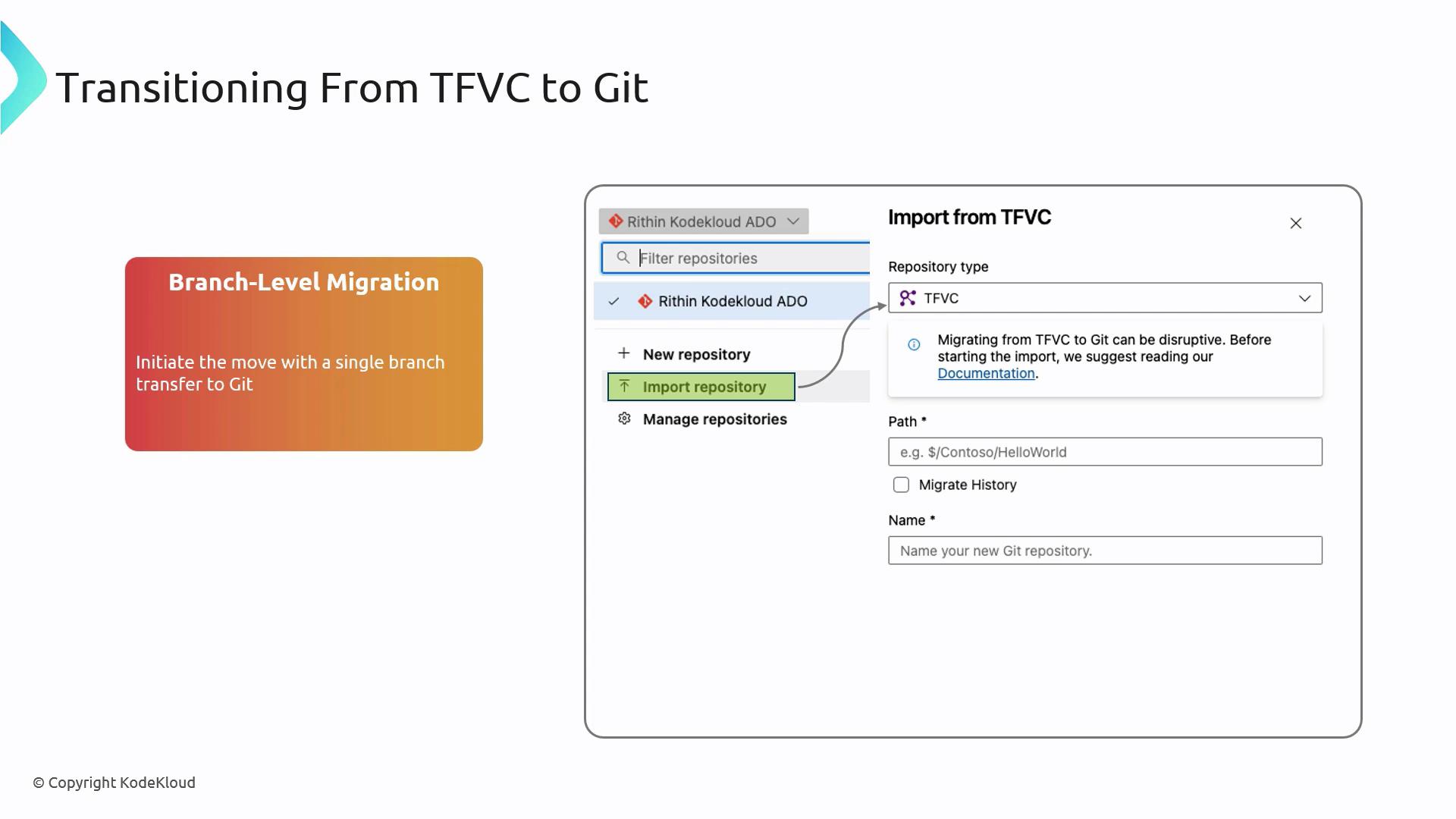
Once the import is successful, repeat for each remaining branch until your entire TFVC repository resides in Git.
## Migration Scopes: Tip vs. Full History
Choose the right migration scope based on your needs:
| Strategy | Description | When to Use |
| ---------------------- | --------------------------------------------------------------------------------- | ------------------------------------- |
| Tip Migration | Only the latest revision (“tip”) is moved to Git. | Rapid cutover with minimal setup |
| Full History Migration | Every TFVC changeset is converted into a Git commit, preserving complete history. | Full audit trail and compliance needs |
A **full-history migration** can take significantly longer and may require careful mapping of authors and commit dates. Plan for additional time and storage.
* Tip Migration: Keeps TFVC history archived on the original server for quick switch-over.
* Full History: Ensures end-to-end traceability by importing all historical changesets.
## Benefits of Moving to Git
Adopting Git from TFVC delivers several improvements in workflow and performance:
| Feature | TFVC Model | Git Model |
| ---------------- | ------------------------------- | --------------------------------------------- |
| History Tracking | Changesets stored centrally | Filesystem snapshots, enabling flexible diffs |
| Branching | Branches as folders | Lightweight pointers, quick create/delete |
| Collaboration | Centralized checkout/lock model | Distributed clones for offline work |
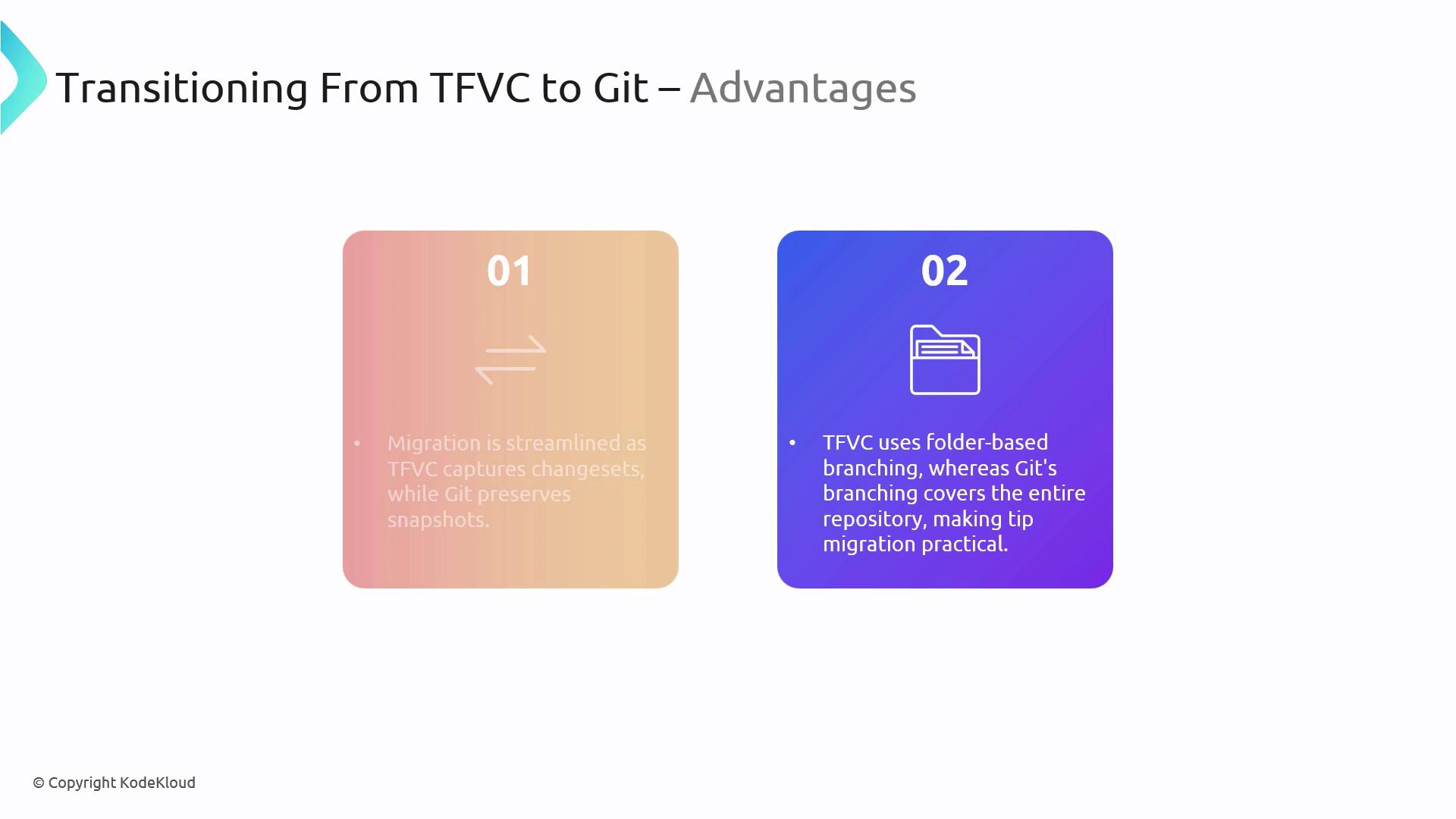
* **Distributed Workflow:** Team members can work independently and sync changes asynchronously.
* **Rich Ecosystem:** Leverage integrations with CI/CD pipelines, code review tools, and platform-agnostic hosting.
## Links and References
* [Azure DevOps: Import a TFVC repo into Git](https://learn.microsoft.com/en-us/azure/devops/repos/import/git-import?view=azure-devops)
* [Git-TFS on GitHub](https://github.com/git-tfs/git-tfs)
* [Git Documentation](https://git-scm.com/doc)