> ## Documentation Index
> Fetch the complete documentation index at: https://notes.kodekloud.com/llms.txt
> Use this file to discover all available pages before exploring further.
# What is source control
> Source control is essential for collaboration, history tracking, and automation in software development, particularly within Azure DevOps using Git or TFVC.
Source control (or version control) is the backbone of modern DevOps and software engineering. By tracking every change to your codebase, source control enables teams to collaborate, maintain history, and automate delivery pipelines. In Azure DevOps, you can implement Git repositories or Team Foundation Version Control (TFVC) to manage your source and integrate seamlessly with CI/CD, work items, and more.
## The Role of Source Control in Team Collaboration
When multiple developers work on the same project, source control systems:
* Track who made changes and when
* Simplify merging concurrent edits
* Provide audit trails for accountability
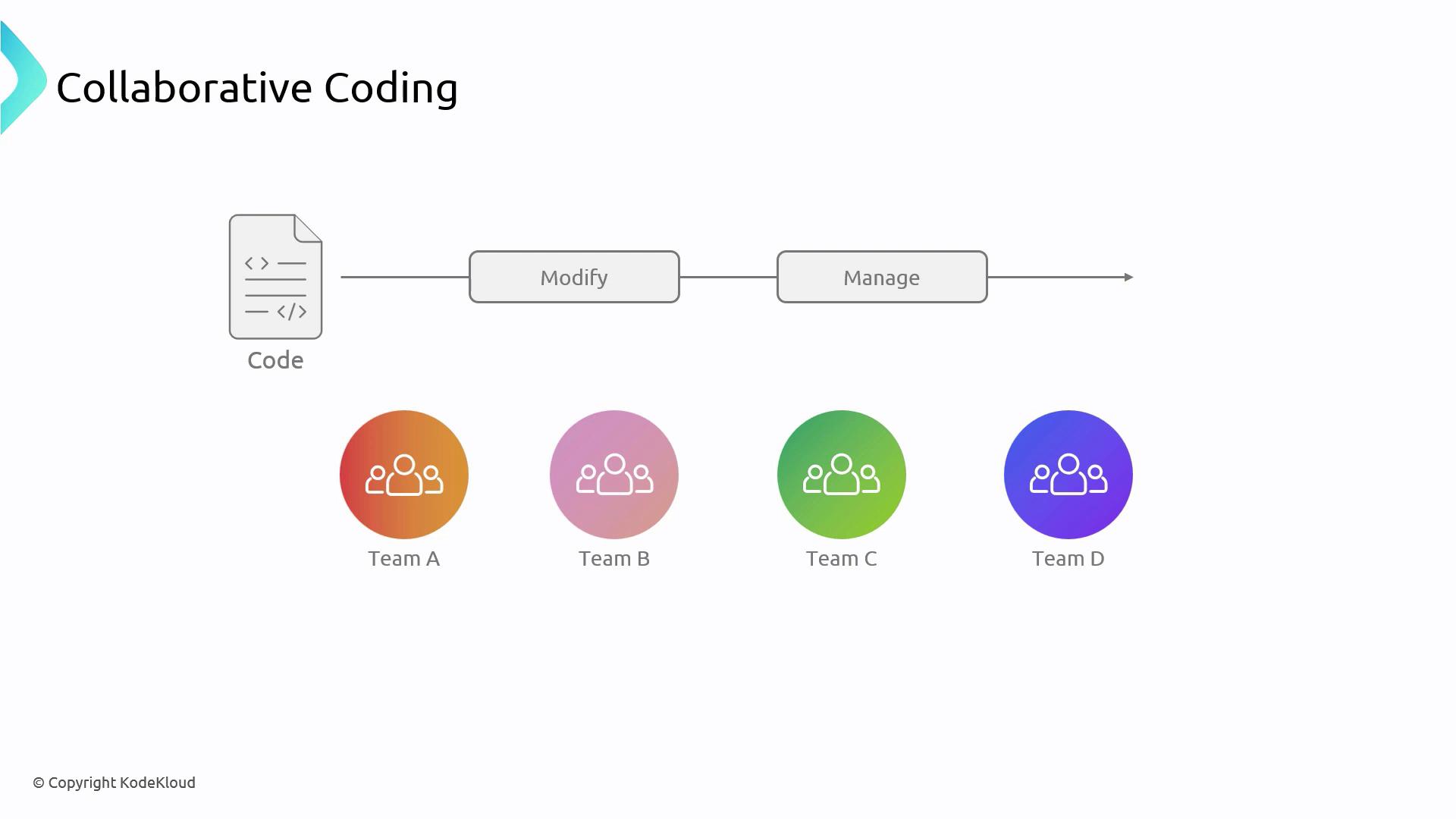
In Azure DevOps, you can enforce branch policies, require pull requests, and set up code reviewers to ensure high-quality merges.
## Capturing Project History
Every commit in a source control system records a snapshot of your code at a specific point in time. This historical timeline allows you to:
* Revert to a previous stable state
* Compare changes across versions
* Diagnose when and where bugs were introduced
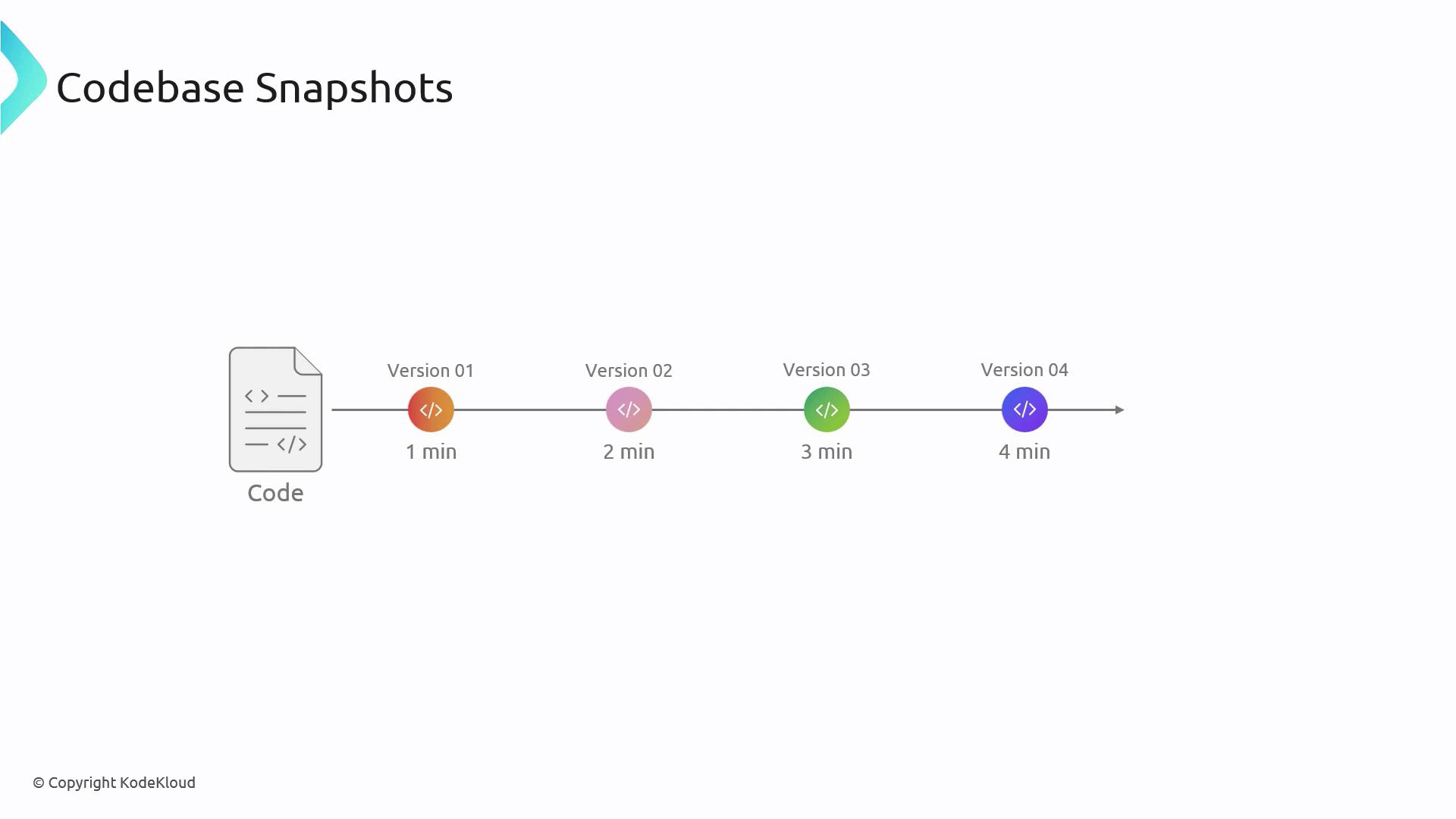
Use Azure DevOps’s `Revert` and `Cherry-pick` features to roll back or selectively apply commits without disrupting your main branch.
## Benefits of Source Control
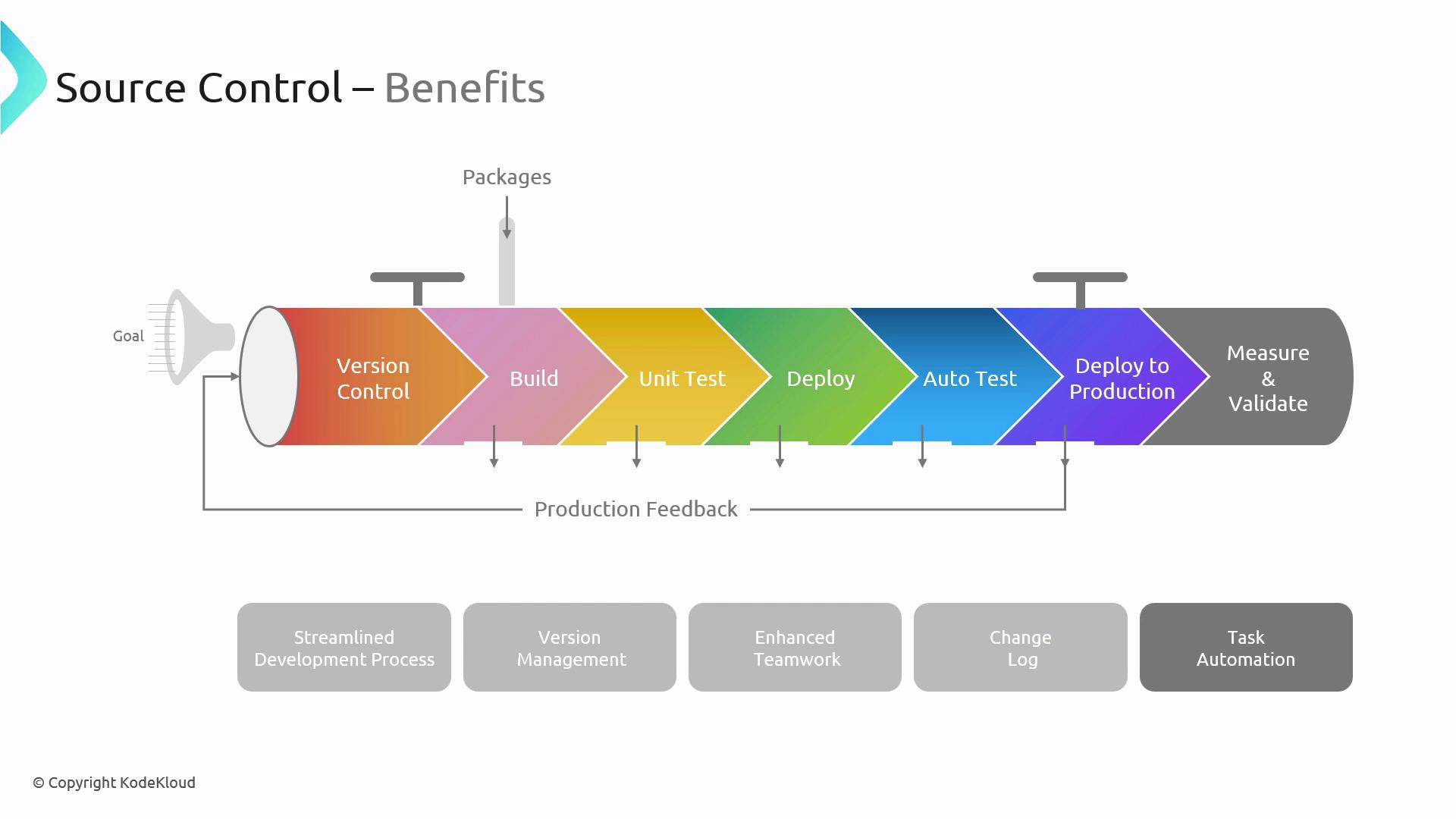
Implementing a robust source control strategy yields the following advantages:
| Benefit | Description |
| ---------------------- | ------------------------------------------------------------------------------------------- |
| Streamlined Workflow | Define clear branching models and automated triggers for builds and tests. |
| Version Management | Tag and branch releases to manage multiple product versions concurrently. |
| Enhanced Collaboration | Pull requests and reviews foster shared ownership and knowledge transfer. |
| Change Accountability | Audit trails provide visibility into what changed, who changed it, and why. |
| Automated Tasks | Hooks and pipelines can run linting, unit tests, and deployments on every push or PR merge. |
## Best Practices for Source Control
Follow these guidelines to keep your repository organized and maintainable:
1. Incremental Commits\
Commit small, self-contained changes frequently to simplify code reviews and troubleshooting.
2. Exclude Personal Files\
Use a `.gitignore` (or equivalent) to prevent local configs and secrets from entering the repo.
3. Regularly Sync with Remote\
Pull or fetch changes often to reduce the risk of complex merge conflicts.
4. Pre-Push Quality Gates\
Integrate linters, formatters, and unit tests into your pre-push or pre-commit hooks.
5. Descriptive Commit Messages\
Follow a pattern like `feat:` or `fix:` and clearly describe what and why.
6. Link to Work Items\
Reference Azure Boards tasks or bugs in your commits to improve traceability.
7. Team-Agreed Conventions\
Define and document branch naming—e.g., `feature/`, `release/`, `hotfix/`—and commit style guides.
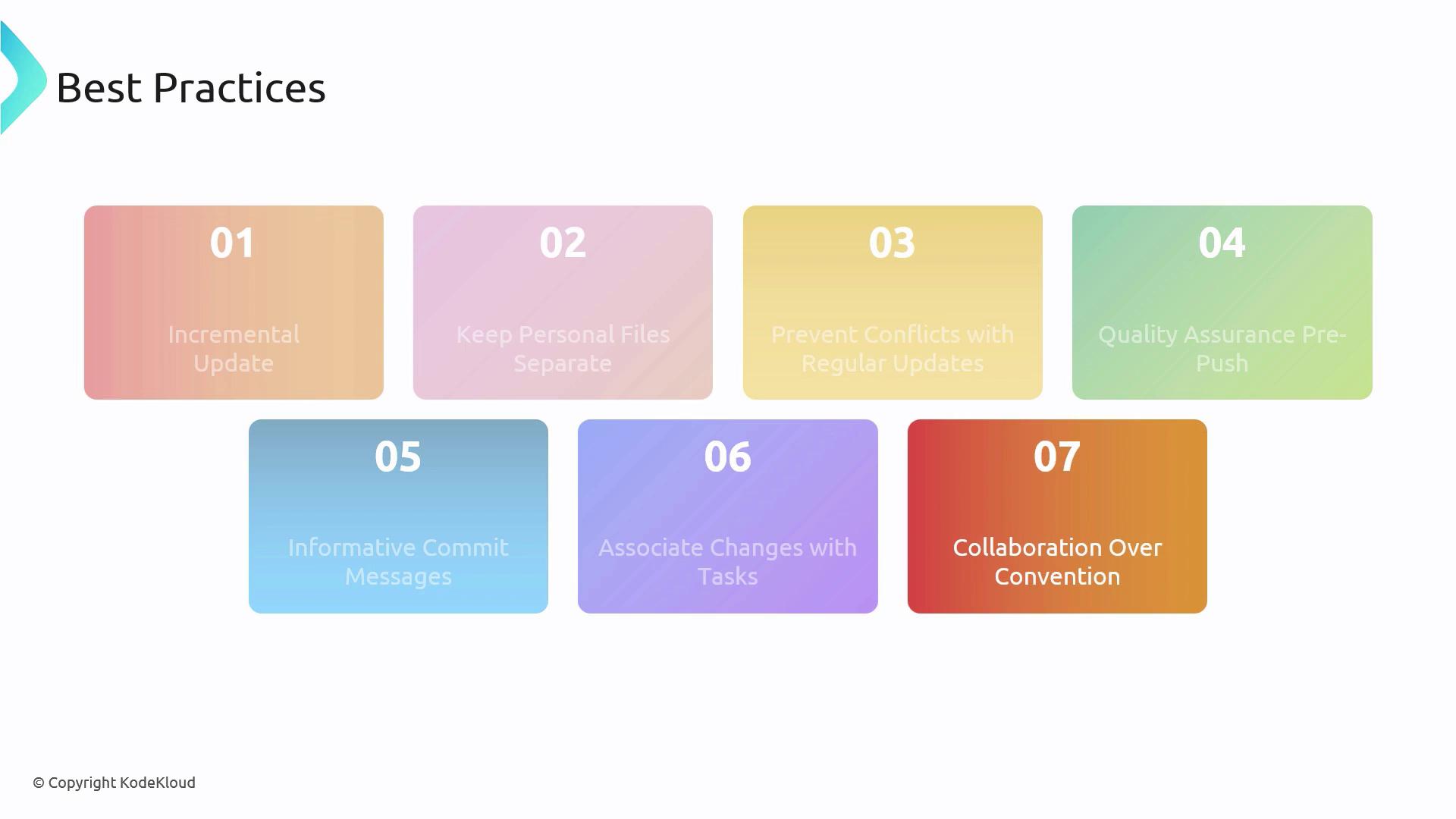
Neglecting to sync branches or enforce code reviews can lead to difficult-to-resolve merge conflicts and unstable builds.
***
## Links and References
* [Azure Repos Documentation](https://docs.microsoft.com/azure/devops/repos/)
* [Git Basics](https://git-scm.com/book/en/v2/Getting-Started-Git-Basics)
* [Continuous Integration with Azure Pipelines](https://docs.microsoft.com/azure/devops/pipelines/)