> ## Documentation Index
> Fetch the complete documentation index at: https://notes.kodekloud.com/llms.txt
> Use this file to discover all available pages before exploring further.
# Introduction
> Overview of Azure public IPs, SKU choices, attachment options, static versus dynamic allocation, IPv4 versus IPv6, BYOIP and security best practices.
Welcome to the lesson: Configure Public IP Addresses in Azure.
So far we've focused on private networks and internal communication. When you need resources to be reachable from the Internet—for example, hosting a public website or exposing a customer-facing API—you must use a public IP address. Public IPs give external reachability and are a fundamental part of securely connecting Azure services to the outside world.
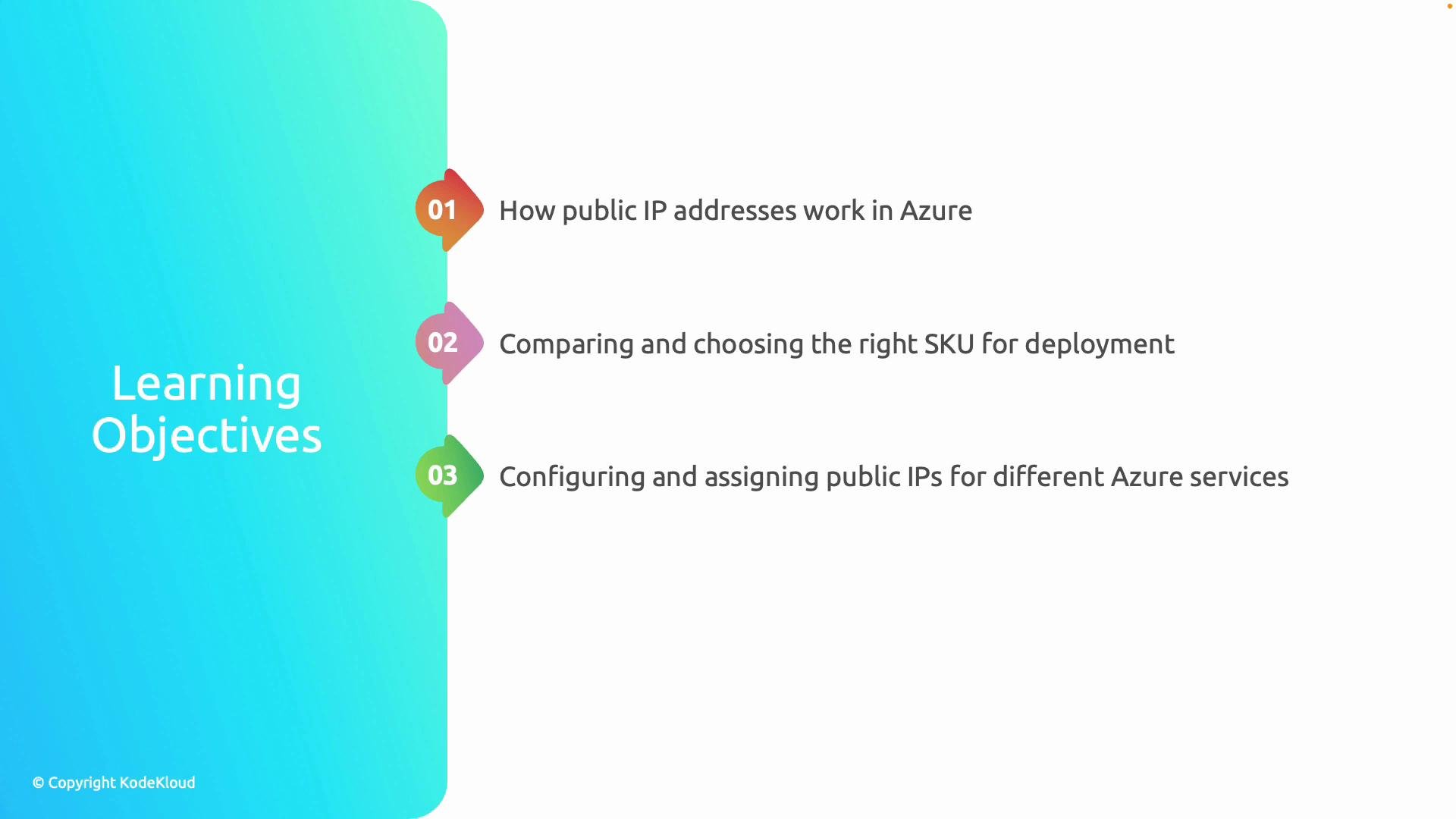
In this lesson you'll learn:
* What a public IP is and how it differs from a private IP
* Which public IP SKU (Basic vs Standard) to choose based on features and SLAs
* How to attach public IPs to common Azure resources
* When to use static vs dynamic assignments and IPv4 vs IPv6
* An introduction to Bring Your Own IP (BYOIP) in Azure
Understanding these topics helps you design secure, highly available network architectures that expose only the resources you intend to the Internet.
## What is a public IP in Azure?
A public IP address is an address reachable from the Internet. In Azure, public IPs are used to give Internet access to resources such as virtual machines, load balancers, and application gateways. Public IPs are routable across the global Internet, unlike private IPs which are valid only within defined private networks (for example, within a virtual network and on-premises networks connected via VPN or ExpressRoute).
Use cases:
* Hosting public websites or APIs
* Allowing management access (RDP/SSH) from the Internet (use with caution)
* Fronting workloads with Azure Load Balancer or Application Gateway
* Assigning public endpoints for services that must be globally accessible
## Public vs Private IP — key differences
* Scope: Public IPs are globally routable; private IPs are limited to your virtual networks and on-premises networks.
* Security: Public IPs should be protected with network security groups (NSGs), Azure Firewall, and application-layer protections. Private IPs generally have less exposure to Internet threats.
* Use cases: Public for Internet-facing services; private for internal services, databases, and backend tiers.
## Azure Public IP SKUs (Basic vs Standard)
Azure currently offers two public IP SKUs: Basic and Standard. Choose the SKU based on production requirements like SLAs, zone support, and default security behavior.
| SKU | Zone support | Default security posture | Load Balancer compatibility | Typical use cases |
| -------- | -------------------------------- | -------------------------------------------------------------- | --------------------------------- | ------------------------------------------------ |
| Basic | No zone-aware options (regional) | Permissive by default | Works with Basic Load Balancer | Test/dev, simple deployments |
| Standard | Zone-redundant or zone-specific | Secure by default (deny all inbound unless explicitly allowed) | Works with Standard Load Balancer | Production, high availability, stricter security |
Notes:
* Standard SKU gives better SLA guarantees and supports zonal placement for higher availability.
* Standard SKU's default-deny inbound behavior is more secure but requires explicit inbound rules (NSGs, load balancer rules).
* When in doubt for production systems, prefer Standard.
## Where you attach public IPs in Azure
Common Azure resources that can be associated with a public IP include:
| Resource | How public IP is used |
| ---------------------------- | -------------------------------------------------------------------------------------------------- |
| Virtual Machine NIC | Attach a public IP to the VM network interface for direct Internet access (RDP/SSH or app traffic) |
| Azure Load Balancer | Public load balancer front-ends use public IPs to distribute traffic to backend pools |
| Application Gateway | Uses public IPs for incoming web traffic; integrates with WAF for application-layer protection |
| Azure Firewall / NAT Gateway | Use public IPs (or public IP prefixes) for outbound NAT or firewalling scenarios |
| Public IP Prefix | Pre-allocate a contiguous range of public IPs for predictable addressing and BYOIP scenarios |
 ## Static vs Dynamic allocation
* Static: The IP address is reserved and remains constant. Use static allocation for DNS records, certificates, or any scenario where the IP must not change.
* Dynamic: Azure assigns an IP from the pool when the resource is created; the IP may be released and changed if the resource is deallocated and not configured to retain it. Dynamic is useful for short-lived or non-critical resources.
Recommendation: For production-facing endpoints, use static public IPs to ensure predictable addressing.
## IPv4 vs IPv6
Azure supports both IPv4 and IPv6 public IPs. Choose based on requirements:
* IPv4: Broadest compatibility on the Internet today.
* IPv6: Use when you need a large address space or to support networks that require IPv6 endpoints.
Some Azure services may require explicit configuration for IPv6 support.
## Bring Your Own IP (BYOIP)
BYOIP lets you bring your owned public IP address ranges into Azure and advertise them from Azure infrastructure. BYOIP is useful for:
* Preserving existing IP addresses used by customers or DNS records
* Migrating workloads to Azure without changing public IPs
* Meeting regulatory or business requirements for address ownership
BYOIP involves coordination with your Regional Internet Registry (RIR), route announcements, and validation steps. Plan carefully and coordinate with Azure support—BYOIP is an advanced feature and can affect how traffic is routed globally.
## Security considerations
Exposing services to the Internet requires a defense-in-depth strategy:
* Use Network Security Groups (NSGs) to restrict inbound traffic.
* Place Internet-facing workloads behind an Azure Firewall, Application Gateway WAF, or third-party appliances.
* Disable management ports (RDP/SSH) on public IPs, or lock them down to specific source IP ranges and use Bastion for secure access.
* Monitor public endpoints with Azure Monitor and enable logging/alerts.
This lesson covers: what public IPs are, how Basic and Standard SKUs differ, where to attach public IPs, static vs dynamic allocation, IPv4/IPv6 considerations, and an overview of BYOIP and security best practices.
## Quick links and references
* [Azure Public IP address documentation](https://docs.microsoft.com/azure/virtual-network/public-ip-addresses)
* [Azure BYOIP documentation](https://docs.microsoft.com/azure/virtual-network/bgp-overview#bring-your-own-ip)
* [Azure Load Balancer overview](https://docs.microsoft.com/azure/load-balancer/load-balancer-overview)
* [Azure Application Gateway documentation](https://docs.microsoft.com/azure/application-gateway/)
Use the guidance above to choose the right public IP SKU and attachment model for your needs, and always design public-facing services with security and availability in mind.
## Static vs Dynamic allocation
* Static: The IP address is reserved and remains constant. Use static allocation for DNS records, certificates, or any scenario where the IP must not change.
* Dynamic: Azure assigns an IP from the pool when the resource is created; the IP may be released and changed if the resource is deallocated and not configured to retain it. Dynamic is useful for short-lived or non-critical resources.
Recommendation: For production-facing endpoints, use static public IPs to ensure predictable addressing.
## IPv4 vs IPv6
Azure supports both IPv4 and IPv6 public IPs. Choose based on requirements:
* IPv4: Broadest compatibility on the Internet today.
* IPv6: Use when you need a large address space or to support networks that require IPv6 endpoints.
Some Azure services may require explicit configuration for IPv6 support.
## Bring Your Own IP (BYOIP)
BYOIP lets you bring your owned public IP address ranges into Azure and advertise them from Azure infrastructure. BYOIP is useful for:
* Preserving existing IP addresses used by customers or DNS records
* Migrating workloads to Azure without changing public IPs
* Meeting regulatory or business requirements for address ownership
BYOIP involves coordination with your Regional Internet Registry (RIR), route announcements, and validation steps. Plan carefully and coordinate with Azure support—BYOIP is an advanced feature and can affect how traffic is routed globally.
## Security considerations
Exposing services to the Internet requires a defense-in-depth strategy:
* Use Network Security Groups (NSGs) to restrict inbound traffic.
* Place Internet-facing workloads behind an Azure Firewall, Application Gateway WAF, or third-party appliances.
* Disable management ports (RDP/SSH) on public IPs, or lock them down to specific source IP ranges and use Bastion for secure access.
* Monitor public endpoints with Azure Monitor and enable logging/alerts.
This lesson covers: what public IPs are, how Basic and Standard SKUs differ, where to attach public IPs, static vs dynamic allocation, IPv4/IPv6 considerations, and an overview of BYOIP and security best practices.
## Quick links and references
* [Azure Public IP address documentation](https://docs.microsoft.com/azure/virtual-network/public-ip-addresses)
* [Azure BYOIP documentation](https://docs.microsoft.com/azure/virtual-network/bgp-overview#bring-your-own-ip)
* [Azure Load Balancer overview](https://docs.microsoft.com/azure/load-balancer/load-balancer-overview)
* [Azure Application Gateway documentation](https://docs.microsoft.com/azure/application-gateway/)
Use the guidance above to choose the right public IP SKU and attachment model for your needs, and always design public-facing services with security and availability in mind.