> ## Documentation Index
> Fetch the complete documentation index at: https://notes.kodekloud.com/llms.txt
> Use this file to discover all available pages before exploring further.
# Introduction
> Guide to Azure point-to-site VPNs covering protocols, authentication options, and step-by-step configuration for securely connecting individual devices to virtual networks
Welcome to this lesson on connecting devices to networks using point-to-site (P2S) VPN connections in Azure. Point-to-site VPNs let individual devices—such as developer laptops, home desktops, or remote virtual machines—securely connect to an Azure virtual network over the internet. P2S is the preferred option when you need secure, per-user access to virtual network resources without establishing a full site-to-site VPN between networks.
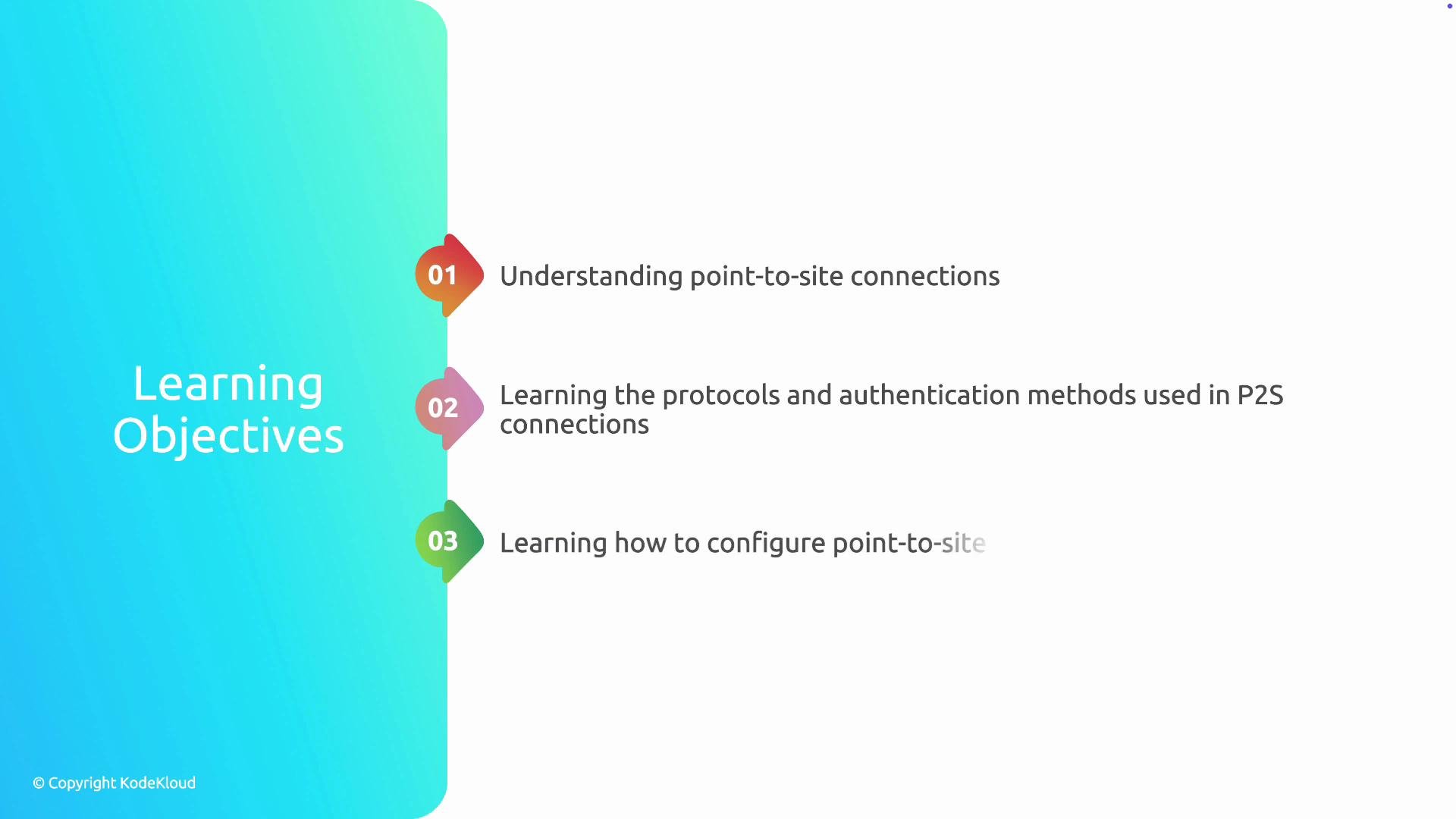
In this article you will:
* Understand what point-to-site connections are and when to use them.
* Learn the common P2S protocols and authentication methods.
* Configure a point-to-site connection in Azure.
Point-to-site connections support several VPN protocols and authentication modes. Below we summarize the options and provide guidance for choosing the right combination.
 ## P2S VPN Protocols
Use the table below to quickly compare supported P2S protocols and typical use cases:
| Protocol | Best for | Notes |
| -------- | -----------------------------------------------------------: | ---------------------------------------------------------------------------- |
| OpenVPN | Cross-platform clients (Windows, macOS, Linux, iOS, Android) | Highly recommended for most deployments due to wide support and flexibility. |
| SSTP | Windows clients or environments with restrictive firewalls | Works well through many firewalls because it uses HTTPS (TCP 443). |
| IKEv2 | Mobile devices and modern platforms | Fast and stable; good for roaming and rekeying connections. |
OpenVPN is generally the recommended default for point-to-site deployments because it supports the broadest range of clients and is actively maintained. Use SSTP when you must support older Windows clients behind strict firewalls, and choose IKEv2 for performance-sensitive mobile scenarios.
## Authentication Methods
Point-to-site VPNs can use different authentication mechanisms depending on your security requirements and existing infrastructure:
| Authentication method | Description | Typical use case |
| --------------------- | -------------------------------------------------------------------------------------: | ----------------------------------------------------------------------------------------------------------------------------------------------------------------------------------------------------------------------- |
| Certificate-based | Clients authenticate using certificates issued by a trusted root certificate authority | Best when you want per-device credentials without depending on external identity providers. |
| Microsoft Entra ID | User-based authentication via Azure AD (formerly Azure Active Directory) | Ideal for centralized, user-centric access and integration with Azure identity controls. ([What is Microsoft Entra ID?](https://learn.microsoft.com/en-us/azure/active-directory/fundamentals/active-directory-whatis)) |
| RADIUS server | Authentication forwarded to an on-premises or cloud RADIUS server | Use when you need to authenticate against an existing on-prem identity provider (e.g., LDAP, AD). |
Certificate-based authentication requires secure certificate issuance and lifecycle management. RADIUS-based setups may require connectivity between Azure and your on-premises network. Plan certificate distribution and RADIUS connectivity before deploying.
## Practical configuration steps
When configuring a point-to-site connection in Azure, follow these high-level steps:
1. Choose the VPN protocol(s) your clients require (OpenVPN, IKEv2, SSTP).
2. Select an authentication method (certificate, Microsoft Entra ID, or RADIUS).
3. Configure the Azure VPN Gateway and assign an appropriate VPN client address pool.
4. Upload or configure root and client certificates (for certificate auth) or register Azure AD (for Entra ID).
5. Generate and deploy client configuration files to remote devices, or provide client installers where applicable.
6. Test connectivity from representative clients and verify access to resources in the virtual network.
## Links and references
* [Azure VPN Gateway point-to-site overview](https://learn.microsoft.com/azure/vpn-gateway/vpn-gateway-about-vpn-gateway)
* [Microsoft Entra ID (Azure AD) overview](https://learn.microsoft.com/en-us/azure/active-directory/fundamentals/active-directory-whatis)
Use these resources for step-by-step Azure portal, PowerShell, or ARM/Terraform examples when implementing production P2S connections.
## P2S VPN Protocols
Use the table below to quickly compare supported P2S protocols and typical use cases:
| Protocol | Best for | Notes |
| -------- | -----------------------------------------------------------: | ---------------------------------------------------------------------------- |
| OpenVPN | Cross-platform clients (Windows, macOS, Linux, iOS, Android) | Highly recommended for most deployments due to wide support and flexibility. |
| SSTP | Windows clients or environments with restrictive firewalls | Works well through many firewalls because it uses HTTPS (TCP 443). |
| IKEv2 | Mobile devices and modern platforms | Fast and stable; good for roaming and rekeying connections. |
OpenVPN is generally the recommended default for point-to-site deployments because it supports the broadest range of clients and is actively maintained. Use SSTP when you must support older Windows clients behind strict firewalls, and choose IKEv2 for performance-sensitive mobile scenarios.
## Authentication Methods
Point-to-site VPNs can use different authentication mechanisms depending on your security requirements and existing infrastructure:
| Authentication method | Description | Typical use case |
| --------------------- | -------------------------------------------------------------------------------------: | ----------------------------------------------------------------------------------------------------------------------------------------------------------------------------------------------------------------------- |
| Certificate-based | Clients authenticate using certificates issued by a trusted root certificate authority | Best when you want per-device credentials without depending on external identity providers. |
| Microsoft Entra ID | User-based authentication via Azure AD (formerly Azure Active Directory) | Ideal for centralized, user-centric access and integration with Azure identity controls. ([What is Microsoft Entra ID?](https://learn.microsoft.com/en-us/azure/active-directory/fundamentals/active-directory-whatis)) |
| RADIUS server | Authentication forwarded to an on-premises or cloud RADIUS server | Use when you need to authenticate against an existing on-prem identity provider (e.g., LDAP, AD). |
Certificate-based authentication requires secure certificate issuance and lifecycle management. RADIUS-based setups may require connectivity between Azure and your on-premises network. Plan certificate distribution and RADIUS connectivity before deploying.
## Practical configuration steps
When configuring a point-to-site connection in Azure, follow these high-level steps:
1. Choose the VPN protocol(s) your clients require (OpenVPN, IKEv2, SSTP).
2. Select an authentication method (certificate, Microsoft Entra ID, or RADIUS).
3. Configure the Azure VPN Gateway and assign an appropriate VPN client address pool.
4. Upload or configure root and client certificates (for certificate auth) or register Azure AD (for Entra ID).
5. Generate and deploy client configuration files to remote devices, or provide client installers where applicable.
6. Test connectivity from representative clients and verify access to resources in the virtual network.
## Links and references
* [Azure VPN Gateway point-to-site overview](https://learn.microsoft.com/azure/vpn-gateway/vpn-gateway-about-vpn-gateway)
* [Microsoft Entra ID (Azure AD) overview](https://learn.microsoft.com/en-us/azure/active-directory/fundamentals/active-directory-whatis)
Use these resources for step-by-step Azure portal, PowerShell, or ARM/Terraform examples when implementing production P2S connections.