> ## Documentation Index
> Fetch the complete documentation index at: https://notes.kodekloud.com/llms.txt
> Use this file to discover all available pages before exploring further.
# Introduction
> Lesson on deploying and managing Network Virtual Appliances in Azure Virtual Hubs, including attachment, routing, IP configuration, monitoring, and traffic verification
Welcome — this lesson covers Network Virtual Appliances (NVAs) in Azure Virtual Hubs.
Network Virtual Appliances are virtualized network devices—firewalls, routers, load balancers, and other network functions—implemented as virtual machines in your Azure environment. NVAs deliver the same packet-processing, inspection, and routing capabilities as physical appliances but with the flexibility, scalability, and automation benefits of cloud infrastructure.
Typical NVA use cases:
* Centralized security (next-gen firewalls, IDS/IPS)
* Advanced routing and traffic inspection
* WAN optimization and traffic shaping
* SSL/TLS inspection and application-level gateways
Learning outcomes:
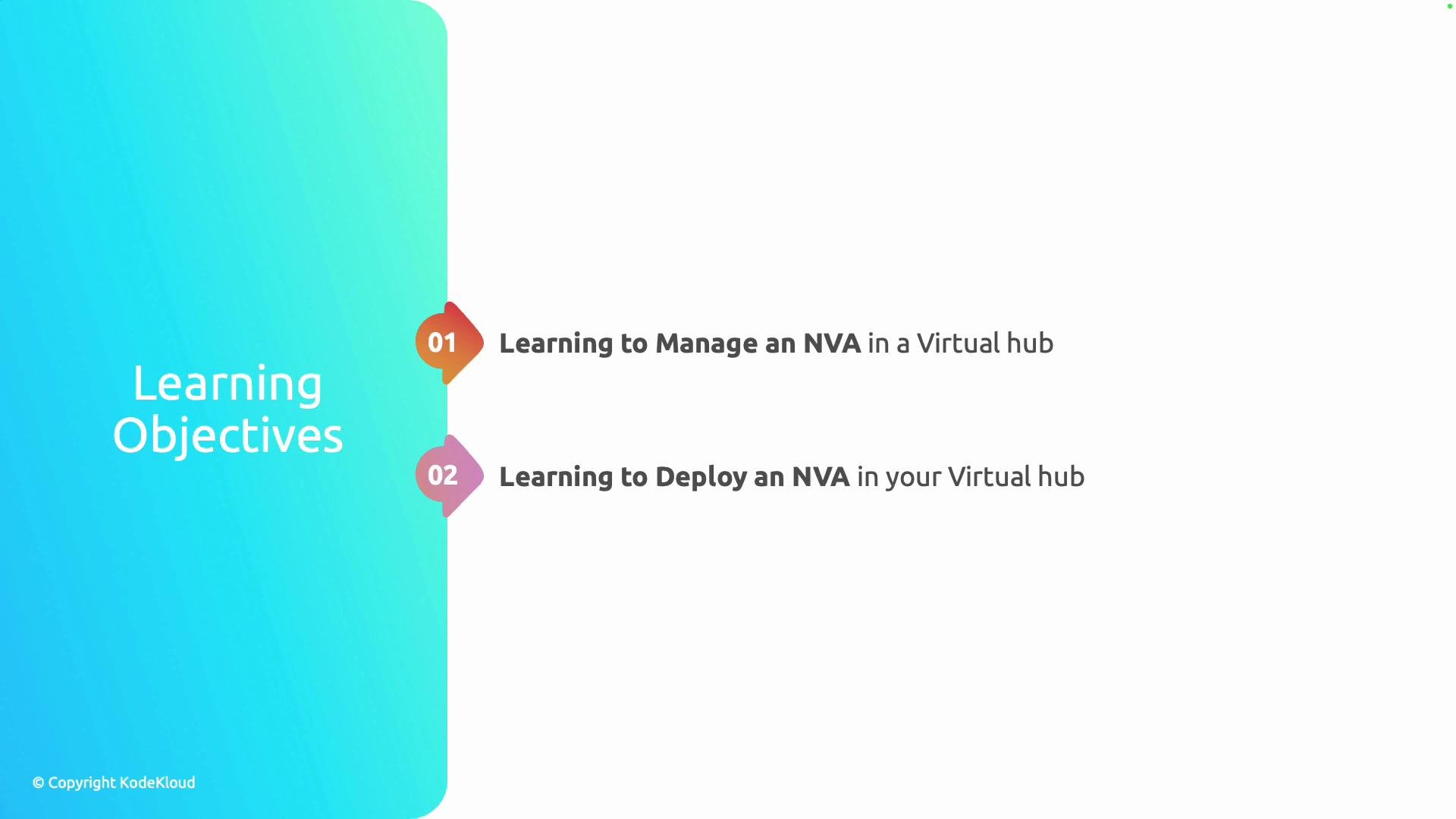
* How to monitor and manage an NVA deployed in an Azure Virtual Hub
* How to deploy an NVA into a Virtual Hub: attach it to the hub, configure routing and IPs, and verify traffic flows
| Learning Objective | What you'll be able to do |
| -------------------------------- | ------------------------------------------------------------------------------------------------ |
| Manage an NVA in a virtual hub | Monitor health, apply configuration updates, and perform lifecycle tasks |
| Deploy an NVA into a virtual hub | Create and attach the appliance, configure routing and IP assignments, and validate traffic flow |
This is a short module. By the end of this lesson you will understand the core steps for deploying and managing NVAs within an Azure Virtual Hub and where to find deeper configuration details.
 Further reading and references:
* [Azure Virtual WAN overview](https://learn.microsoft.com/azure/virtual-wan/virtual-wan-about)
* [Network Virtual Appliance partners and marketplace images](https://learn.microsoft.com/azure/virtual-wan/virtual-appliances-overview)
* [Azure Virtual Hub routing concepts](https://learn.microsoft.com/azure/virtual-wan/virtual-hub-routing)
Further reading and references:
* [Azure Virtual WAN overview](https://learn.microsoft.com/azure/virtual-wan/virtual-wan-about)
* [Network Virtual Appliance partners and marketplace images](https://learn.microsoft.com/azure/virtual-wan/virtual-appliances-overview)
* [Azure Virtual Hub routing concepts](https://learn.microsoft.com/azure/virtual-wan/virtual-hub-routing)