> ## Documentation Index
> Fetch the complete documentation index at: https://notes.kodekloud.com/llms.txt
> Use this file to discover all available pages before exploring further.
# Introduction
> Guide to deploying and configuring Azure Network Security Groups, explaining default rules, effective rule calculation, custom rules, service tags, and application security groups
Deploy and configure Network Security Groups (NSGs) in Azure to control traffic flow to and from resources connected to Virtual Networks. NSGs are a fundamental building block for network security in Azure—think of them as traffic controllers that evaluate and permit or deny traffic based on rules you define.
What you'll learn in this lesson:
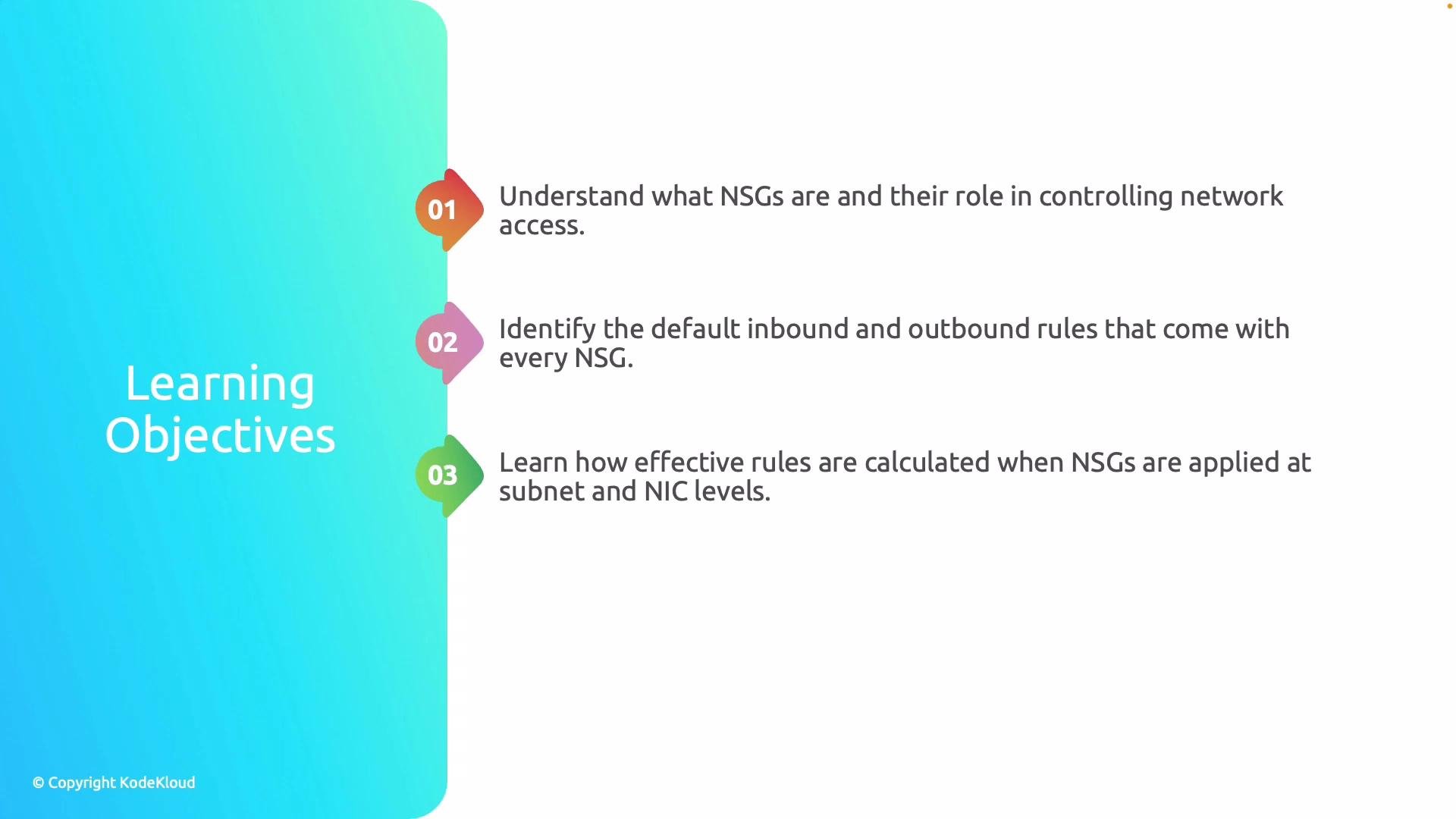
* The core concept of NSGs and why they are critical for cloud network access control.
* The default inbound and outbound rules that come with every NSG and the rationale behind them.
* How Azure determines the final, effective rule set when NSGs are applied at both subnet and NIC (network interface) levels.
* How to author custom rules to enforce specific security requirements.
* How service tags simplify rule creation for Azure-managed IP ranges.
* How Application Security Groups (ASGs) let you group VMs logically and use those groups within NSG rules.
 Before you start: familiarity with Azure Virtual Networks, subnets, and basic VM networking concepts will help you apply NSGs effectively. For detailed platform documentation, see the [Azure Network Security Groups overview](https://learn.microsoft.com/azure/virtual-network/network-security-groups-overview).
Why this matters for security and operations:
* NSGs provide fine-grained control over traffic at the subnet and NIC level, enabling least-privilege network access.
* Default rules provide safety and connectivity out of the box but may not meet your security posture—understanding them prevents accidental exposure.
* Combining NSGs with service tags and ASGs improves manageability and scalability as your environment grows.
Topics at a glance
| Topic | What you'll get |
| ---------------------------------- | -------------------------------------------------------------------------------- |
| NSG fundamentals | Clear conceptual explanation and usage patterns for Azure NSGs |
| Default NSG rules | Which default rules exist and why Azure includes them |
| Effective rules calculation | How rules at subnet + NIC are combined to produce the final permit/deny decision |
| Custom rules | How to craft priority and direction for secure traffic controls |
| Service tags | How to reference Azure services by tag instead of IP addresses |
| Application Security Groups (ASGs) | How to group VMs and apply NSG rules to groups rather than individual NICs |
By the end of this lesson you'll understand NSGs both conceptually and practically, and you will be ready to design and deploy NSGs that meet your security requirements while keeping operational overhead manageable.
Before you start: familiarity with Azure Virtual Networks, subnets, and basic VM networking concepts will help you apply NSGs effectively. For detailed platform documentation, see the [Azure Network Security Groups overview](https://learn.microsoft.com/azure/virtual-network/network-security-groups-overview).
Why this matters for security and operations:
* NSGs provide fine-grained control over traffic at the subnet and NIC level, enabling least-privilege network access.
* Default rules provide safety and connectivity out of the box but may not meet your security posture—understanding them prevents accidental exposure.
* Combining NSGs with service tags and ASGs improves manageability and scalability as your environment grows.
Topics at a glance
| Topic | What you'll get |
| ---------------------------------- | -------------------------------------------------------------------------------- |
| NSG fundamentals | Clear conceptual explanation and usage patterns for Azure NSGs |
| Default NSG rules | Which default rules exist and why Azure includes them |
| Effective rules calculation | How rules at subnet + NIC are combined to produce the final permit/deny decision |
| Custom rules | How to craft priority and direction for secure traffic controls |
| Service tags | How to reference Azure services by tag instead of IP addresses |
| Application Security Groups (ASGs) | How to group VMs and apply NSG rules to groups rather than individual NICs |
By the end of this lesson you'll understand NSGs both conceptually and practically, and you will be ready to design and deploy NSGs that meet your security requirements while keeping operational overhead manageable.