> ## Documentation Index
> Fetch the complete documentation index at: https://notes.kodekloud.com/llms.txt
> Use this file to discover all available pages before exploring further.
# Introduction
> Overview of Azure VNet name resolution and DNS management including Azure resolver, Private DNS zones, custom DNS, DNS delegation, and best practices for secure multi VNet connectivity
Welcome to the lesson on name resolution in Azure Virtual Networks. This module explains how DNS works in Azure for both public and private scenarios and shows how to customize resolution for secure, reliable connectivity across resources and VNets.
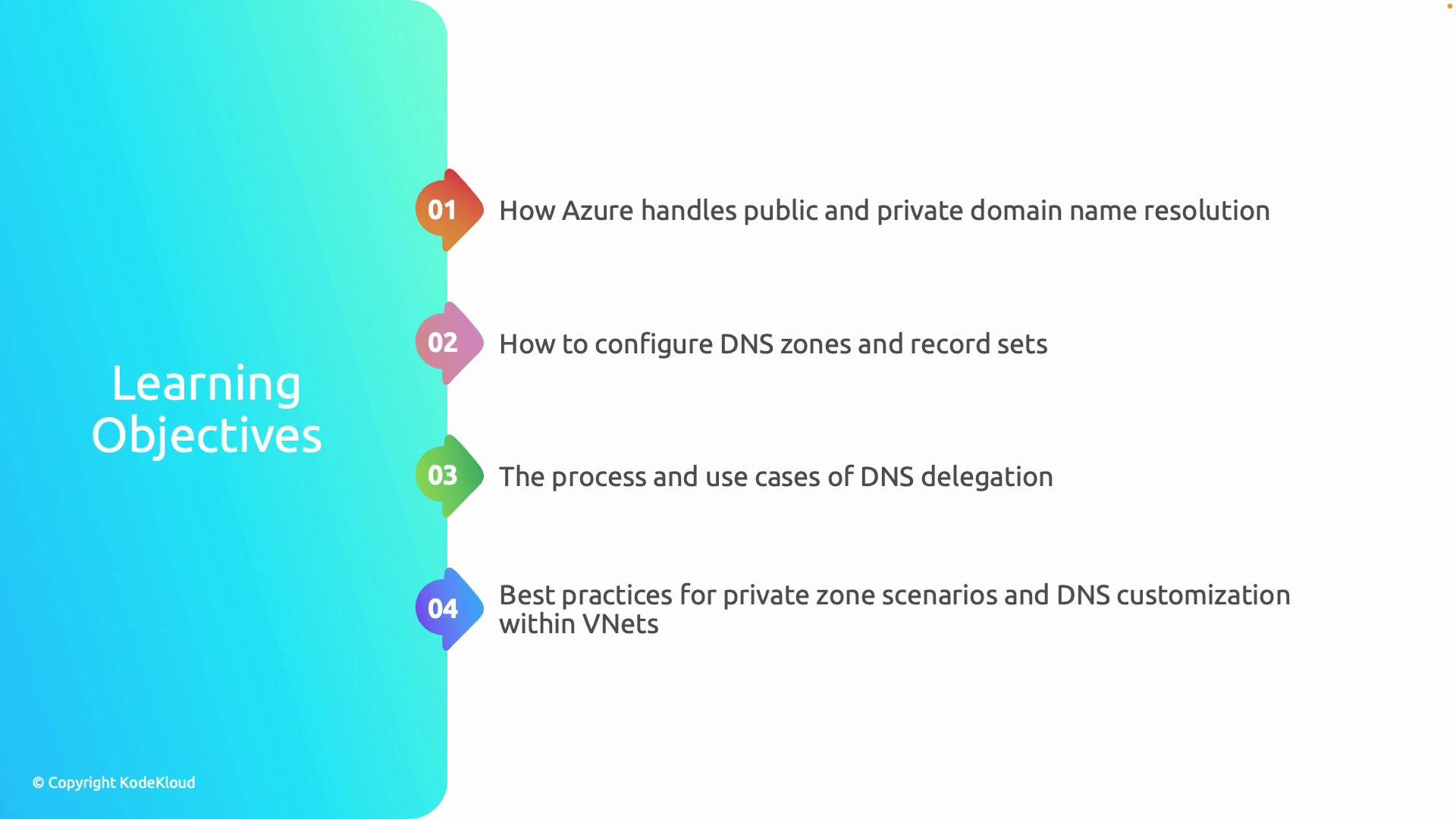
What you'll learn:
* How Azure-provided name resolution differs from custom DNS servers and services.
* How to create and manage DNS zones and records (A records, CNAMEs, etc.) to map names to Azure resources.
* How to configure Azure Private DNS zones for secure, internal name resolution across virtual networks.
* When and how to implement DNS delegation to split DNS management or delegate subdomain authority.
* Best practices for name resolution and DNS customization within Virtual Networks (VNets).
Learning outcomes mapped to examples and tasks:
| Outcome | Example / Task |
| ---------------------------------------- | --------------------------------------------------------------------------------------- |
| Distinguish Azure DNS vs custom DNS | Understand Azure Recursive Resolver and when to deploy custom DNS servers or forwarders |
| Create and manage DNS zones | Create a Public or Private DNS zone in the Azure portal; add `A` and `CNAME` records |
| Configure Private DNS zones across VNets | Link a Private DNS zone to one or more VNets for name resolution across subscriptions |
| Implement DNS delegation | Delegate a subdomain to another DNS zone or on-premises DNS using NS records |
| Apply best practices | Use conditional forwarding, split-horizon DNS, and secure DNS zone management |
 This lesson covers how Azure automatically assigns DNS settings to virtual machines and platform services in a VNet, how the Azure recursive resolver handles internal lookups, and how to override or extend that behavior with custom DNS or Private DNS zones. You will see common deployment patterns that enable discovery across multiple VNets and subscriptions while maintaining security boundaries.
Note: Azure’s platform DNS resolver is available to VMs and PaaS services in a VNet and simplifies internal name resolution. When you need advanced control—such as custom forwarders, conditional forwarding, split-horizon DNS, or integration with on-premises DNS—you can configure your own DNS servers or use Azure Private DNS zones. See the Azure DNS documentation for details.
We conclude the lesson with a real configuration example and a concise summary of recommended practices so you can design name resolution that is predictable, secure, and easy to manage across teams and environments.
Links and references
* [Azure DNS documentation](https://learn.microsoft.com/azure/dns/)
* [Azure Private DNS overview](https://learn.microsoft.com/azure/dns/private-dns-overview)
* [Name resolution for VMs and role instances in Azure VNets](https://learn.microsoft.com/azure/virtual-network/virtual-networks-name-resolution-for-vms-and-role-instances)
* [Delegating domain or subdomain to Azure DNS](https://learn.microsoft.com/azure/dns/dns-delegate-domain-subdomain)
This lesson covers how Azure automatically assigns DNS settings to virtual machines and platform services in a VNet, how the Azure recursive resolver handles internal lookups, and how to override or extend that behavior with custom DNS or Private DNS zones. You will see common deployment patterns that enable discovery across multiple VNets and subscriptions while maintaining security boundaries.
Note: Azure’s platform DNS resolver is available to VMs and PaaS services in a VNet and simplifies internal name resolution. When you need advanced control—such as custom forwarders, conditional forwarding, split-horizon DNS, or integration with on-premises DNS—you can configure your own DNS servers or use Azure Private DNS zones. See the Azure DNS documentation for details.
We conclude the lesson with a real configuration example and a concise summary of recommended practices so you can design name resolution that is predictable, secure, and easy to manage across teams and environments.
Links and references
* [Azure DNS documentation](https://learn.microsoft.com/azure/dns/)
* [Azure Private DNS overview](https://learn.microsoft.com/azure/dns/private-dns-overview)
* [Name resolution for VMs and role instances in Azure VNets](https://learn.microsoft.com/azure/virtual-network/virtual-networks-name-resolution-for-vms-and-role-instances)
* [Delegating domain or subdomain to Azure DNS](https://learn.microsoft.com/azure/dns/dns-delegate-domain-subdomain)