> ## Documentation Index
> Fetch the complete documentation index at: https://notes.kodekloud.com/llms.txt
> Use this file to discover all available pages before exploring further.
# Introduction
> Intro to Azure Virtual Networks covering VNets, CIDR IP planning, subnetting, private versus dynamic IPs, and region and subscription design for secure, scalable networking
Welcome to the very first module of our Azure networking journey.
Because [AZ-700: Designing and Implementing Microsoft Azure Networking Solutions](https://learn.kodekloud.com/user/courses/az-700-designing-and-implementing-microsoft-azure-networking-solutions) focuses on Azure networking, we begin with the foundation: the Virtual Network (VNet). A VNet is your private network in the cloud — the environment where virtual machines, databases, and applications communicate securely and remain isolated from the public Internet unless you explicitly expose resources via public IPs, load balancers, or NAT.
Understanding VNets gives you a solid base for every other Azure networking topic. This lesson introduces the core concepts you need to design, secure, and operate Azure networks.
Key topics covered:
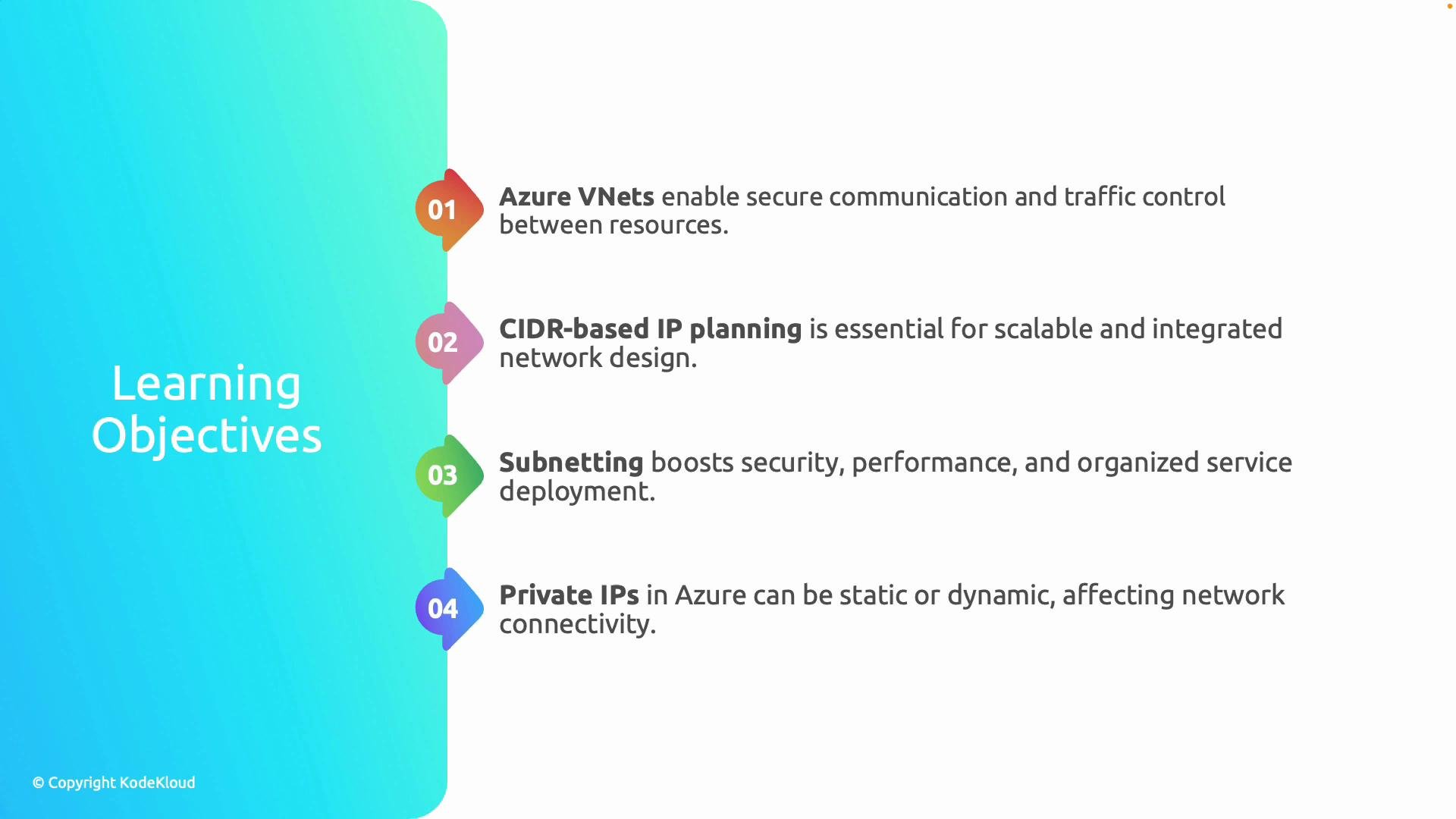
* Azure VNets and secure traffic control between resources.
* CIDR-based IP planning for scalable address allocation.
* Subnetting to organize services and apply security boundaries.
* Private IP addressing behavior (static vs dynamic).
* Region and subscription design for performance, compliance, and governance.
 Azure assigns private IPs via an internal DHCP service. A `dynamic` private IP is allocated to the network interface and typically persists for the interface lifetime. To guarantee a persistent address (for example, a database endpoint), configure a `static` private IP.
Core concepts at a glance:
| Concept | Why it matters | Quick example |
| ---------------------------: | -------------------------------------------------------------------- | ------------------------------------------------------------------------ |
| VNet | Isolates and connects Azure resources; supports peering and gateways | Use a VNet to host web and DB tiers that talk privately |
| CIDR-based IP planning | Efficiently defines address ranges and enables subnetting | `10.1.0.0/16` gives 65,534 hosts and can be split into `/24` subnets |
| Subnetting | Segments the VNet for security and traffic control | Separate subnets for `web`, `application`, and `db` with NSGs per subnet |
| Private IP addressing | Static vs dynamic affects service reachability | Use static private IP for a database endpoint that must not change |
| Region & subscription design | Affects latency, compliance, and management boundaries | Use regions close to users and separate subscriptions for prod/dev |
Subnetting helps you enforce boundaries and policies in a predictable way:
* Place public-facing web servers in a subnet with outbound NAT (NAT Gateway) or assign a public IP to the load balancer.
* Keep databases in a restricted subnet with no direct Internet access and strict Network Security Group (NSG) rules.
* Use a separate management subnet for administrative access and bastion hosts.
Geography and subscription placement affect both performance and governance:
* Deploy VNets in regions that minimize latency for users and satisfy data-residency laws.
* Separate subscriptions to isolate billing, access control, and environments (production, development, testing).
Azure assigns private IPs via an internal DHCP service. A `dynamic` private IP is allocated to the network interface and typically persists for the interface lifetime. To guarantee a persistent address (for example, a database endpoint), configure a `static` private IP.
Core concepts at a glance:
| Concept | Why it matters | Quick example |
| ---------------------------: | -------------------------------------------------------------------- | ------------------------------------------------------------------------ |
| VNet | Isolates and connects Azure resources; supports peering and gateways | Use a VNet to host web and DB tiers that talk privately |
| CIDR-based IP planning | Efficiently defines address ranges and enables subnetting | `10.1.0.0/16` gives 65,534 hosts and can be split into `/24` subnets |
| Subnetting | Segments the VNet for security and traffic control | Separate subnets for `web`, `application`, and `db` with NSGs per subnet |
| Private IP addressing | Static vs dynamic affects service reachability | Use static private IP for a database endpoint that must not change |
| Region & subscription design | Affects latency, compliance, and management boundaries | Use regions close to users and separate subscriptions for prod/dev |
Subnetting helps you enforce boundaries and policies in a predictable way:
* Place public-facing web servers in a subnet with outbound NAT (NAT Gateway) or assign a public IP to the load balancer.
* Keep databases in a restricted subnet with no direct Internet access and strict Network Security Group (NSG) rules.
* Use a separate management subnet for administrative access and bastion hosts.
Geography and subscription placement affect both performance and governance:
* Deploy VNets in regions that minimize latency for users and satisfy data-residency laws.
* Separate subscriptions to isolate billing, access control, and environments (production, development, testing).
 By mastering these fundamentals — VNets, CIDR planning, subnetting, private IP behavior, and region/subscription strategy — you'll be ready to design resilient, secure, and compliant Azure networking solutions. Ready to get started?
Links and references
* [Azure Virtual Network documentation](https://learn.microsoft.com/azure/virtual-network/)
* [AZ-700: Designing and Implementing Microsoft Azure Networking Solutions (course)](https://learn.kodekloud.com/user/courses/az-700-designing-and-implementing-microsoft-azure-networking-solutions)
* [CIDR notation overview](https://en.wikipedia.org/wiki/Classless_Inter-Domain_Routing)
By mastering these fundamentals — VNets, CIDR planning, subnetting, private IP behavior, and region/subscription strategy — you'll be ready to design resilient, secure, and compliant Azure networking solutions. Ready to get started?
Links and references
* [Azure Virtual Network documentation](https://learn.microsoft.com/azure/virtual-network/)
* [AZ-700: Designing and Implementing Microsoft Azure Networking Solutions (course)](https://learn.kodekloud.com/user/courses/az-700-designing-and-implementing-microsoft-azure-networking-solutions)
* [CIDR notation overview](https://en.wikipedia.org/wiki/Classless_Inter-Domain_Routing)