> ## Documentation Index
> Fetch the complete documentation index at: https://notes.kodekloud.com/llms.txt
> Use this file to discover all available pages before exploring further.
# Network Security Controls
> Describes network security controls, their Azure service mappings, and how Microsoft Defender for Cloud and the Microsoft Cloud Security Benchmark enforce and monitor layered defenses.
Network security controls are the measures and configurations you implement to protect cloud and on‑premises networks. This lesson explains the essential controls, why they matter, and how they map to cloud security guidance and tooling so you can design a layered, auditable defense.
The core controls
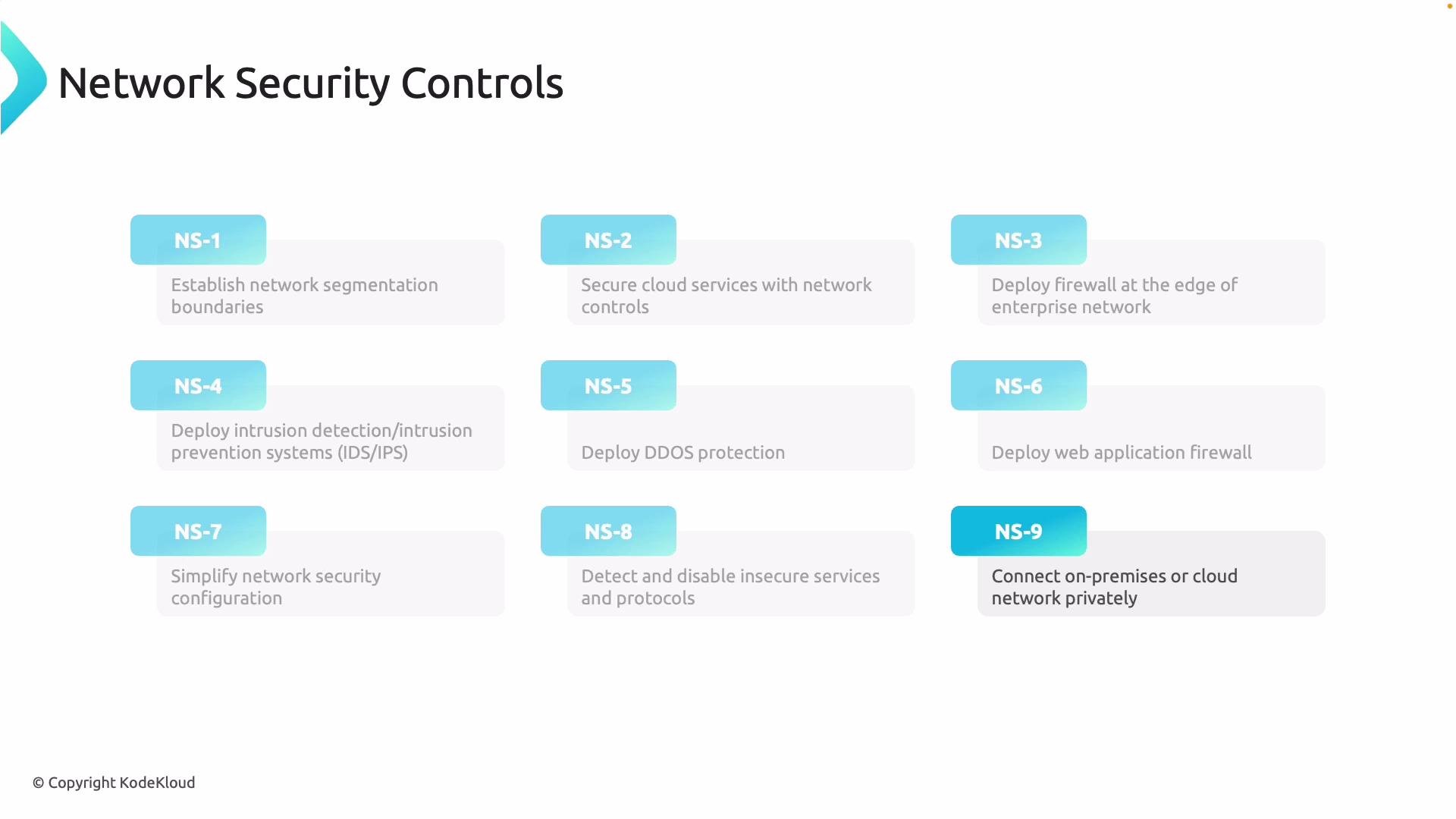
* Establish network segmentation boundaries — divide your network into smaller segments (subnets, VNets, virtual networks, or security zones) to limit lateral movement and contain incidents.
* Secure cloud services with network controls — use access restrictions, Network Security Groups (NSGs) or ACLs, private endpoints, and service-level controls to reduce exposure and restrict who can reach resources.
* Deploy perimeter and internal firewalls — inspect and filter traffic at the edge and between segments; enforce consistent policy across zones.
* Use IDS and IPS — intrusion detection systems (IDS) identify suspicious activity; intrusion prevention systems (IPS) can block or mitigate malicious traffic before workloads are impacted.
* Defend against large-scale availability attacks — use DDoS protection services to absorb or mitigate volumetric attacks that aim to overwhelm your applications.
* Deploy a Web Application Firewall (WAF) — place a WAF in front of web-facing applications to block application-layer threats like SQL injection and cross-site scripting.
* Use policy and guardrails — implement built-in security policies, role-based access control (RBAC), and automation to apply controls consistently across subscriptions and tenants.
* Continuously discover and remediate — perform regular scans and inventory to find weak, misconfigured, or out-of-date services and either remediate or decommission them.
* Use secure private connectivity — when handling sensitive traffic, prefer Private Link, ExpressRoute, or dedicated circuits; use VPNs for encrypted transit when private circuits are unavailable.
These controls together form a layered defense for on‑premises, cloud, and hybrid environments.
 Mapping controls to common Azure services
| Network control | Purpose | Example Azure services / features |
| ------------------------------ | ---------------------------------------------: | ---------------------------------------------------------- |
| Network segmentation | Limit blast radius and isolate workloads | `Virtual Networks`, subnets, `NSG`, route tables |
| Cloud service network controls | Restrict access to managed services | `Private Link`, service endpoints, `NSG`, `Azure Firewall` |
| Perimeter/internal firewall | Inspect and enforce traffic policies | `Azure Firewall`, firewall policies, Application Gateway |
| IDS / IPS | Detect and prevent malicious traffic | `Azure Network Watcher`, third-party IDS/IPS appliances |
| DDoS protection | Protect availability from volumetric attacks | `Azure DDoS Protection` |
| WAF | Protect apps at the HTTP layer | `Azure WAF` (on Application Gateway, Front Door) |
| Policy & guardrails | Enforce secure configurations at scale | `Azure Policy`, `Blueprints`, RBAC |
| Discovery & remediation | Maintain secure posture over time | `Microsoft Defender for Cloud`, vulnerability scanning |
| Private connectivity | Keep sensitive traffic off the public internet | `ExpressRoute`, `VPN Gateway`, `Private Endpoint` |
These mappings help you choose the right Azure features when implementing each control.
These controls are not just best practices — they are the elements that [Microsoft Defender for Cloud](https://learn.microsoft.com/en-us/azure/defender-for-cloud/) evaluates to produce security and compliance recommendations and reports.
Microsoft Defender for Cloud assesses these network controls and provides prioritized recommendations, continuous posture monitoring, and compliance insights.
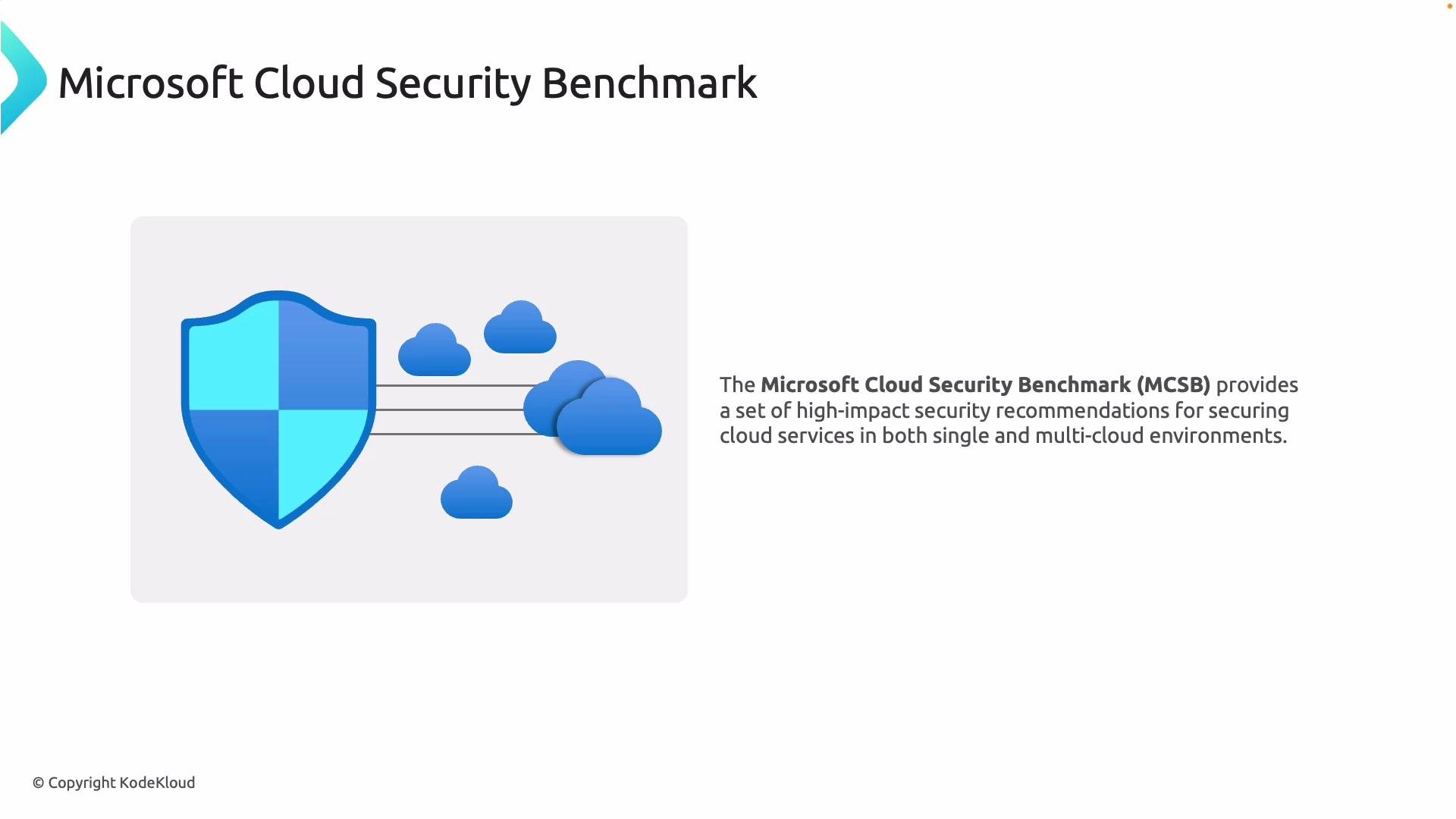
The [Microsoft Cloud Security Benchmark (MCSB)](https://learn.microsoft.com/en-us/security/benchmark/microsoft-cloud-security-benchmark) is a curated set of high‑impact, actionable security recommendations designed to secure cloud environments consistently across services and teams.
Mapping controls to common Azure services
| Network control | Purpose | Example Azure services / features |
| ------------------------------ | ---------------------------------------------: | ---------------------------------------------------------- |
| Network segmentation | Limit blast radius and isolate workloads | `Virtual Networks`, subnets, `NSG`, route tables |
| Cloud service network controls | Restrict access to managed services | `Private Link`, service endpoints, `NSG`, `Azure Firewall` |
| Perimeter/internal firewall | Inspect and enforce traffic policies | `Azure Firewall`, firewall policies, Application Gateway |
| IDS / IPS | Detect and prevent malicious traffic | `Azure Network Watcher`, third-party IDS/IPS appliances |
| DDoS protection | Protect availability from volumetric attacks | `Azure DDoS Protection` |
| WAF | Protect apps at the HTTP layer | `Azure WAF` (on Application Gateway, Front Door) |
| Policy & guardrails | Enforce secure configurations at scale | `Azure Policy`, `Blueprints`, RBAC |
| Discovery & remediation | Maintain secure posture over time | `Microsoft Defender for Cloud`, vulnerability scanning |
| Private connectivity | Keep sensitive traffic off the public internet | `ExpressRoute`, `VPN Gateway`, `Private Endpoint` |
These mappings help you choose the right Azure features when implementing each control.
These controls are not just best practices — they are the elements that [Microsoft Defender for Cloud](https://learn.microsoft.com/en-us/azure/defender-for-cloud/) evaluates to produce security and compliance recommendations and reports.
Microsoft Defender for Cloud assesses these network controls and provides prioritized recommendations, continuous posture monitoring, and compliance insights.
The [Microsoft Cloud Security Benchmark (MCSB)](https://learn.microsoft.com/en-us/security/benchmark/microsoft-cloud-security-benchmark) is a curated set of high‑impact, actionable security recommendations designed to secure cloud environments consistently across services and teams.
 How the MCSB organizes guidance
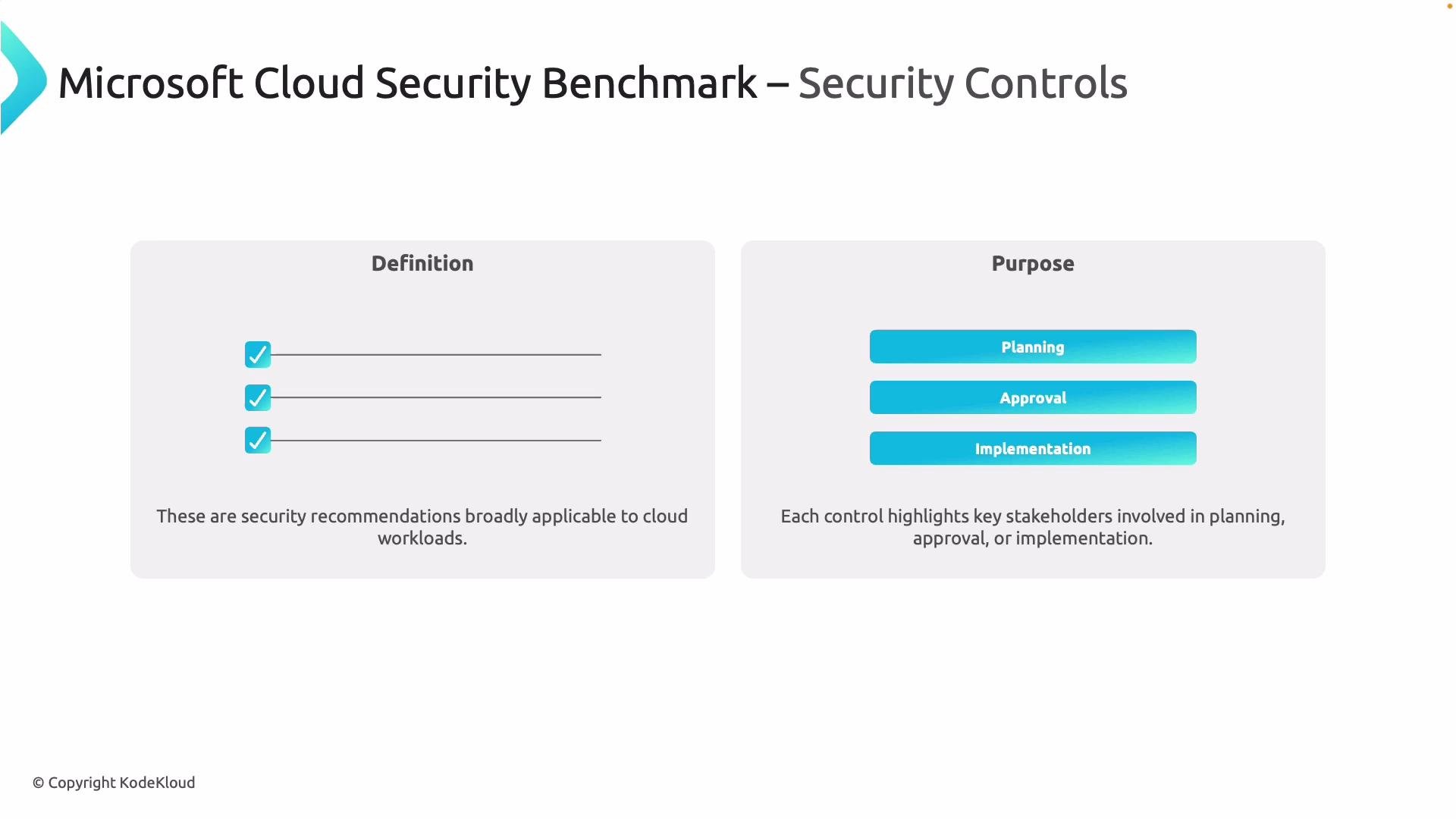
The MCSB groups security guidance into controls — these are service‑agnostic, high‑level recommendations describing what to protect and which teams should be involved. Controls help you plan, approve, and coordinate security improvements across teams and workloads.
How the MCSB organizes guidance
The MCSB groups security guidance into controls — these are service‑agnostic, high‑level recommendations describing what to protect and which teams should be involved. Controls help you plan, approve, and coordinate security improvements across teams and workloads.
 Service baselines: turning controls into actionable configurations
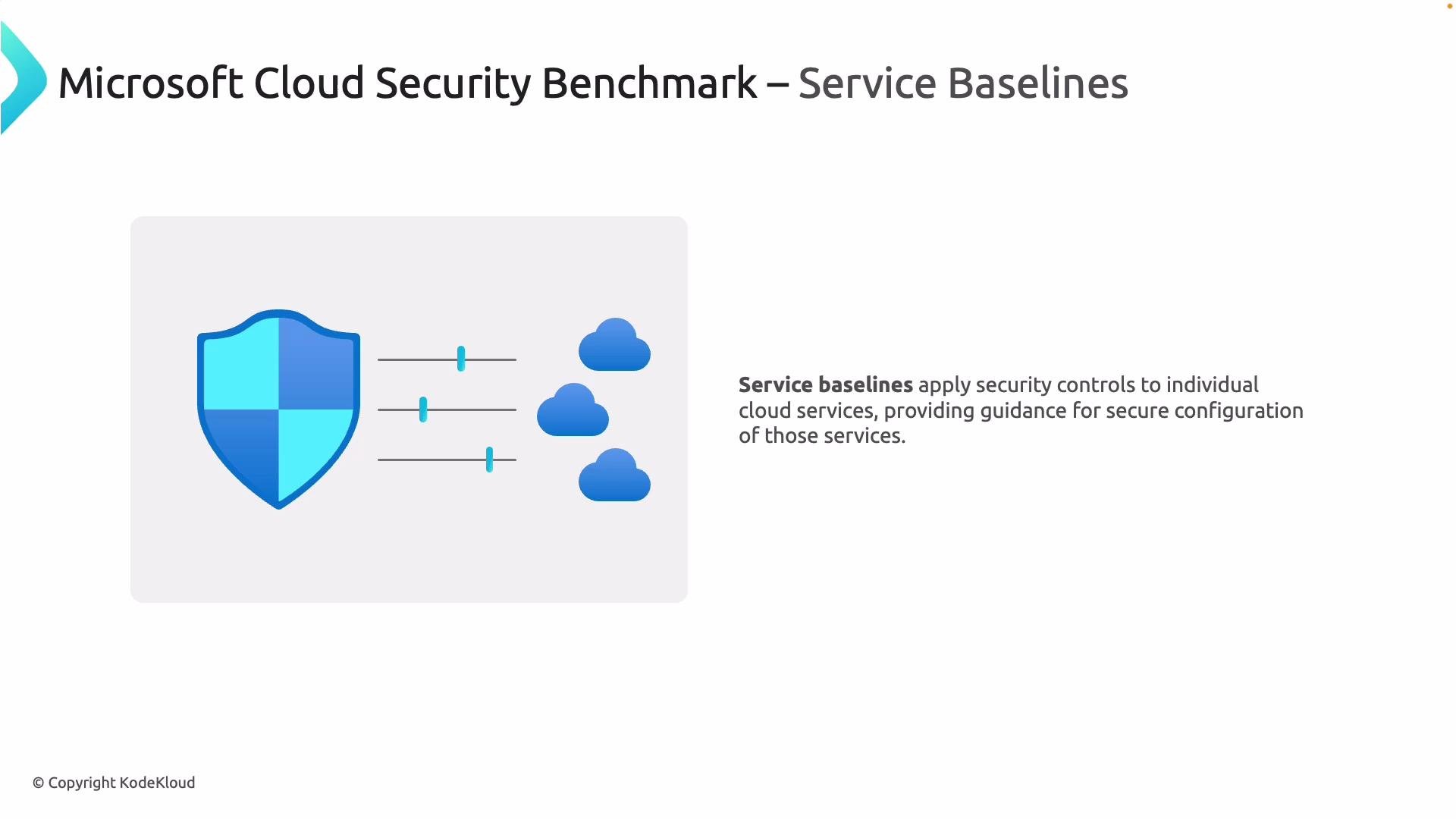
Service baselines take an MCSB control and specify how it should be implemented for a particular Azure service. A baseline lists concrete configurations, settings, and practices you must apply to meet the control for that service — providing auditable, repeatable guidance.
Service baselines: turning controls into actionable configurations
Service baselines take an MCSB control and specify how it should be implemented for a particular Azure service. A baseline lists concrete configurations, settings, and practices you must apply to meet the control for that service — providing auditable, repeatable guidance.
 Summary and practical guidance
* Control = high-level security requirement (for example, protect data-in-transit).
* Baseline = specific implementation for a given service (for example, Azure SQL baseline listing network and configuration requirements).
Understanding this distinction helps you translate organizational security objectives into service-level configurations and compliance checks. Use Defender for Cloud and the MCSB as tools to continuously measure, prioritize, and enforce these controls across subscriptions and workloads.
Microsoft Defender for Cloud uses controls and baselines to generate recommendations and compliance reports that help you track remediation progress and demonstrate improved security posture. For more details, see the [Defender for Cloud documentation](https://learn.microsoft.com/en-us/azure/defender-for-cloud/) and the [Microsoft Cloud Security Benchmark](https://learn.microsoft.com/en-us/security/benchmark/microsoft-cloud-security-benchmark).
Summary and practical guidance
* Control = high-level security requirement (for example, protect data-in-transit).
* Baseline = specific implementation for a given service (for example, Azure SQL baseline listing network and configuration requirements).
Understanding this distinction helps you translate organizational security objectives into service-level configurations and compliance checks. Use Defender for Cloud and the MCSB as tools to continuously measure, prioritize, and enforce these controls across subscriptions and workloads.
Microsoft Defender for Cloud uses controls and baselines to generate recommendations and compliance reports that help you track remediation progress and demonstrate improved security posture. For more details, see the [Defender for Cloud documentation](https://learn.microsoft.com/en-us/azure/defender-for-cloud/) and the [Microsoft Cloud Security Benchmark](https://learn.microsoft.com/en-us/security/benchmark/microsoft-cloud-security-benchmark).