> ## Documentation Index
> Fetch the complete documentation index at: https://notes.kodekloud.com/llms.txt
> Use this file to discover all available pages before exploring further.
# Introduction
> Guide to using Azure Network Watcher to monitor, diagnose, and troubleshoot virtual network connectivity, NSG rules, packet capture, routing, and VPN issues
Monitor and troubleshoot your Azure networking stack with Azure Network Watcher.
Azure Network Watcher is the centralized Azure service for monitoring, diagnosing, and troubleshooting networking issues across virtual networks, VPN/hybrid connections, and connected resources. It provides visualization and reactive diagnostic tools to identify connectivity problems, validate security rules, and analyze traffic patterns.
In this lesson you will learn how to use Network Watcher to:
* Visualize the structure and relationships of network resources inside your Azure virtual networks.
* Monitor and analyze connectivity between resources, including on-premises to cloud connections.
* Verify whether a specific IP flow is allowed or denied by Network Security Group (NSG) rules.
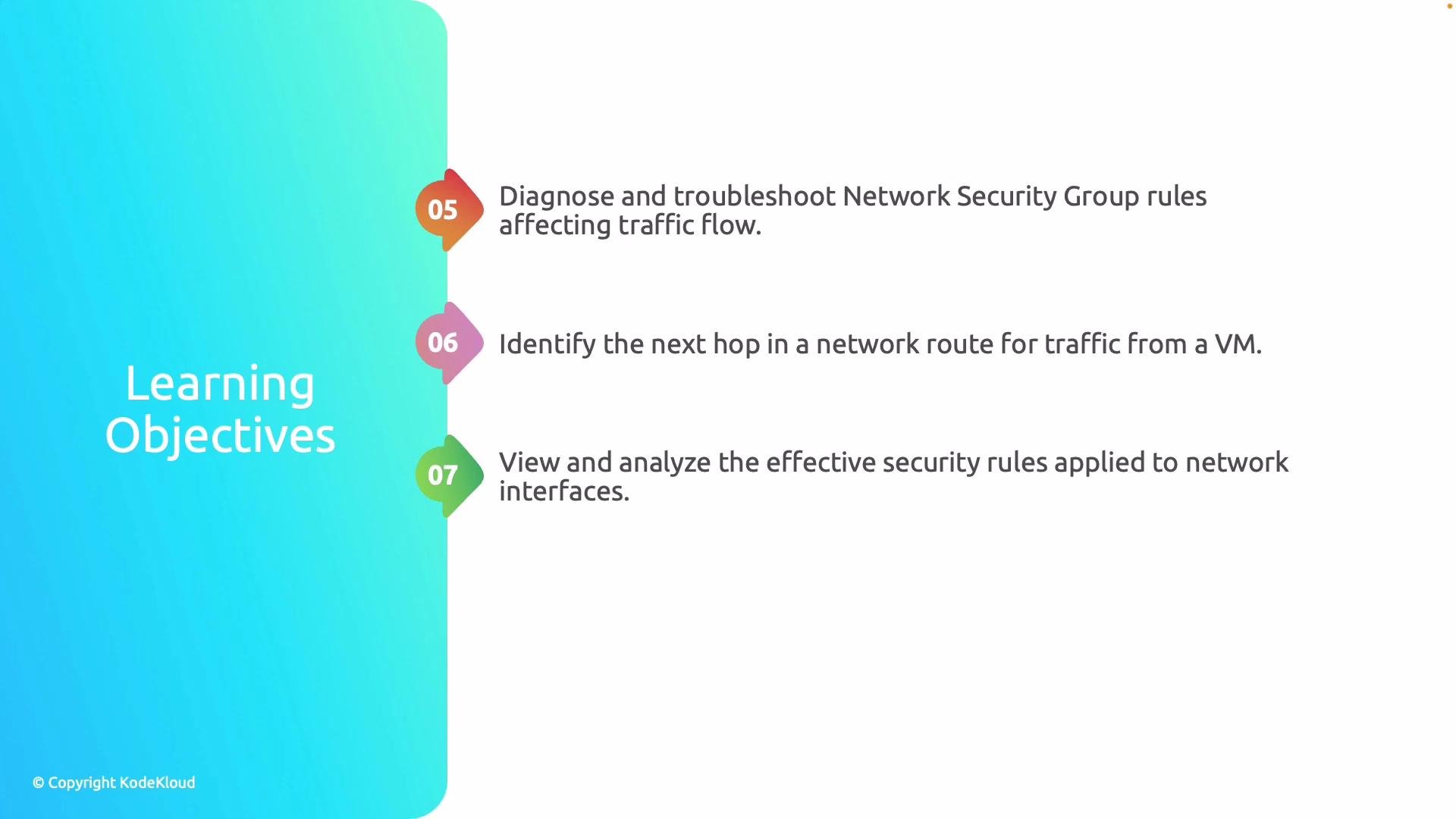
* Diagnose and troubleshoot how NSG rules affect traffic flow.
* Identify the next hop for network traffic from a virtual machine.
* Review the effective security rules applied to a network interface.
 Additional objectives covered in this lesson:
* Troubleshooting and analyzing VPN gateway and VPN connection issues.
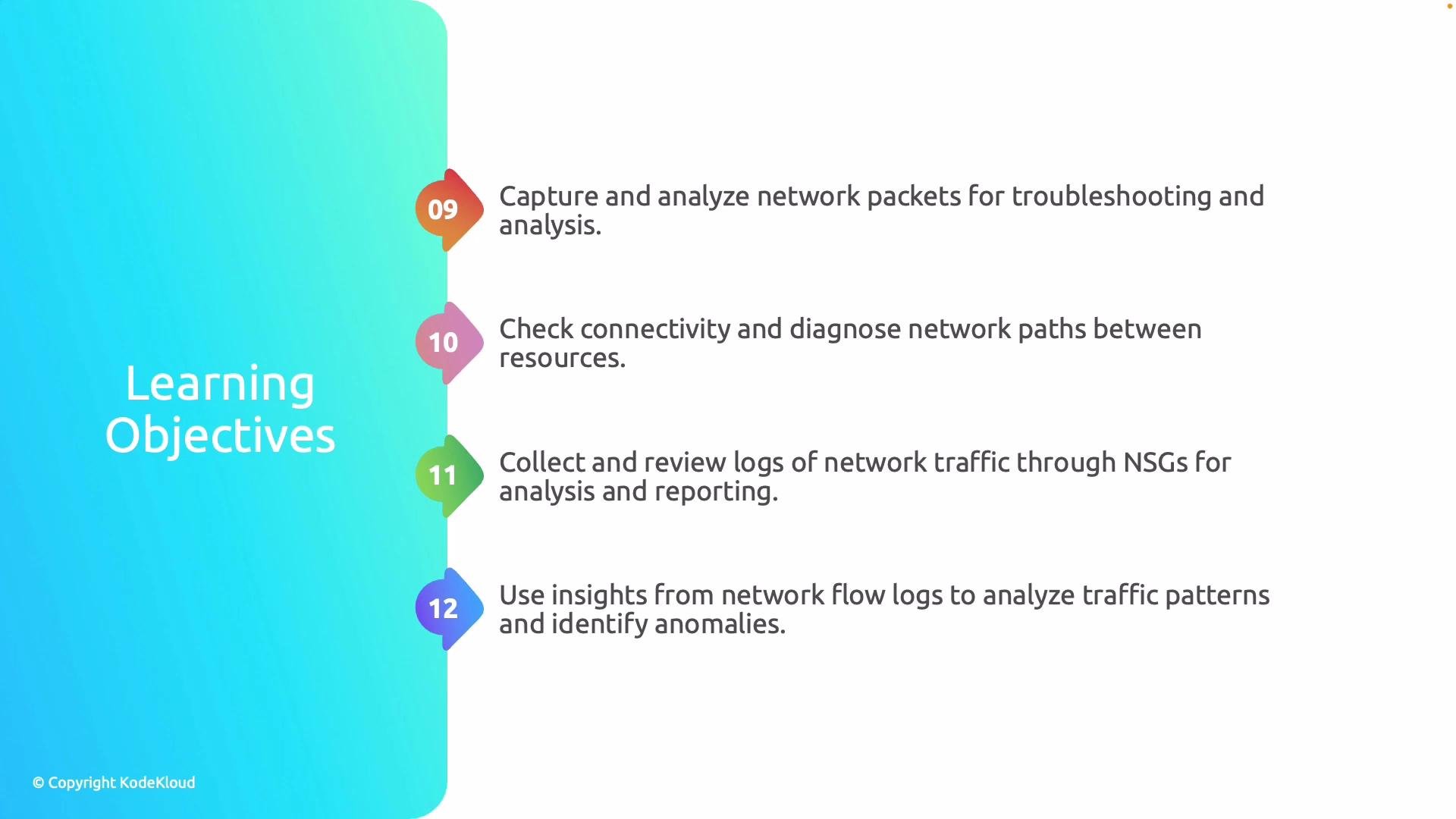
* Capturing and inspecting network traffic for troubleshooting and forensic analysis.
* Checking connectivity and diagnosing network paths between resources.
* Collecting and reviewing NSG flow logs for traffic analysis and reporting.
* Using flow log insights to analyze traffic patterns and detect anomalies.
Additional objectives covered in this lesson:
* Troubleshooting and analyzing VPN gateway and VPN connection issues.
* Capturing and inspecting network traffic for troubleshooting and forensic analysis.
* Checking connectivity and diagnosing network paths between resources.
* Collecting and reviewing NSG flow logs for traffic analysis and reporting.
* Using flow log insights to analyze traffic patterns and detect anomalies.
 Network Watcher is enabled per Azure region and per subscription. If you don't see Network Watcher features in a region, enable the service for that region via the Azure portal or the Network Watcher configuration documentation: [Azure Network Watcher overview](https://learn.microsoft.com/azure/network-watcher/).
Although this module is compact, it focuses on practical diagnostics and monitoring workflows. Network Watcher bundles multiple tools to help you investigate and resolve network issues quickly. The core capabilities include:
* Topology visualization
* Connection troubleshoot / connectivity checks
* IP flow verify
* NSG diagnostics and flow logs
* Next hop and route diagnostics
* Effective security rules
* Packet capture
* VPN diagnostics and connection monitoring
These capabilities combined make Network Watcher an essential tool for operational monitoring, incident response, and security analysis in Azure networking.
## Quick reference: Network Watcher tools and when to use them
| Tool | Purpose | Typical use case |
| --------------------------------------------- | ---------------------------------------------------------------- | ------------------------------------------------------------------- |
| Topology visualization | Graphical map of VNets, subnets, NICs, NSGs, and gateways | Understand resource relationships and spot misconfigurations |
| Connection troubleshoot / connectivity checks | Tests connectivity between two endpoints and reports issues | Verify cross‑VM or on‑premises connectivity problems |
| IP flow verify | Simulate an IP flow against NSG rules to see allow/deny decision | Confirm whether a specific flow is blocked by an NSG |
| NSG diagnostics & flow logs | Collects and exports NSG flow logs for analysis and auditing | Investigate traffic patterns, detect anomalies, and meet compliance |
| Next hop & route diagnostics | Determine the route and next hop for traffic leaving a VM | Debug routing issues, BGP propagation, or UDR misrouting |
| Effective security rules | Lists aggregated security rules applied to a NIC | Audit which rules actually apply after priority and subnet rules |
| Packet capture | Capture traffic on a VM NIC for deep packet inspection | Forensic analysis and protocol-level troubleshooting |
| VPN diagnostics & connection monitoring | Monitors gateway health and provides diagnostics for VPN tunnels | Troubleshoot gateway connectivity and performance |
## Operational tips and considerations
Some Network Watcher features (packet capture and flow log storage) can incur storage and egress costs. Packet capture requires VM agent permissions and can impact VM performance if run for extended periods—use targeted captures and retention policies.
* Enable Network Watcher in each region you operate in to access topology and diagnostics there.
* Use topology as a first step to visually validate resource placement and identify obvious misconfigurations.
* For connectivity issues, run Connection troubleshoot to get a concise diagnostic and recommended remediation.
* Use IP flow verify before changing NSG rules to ensure you understand the impact of changes.
* Collect NSG flow logs to long-term storage (Log Analytics or Storage Account) for trend analysis and security monitoring; integrate with Azure Monitor for alerts and dashboards.
* Use Next hop and route diagnostics when you suspect UDR or BGP issues to confirm the actual path packets take.
* For packet capture, scope captures carefully (filters, duration, size) and export files to a secure storage location for analysis with tooling such as Wireshark.
## Links and references
* [Azure Network Watcher overview](https://learn.microsoft.com/azure/network-watcher/)
* [Network Watcher connection troubleshoot](https://learn.microsoft.com/azure/network-watcher/network-watcher-connectivity-overview)
* [NSG flow logs and traffic analytics](https://learn.microsoft.com/azure/network-watcher/network-watcher-nsg-flow-logging)
* [Packet capture with Network Watcher](https://learn.microsoft.com/azure/network-watcher/network-watcher-packet-capture)
Network Watcher provides a compact, but powerful, toolkit for diagnosing and monitoring Azure network environments—use these tools in combination to accelerate troubleshooting and improve network reliability.
Network Watcher is enabled per Azure region and per subscription. If you don't see Network Watcher features in a region, enable the service for that region via the Azure portal or the Network Watcher configuration documentation: [Azure Network Watcher overview](https://learn.microsoft.com/azure/network-watcher/).
Although this module is compact, it focuses on practical diagnostics and monitoring workflows. Network Watcher bundles multiple tools to help you investigate and resolve network issues quickly. The core capabilities include:
* Topology visualization
* Connection troubleshoot / connectivity checks
* IP flow verify
* NSG diagnostics and flow logs
* Next hop and route diagnostics
* Effective security rules
* Packet capture
* VPN diagnostics and connection monitoring
These capabilities combined make Network Watcher an essential tool for operational monitoring, incident response, and security analysis in Azure networking.
## Quick reference: Network Watcher tools and when to use them
| Tool | Purpose | Typical use case |
| --------------------------------------------- | ---------------------------------------------------------------- | ------------------------------------------------------------------- |
| Topology visualization | Graphical map of VNets, subnets, NICs, NSGs, and gateways | Understand resource relationships and spot misconfigurations |
| Connection troubleshoot / connectivity checks | Tests connectivity between two endpoints and reports issues | Verify cross‑VM or on‑premises connectivity problems |
| IP flow verify | Simulate an IP flow against NSG rules to see allow/deny decision | Confirm whether a specific flow is blocked by an NSG |
| NSG diagnostics & flow logs | Collects and exports NSG flow logs for analysis and auditing | Investigate traffic patterns, detect anomalies, and meet compliance |
| Next hop & route diagnostics | Determine the route and next hop for traffic leaving a VM | Debug routing issues, BGP propagation, or UDR misrouting |
| Effective security rules | Lists aggregated security rules applied to a NIC | Audit which rules actually apply after priority and subnet rules |
| Packet capture | Capture traffic on a VM NIC for deep packet inspection | Forensic analysis and protocol-level troubleshooting |
| VPN diagnostics & connection monitoring | Monitors gateway health and provides diagnostics for VPN tunnels | Troubleshoot gateway connectivity and performance |
## Operational tips and considerations
Some Network Watcher features (packet capture and flow log storage) can incur storage and egress costs. Packet capture requires VM agent permissions and can impact VM performance if run for extended periods—use targeted captures and retention policies.
* Enable Network Watcher in each region you operate in to access topology and diagnostics there.
* Use topology as a first step to visually validate resource placement and identify obvious misconfigurations.
* For connectivity issues, run Connection troubleshoot to get a concise diagnostic and recommended remediation.
* Use IP flow verify before changing NSG rules to ensure you understand the impact of changes.
* Collect NSG flow logs to long-term storage (Log Analytics or Storage Account) for trend analysis and security monitoring; integrate with Azure Monitor for alerts and dashboards.
* Use Next hop and route diagnostics when you suspect UDR or BGP issues to confirm the actual path packets take.
* For packet capture, scope captures carefully (filters, duration, size) and export files to a secure storage location for analysis with tooling such as Wireshark.
## Links and references
* [Azure Network Watcher overview](https://learn.microsoft.com/azure/network-watcher/)
* [Network Watcher connection troubleshoot](https://learn.microsoft.com/azure/network-watcher/network-watcher-connectivity-overview)
* [NSG flow logs and traffic analytics](https://learn.microsoft.com/azure/network-watcher/network-watcher-nsg-flow-logging)
* [Packet capture with Network Watcher](https://learn.microsoft.com/azure/network-watcher/network-watcher-packet-capture)
Network Watcher provides a compact, but powerful, toolkit for diagnosing and monitoring Azure network environments—use these tools in combination to accelerate troubleshooting and improve network reliability.