> ## Documentation Index
> Fetch the complete documentation index at: https://notes.kodekloud.com/llms.txt
> Use this file to discover all available pages before exploring further.
# Introduction
> Overview of Azure Firewall Manager, centralized security policy management, deployment models, policy lifecycle, and best practices for scaling and operating enterprise Azure firewall deployments
Working with Azure Firewall Manager
Azure Firewall Manager is the centralized control plane for managing Azure Firewall and related security services at scale. Instead of configuring each firewall instance separately, Firewall Manager lets you define security policies once and apply them consistently across multiple firewalls and regions. This centralized approach reduces configuration drift, simplifies operations, and enforces consistent security posture across your Azure estate.
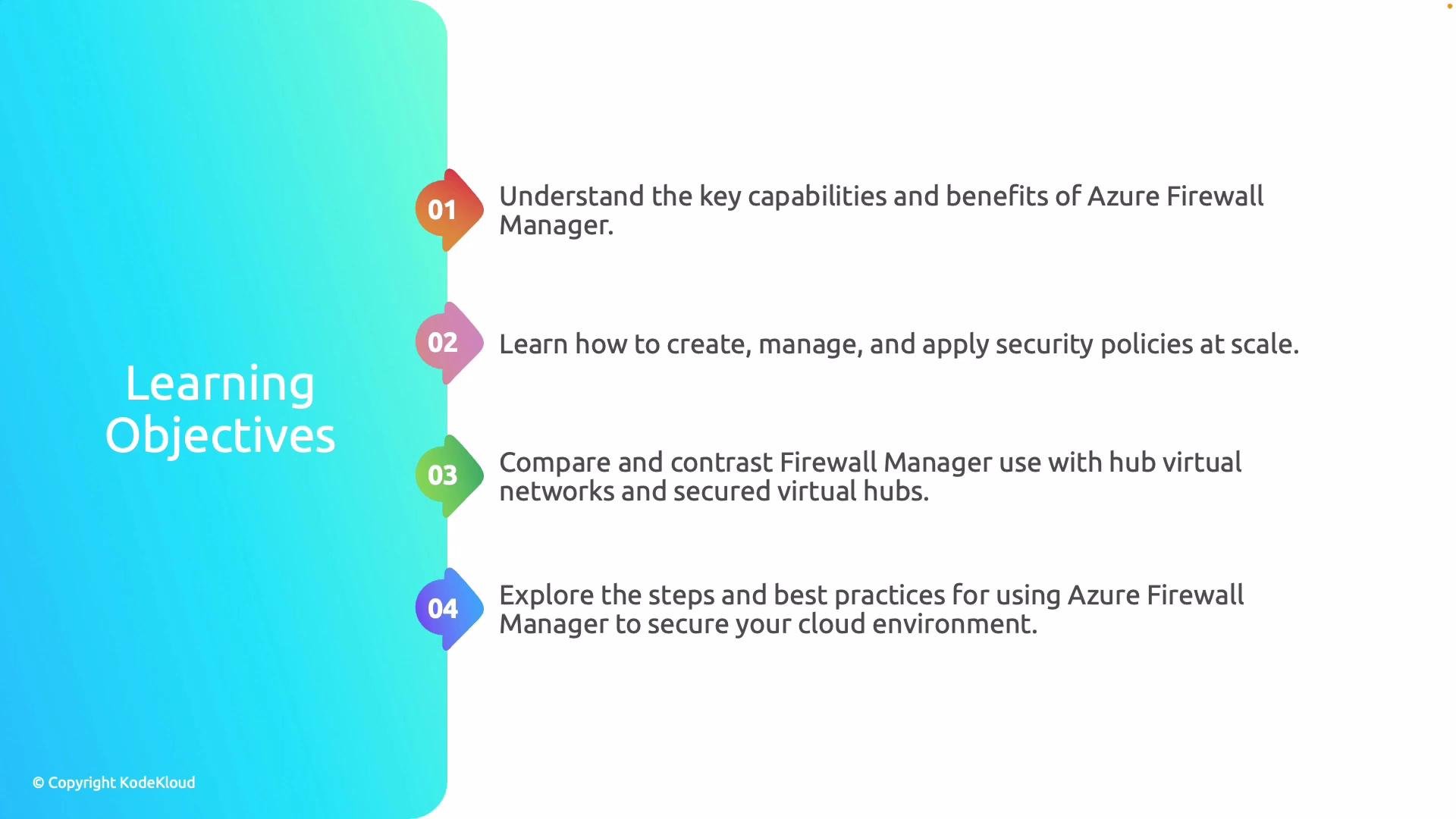
In this lesson/article we will cover four core objectives:
1. Explain the key capabilities of Azure Firewall Manager and why it matters for enterprise security.
2. Show how to create and manage security policies that can be enforced at scale across multiple firewalls.
3. Compare the two main deployment models—Hub Virtual Networks and Secure Virtual Hub—and describe when to use each.
4. Demonstrate how Firewall Manager is used in practice and present best practices for designing secure, operationally efficient deployments.
 Why this matters
* Centralized policy management reduces human error and ensures consistent enforcement across subscriptions and regions.
* Scaling security for large, multi-region deployments becomes repeatable and auditable.
* Integration with Azure-native services (Azure Sentinel, Azure Policy, Virtual WAN) helps close visibility and response gaps.
Callouts and quick tips
Use Azure Firewall Manager when you need centralized policy enforcement, multi-firewall orchestration, or Secure Virtual Hub deployments. It works best alongside Azure Policy and monitoring tools for full lifecycle management.
Important considerations
Firewall Manager requires appropriate RBAC permissions and careful planning of management group and subscription boundaries. Misconfigured scope can lead to unexpected policy application.
Mapping objectives to outcomes
| Objective | What you'll learn | Practical outcome |
| --------------------------- | ----------------------------------------------------------------------------------------------- | --------------------------------------------------------------------------------- |
| Capabilities & importance | Core features: centralized policy, threat intelligence, DNS proxy, FQDN tags, forced tunnelling | Understand why Firewall Manager is a central piece of enterprise network security |
| Policy creation & lifecycle | Creating, versioning, and assigning Firewall Manager security policies | Create reusable policies and apply them consistently across firewalls |
| Deployment models | Differences between Hub Virtual Network and Secure Virtual Hub (Virtual WAN) | Choose the correct model based on scale, connectivity, and management needs |
| Operational best practices | Design patterns, monitoring, automation, and compliance checks | Build secure, scalable, and maintainable firewall deployments |
Further reading and references
* Azure Firewall Manager overview: [https://learn.microsoft.com/azure/firewall-manager/overview](https://learn.microsoft.com/azure/firewall-manager/overview)
* Azure Firewall documentation: [https://learn.microsoft.com/azure/firewall/](https://learn.microsoft.com/azure/firewall/)
* Azure Virtual WAN and Secure Virtual Hub: [https://learn.microsoft.com/azure/virtual-wan/what-is-virtual-wan](https://learn.microsoft.com/azure/virtual-wan/what-is-virtual-wan)
This article will proceed by detailing each objective in turn: feature highlights, step-by-step policy creation and management, a side-by-side comparison of deployment models, and practical guidance for production-ready designs.
Why this matters
* Centralized policy management reduces human error and ensures consistent enforcement across subscriptions and regions.
* Scaling security for large, multi-region deployments becomes repeatable and auditable.
* Integration with Azure-native services (Azure Sentinel, Azure Policy, Virtual WAN) helps close visibility and response gaps.
Callouts and quick tips
Use Azure Firewall Manager when you need centralized policy enforcement, multi-firewall orchestration, or Secure Virtual Hub deployments. It works best alongside Azure Policy and monitoring tools for full lifecycle management.
Important considerations
Firewall Manager requires appropriate RBAC permissions and careful planning of management group and subscription boundaries. Misconfigured scope can lead to unexpected policy application.
Mapping objectives to outcomes
| Objective | What you'll learn | Practical outcome |
| --------------------------- | ----------------------------------------------------------------------------------------------- | --------------------------------------------------------------------------------- |
| Capabilities & importance | Core features: centralized policy, threat intelligence, DNS proxy, FQDN tags, forced tunnelling | Understand why Firewall Manager is a central piece of enterprise network security |
| Policy creation & lifecycle | Creating, versioning, and assigning Firewall Manager security policies | Create reusable policies and apply them consistently across firewalls |
| Deployment models | Differences between Hub Virtual Network and Secure Virtual Hub (Virtual WAN) | Choose the correct model based on scale, connectivity, and management needs |
| Operational best practices | Design patterns, monitoring, automation, and compliance checks | Build secure, scalable, and maintainable firewall deployments |
Further reading and references
* Azure Firewall Manager overview: [https://learn.microsoft.com/azure/firewall-manager/overview](https://learn.microsoft.com/azure/firewall-manager/overview)
* Azure Firewall documentation: [https://learn.microsoft.com/azure/firewall/](https://learn.microsoft.com/azure/firewall/)
* Azure Virtual WAN and Secure Virtual Hub: [https://learn.microsoft.com/azure/virtual-wan/what-is-virtual-wan](https://learn.microsoft.com/azure/virtual-wan/what-is-virtual-wan)
This article will proceed by detailing each objective in turn: feature highlights, step-by-step policy creation and management, a side-by-side comparison of deployment models, and practical guidance for production-ready designs.