> ## Documentation Index
> Fetch the complete documentation index at: https://notes.kodekloud.com/llms.txt
> Use this file to discover all available pages before exploring further.
# Arrays demo
> This tutorial explains how to create a Bash script that randomly selects a lunch spot from a list without repeats.
In this tutorial, we’ll build a Bash script that picks a random lunch spot from a list—without repeats—by combining indexed arrays and simple file-based persistence. This pattern is perfect for one-time draws, rotating duties, or any scenario where you want to consume items until the list is exhausted.
Imagine a team of 20 colleagues who vote on their favorite restaurants each Friday. Everyone adds their go-to spot to an array. The script then:
* Reads the list into memory
* Selects a random entry
* Displays it
* Removes it from both memory and disk
* Exits with an error if the list is missing or empty
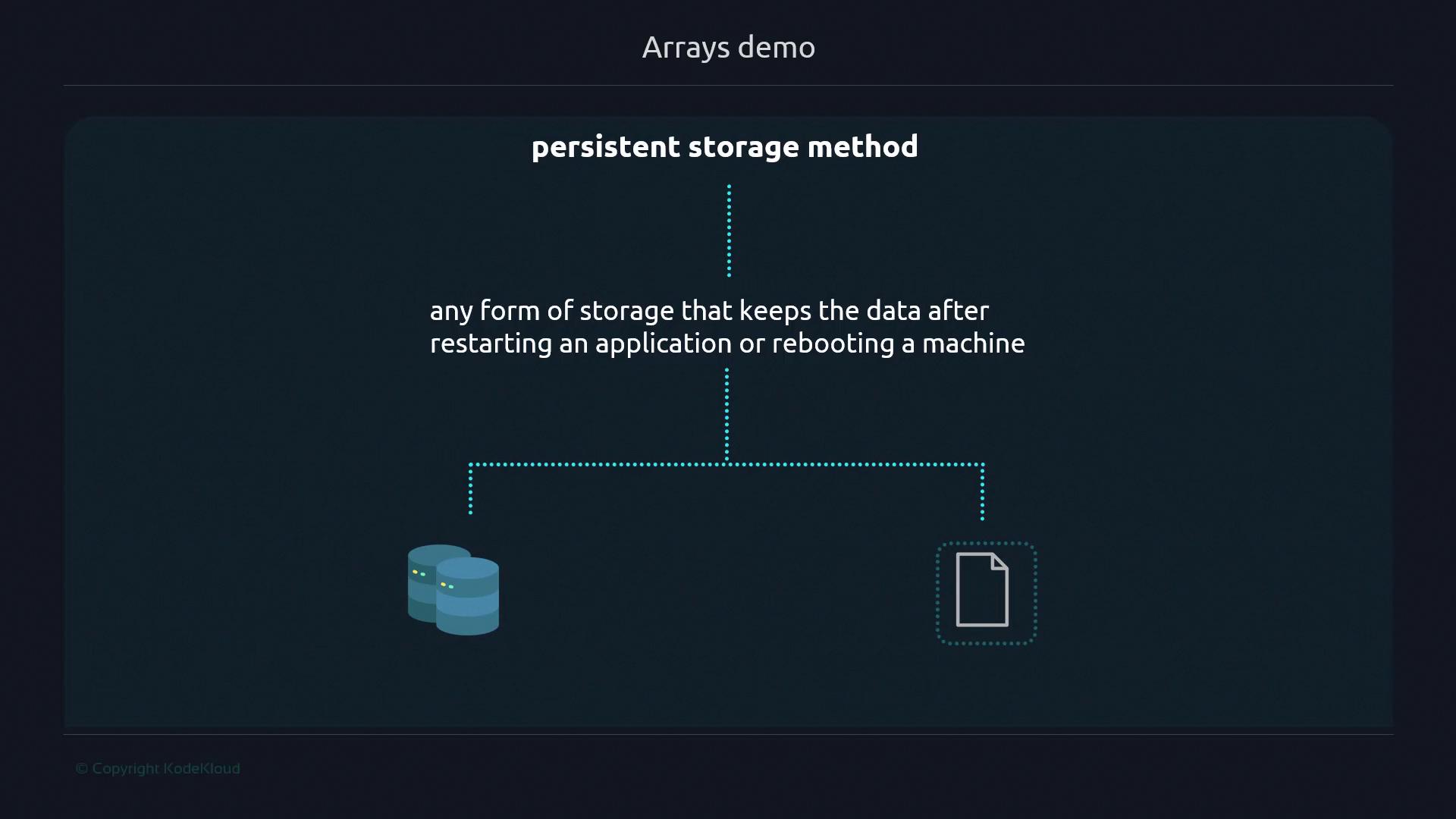
## Why In-Memory vs Persistent Storage?
1. Manipulating data in memory means changes disappear once the script ends.

2. Persistent storage (files, databases) retains data between runs.
This script uses Bash 4.0+ for the `mapfile` builtin.
## Key Bash Features
* **mapfile -t**: Loads lines from a file (or stdin) into an array.

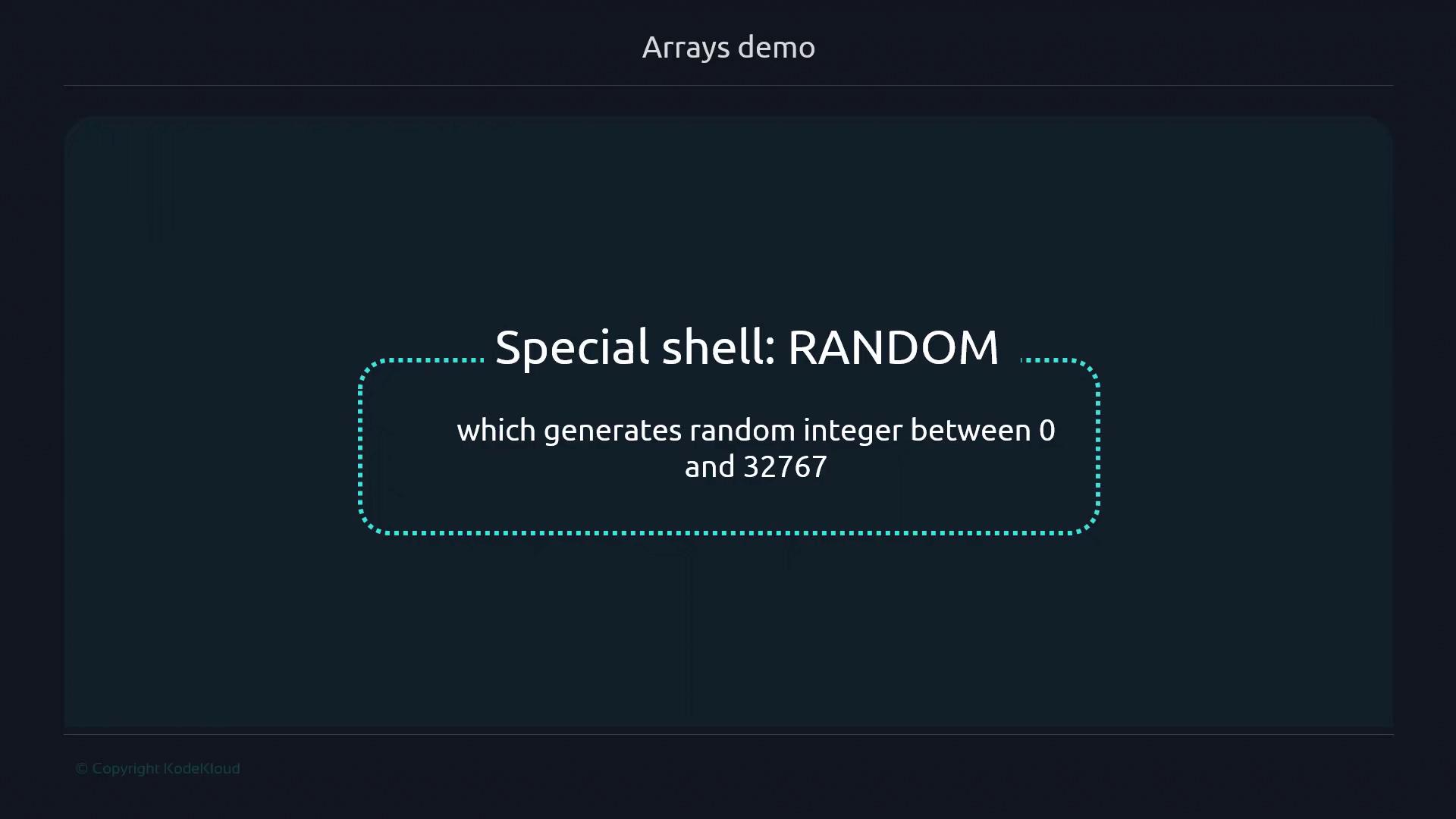
* **\$RANDOM**: Yields a pseudo-random integer between 0 and 32767.
### Exit Code Reference
| Exit Code | Condition |
| ----------------------- | -------------------------------------- |
| 150 (`FILE_NOT_FOUND`) | `food_places.txt` is missing |
| 180 (`NO_OPTIONS_LEFT`) | No entries remain in `food_places.txt` |
***
## 1. Prepare the Data File
Create `food_places.txt` with initial entries:
```bash theme={null}
cat < food_places.txt
Ramen
Sushi
Tacos
Dal makhani
EOF
```
***
## 2. Initialize the Script
Create `lunch_selector.sh`:
```bash theme={null}
#!/usr/bin/env bash
declare -a lunch_options
# Determine script directory
work_dir=$(dirname "$(readlink -f "${0}")")
food_places="${work_dir}/food_places.txt"
# Exit codes
readonly FILE_NOT_FOUND=150
readonly NO_OPTIONS_LEFT=180
terminate() {
local msg="$1"
local code="${2:-$FILE_NOT_FOUND}"
echo "$msg" >&2
exit "$code"
}
# Guard clause
if [[ ! -f "$food_places" ]]; then
terminate "Error: food_places.txt file doesn't exist" "$FILE_NOT_FOUND"
fi
```
***
## 3. Load and Validate the Array
Populate `lunch_options` and ensure it’s not empty:
```bash theme={null}
fillout_array() {
mapfile -t lunch_options < "$food_places"
if [[ ${#lunch_options[@]} -eq 0 ]]; then
terminate "Error: No food options left. Please add options to food_places.txt" "$NO_OPTIONS_LEFT"
fi
}
fillout_array
```
***
## 4. Select and Display a Random Option
Choose a random index, echo it, and remove from the in-memory list:
```bash theme={null}
index=$(( RANDOM % ${#lunch_options[@]} ))
chosen="${lunch_options[$index]}"
echo "$chosen"
# Remove the selected element
unset 'lunch_options[index]'
```
***
## 5. Persist the Updated List
Write the remaining entries back to `food_places.txt`:
```bash theme={null}
update_options() {
if [[ ${#lunch_options[@]} -eq 0 ]]; then
# Empty the file when no items remain
: > "$food_places"
else
printf "%s\n" "${lunch_options[@]}" > "$food_places"
fi
}
update_options
```
***
## 6. Complete Script
Here’s the full `lunch_selector.sh`. Don’t forget to make it executable:
```bash theme={null}
#!/usr/bin/env bash
declare -a lunch_options
work_dir=$(dirname "$(readlink -f "${0}")")
food_places="${work_dir}/food_places.txt"
readonly FILE_NOT_FOUND=150
readonly NO_OPTIONS_LEFT=180
terminate() {
local msg="$1"
local code="${2:-$FILE_NOT_FOUND}"
echo "$msg" >&2
exit "$code"
}
if [[ ! -f "$food_places" ]]; then
terminate "Error: food_places.txt file doesn't exist" "$FILE_NOT_FOUND"
fi
fillout_array() {
mapfile -t lunch_options < "$food_places"
if [[ ${#lunch_options[@]} -eq 0 ]]; then
terminate "Error: No food options left. Please add options to food_places.txt" "$NO_OPTIONS_LEFT"
fi
}
fillout_array
index=$(( RANDOM % ${#lunch_options[@]} ))
chosen="${lunch_options[$index]}"
echo "$chosen"
unset 'lunch_options[index]'
update_options() {
if [[ ${#lunch_options[@]} -eq 0 ]]; then
: > "$food_places"
else
printf "%s\n" "${lunch_options[@]}" > "$food_places"
fi
}
update_options
```
Make it executable and run:
```bash theme={null}
chmod +x lunch_selector.sh
./lunch_selector.sh
```
Each run prints a random, non-repeating lunch spot until the list is empty.
***
## References
* [GNU Bash Reference Manual](https://www.gnu.org/software/bash/manual/)
* [Bash FAQ](https://tiswww.case.edu/php/chet/bash/FAQ)
* [Using `mapfile` in Bash (StackOverflow)](https://stackoverflow.com/questions/tagged/bash)