> ## Documentation Index
> Fetch the complete documentation index at: https://notes.kodekloud.com/llms.txt
> Use this file to discover all available pages before exploring further.
# Associative
> This tutorial explores associative arrays in Bash, covering declaration, access, modification, and iteration in scripts.
In this tutorial, you will explore **associative arrays** in Bash—powerful data structures that use named keys for direct value lookup. By the end, you’ll understand how to declare, access, modify, and iterate over associative arrays in your scripts.
## Indexed Arrays vs. Associative Arrays
Think of indexed arrays as a numbered chest of drawers (0-based), and associative arrays as labeled drawers you open by name.
| Array Type | Indexing Method | Declaration |
| ----------------- | ----------------- | ---------------------- |
| Indexed Array | Numeric, 0-based | `declare -a arr=(...)` |
| Associative Array | String-based keys | `declare -A arr=(...)` |
### Example: Indexed Array (Socks Analogy)
```bash theme={null}
#!/usr/bin/env bash
declare -a chest_drawer=("shirts" "sports clothing" "socks" "jeans")
echo "${chest_drawer[2]}"
```
```bash theme={null}
$ ./socks.sh
socks
```
## Checking Your Bash Version
Associative arrays require **Bash 4.0+**. Verify with:
```bash theme={null}
$ echo $BASH_VERSION
5.2.15(1)-release
```
If your Bash version is older than 4.0, associative arrays won’t work. Please upgrade before continuing.
## Declaring and Accessing an Associative Array
Use `declare -A` to define an associative array. Here’s how to store and retrieve “socks” by key:
```bash theme={null}
#!/usr/bin/env bash
declare -A chest_drawer=(
["shirts"]="T-Shirts and polo shirts"
["sports"]="All sorts of Sports Clothing here"
["socks"]="Formal and everyday socks"
["jeans"]="Jeans, and some casual dress shorts"
)
echo "${chest_drawer["socks"]}"
```
```bash theme={null}
$ ./associative-v1.sh
Formal and everyday socks
```
## Analogy: Emergency Contacts
Store quick-dial numbers by department name:
```bash theme={null}
#!/usr/bin/env bash
declare -A emergency_contacts=(
["Fire Department"]="555-0001"
["Police Department"]="555-0002"
["Hospital"]="555-0003"
)
echo "${emergency_contacts["Fire Department"]}"
```
```bash theme={null}
$ ./emergency.sh
555-0001
```
## Key-Value Pair Concept
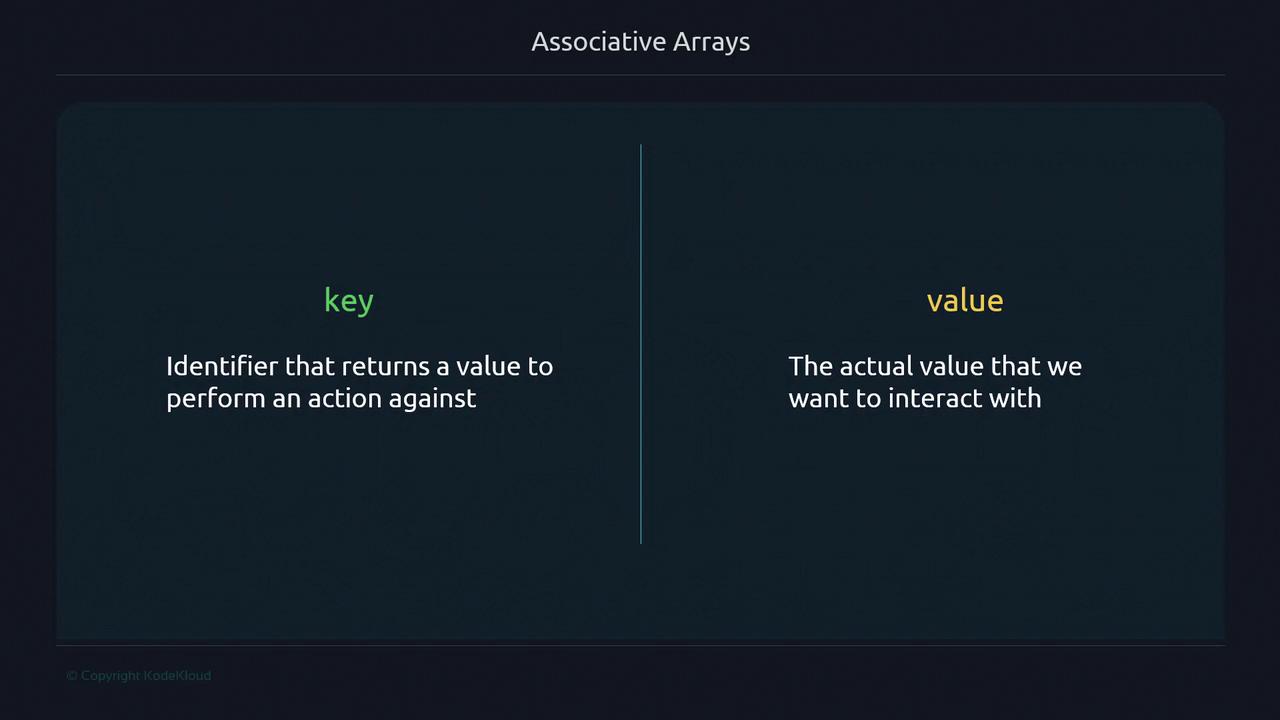
Associative arrays map **keys** (identifiers) to **values** (data).
In Bash associative arrays, each key is unique and case-sensitive: `"Mark"` ≠ `"mark"`.
## Example: Email Addresses
```bash theme={null}
#!/usr/bin/env bash
declare -A email_addresses=(
["Mark"]="mark@email.com"
["Kriti"]="kriti@email.com"
["Feng"]="feng@email.com"
)
echo "${email_addresses["Mark"]}"
```
```bash theme={null}
$ ./email-1.sh
mark@email.com
```
## Adding New Elements
Assign a key in square brackets to insert or append:
```bash theme={null}
#!/usr/bin/env bash
declare -A email_addresses=(
["Mark"]="mark@email.com"
["Kriti"]="kriti@email.com"
["Feng"]="feng@email.com"
)
# Add more contacts
email_addresses["Andy"]="andy@email.com"
email_addresses["Rajasekar"]="rajasekar@email.com"
echo "${email_addresses[@]}"
```
```bash theme={null}
$ ./email-3.sh
mark@email.com rajasekar@email.com ...
```
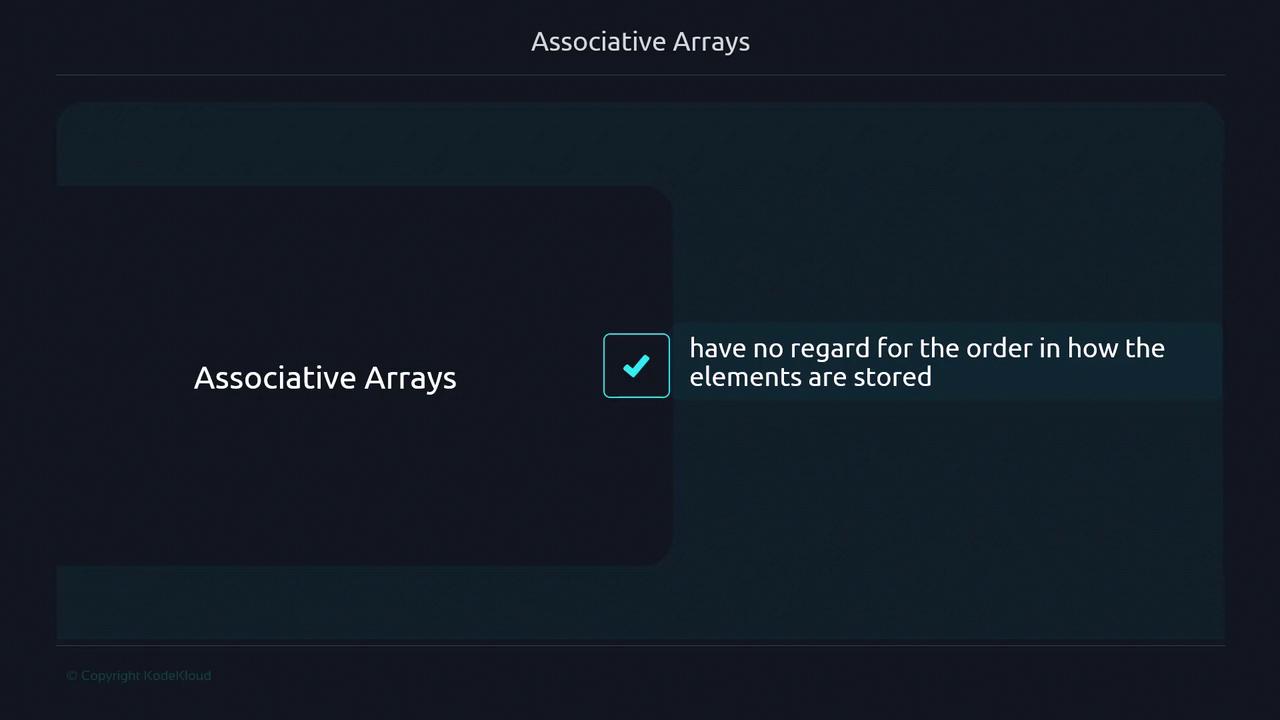
Associative arrays are **unordered**; iteration order can vary.
## Replacing a Value
Overwrite an existing key to update its value:
```bash theme={null}
#!/usr/bin/env bash
declare -A email_addresses=(
["Mark"]="mark@email.com"
["Kriti"]="kriti@email.com"
["Feng"]="feng@email.com"
["Rajasekar"]="rajasekar@email.com"
)
echo "Before: ${email_addresses[@]}"
email_addresses["Feng"]="feng2@email.com"
echo "After: ${email_addresses[@]}"
```
```bash theme={null}
$ ./email-4.sh
Before: kriti@email.com ...
After: kriti@email.com ... feng2@email.com
```
## Removing Elements
Use `unset` to delete by key or clear the entire array:
```bash theme={null}
#!/usr/bin/env bash
declare -A email_addresses=( ... )
# Remove one element
unset email_addresses["Kriti"]
# Remove all elements
unset email_addresses
```
## Listing Keys vs. Values
* **Keys:** `${!array[@]}`
* **Values:** `${array[@]}`
```bash theme={null}
#!/usr/bin/env bash
declare -A email_addresses=( ... )
echo "Keys: ${!email_addresses[@]}"
echo "Values: ${email_addresses[@]}"
```
## Iterating with a `for` Loop
Loop through keys and access each value:
```bash theme={null}
#!/usr/bin/env bash
declare -A email_addresses=( ... )
for key in "${!email_addresses[@]}"; do
echo "$key's email is ${email_addresses[$key]}"
done
```
```bash theme={null}
$ ./email-8.sh
Kriti's email is kriti@email.com
...
```
Enclose `"${!email_addresses[@]}"` in quotes to handle multi-word keys correctly.
***
## Links and References
* [Bash Reference Manual](https://www.gnu.org/software/bash/manual/bash.html)
* [Advanced Bash-Scripting Guide](https://tldp.org/LDP/abs/html/)